Advanced notifications without Controller for HomeKit
 Carlos Sahuquillo
·
29 marzo, 2024
·
7 min de lectura
Carlos Sahuquillo
·
29 marzo, 2024
·
7 min de lectura
Ep. 70 · escúchalo
0:00 /
Idioma:CastellanoEnglish
A few months ago, Emilio Cano, Emilcar, threw us a question about how to get notified if you left a window or door open for a long time. I’ll leave you the links to episode 44 and to episode 45 of the podcast.
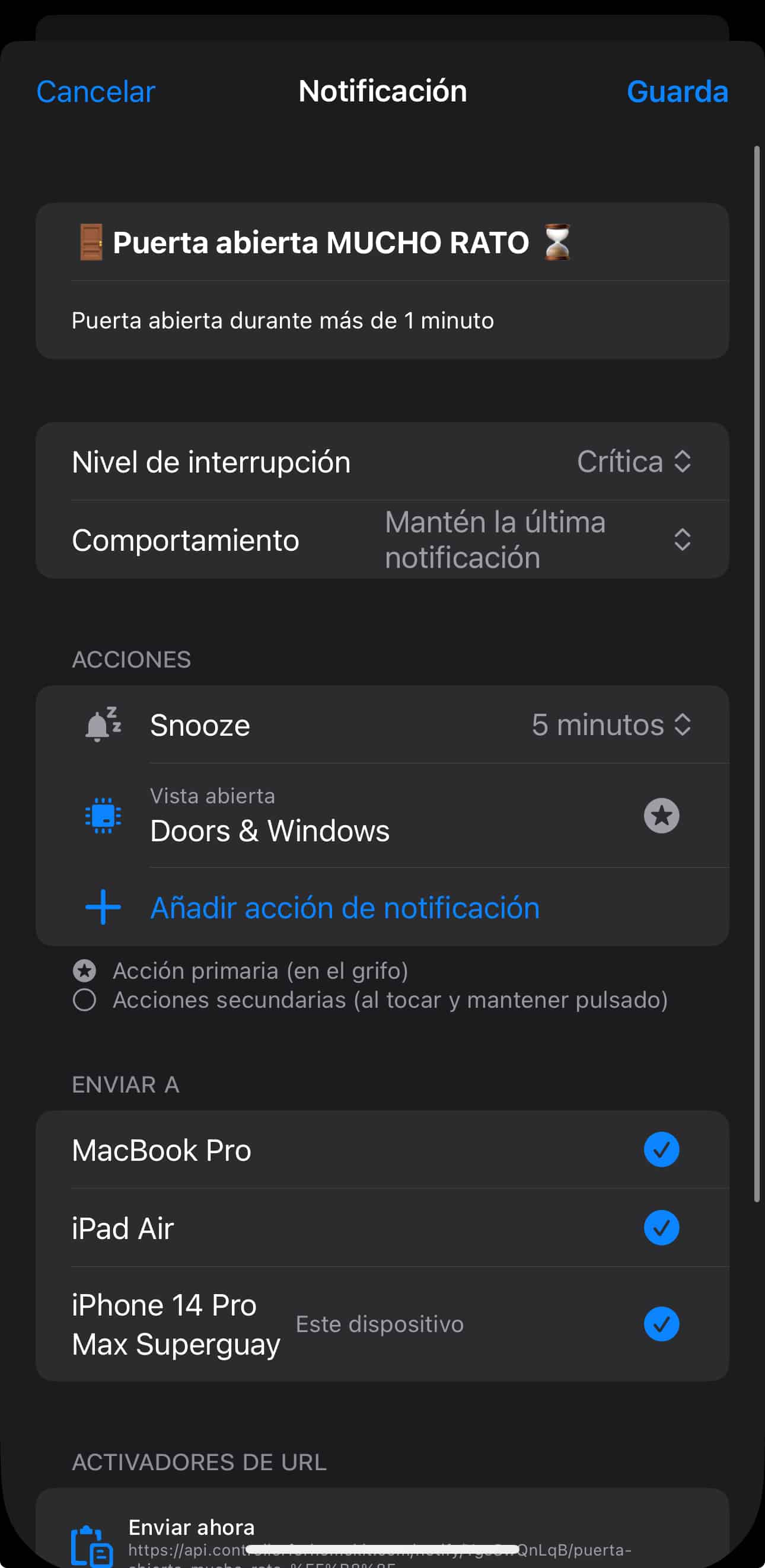
The solution I gave Emilcar at the time involved using Controller for Homekit in its paid version, which is the one that includes the Advanced Notifications feature. This feature consists of a server that gives you a URL to call from Shortcuts, so you can say ‘When this bulb turns on, call this URL’ and Controller’s server sends a push notification to your device with whatever text you’ve configured.
Pushover
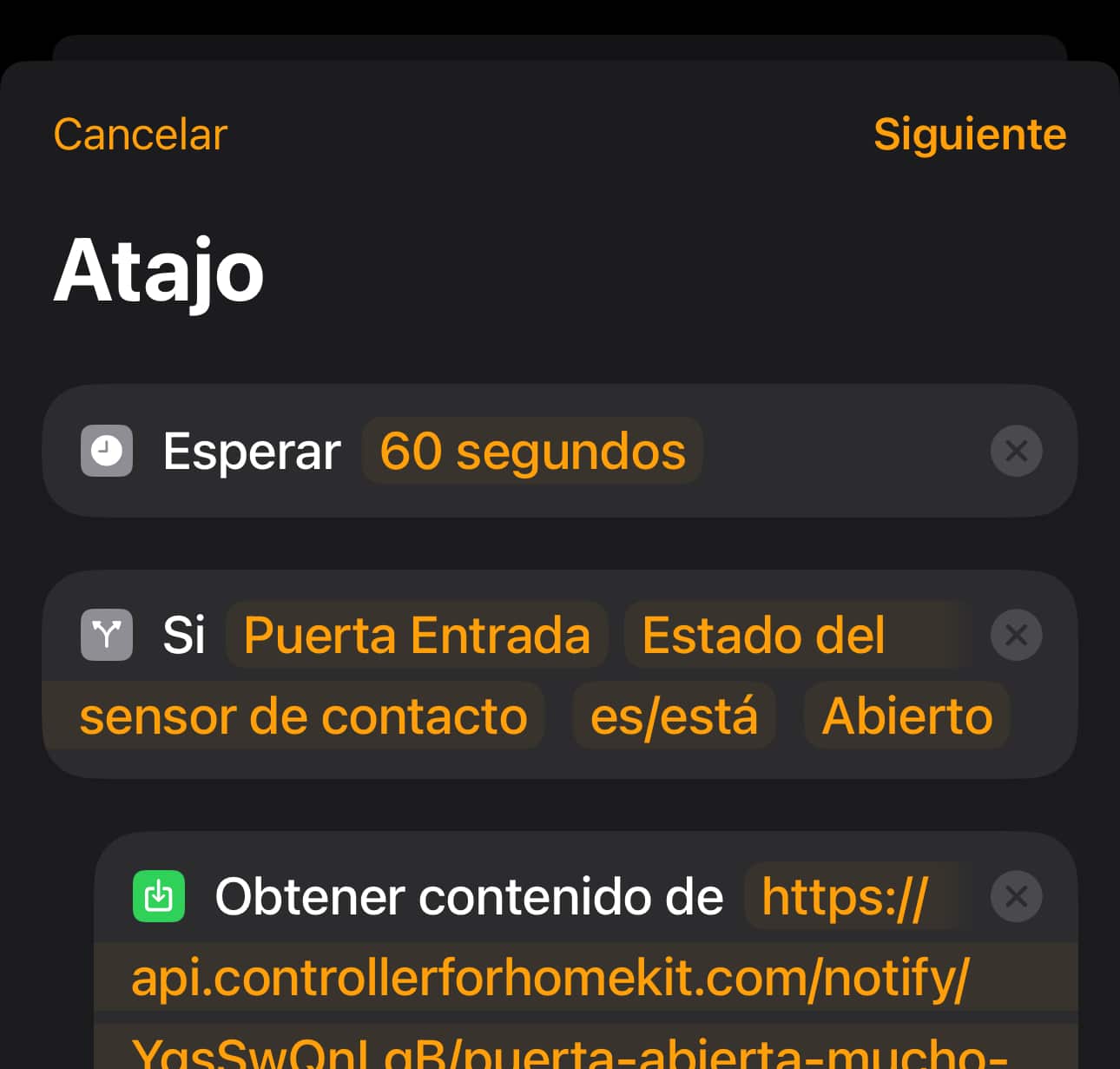
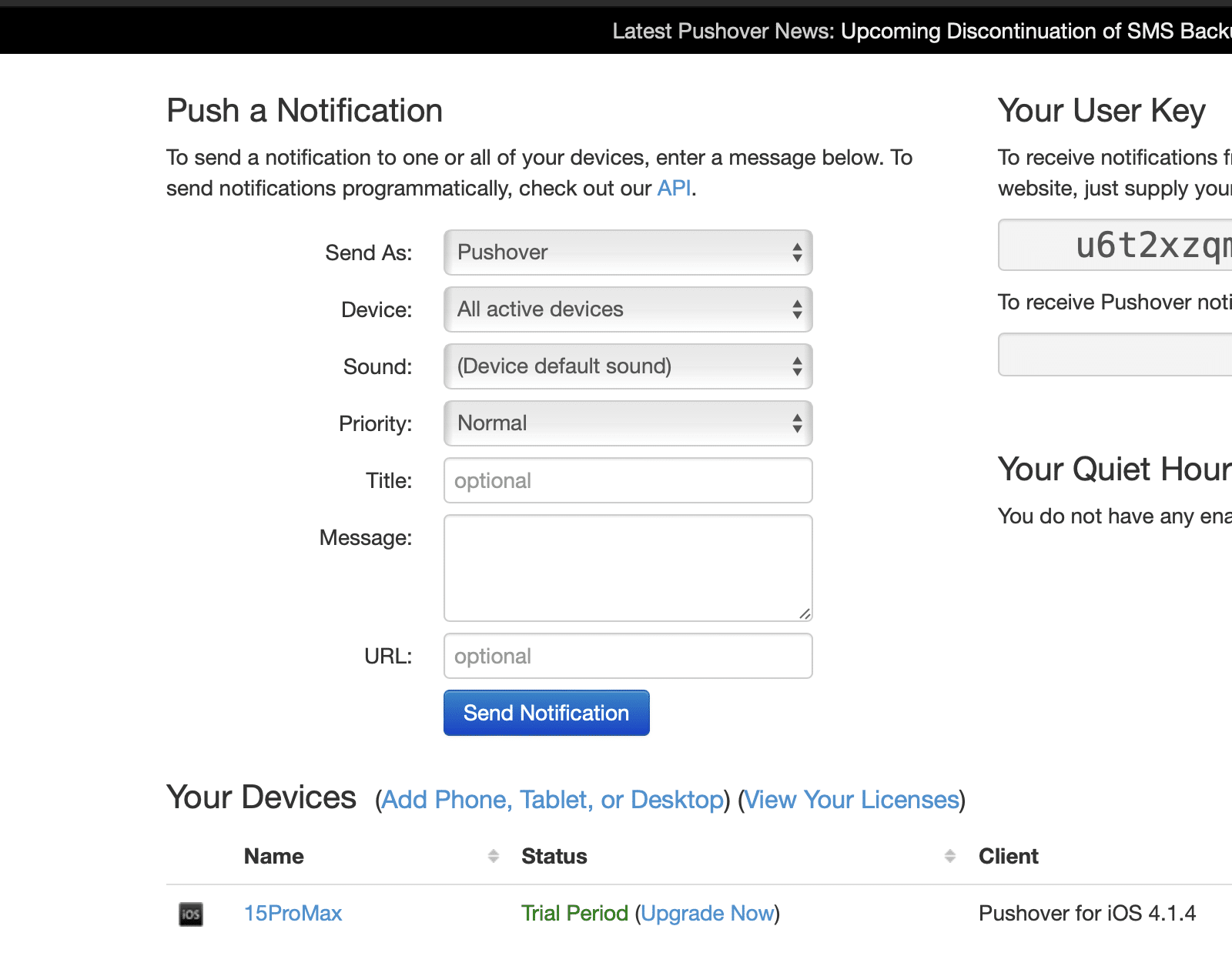
So today I’m bringing you an alternative for notifications, a service called Pushover. On top of that, Pushover is a more versatile alternative than Controller For HomeKit for notifications, since it lets you set up push notifications for pretty much anything, not just Home devices… imagine, for example, you have an automation in IFTTT, well, you can have it send a push notification to your phone, or when someone makes a commit on GitHub for a project you follow, or when one of the shows we watch releases a new episode… and of course we can integrate it with our devices the same way we do with Controller for Homekit, meaning Pushover will give us a user token, we’ll register our device and an app, which will generate a URL for us. Then we’d need to create the Shortcut on our device so that, for example, when a bulb turns on, it does a Get URL action, and in that URL we plug in the data provided by the Pushover folks.
What if we use Home Assistant as a notification server?
Those of you who have Home Assistant as a bridge but use the Home app because you have a lot of HomeKit-compatible devices are probably already setting up automations and firing notifications from Home Assistant, because it’s much simpler and there’s no limitation whatsoever. From Home Assistant you can create ‘clickable’ notifications just like Controller for HomeKit’s, without having to pay for the app or for the Pushover service. Also, the more I learn about Controller’s notification server and Pushover’s features, the more I think what’s behind them is basically a tweaked Home Assistant that they charge you to use. Home Assistant can even be integrated with Telegram, so you get push notifications straight in the Telegram app and can even reply to the bot with the action tied to that notification! It’s wild. That said, doing this means giving up one of Home Assistant’s great perks, having everything local, because if your internet connection goes down or Telegram gets blocked like it recently did in Spain, then you’re left without notifications. The thing is I’ve been looking into whether I can use Home Assistant as an internal notification server, meaning, doing with my local Home Assistant the same thing these apps do, having it give me a URL to call from a Shortcut… and it can be done using the Home Assistant API, but I still haven’t managed to get it working. Mind you, it’s really just a proof of concept, since I could just generate that notification directly from Home Assistant with no hassle at all because I have the devices on both platforms, but you know how much I like to tinker. If anyone’s pulled off this pointless stunt that honestly doesn’t make much sense, let me know so I can see where I’m going wrong. To sum up, if what we’re after is getting those notifications we can’t create directly from the Home app, it’s clear Pushover is much cheaper… but if we want an app to help us build automations, advanced notifications that are also clickable and can have several actions attached, or to manage our Home devices, then you’d better start saving up and go pay for Controller.¿Necesitas ayuda con tu domótica?
Te ahorro tiempo, dinero y disgustos. Sesiones de consultoría desde 60€.
Carlos Sahuquillo
'Haga lo que haga en la vida, siempre compito' - Jacques Villeneuve Reserva una sesión →
Sigue leyendo
Ver todo el blog
Entradas relacionadas
1 octubre, 2026 · Domótica
Leer
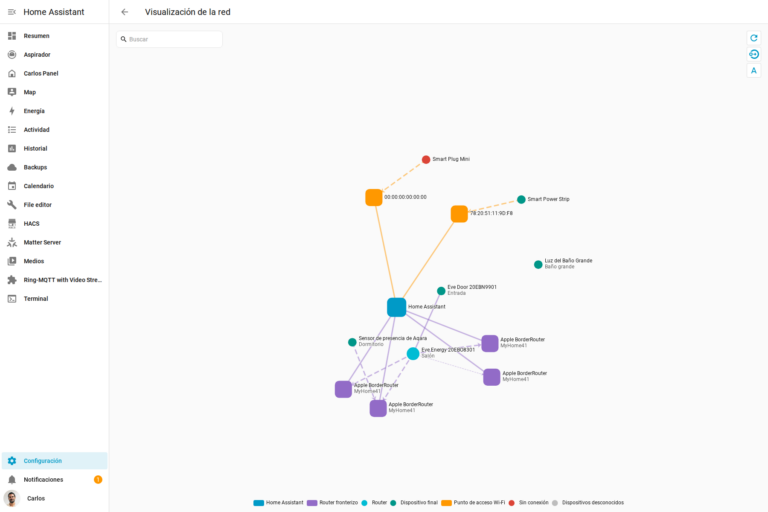
How to spot issues in a Matter device
I opened Home Assistant's new Matter and Thread map to check which routes my devices are using and see just how useful…
Ep. 113 · escúchalo
0:00 / 14:08

17 septiembre, 2026 · Domótica
Leer
HomeKit with AI in iOS 27
Apple released iOS 27 on September 14th and, as every year, I'm going through what's changing in the Home app and HomeKit.…
Ep. 112 · escúchalo
0:00 / 12:44

3 septiembre, 2026 · Domótica
Leer
Webhooks and workflows in Controller for HomeKit
Kicking off Season 4. I'm picking back up the automation for the sensor that kept running out of batteries that I told…
Ep. 111 · escúchalo
0:00 / 13:12
0 comentarios