Devices or environments in automations?
 Carlos Sahuquillo
·
10 enero, 2025
·
8 min de lectura
Carlos Sahuquillo
·
10 enero, 2025
·
8 min de lectura
Ep. 89 · escúchalo
0:00 /
Idioma:CastellanoEnglish
During the Home Automation Consultancies I learn a ton. It’s supposed to be a service to help those of you who want to start automating your home to trigger some actions, who’ve just bought a house and want to set everything up from scratch, or people who are doing a renovation and want to know where to put the light points for the motorized blinds and what the best solution is to automate this. There’s also people with vision problems, as I mentioned the other day. The thing is, I see a ton of different use cases and the most colorful and surreal needs — I’ve already told you about my friend Luis’s «Hey Lola, make me fall in love!» before.
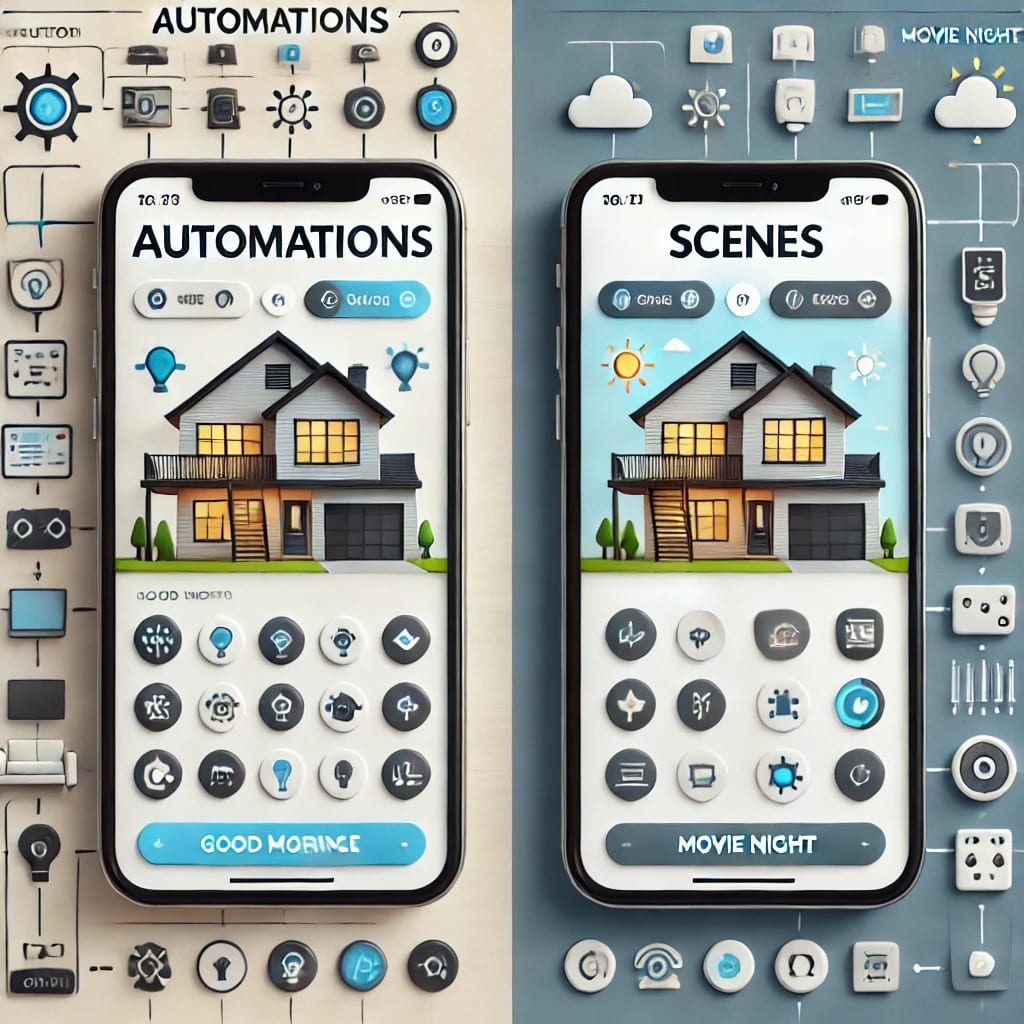
A pretty common problem I run into with automations is that we usually don’t create scenes but rather build the automation directly… and this is a mistake, let me explain why.
Look, it’s not that it’s a serious mistake, but creating a scene is more optimal. It’s true that a few years back, when third-party apps like Controller for HomeKit, Home+, and the Eve devices app (which has always worked really well for interacting with all the devices in Home) started coming out, if you created a scene directly from these apps you couldn’t customize the name, so it generated a super long ID that looked really ugly if you viewed it from the Home app. A scene with a name that could be FE45-GHRKGU78-MSJG9. Imagine asking Siri for that. From the app where you’d created it, it looked fine, but in the Home app it showed up with that ID… and in the end, whether we like it or not, many of us still use the Home app to check the status of devices and trigger things because it’s much nicer than the rest.
But that hasn’t been the case for years now, right? Third-party apps like Controller for HomeKit, which we’ve talked about so many times, work perfectly and we can create any kind of scene or automation. Well, almost any kind — remember Apple still keeps some of its own devices «hostage,» and for example it’s not possible to create a scene from Controller for HomeKit that includes HomePods; those you have to create directly from the Home app or from Shortcuts.
Creating a scene instead of including the devices we want inside an automation also has other advantages. In the end, what the automation is going to do is trigger that scene, and if we need to modify it, we’ll do it exactly the same way in both cases — but we tend to create different automations by groups of devices, and in the end it’s easier to create one scene than to create 10 automations to turn on lights, adjust blinds, play music, etc. Also, when we add new devices, we just have to add them to the corresponding scene instead of modifying every automation that needs it.
In my case I have a ton of scenes: good morning, good night, going for a shower, etc. I like creating scenes with friendly names because that way we can easily ask Siri for them, something we can’t do with automations unless we turn them into a Shortcut. It’s much more «user-friendly» to tell Siri «Hey Lola, leaving home» than to tell it to lower the blinds, turn off the lights, and arm the alarm.
But it’s not just about convenience, it’s also about efficiency, since scenes are somewhat faster than automations, because when you trigger a scene all the included devices receive the command simultaneously, whereas an automation sends the commands sequentially. It’s true that it might be unnoticeable, but the scene is more effective and has less latency.
Related to what we were saying earlier about asking Siri or whatever voice assistant you have for the scene, keep in mind that we can run a scene whenever we want. For example, the Good Night one I mentioned earlier turns off my lights, lowers the terrace blind, sets the boiler to the temperature we want for the night, and locks the door… but I might want to run this at any other moment, say, in a moment of passion with my partner! If you’re in the living room and a fit of passion hits you no matter what time it is, you can tell Siri «Good night» or you can also have a Shortcut called «make me fall in love» and tell Siri «Hey Siri, make me fall in love» like Luis does — but you don’t have to ask it to lower the blind, turn off the lights, lock the door so none of my kids can come in, and turn down the boiler, because you’re going to be plenty hot yourself without the boiler blasting on top of that… needless to say, I run that good night scene a ton of times even when it’s not nighttime, several times a week! Hahaha, I wish, if only, thank goodness my wife doesn’t listen to this podcast.
Using scenes tends to «reduce» automations. It’s fairly common to have, say, several automations at the same time. For example, I used to have several automations for the «good morning» routine I mentioned earlier, so at 8:15 in the morning, when my kids get up, I had one automation for the music I’ve told you about before, another for the lights, another for the boiler that switches to «getting dressed» mode and raises the temperature for when they take off their pajamas… all at the same time! And sure, I could have created one giant automation with all those devices, but since they’re things I added little by little, they ended up as separate automations. You can imagine the mess when I integrated the holiday calendar, since I had to add a condition to each one checking whether that day was a holiday despite being a weekday, and only then decide whether to run the automation or not. With a scene, though, it’s much simpler since you only have to do it once.
This isn’t just for HomeKit, you know? The exact same thing happens in Home Assistant, and actually in Home Assistant it’s even clearer because when you create an automation you see it laid out sequentially, so it’s more obvious that it’s going to run one command after another. I’ve got a buddy, Antonio, a coworker who’s Super Saiyan level at queue management… I could leave it there and it’d be funny, but Antonio knows a ton about MQTT, so he runs his scenes and automations directly on MQTT entities… this means that even if you swap out a lightbulb in the living room because it’s burned out, he just links the new bulb to that MQTT entity, or, I don’t know, the plug he bought to turn the Christmas tree on and off, and he doesn’t have to change anything in the scene or the automation, which makes it much faster to manage. I’ll try to rope him into coming on here sometime, though the guy only thinks about running and working out.
I hope this article is useful if you’re mulling over your automations after this week’s meltdown in Home Assistant with the Zigbee2MQTT plugin, because I don’t know if you’ve heard, but they really covered themselves in glory… they decided to change a bunch of config parameters without making it backward compatible, so at the start of the week all of us who use zigbee2mqtt went into general panic mode since all our devices showed up disconnected. I had to change things in my zigbee2mqtt configuration, other folks from the Telegram group had to change the actions inside their automations because «left click» became «left action» (can you believe it)… anyway, people are thrilled, as you can imagine. See? This doesn’t happen with HomeKit. In my case, after the initial panic moment, I’ve had the collateral damage of one of my switches that there’s just no way to get working again — I don’t know if it took the opportunity to break or if something’s still failing in the link with zigbee2mqtt, but I have a feeling I’m going to rip it out and put a Shelly behind the conventional switch and be done with it. By the way, I also have some Shelly news related to Matter! But I’ll tell you about that next week. Well well well, what an exciting start to the year.
¿Necesitas ayuda con tu domótica?
Te ahorro tiempo, dinero y disgustos. Sesiones de consultoría desde 60€.
Carlos Sahuquillo
'Haga lo que haga en la vida, siempre compito' - Jacques Villeneuve Reserva una sesión →
Sigue leyendo
Ver todo el blog
Entradas relacionadas

17 septiembre, 2026 · Domótica
Leer
HomeKit with AI in iOS 27
Apple released iOS 27 on September 14th and, as every year, I'm going through what's changing in the Home app and HomeKit.…
Ep. 112 · escúchalo
0:00 / 12:44

3 septiembre, 2026 · Domótica
Leer
Webhooks and workflows in Controller for HomeKit
Kicking off Season 4. I'm picking back up the automation for the sensor that kept running out of batteries that I told…
Ep. 111 · escúchalo
0:00 / 13:12
27 agosto, 2026 · Domótica
Leer
How to tell if your kid is sneaking into your room without having a camera
I bought the Aqara P2 presence and light sensor with Matter, and I've got it running simultaneously on HomeKit and Home Assistant…
Ep. 110 · escúchalo
0:00 / 12:16
el de las persianas es : Oye Siri, enamorala; y se baja el estor del dormitorio también y el dormitorio se adecua para la ocasión ahahah , el enamorarme es mas a nivel salón, tocadiscos, Eros…
Jajajajaja, eres un crack!
Pues yo hice la automatización de «Oye Siri enamórame», y sigo a dos velas, no ha causado ningún efecto en mi mujer, JUAS JUAS JUAS.
Un claro ejemplo de que automatización fallida! Jajajajajaja.
Una vez, cuando entraba mi mujer en el salón, pulsé un botón inteligente de Hue que bajaba las persianas y ponía las luces rojas y le dije ‘Hola nena…’ y me dijo ‘ANDA TIRA!’ y me mandó al carajo. A mi tampoco me funcionó!
Eso es maravilloso cuando tienes ecosistema… en mi casa cada pieza es de su padre y de su madre y la mitad no reconoce a la otra mitad… y no, no flasheo los Shellys por que la única que me entiende es Alexa (lo se, blasfemía), pero de Siri lo único que obtengo es «no puedo hacer eso»
NO OS FUNCIONA POR QUE YA OS CONOCEIS MUCHO CON VUESTRAS RESPECTIVAS SEÑORAS, NO ES PROBLEMA DEL AMBIENTE AHAHA , LA DOMOTICA NOS AYUDA !! AHORA ESTOY DIBUJANDO CON LA. TIRA FLEXIBLE NEON DE GOVEE UN «DON´T STOP´´EN EL DORMITORIO, POR LO DEL RHYTHM ESE … AHAHA
Joder Luis, eres un profesional! Jajajaja
YA TE CONYTARE SI ME QUEDO A OSCURAS O CONSIGO QUE SE ENCIENDAN AHAHAH