Panic moment with Home Assistant
 Carlos Sahuquillo
·
6 mayo, 2024
·
6 min de lectura
Carlos Sahuquillo
·
6 mayo, 2024
·
6 min de lectura
Ep. 72 · escúchalo
0:00 /
Idioma:CastellanoEnglish
Today I want to tell you about the panic moment I’ve had these past few days with Home Assistant. So there I was, chilling in Valencia during this last long weekend, when I noticed that the devices that show up in my Home app coming from Home Assistant weren’t responding. I opened Home Assistant and everything seemed fine, but there was an alert about the last backup, and as you know I use the Google Drive Backup add-on for Home Assistant, which is an absolute gem… but the thing is, this add-on had an error because the last backup had failed… and it wasn’t a connection error with Google or running out of space on Drive… it was an I/O error, an Input/Output error… and that’s genuinely scary, it usually means there’s a problem with the disk or the controller or something like that… anyway, because I’m an idiot, I thought a full restart might fix the problem… and nope, nothing of the sort, the NUC stopped responding and never rebooted again.
The High Availability Problem
As you know, I’ve always said that what I don’t like about Home Assistant is its lack of a high-availability setup. In the end everything depends on whatever system you have Home Assistant installed on, which could be an old PC, one of those NAS units that some of you have at home because you’re a bunch of pirates… I don’t know anyone who has a NAS and only uses it to back up their photos and videos, but anyway… the point is that Home Assistant can also be installed on a Raspberry Pi or a NUC… but yeah, only on one of them. You can’t have a Home Assistant install on a NUC and on a Pi, or on the NAS and on another device, so that if one fails, restarts, or whatever, your whole system keeps running. There are some approaches out there from people who put the Home Assistant database on a SQL database and store that database on some NFS system so it’s accessible from two installs at once… sounds great to me, but at the end of the day the Zigbee dongle or the SkyConnect is only ever plugged into one of the two. Sure, if one fails you just have to move the Zigbee dongle to the other one and the devices will detect that the physical address of the dongle – which is basically a unique MAC address type thing – is the same, so they’ll connect without knowing which host is behind it, where that dongle is actually plugged in… but that requires manual work. With HomeKit, however, it’s not like that. If you have devices connected directly to HomeKit via Wi-Fi or Thread, even if a HomePod goes offline, as long as you have another one it’s not a problem. If your Apple TV breaks but you also have a HomePod at home, the system will ‘balance’ the device hub from one to the other completely transparently to the user. Obviously if your router dies you’re fucked, but even in that case you can have several mesh routers, like my Eero setup, and one of them would also take over control of all the Wi-Fi devices if the other one broke. Obviously if you have a bridge it’s not like that – if you have a Hue bridge and it breaks… well, the bulbs lose their connection. Also, if you buy another one and have 2, you can’t pair all the bulbs with both so that if one breaks, the other takes over control… each one has its own associated bulbs and they don’t share them with each other. Well, this is basically what happened to me. When the NUC stopped responding, all the devices that reach HomeKit – the ones that show up in the Home app but come from Home Assistant – stopped responding. 35, no more, no less. The Matter devices didn’t notice a thing and could still be managed directly from the Home app, same as the native HomeKit ones, but all the Zigbee stuff went straight to hell.Not dead, just out partying
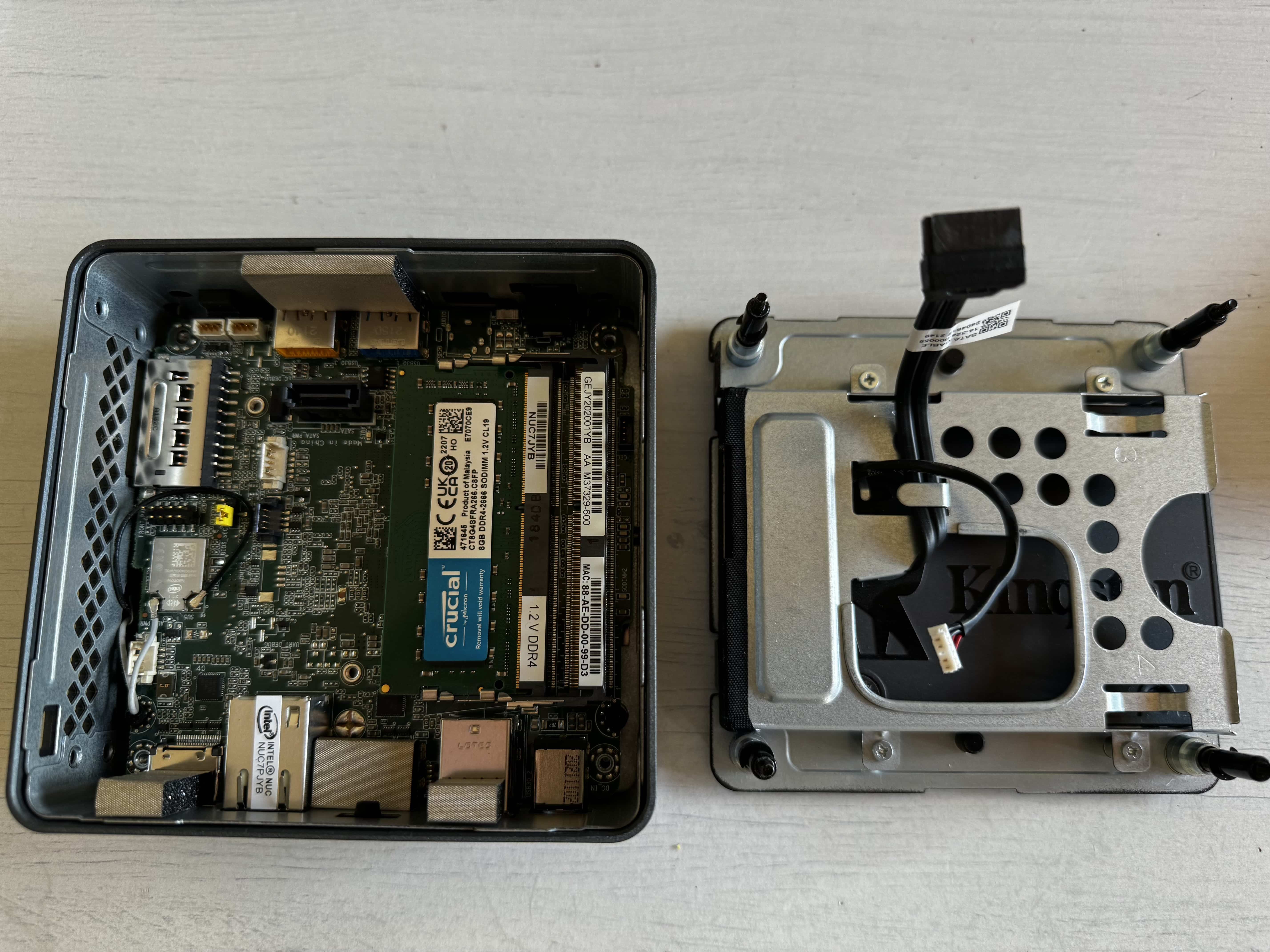
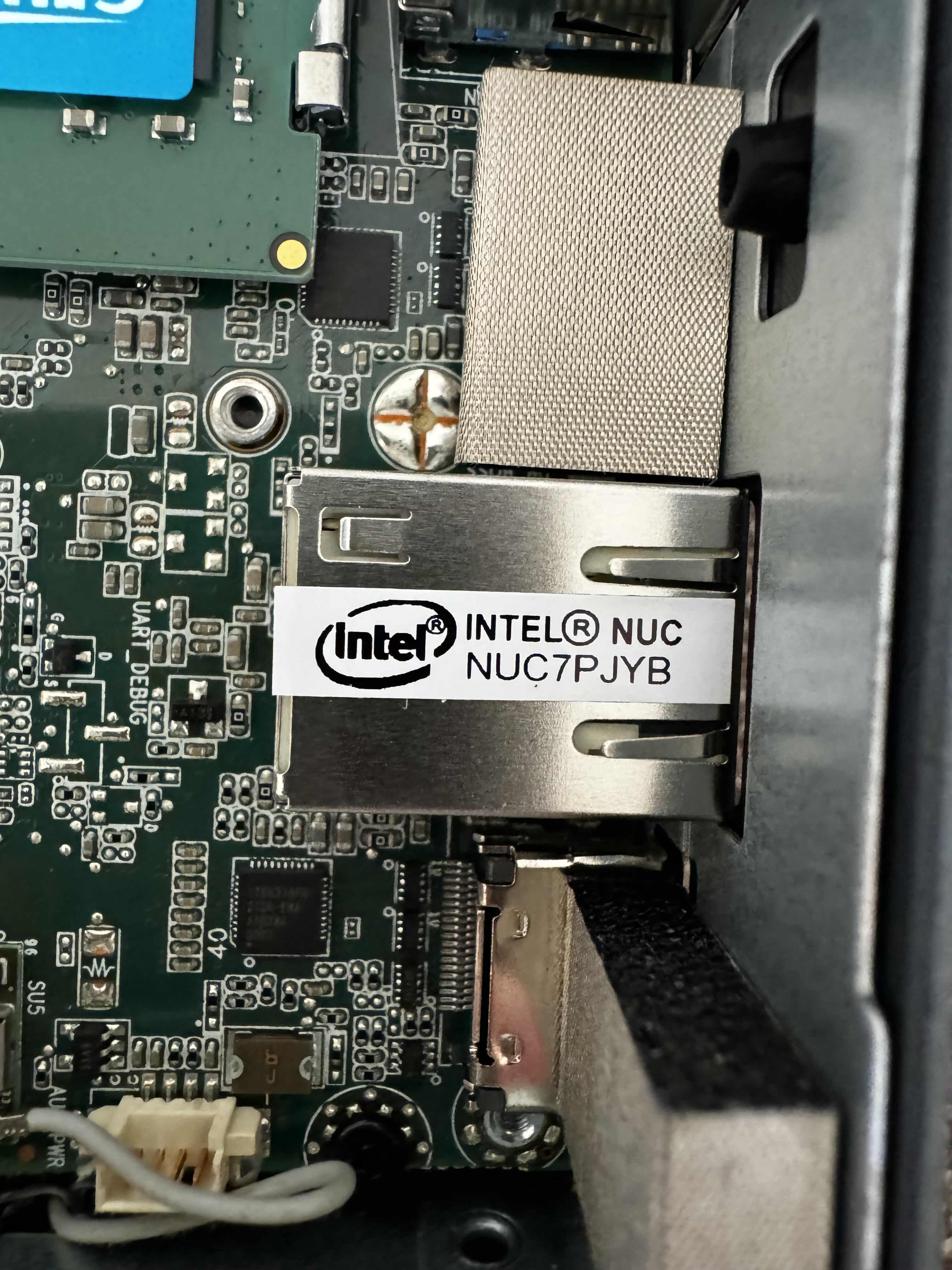
So the thing is, when I got back home after a few days of silent panic from Valencia (kids, lesson learned: don’t restart Home Assistant if you’re not nearby to hit the button or make sure everything boots up properly), I hooked the NUC up to a monitor and saw, to my dismay, that it wouldn’t boot – it just showed a message saying no bootable device was found.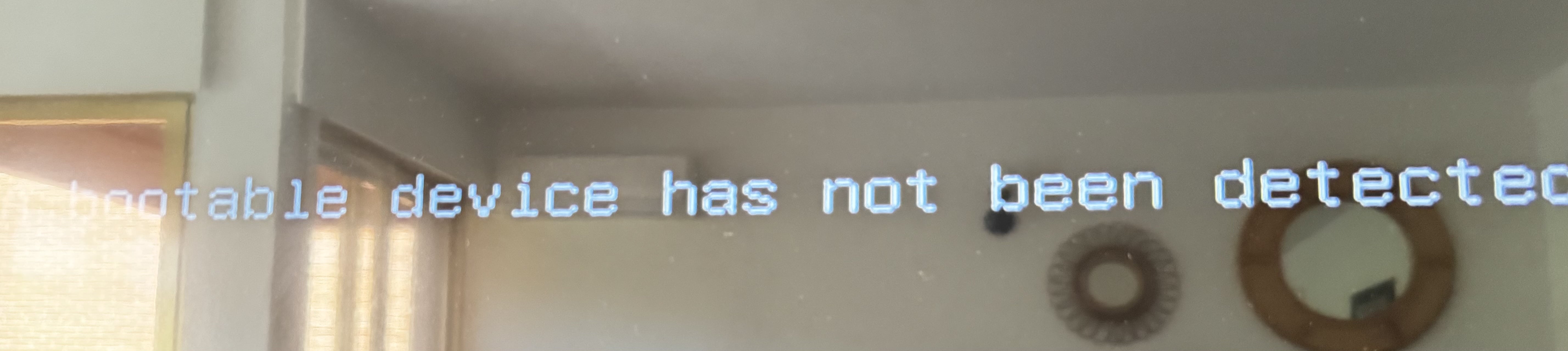
¿Necesitas ayuda con tu domótica?
Te ahorro tiempo, dinero y disgustos. Sesiones de consultoría desde 60€.
Carlos Sahuquillo
'Haga lo que haga en la vida, siempre compito' - Jacques Villeneuve Reserva una sesión →
Sigue leyendo
Ver todo el blog
Entradas relacionadas

22 octubre, 2026 · Domótica
Leer
15 preguntas de domótica que se repiten una y otra vez
He revisado comentarios del blog y correos de lectores para juntar las dudas que más se repiten sobre Shelly, HomeKit, Matter, Home…
Ep. 116 · escúchalo
0:00 / 22:46

15 octubre, 2026 · Domótica
Leer
Apple vuelve a por la casa: HomeView, HomePod mini 2 y Apple TV 4K
Apple presenta HomeView, HomePod mini 2 y un nuevo Apple TV 4K. Repasamos precios, disponibilidad en España y el futuro de Apple…
Ep. 115 · escúchalo
0:00 / 19:51

8 octubre, 2026 · Domótica
Leer
How to re-pair Zigbee sensors in Home Assistant without losing your automations
Swapping the battery wasn't enough to bring four Aqara sensors back to life. Here's how I re-paired them with ZHA without losing…
Ep. 114 · escúchalo
0:00 / 19:22
0 comentarios