My Matter network on HomeKit (I)
 Carlos Sahuquillo
·
7 marzo, 2023
·
8 min de lectura
Carlos Sahuquillo
·
7 marzo, 2023
·
8 min de lectura
Idioma:CastellanoEnglish
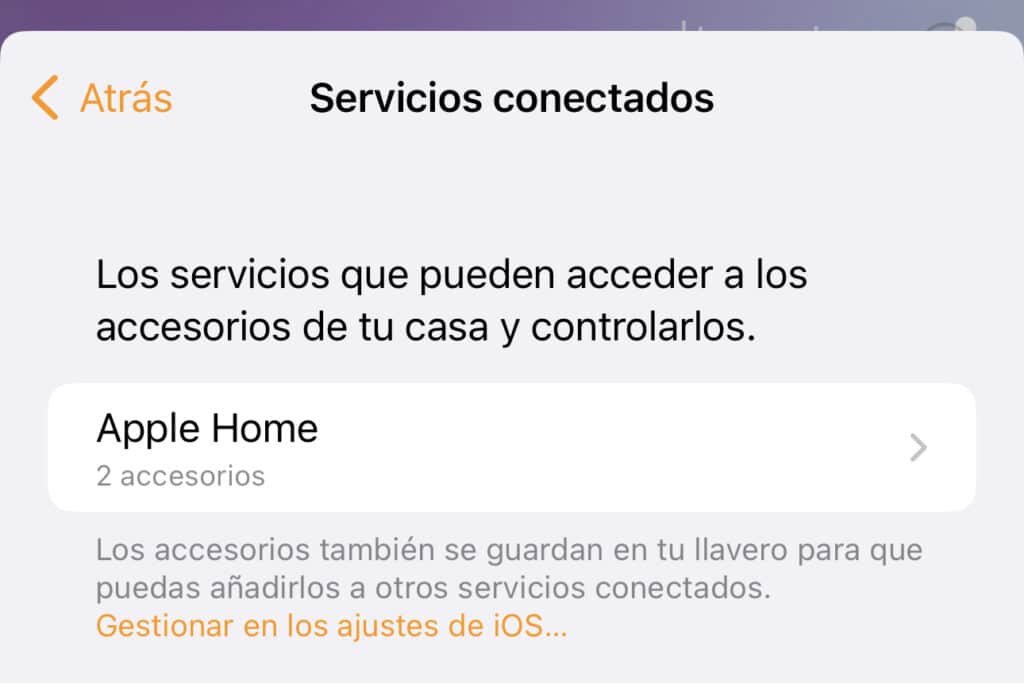
As we’ve already mentioned on a previous occasion, with the arrival of iOS 16.2, the door opened to update Apple’s Home app and get the infrastructure ready for Matter. In reality this update turned out a bit rough and many users reported issues, glitches with family member invitations, homes disappearing and becoming unmanageable… a real mess. Long story short, Apple suspended the ability to update the Home app.
Updating the Home app and HomeKit architecture
Since I’m a bit of a scatterbrain, I updated as soon as it was possible, despite all the problems people were reporting… and luckily for me, everything went fine. However, once I updated the architecture, with the whole migration process it talked about, all the time it took, which also included updating the HomePods as accessory hubs, I noticed absolutely nothing. Everything worked exactly the same as before, good or bad, but with zero changes.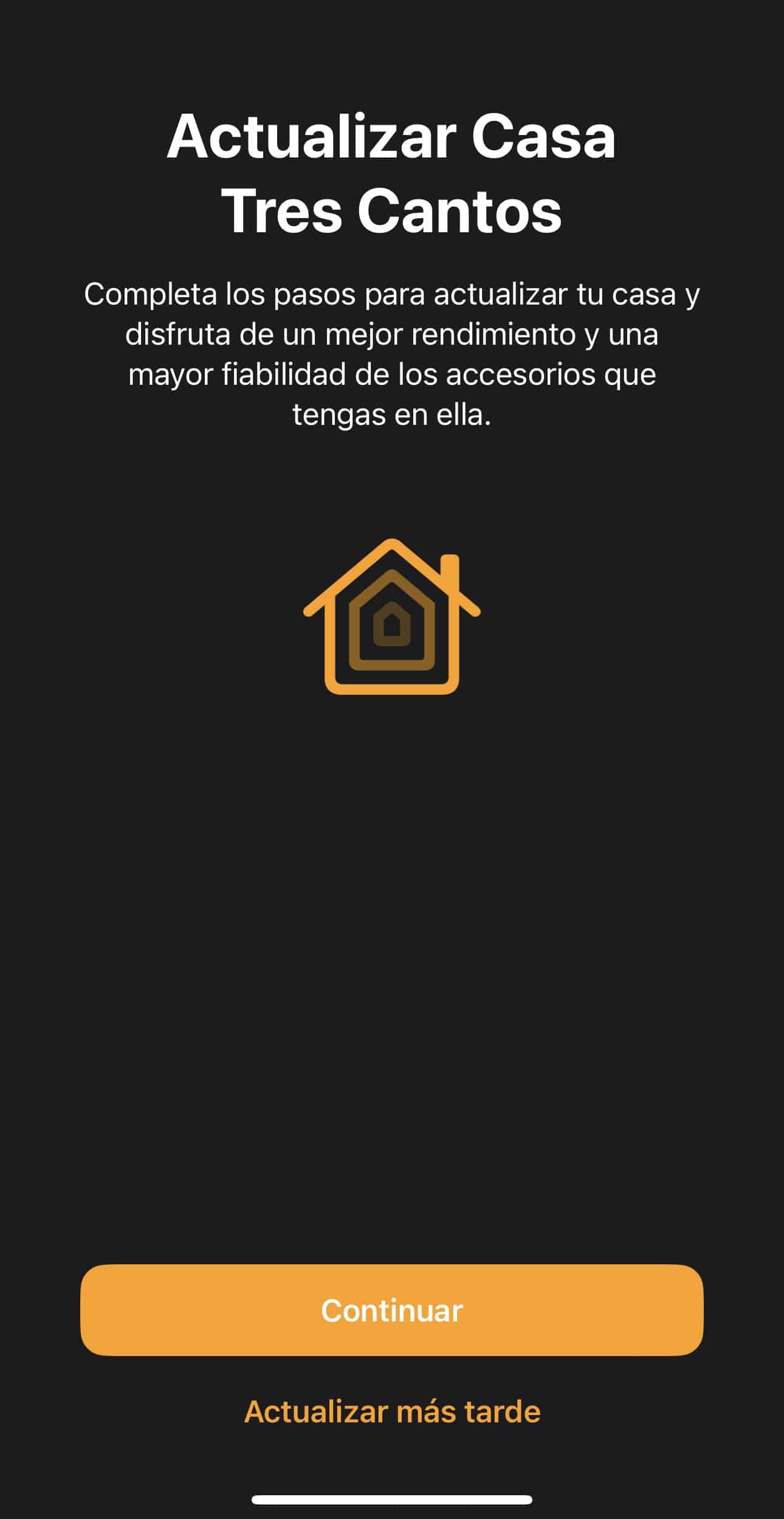
Some devices disappear from the Home app
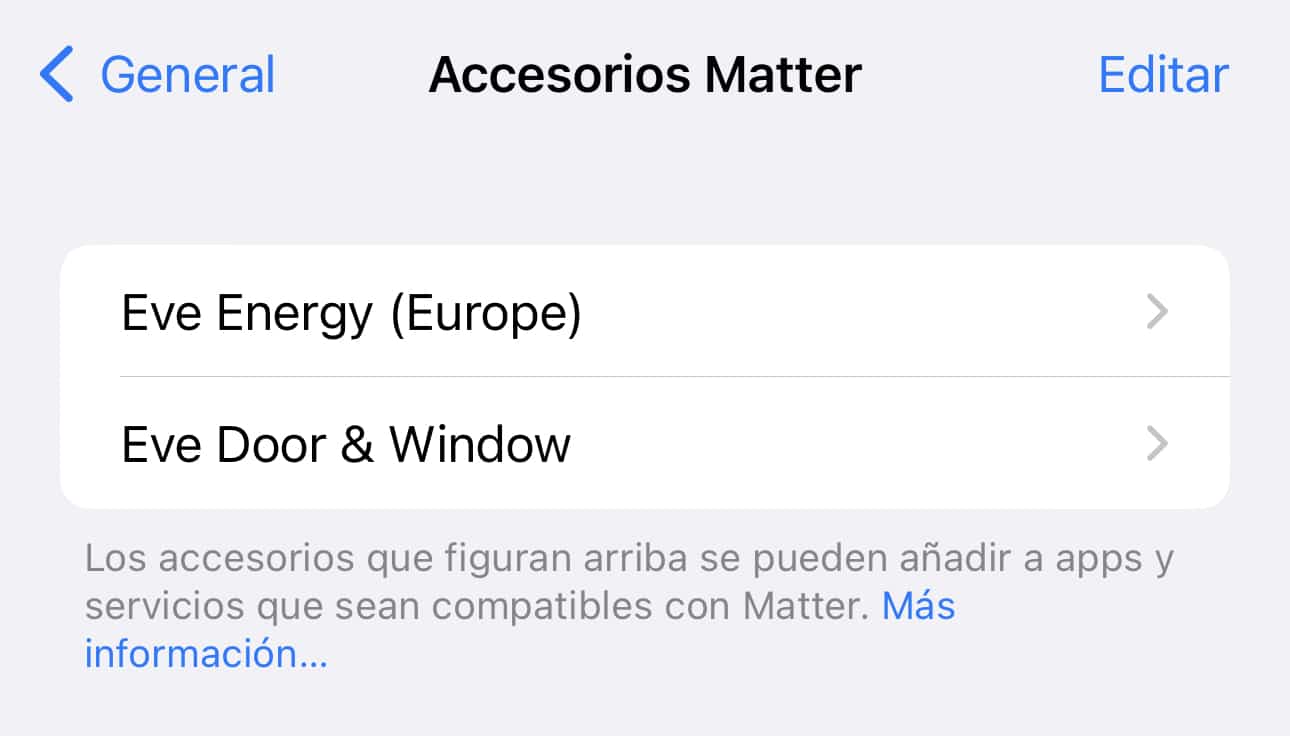
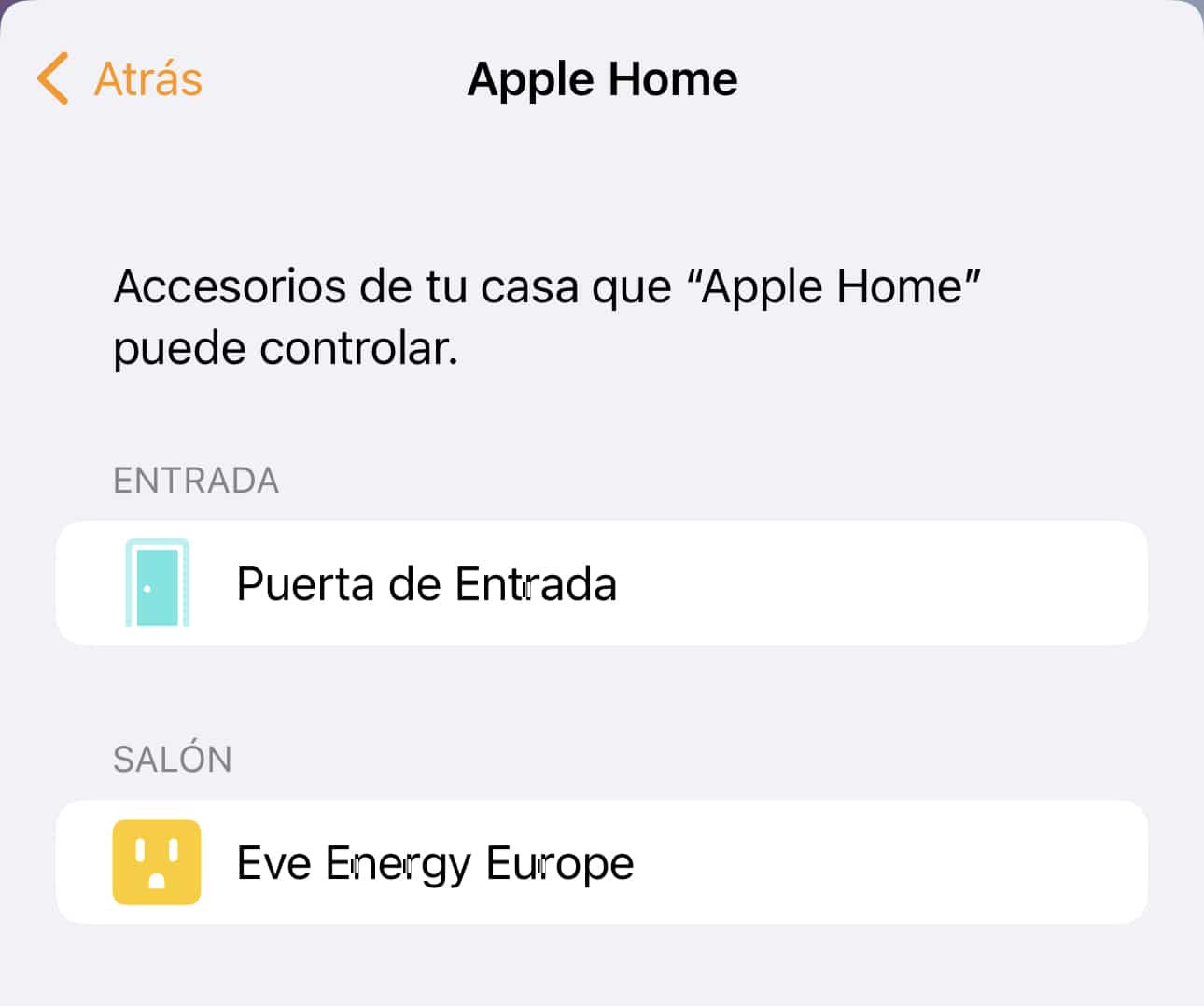
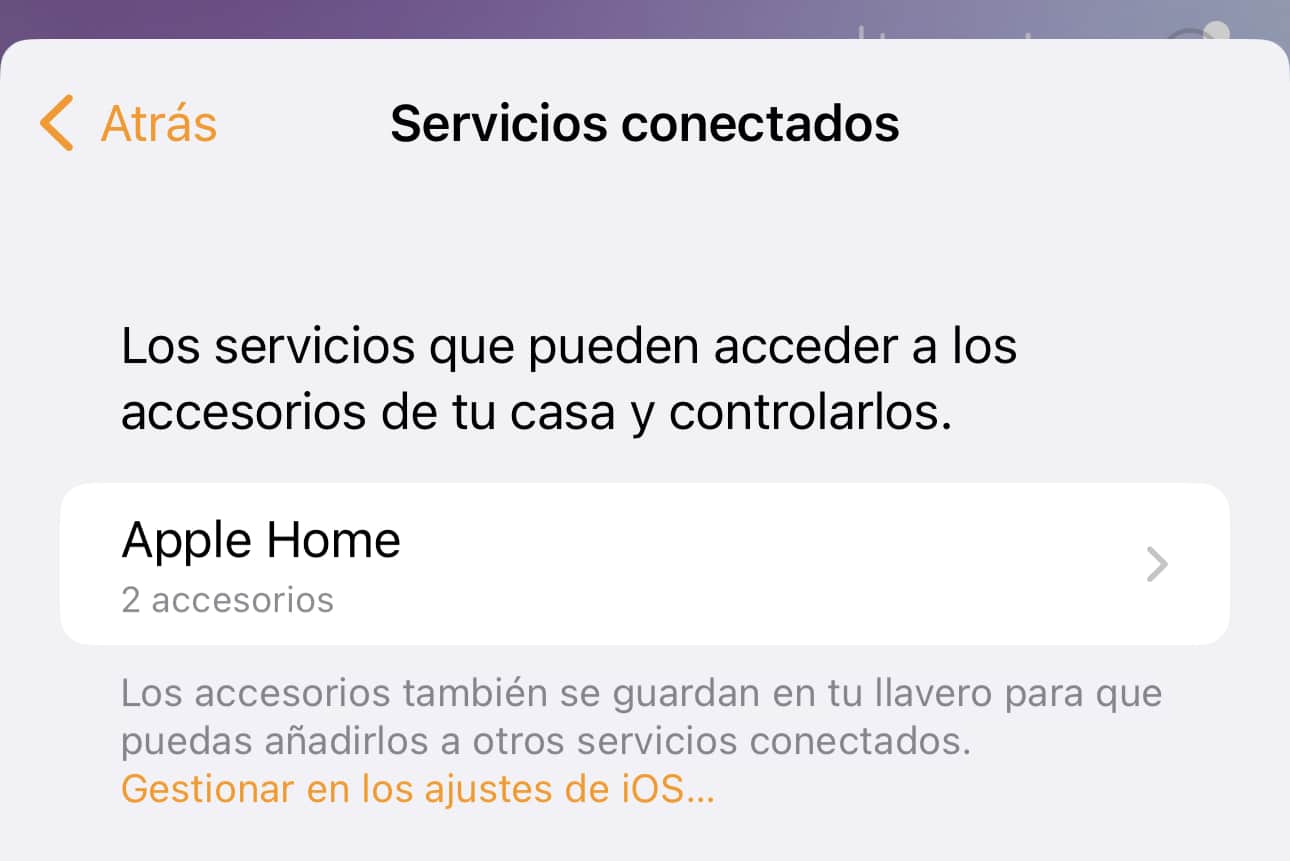
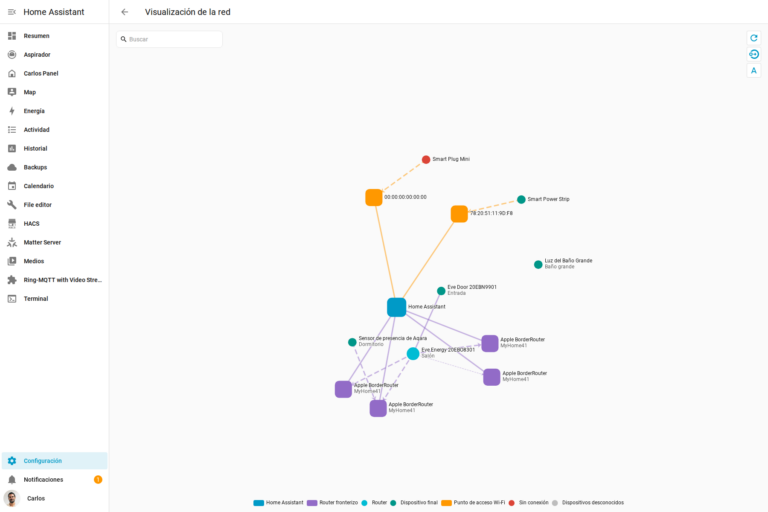
But since the firmware is beta and we were already warned some things might break… well, sure enough, they are. I’ve got several door sensors that vanish from Home, dragging their notifications and automations down with them—of course, since when you delete a device, it leaves the automations in the automations list, but the device itself disappears, so it just doesn’t work… but it’s still there. When a device disconnects from the network but doesn’t disappear, no big deal; once it reconnects, the automation keeps working fine. However, for me it disappears completely, as if we’d deleted it ourselves. This happens, for example, with the door sensor I have at my home’s entrance… and it’s a real pain because I have a ton of automations tied to that sensor! For example, if it’s nighttime and I walk in, it turns on the living room lamp at 50% and switches it off after 4 minutes. If I’m coming home after a run or the gym and it’s cold out, it turns on the bathroom heater as I walk in, so the bathroom warms up while I’m taking off my shoes and all that. Not to mention the notifications—when I’m not home and the door opens, I get a critical notification. But if I’m not home while my wife is, for instance, only a regular (non-critical) notification comes through. That way, if my phone is on silent or some do-not-disturb mode, I don’t get pinged, because there’s no need for me to know in real time. And of course, all of this disappears when the device disappears. All the notifications get deleted, the automations too, and so on. Even the name and sensor type. When it shows up again (which could take a few minutes or a couple of days), it comes back with the default name and default type (contact sensor), and I have to build everything from scratch again. The funny thing is that this ONLY happens to me in Home, meaning HomeKit—it doesn’t happen in Home Assistant. And it’s also strange that it doesn’t happen in the Eve app either; that sensor never disappears there. It’s just Home that, for whatever reason, loses sight of it. Even stranger is that it doesn’t happen with all of them, and there’s no clear pattern. I thought that, being in beta, the firmware was being updated frequently and that’s what was causing it to disappear, but no—it hasn’t been updated that often… and besides, it’s been updated on all the door sensors I have, yet not all of them have disappeared. You can probably guess that by the third time this happened to me, I migrated all the notifications and automations related to that sensor over to Home Assistant, and I haven’t had a single problem since. And you might be wondering—how could you connect it to Home Assistant if it’s Matter and connects via Thread, and Home Assistant doesn’t support that yet because it lacks the physical antenna? Great question, glad you asked! I’ll explain it in more detail later, but the short version is that I bought the SkyConnect, a USB dongle similar to the typical Sonoff ones we’ve talked about many times, except this one includes ZigBee and Thread connectivity, which makes it possible to detect Thread devices and connect to them from Home Assistant. I bought it at https://www.electropolis.es/home-assistant-skyconnect-a-zigbee-thread-matter-usb-stick-for-home-assistant-in-mkc-nab-kie-skyusb-752739.html. But like I said, I’ll cover that in more detail in a future post. Nothing weird has happened with the plugs—they’ve been working fine from day one, so I’ve been using them without any issues. In other words, they’re working just as well as before. So, right now, if we have an app capable of showing us our Thread network, like the Eve app or Home Assistant with the new Thread integration, I can see that I have a bunch of devices connected via Thread, such as all my Eve devices, the HomePods, and the Apple TV. In the Eve app, we can’t even tell which device is which—it just gives us an identifier and the role it’s playing within the Thread network, but you can’t tell which device it actually corresponds to… so what I did was disconnect them all and reconnect them one by one, writing down the ID so I’d know which identifier matched which device. In the Home Assistant integration, though, it does tell us which device each ID corresponds to and what role it plays within the Thread network—whether it’s a border router, a router, or an endpoint.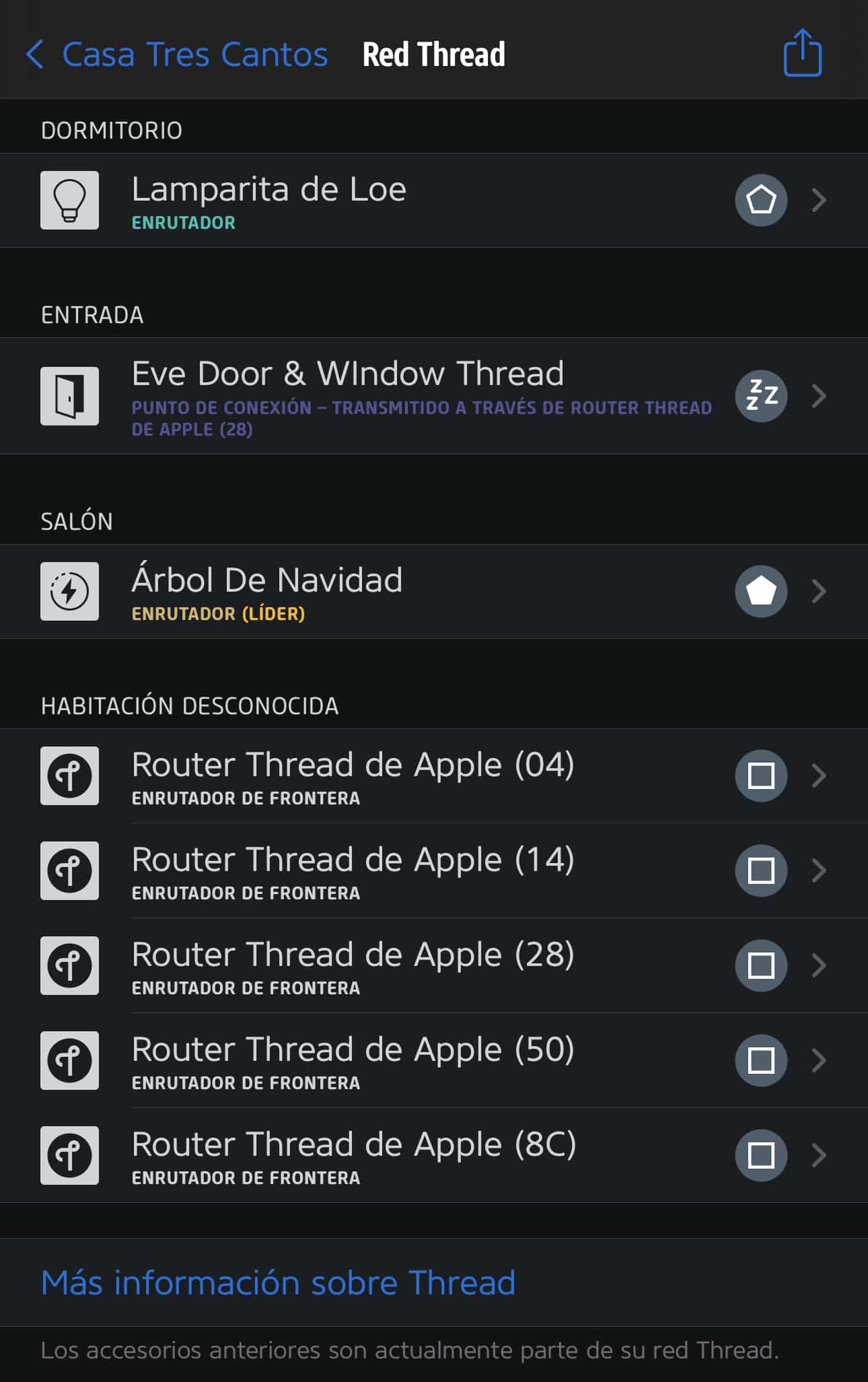
¿Necesitas ayuda con tu domótica?
Te ahorro tiempo, dinero y disgustos. Sesiones de consultoría desde 60€.
Carlos Sahuquillo
'Haga lo que haga en la vida, siempre compito' - Jacques Villeneuve Reserva una sesión →
Sigue leyendo
Ver todo el blog
Entradas relacionadas
1 octubre, 2026 · Domótica
Leer
How to spot issues in a Matter device
I opened Home Assistant's new Matter and Thread map to check which routes my devices are using and see just how useful…
Ep. 113 · escúchalo
0:00 / 14:08

17 septiembre, 2026 · Domótica
Leer
HomeKit with AI in iOS 27
Apple released iOS 27 on September 14th and, as it does every year, I'm going through what's changed in the Home app…
Ep. 112 · escúchalo
0:00 / 12:44

3 septiembre, 2026 · Domótica
Leer
Webhooks and workflows in Controller for HomeKit
Kicking off Season 4. I'm picking back up the automation for the sensor that kept running out of batteries that I told…
Ep. 111 · escúchalo
0:00 / 13:12
0 comentarios