Today I want to talk to you about the need (or not) to flash your Shellys now that the Gen4 range and some updated Gen3 units are compatible with Matter and can be linked directly to the Home app without any flashing needed. This can be very interesting for average users, but not so much for power users. Let me explain why I think you should keep flashing them, and with what firmware.
As you know, until quite recently it wasn’t possible to link a smart relay from the Shelly brand with Apple’s Home app. It’s funny because years and years ago they actually were compatible, but due to some licensing issue they stopped being so… and many years went by where, to use a Shelly with the Apple ecosystem, you had to flash it.
The flashing process was very simple. Not so much at the beginning, since you had to use a USB cable connected to the Shelly’s pins to reprogram it at a low level, so to speak, but little by little the firmwares evolved until reaching a specific mongoose version that allowed updating the Shellys by connecting directly via wifi.
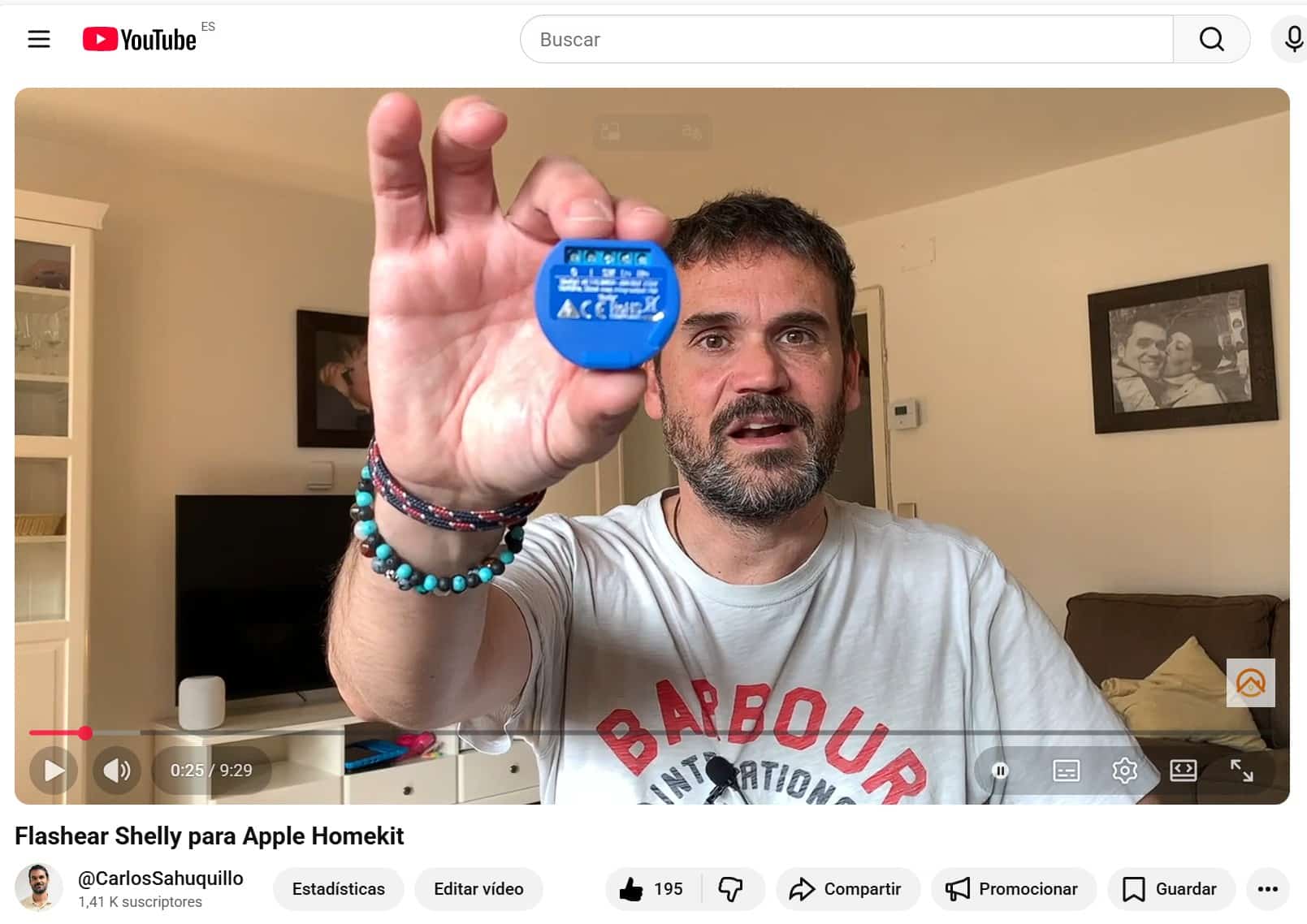
About that version I wrote a little guide on the blog and made a YouTube video that turned out to be the most-viewed article of all, and to this day that guide still gets visits. In 5 minutes you have the Shelly flashed and connected to the Home app with very little chance of screwing it up.
Canal de YouTube de Domótica Compatible
The Mongoose firmware is amazing, it gives us a very simple graphical interface where we can completely change the Shelly’s behavior and do advanced things that can’t be done with the original firmware, automatic timers, accepting opening percentages for blinds, changing the order of the up and down buttons… and most importantly of all, it gives us the typical HomeKit QR code so we can add them to the Home app as if they were a device certified to work with HomeKit, which proved that the device’s hardware was capable of meeting the encryption and privacy standards that Apple required for HomeKit-compatible devices, but that the folks at Shelly, for whatever reason, weren’t interested in joining or paying for or whatever it was.
Shortly after, José Antonio Jimenez, better known as RavenSystem, evolved his firmware Home Accessory Architect, HAA for short, which was amazing and turned every Shelly into a kind of fully independent mini-Home-Assistant. Let’s say it’s a sort of automation framework embedded in a Shelly.
Of course it also lets you link with the Home app without needing any hubs or bridges, as if it were a native HomeKit device, but managing it was a bit more complicated because you don’t have the typical graphical management interface, instead you have to do some scripting since HAA reads a JSON file where the configuration and desired behavior is defined. What’s cool about HAA is the community behind it, because if you don’t know how to wrestle with that specific language you can simply say in the Discord group what you want to do and shortly after they’ll answer with the necessary script… but it’s true that it takes away some flexibility.
The times I’ve talked with José Antonio have been crazy, the guy tells you about use cases that pop into his head or the community’s head, and here the limit truly is your imagination… let’s say that, besides turning the light on or off using the Shelly, which is the basic idea, you can use the rest of the Shelly for whatever you want… you can make it so that if the light has been on too long, it alerts you on the Home app, something that can’t natively be done… or have that damn Shelly watching your Wifi and when your partner’s phone connects and starts responding to pings, it sends you a notification saying they’re already home and activates a virtual occupancy sensor in the Home app, so you can have a «room» in quotes with these sensors named after each of your kids, and so with a simple glance at the Home app you can tell if they’re ‘activated’ and home, or if they haven’t arrived yet… or you can also know when Apple releases the new iOS version because it’s checking that specific URL… or have it connect to the internet and if it’s going to be cold that day, dynamically change the lights to blue tones… and all that with nothing else, no middleware platforms, no internet access, no Home Assistant, no Controller for HomeKit, nothing. The only downside is… not all of us have the mind Raven has, and we can’t be bothering him all day saying ‘well now I want the blind to only go up to 95% instead of all the way.’ You feel like you’re wasting his brainpower. A genius, I tell you.
Anyway, back to what I was saying, I get distracted. Since 2025, with the CES presentation of that year’s Shelly Gen4 which already includes Matter support, the rules of the game have changed a bit. It’s no longer necessary to flash the device; straight out of the box it’s completely plug and play and you can link it with Apple’s Home app, with Home Assistant, use Shelly’s native app, use it with Amazon’s Echo and Alexa… or all of them at once. And all of that officially, keeping the device’s warranty, with its regular updates…
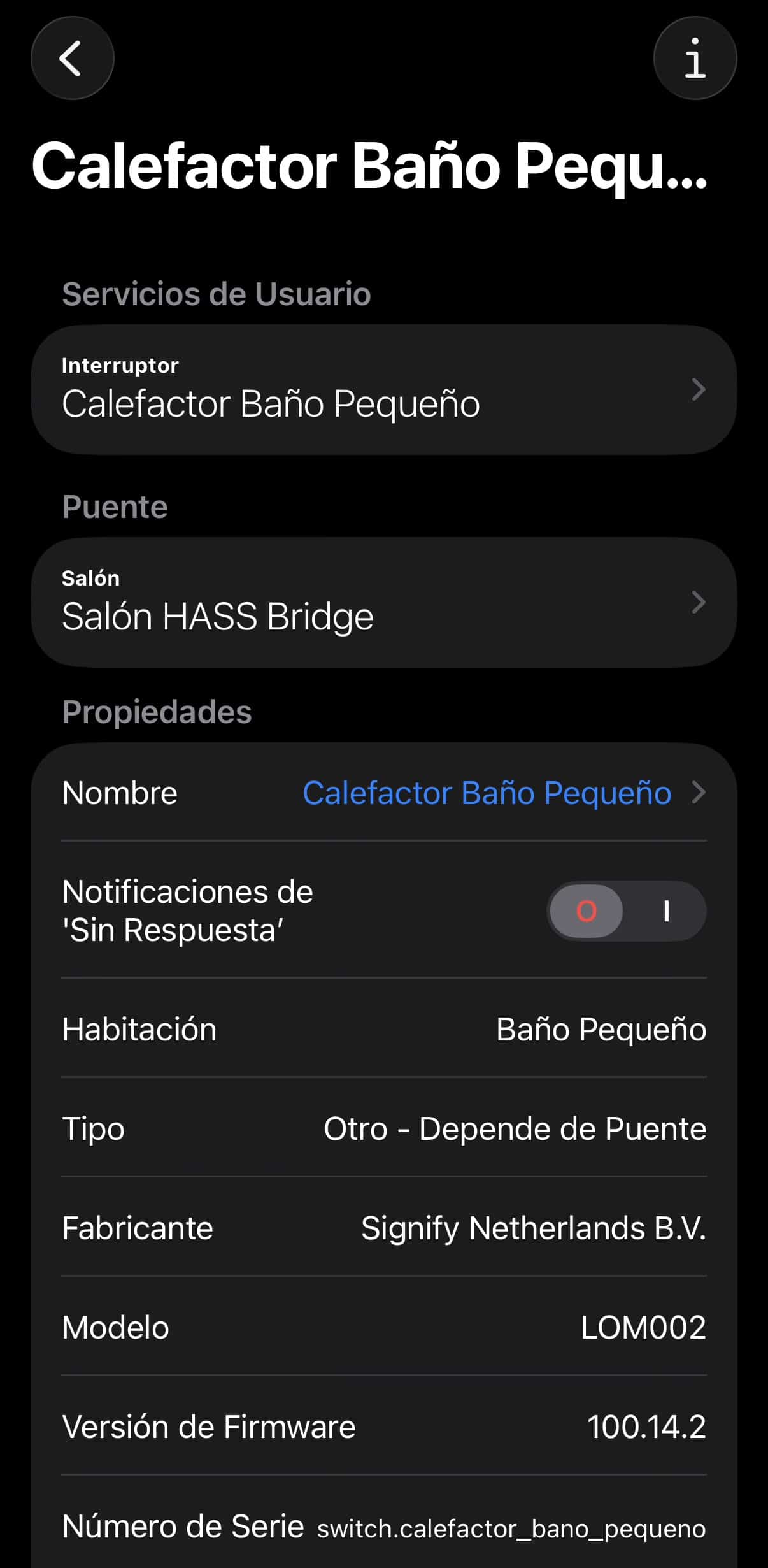
But let’s say Matter is the lowest common denominator… or would it be the least common multiple? Damn, man, I never learned that crap. The short straw, so to speak, in our own words, since it exposes the Shelly’s basic functions like turning on and off, opening and closing, some show power consumption… and not much more. If we want some of the functions we mentioned earlier and to make use of the processor for something more than a simple switch, we’re screwed, Matter limits you to what the standard and the manufacturer have defined.Let’s say Matter sees a Shelly 1, the most basic of them all, as a switch… while with HAA you can configure that same Shelly so the Home app sees it as an irrigation valve, a thermostat, or a full type-11 alarm system with its defined states of ‘Home’, ‘Night’, ‘Away’ that monitors the values of door and window opening sensors.
Plus, with HAA we can do things directly on the Shelly that otherwise we’d have to do through Shortcuts, I don’t know, like having it do something specific when you tap the button 3 times, or having it turn off automatically after X seconds… and all that without depending on Apple’s accessory hub or Home Assistant or Alexa or whatever being up and running, so you get literally zero latency. You know I’m not too fond of this because I want to have all the automations in one single place so that when something fails, you know exactly where the trouble is coming from, but for simple, isolated setups like the pool pump at your house in the countryside, you avoid having to build a whole church arch just to get it to trigger and send you notifications every X days.
Another advantage we have is privacy, because even though Matter is supposed to run locally, Shellys have the annoying habit of trying to connect to the Shelly Cloud to send states and do God knows what, even if you’re not going to use Shelly’s native app. However, with HAA you forget about this since the Shelly communicates with HomeKit via that Bonjour protocol we’ve all seen a thousand times as a running process but don’t really know what it is… well, it’s a kind of UPNP on routers or an mDNS. The truth is that network protocols have gotten quite complicated in recent years; it was so much cooler when everyone spoke TCP/IP with their SMTP services on port 25, DNS on 53 UDP, their POP on 110… now we’ve got apps spinning up random high ports. It’s a total mess, as my friend César would say.
If you’re really into tinkering like Jacobo Vidal and his followers from the Desde el Reloj group and want to use the extra pins on the Shelly board to hook up external temperature or motion sensors, with HAA you can also expose them as independent accessories in HomeKit, and this is really cool. My namesake Charly, whom I’ve mentioned before, set up a humidity sensor on a basic Shelly in the bathroom so that the extractor fan—the one that makes so much annoying noise and won’t let you concentrate on your porn—only turns on under specific humidity and temperature conditions… and you can do this in 2 ways, either directly from the Shelly itself or by bringing both devices into HomeKit and creating the shortcut yourself.
So the decision on whether to flash or not depends a bit on what type of user you are.
– If you’re a ‘zero complications’ user who just wants to use the Shelly to turn a light on and off, leave it with the native firmware and connect it via Matter to Home Assistant or HomeKit to create whatever automations you want directly from Shortcuts or from Home Assistant automations. You’ll be able to do a thousand things with that device, don’t worry.
– If you’re an advanced user who wants not only for the Shelly 2PM to close your garage door, but also to stop and notify you if it detects an obstruction, then it’s worth spending that bit of time flashing it. Don’t worry, it doesn’t take half an afternoon, ok? HAA also allows OTA updates; the only thing that’ll take you a bit more time is learning the JSON string language… but the Wiki has plenty of examples of basic use cases. I once set myself the goal of learning that scripting language, called MEPLHAA, Marvellous Esoteric Programming Language or whatever… but look, I’m 48 years old, 4 kids, several jobs… I just don’t have the time anymore for that kind of geekery, so when I need something that’s not in the wiki, I just ask directly in the Discord group, honestly.
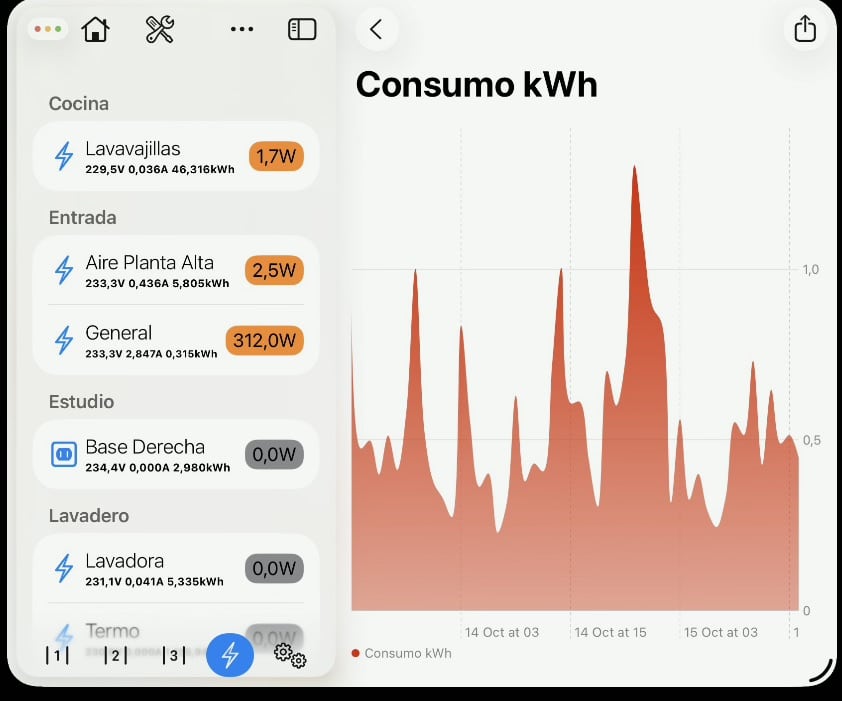
And lastly, although it’s not exactly an advantage of HAA itself, there’s an app called HAA Home app that has a log history, so you save yourself that feature which is paid in Controller for HomeKit.
HAA Home App
Consumos en HAA Home App
Look, it’s not that I want to push everyone into installing HAA, since it’s not easy to manage, it’s not at all user-friendly even if they say so in their Discord group. So, as I said before, if you’re a user who gets along fine with Apple Shortcuts or Home Assistant automations, Google Home, etc, you probably don’t need to flash the device. You’ll save yourself those 10 minutes the flashing takes and the learning curve that comes with the Marvellous Esoteric language, but if you have the same eagerness to learn that I had a few years back when I was younger and had more time, and you really want to squeeze 3000% out of your Shellys, I recommend you carve out some time in your schedule to spend a little bit each day on HAA… hey, think about it, if you spend 30 minutes a day on this, by this time next year you’ll have put in 182 hours and you’ll be able to come on the podcast and give us more crazy ideas.
¿Necesitas ayuda con tu domótica?
Te ahorro tiempo, dinero y disgustos. Sesiones de consultoría desde 60€.
 Carlos Sahuquillo
·
19 febrero, 2026
·
11 min de lectura
Carlos Sahuquillo
·
19 febrero, 2026
·
11 min de lectura
0 comentarios