When Matter’s launch is just a few months away, it can be crazy to try to say which is the best app for HomeKit since, apparently, it’s possible that with the new version of Apple’s operating system, iOS 16, a renewed Home app with more functionality might be introduced. Hopefully that’s the case, but for now there are already several manufacturers integrating thread technology into their devices, and not all current apps are capable of managing these devices, so today I wanted to tell you about what is, for me, the best app for HomeKit at this moment. We’re going to analyze the different alternatives and then I’ll tell you which is my favorite and why.
Let me say upfront that I haven’t found the PER-FECT app, they’re all missing something! Right now I combine 2 of them, one as a ‘viewer’ and another to create automations and detect possible issues. Also, you already know that I’m a firm believer that the house should react on its own under certain circumstances… if I come home when nobody’s there and it’s nighttime, well I expect some light to turn on automatically so I don’t walk in in the dark… but if it’s nighttime, nobody’s home, and I don’t come in, then obviously I don’t want anything to turn on, because with how expensive electricity is these days you can’t be messing around. Same goes for temperature, if someone’s home and it’s really cold, I expect the boiler to kick in… but if nobody’s home because we’ve gone off to spend the weekend in Valencia, well there’s no point keeping the house nice and warm… in other words, I don’t want to be opening an app to interact with the house or shouting for the voice assistant to turn on the bathroom light, so really all I need is an app that works well and lets me create all the automations I need.
Aqara app vs Mi Home app
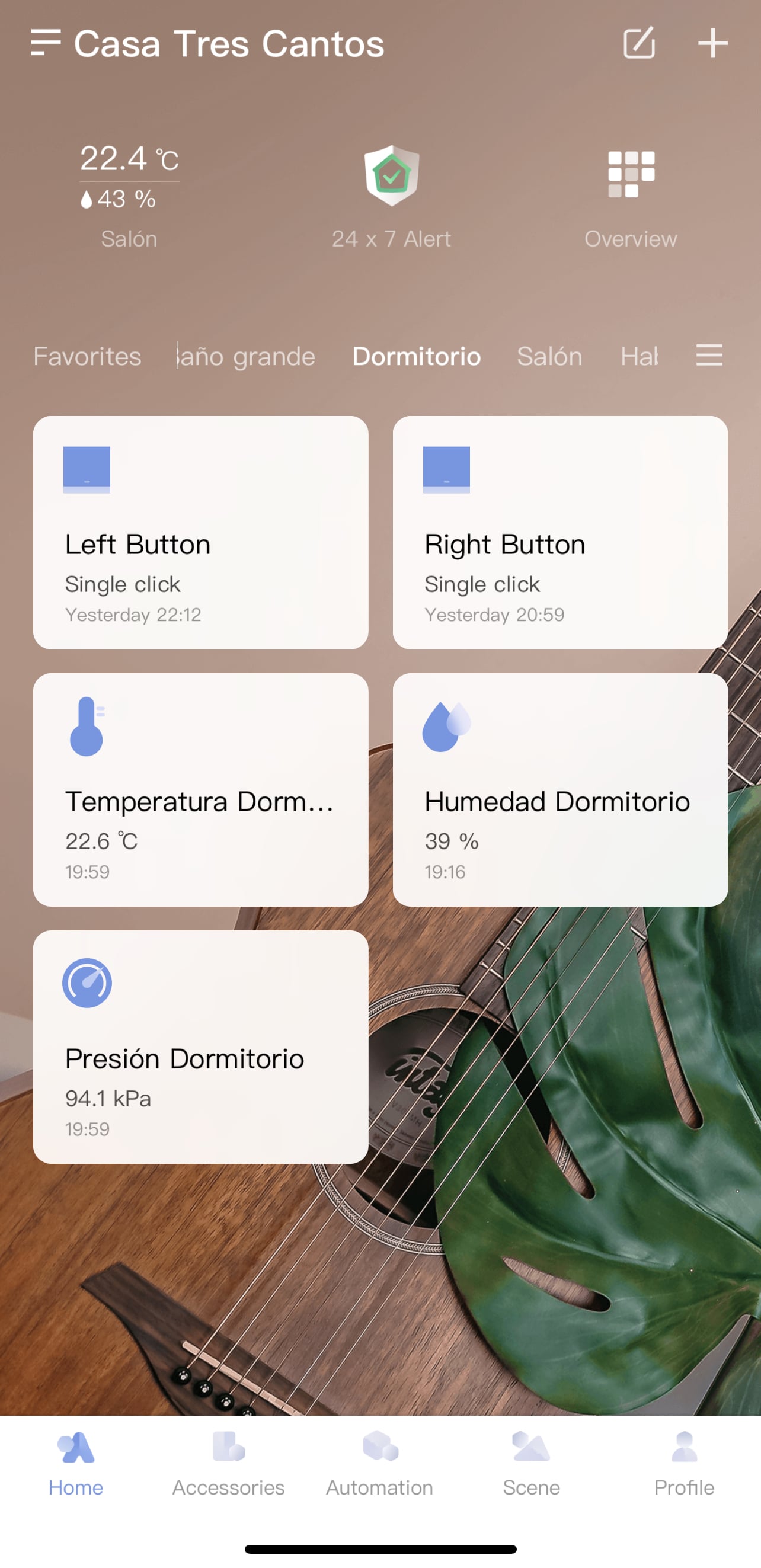
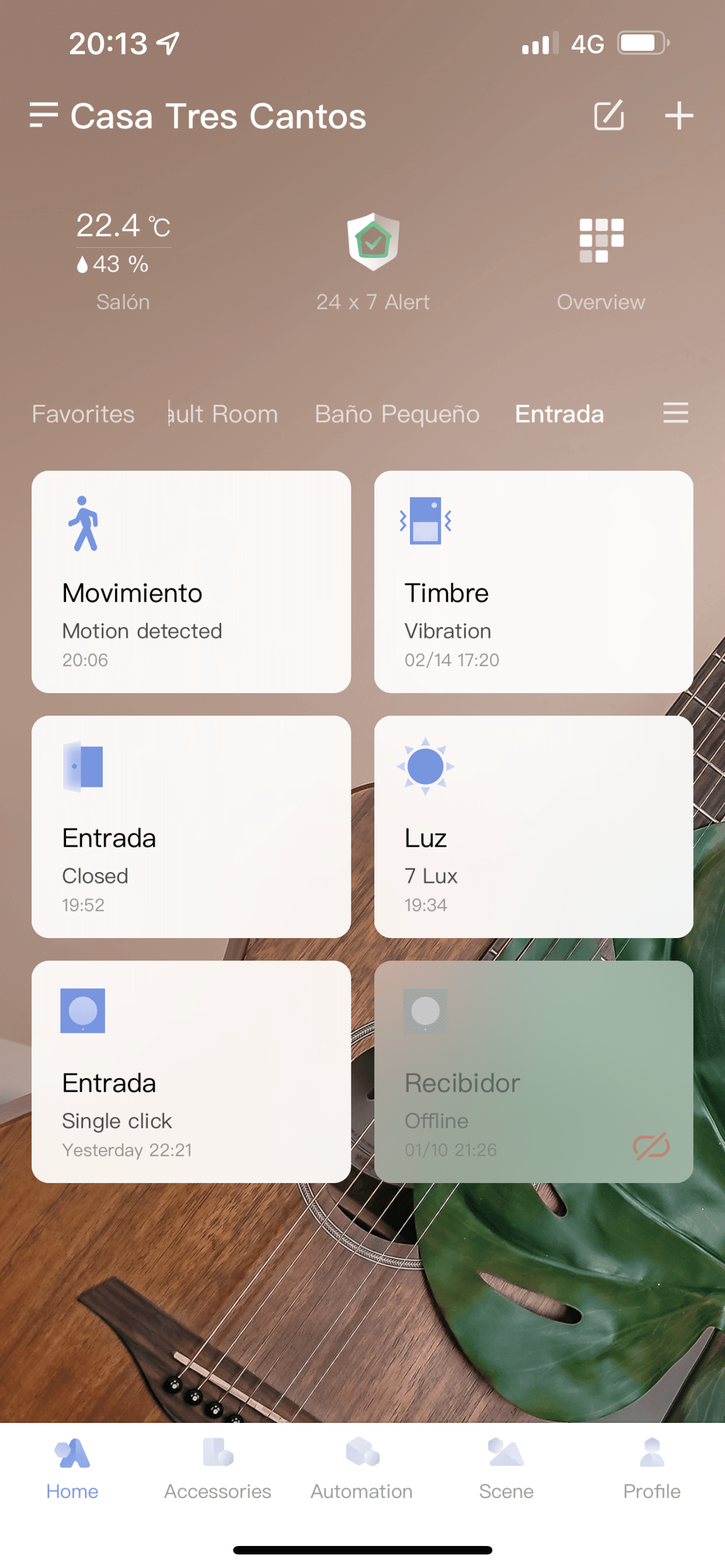
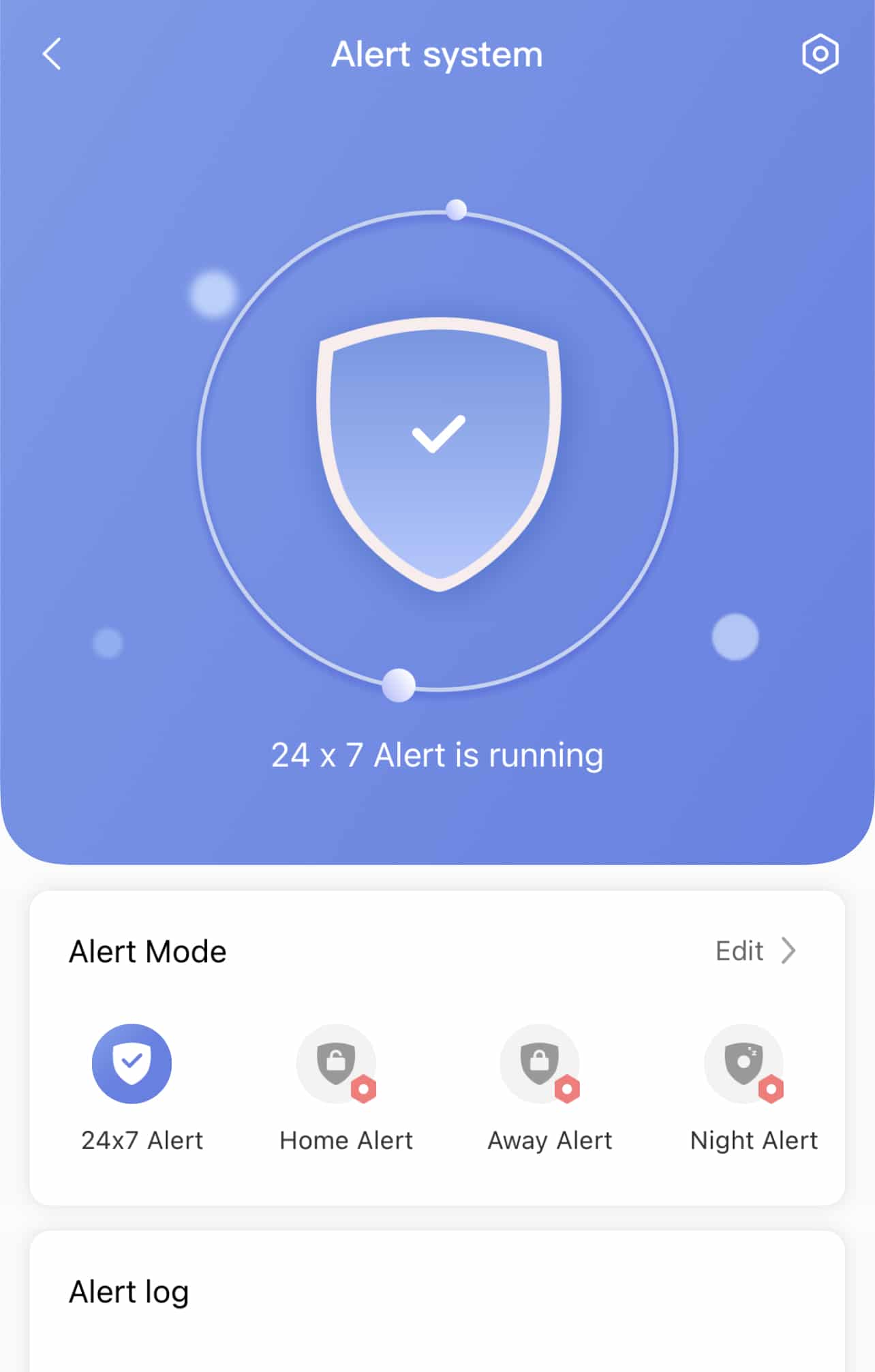
You weren’t expecting the Aqara and Xiaomi apps in this comparison, were you? Well, I have to say one thing about them… they’re VERY nice and work perfectly! If all your devices are Aqara and you have the Aqara bridge that’s HomeKit-compatible, you can create automations from either the Aqara / Mi Home app or from Home or any other app. But… which of the two is better? Let’s take a look.
A few years back, the folks at Xiaomi created the Aqara brand to separate their home automation or connected home division from the rest of their devices. Until then we could only use the Mi Home app. Obviously when the Aqara app arrived on the app stores it wasn’t fully mature yet, and there were things it couldn’t do, like configuring the bridge’s alarm function. When I bought my first Aqara bridge, I used the Mi Home app precisely for this reason… but nowadays the Aqara app has evolved nicely and there are no longer major differences in functionality.
Mi Home supports many more devices, since the Aqara app focuses on Aqara devices and some Xiaomi ones… but Mi Home supports Aqara, Xiaomi, Mija, Yeelight… a whole bunch of additional devices to build automations with. For example, if you want to add an air purifier (yeah, I don’t get it either, but there are countries where this stuff is huge, must be their air is bad), in the Aqara app you’ll find 2 models while Mi Home currently has 13. Of course with the basics you won’t find much difference, especially if all your devices were bought in Europe either on Amazon or the Apple Store (which, in case you didn’t know, has Aqara sensors and devices in the Home section), but there are a few things worth keeping in mind.
Even though the new Aqara bridges are Zigbee 3.0 certified, remember you can’t add sensors or bulbs that aren’t from Aqara, Xiaomi, or their partners. There are some compatible Philips bulbs out there, but they’re not even HomeKit compatible, they ‘don’t come out’ of the Aqara bridge… which is the same thing that happens with the Philips Hue app and Ikea’s TrÄdfri bulbs… you can ‘pair’ them through the Hue bridge and see them in its app, but they don’t ‘come out’ of there and you won’t see them in Apple’s Home app, for example.
You might think this doesn’t affect you, but for instance we couldn’t use the Eve door opening sensor (which is Thread compatible) to trigger the Aqara bridge’s alarm! We could do it from HomeKit by creating an automation that takes into account when we’re not home, even playing the alarm sound through the HomePod as we discussed a few weeks ago, but in the Aqara app you can’t set the Eve door sensor as the alarm’s trigger.
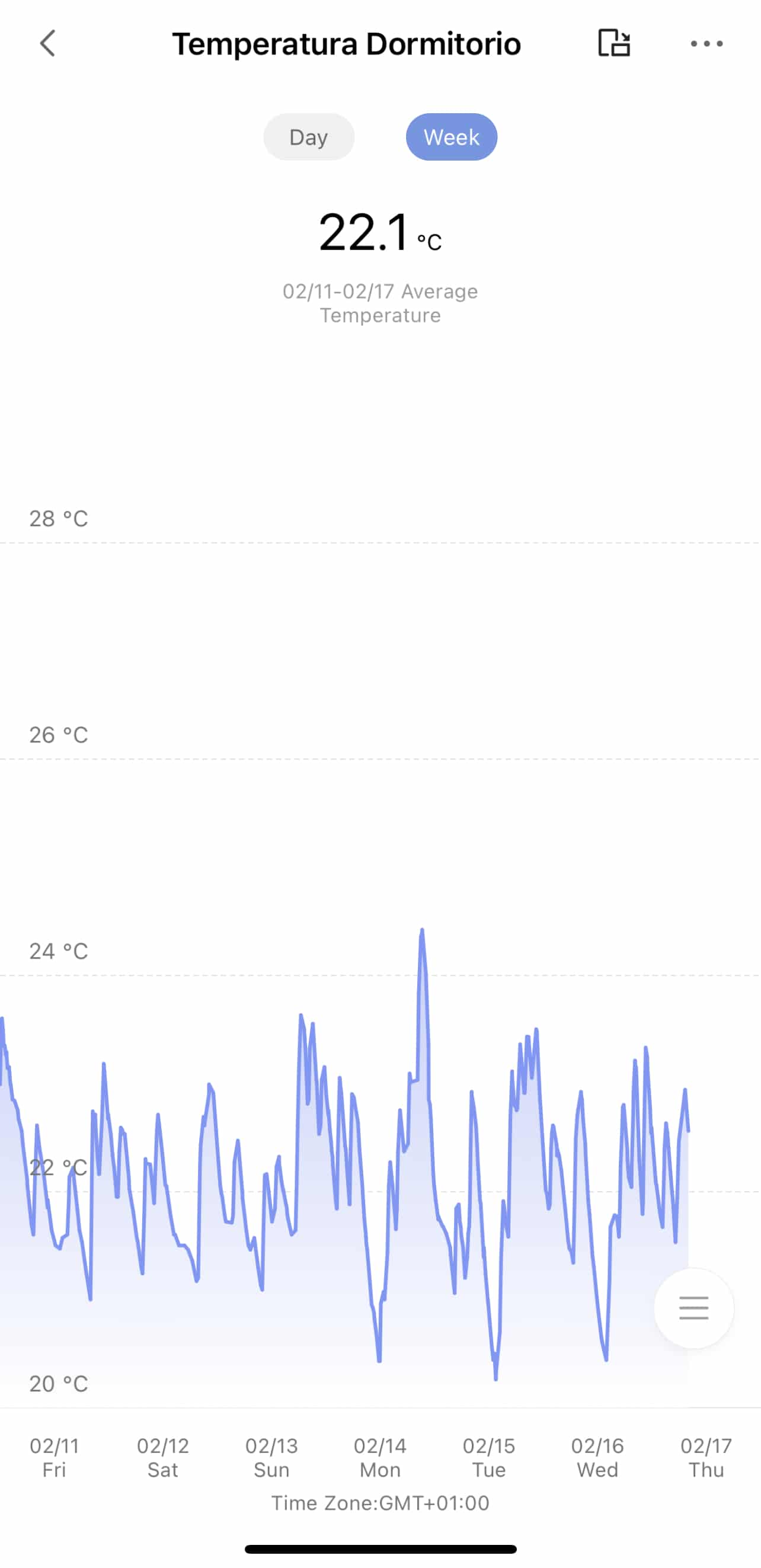
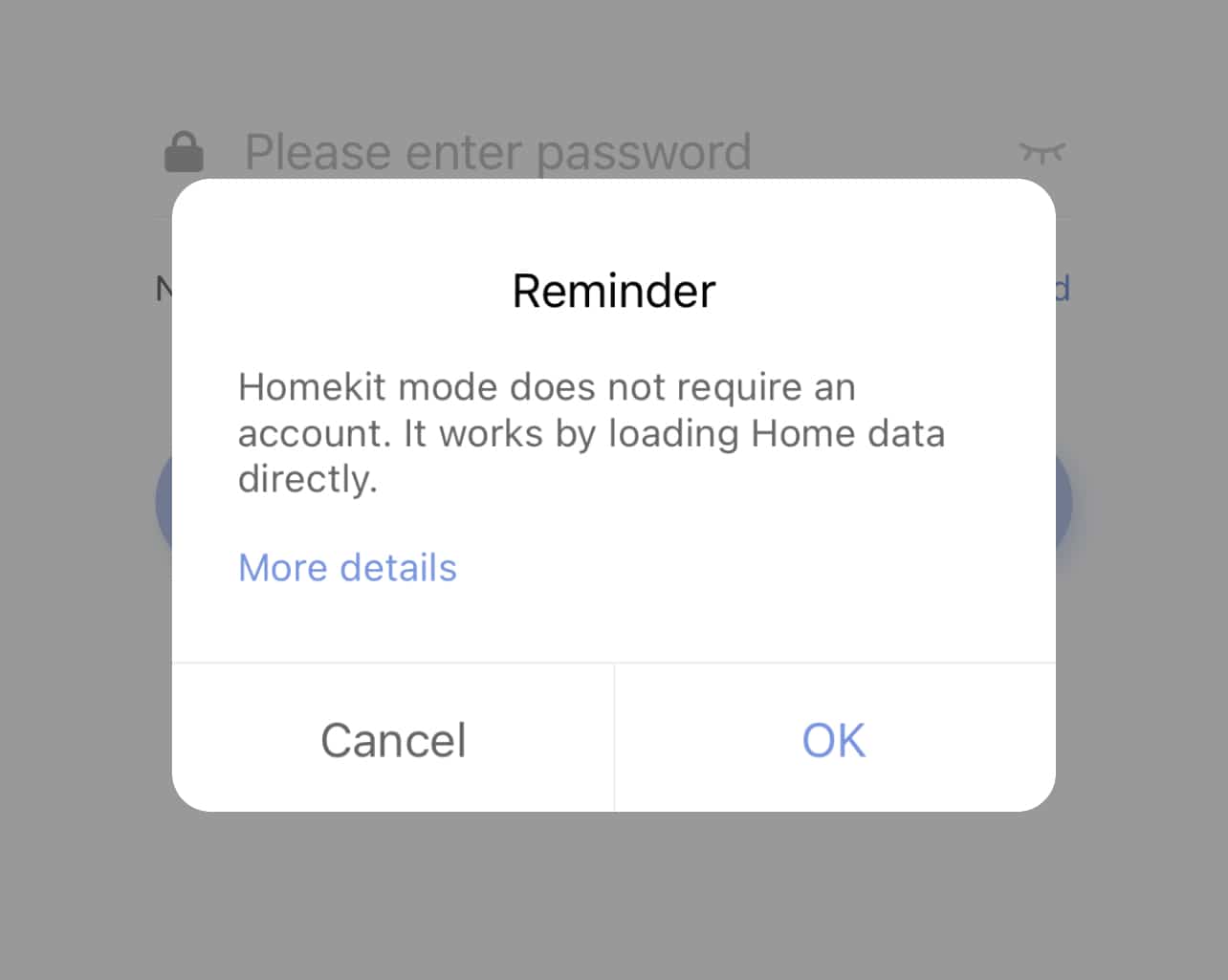
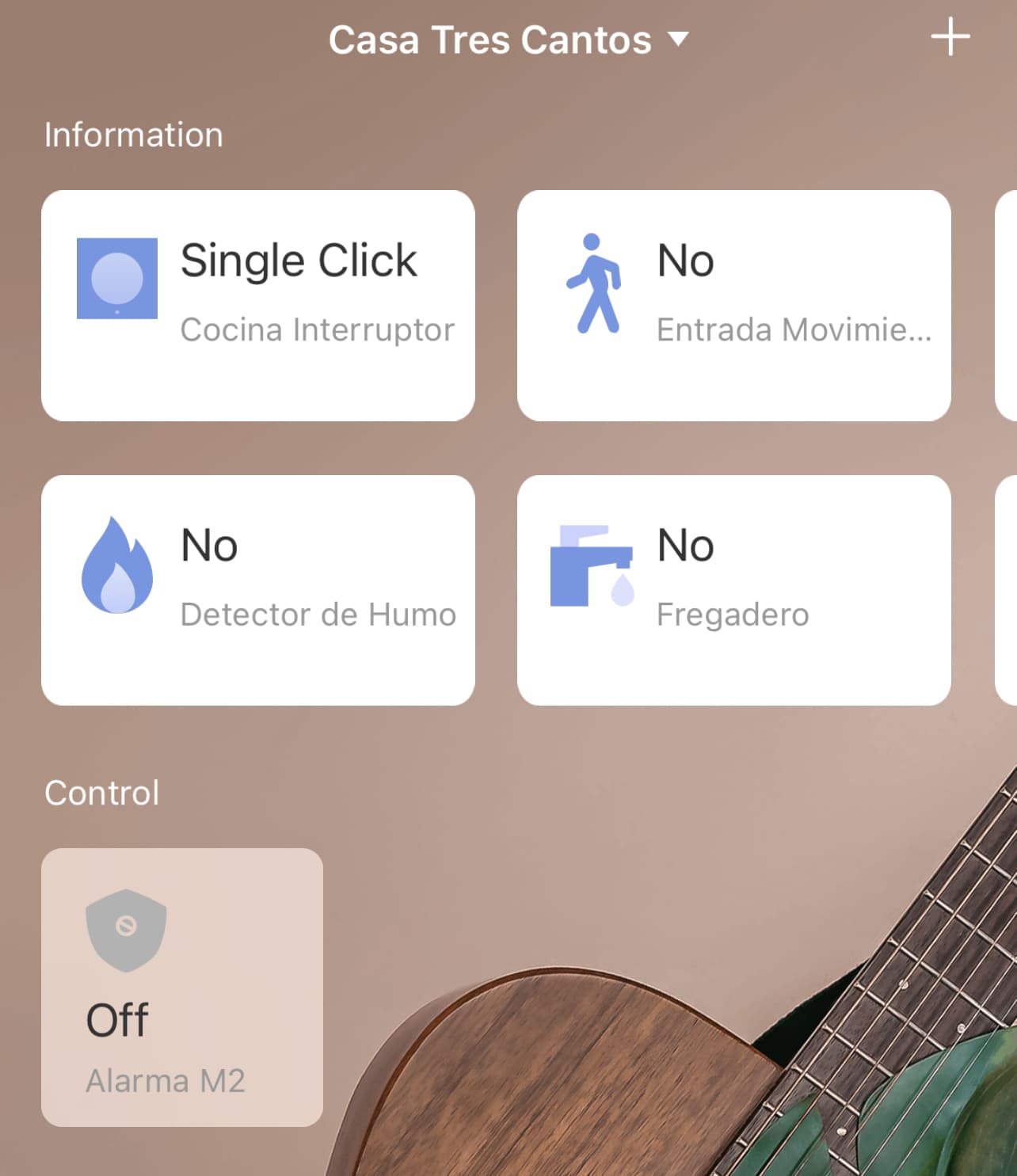
Personally I like the Aqara app better. I find it really really nice, clear and visual, you can see graphs of the sensors to check how many times your door has opened in the last week or the average temperature from the sensors… but on top of that it has a feature called HomeKit Mode that lets you ‘log out’ of the app and see all the sensors you have included in Home. This means you can’t create automations, see the graphs, or anything like that, the bridge simply becomes exactly that, a bridge between the devices and the Home app… but honestly that’s what most of us actually need! I really like this feature, it even lets you uninstall the Aqara app if you’re not planning to add new Aqara/Xiaomi devices to your network in the coming months.
Home+ v5
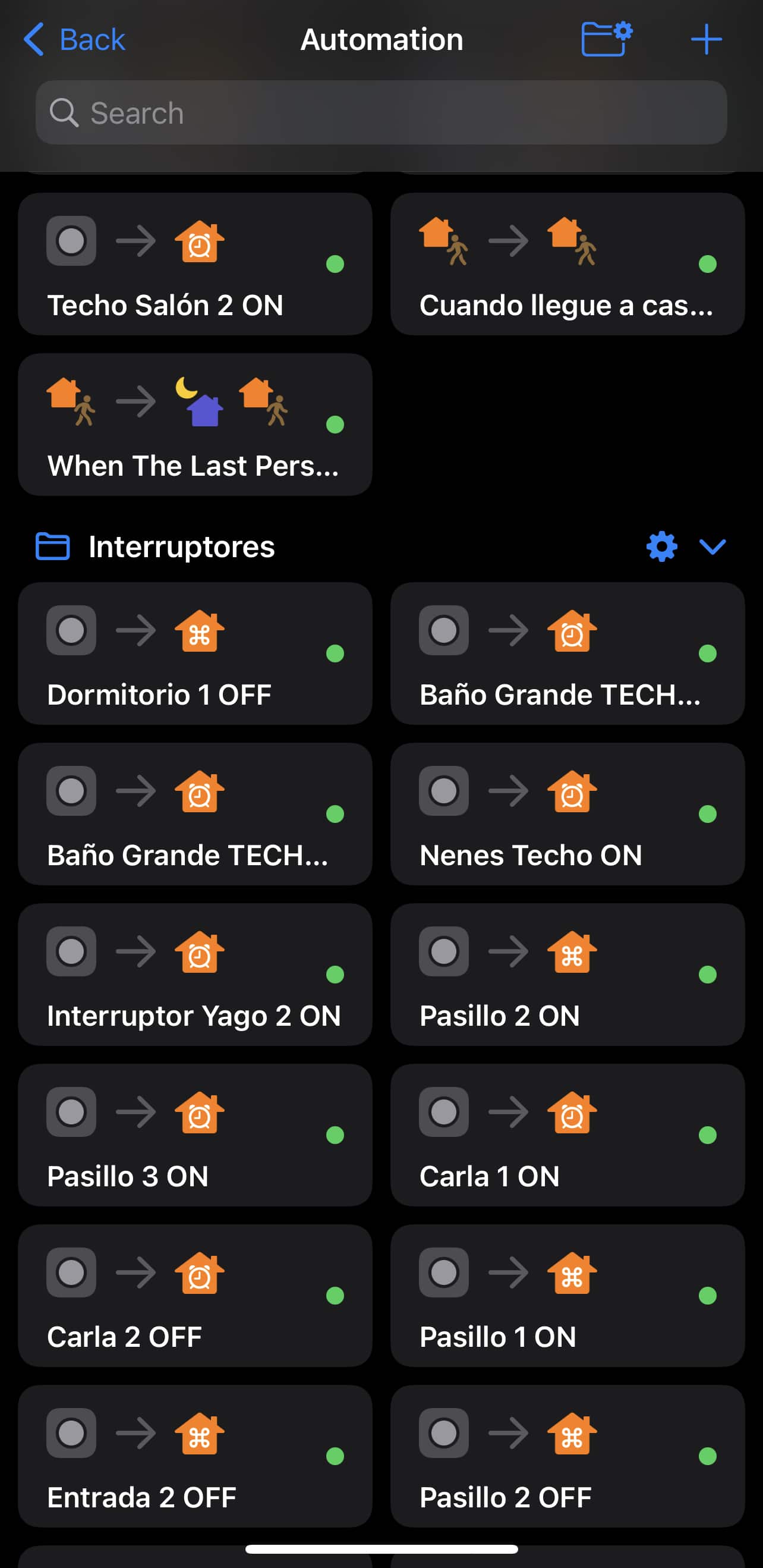
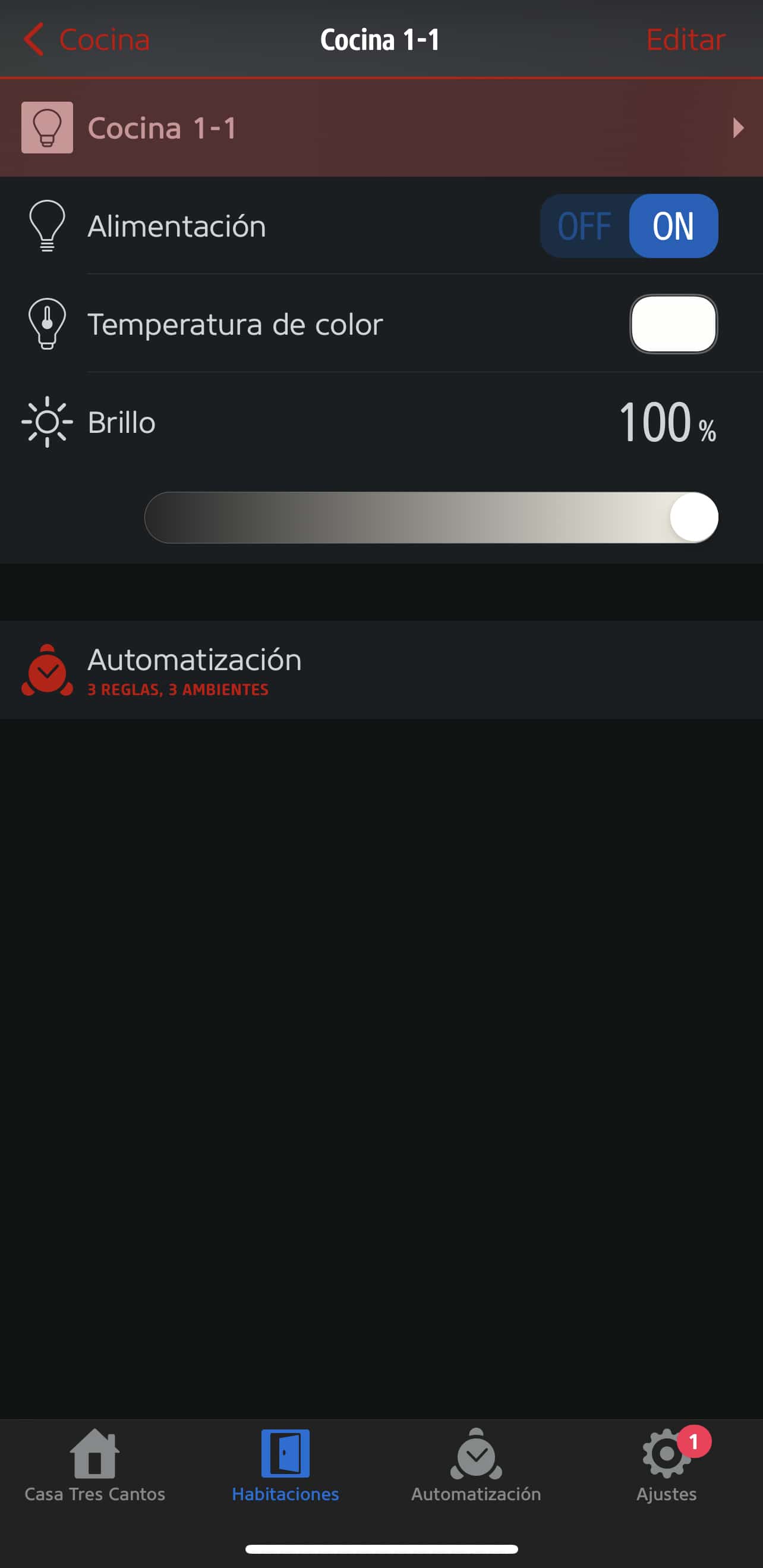
You already know that I’ve always been a big fan of the Home+ v5 app. Its hefty 15 euros price tag felt totally justified as soon as I started creating automations with this app. Not only does it let us create conditional automations quickly and in a way that’s WAY MORE UNDERSTANDABLE than Shortcuts, but we can also duplicate and organize all these automations into folders. For instance, I have all the automations for switches inside a folder called Switches, which means that whenever I need to tweak one, I don’t have to scroll through a massive list.
The app’s look is also very well done, it resembles Apple’s Home app a bit… but it’s not the typical app you’d want on a wall-mounted iPad. It’s not as friendly and clean-looking as Home, where everything is much clearer. It could get the job done, but it’s just not as pretty. Even so, it lets us change the wallpaper, the device icons (it has tons of really well-designed icons)… it’s a solid alternative to the Home app and a serious contender for best HomeKit app of 2022… but no Thread, no third-party devices… and on top of that its developer has turned into an idiot, every time we reach out to him to report something or ask about a feature, he responds from his ivory tower like he’s doing us a favor… when actually it’s us who’ve been paying for that ivory tower, 15 euros at a time! Anyway. Since it’s a single developer and not a team, updates and changes to this app are slower than the rest and it’s falling a bit behind.
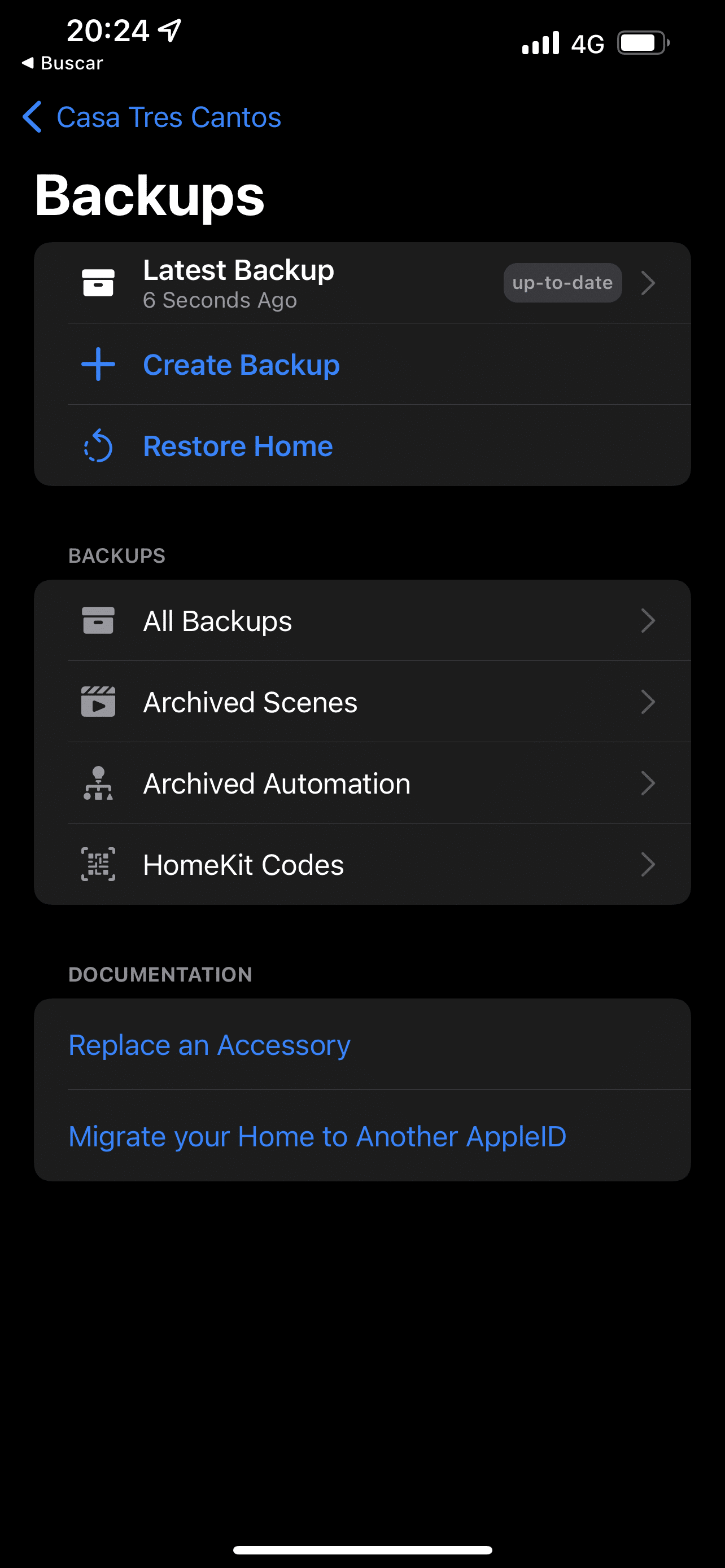
With Home+ v5 you can also create a Backup of your automations, it was the first app to implement this, so if for whatever reason we need to restore (one time I wanted to delete some rules and ended up deleting the wrong ones… so I restored a backup and didn’t have to recreate them) you just need to pull up your backup.
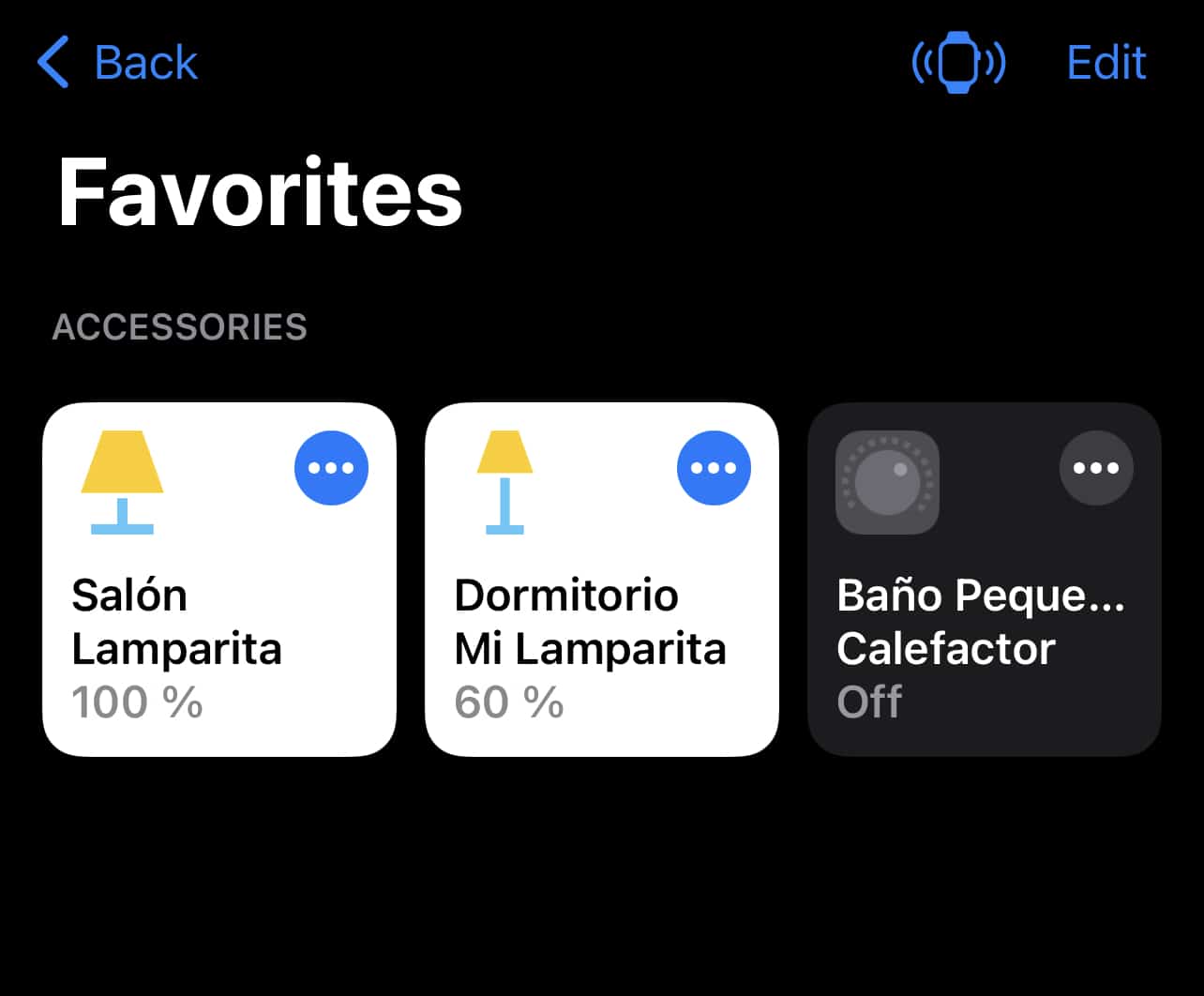
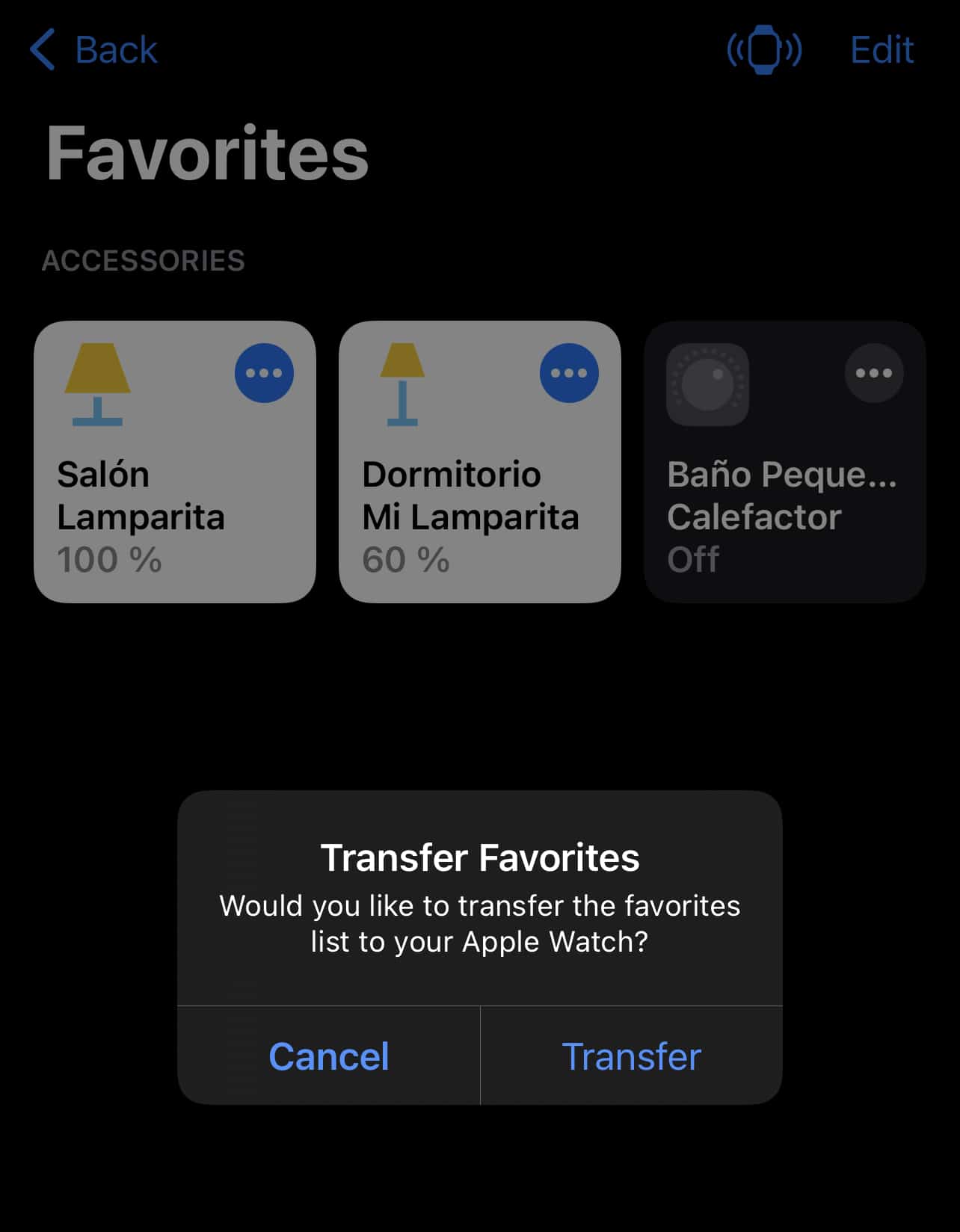
Oh, and the Apple Watch app lets you send only the devices you use most often to the watch, that way you avoid having a huge list to scroll through just to reach the device you want to turn on.
Controller for HomeKit
I’ll admit Controller for HomeKit has won my heart. I tried it for the first time years ago because it has an action ‘Log’, so I tried it out to see what information it offered and whether I could find out, for example, which of my kids had gotten up in the night and pooped without flushing (happens a lot).
Actually it’s more of an event log similar to what the Aqara app we talked about earlier does, it’s not a proper Log like IT folks would imagine… but it does the job.
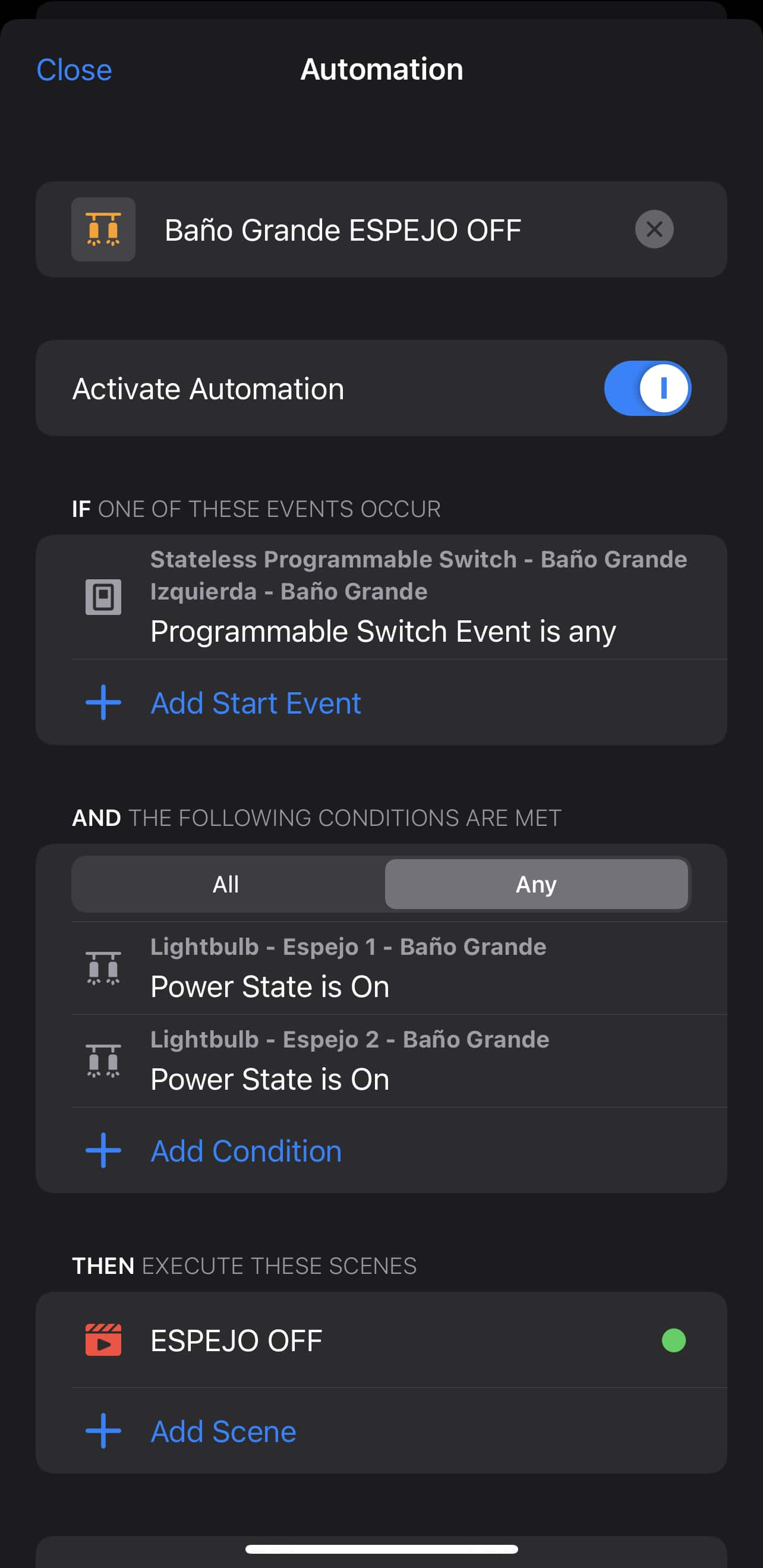
Just like Home+, it lets us create advanced automations very easily, with conditions that must all be met or only some of them (AND and OR), and on top of that it lets you create an automation for any event on a switch, regardless of whether it’s a long press, double click, or whatever… any event will trigger the action.
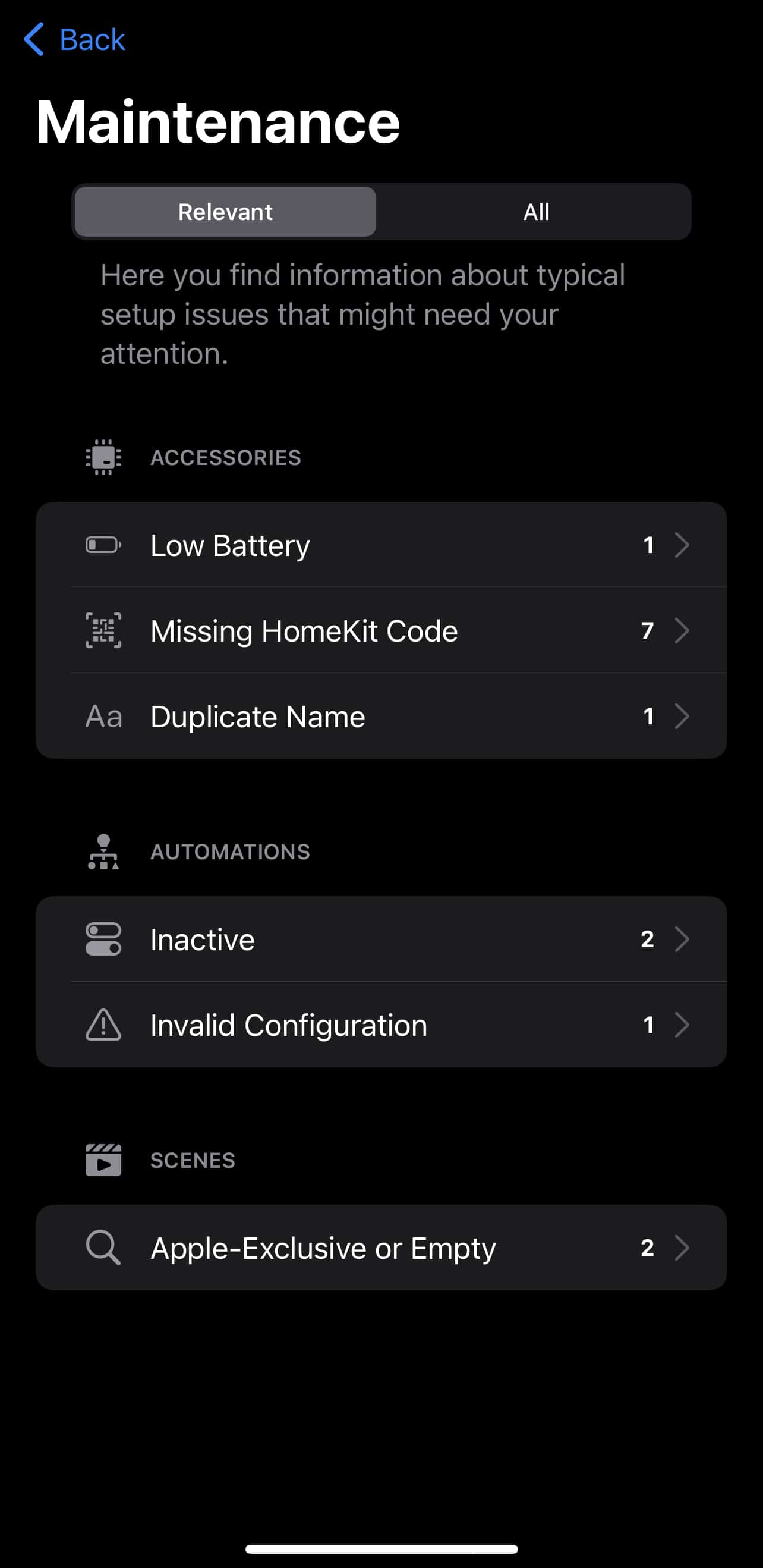
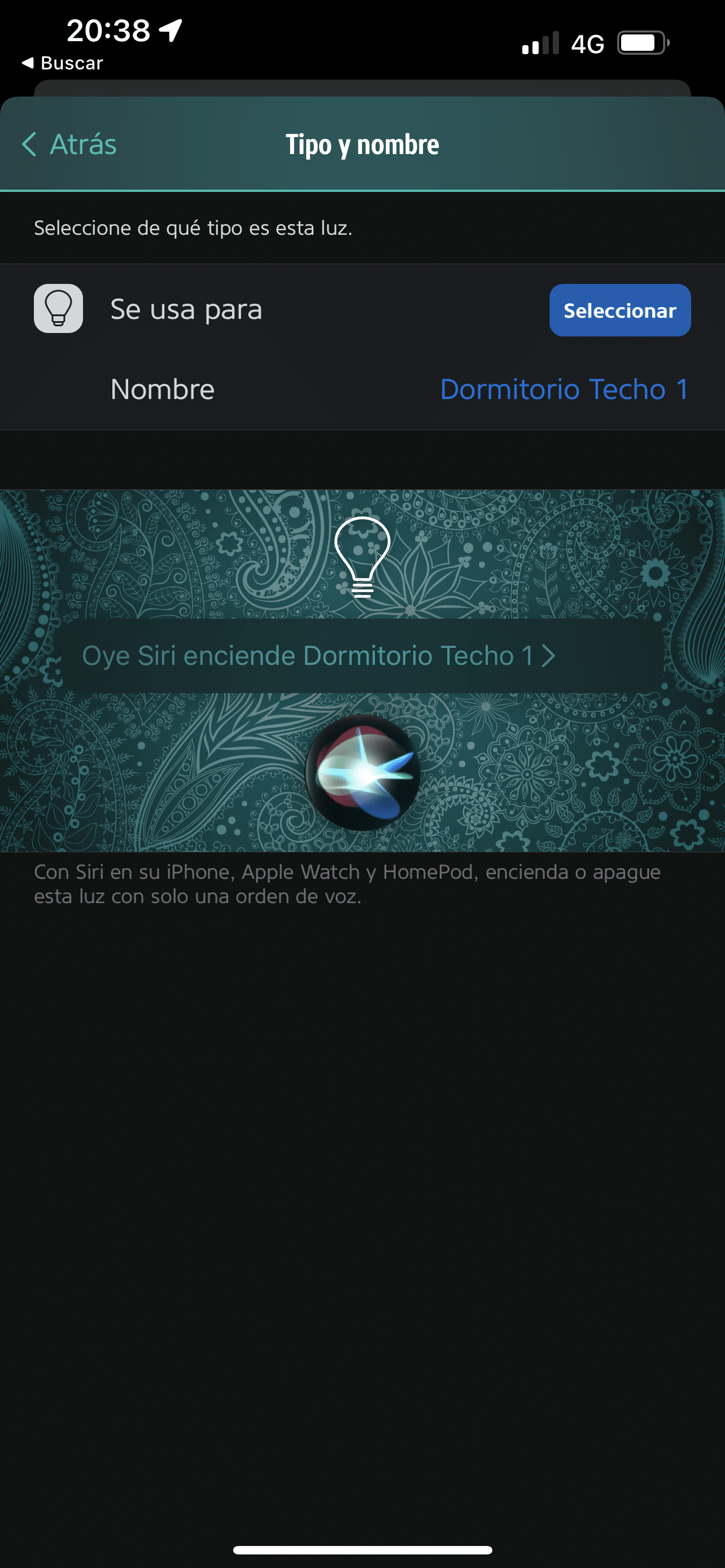
Another interesting feature is the ‘Maintenance’ module where the app detects odd things… for example if you have duplicate names (voice assistants won’t like that), if you have empty or disabled automations, errors on any device, low batteries… all of this shows up on the maintenance screen in a nice, organized way. It’s helped me spot problems on several occasions.
It also, just like Home+, lets you back up your settings and automations so you can restore them in case of a Panic.
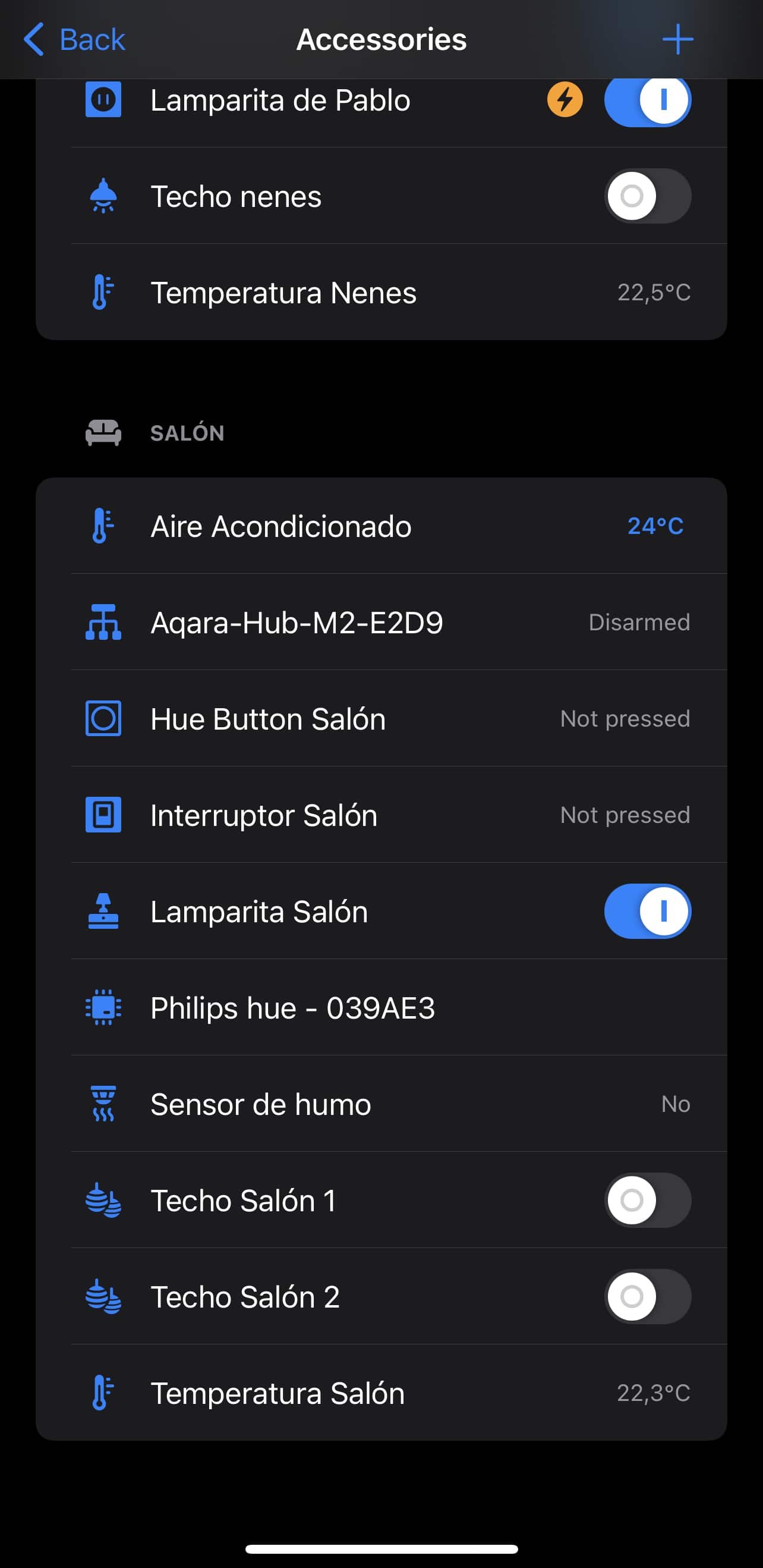
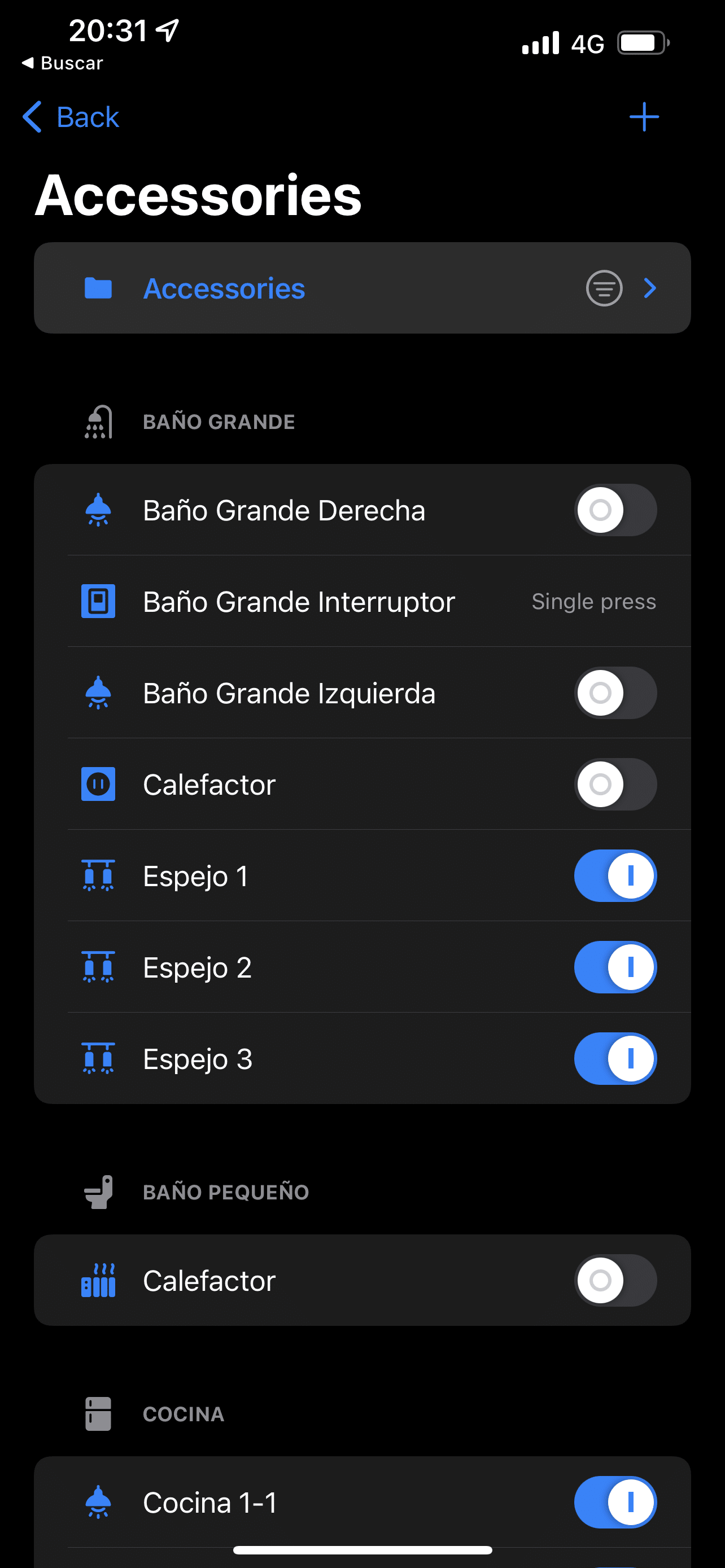
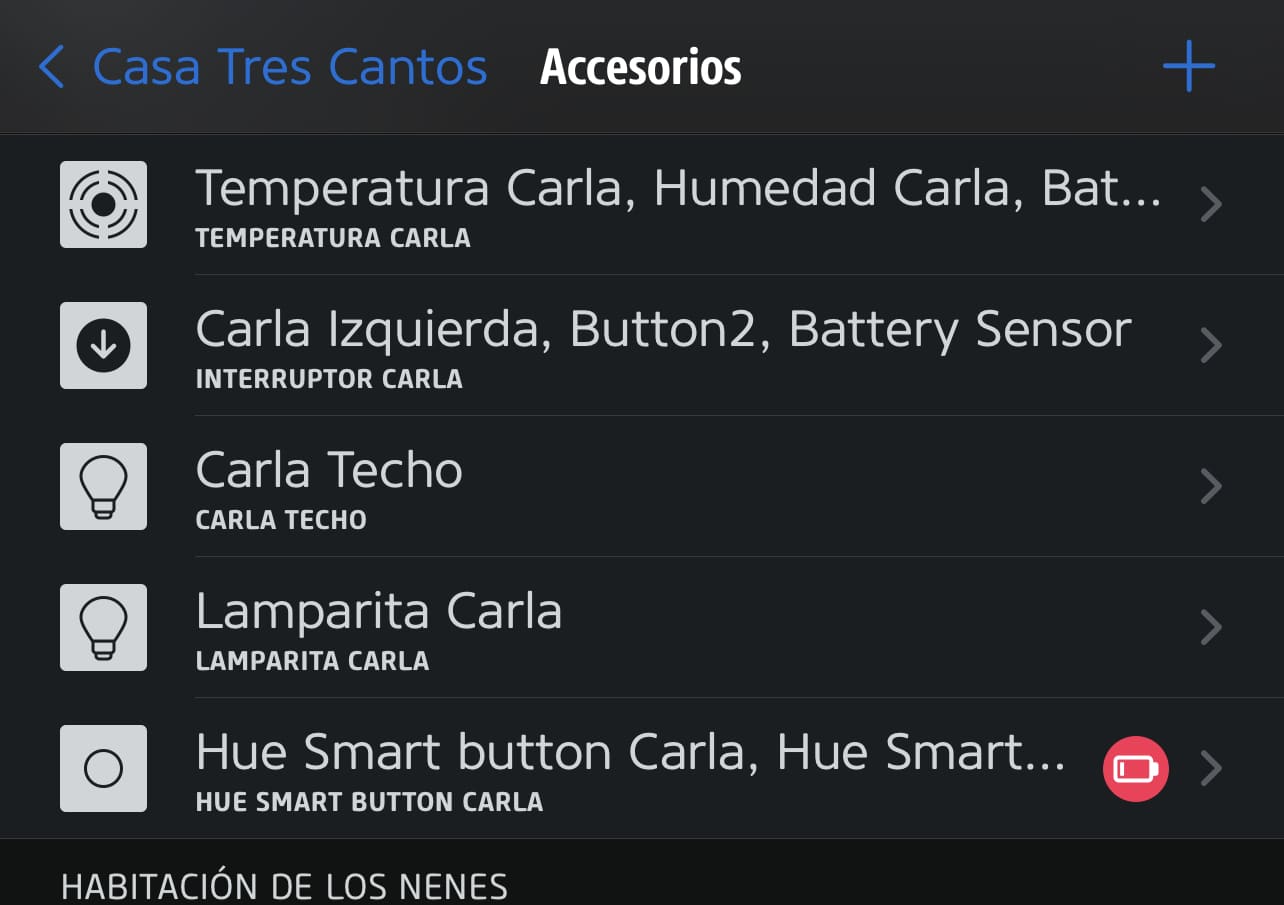
But… IT’S UGLY AS HELL. Being a good ‘beta-tester’, I paid for the subscription that let me customize icons and screens… I expected it to let me personalize it and make it look nice, maybe even replace the Home app… but no way, it can only display accessories in list mode with a tiny icon next to each one… it might be fine for managing automations and such, but it’s obviously not friendly and you definitely can’t put it on a wall-mounted iPad.
Eve
The big surprise of the year! The last time I tried the Eve app was when I was testing their devices. I got to the point of hating the smart plug that turned my boiler on and off because it connected via Bluetooth and spent its whole life disconnected.
Turns out it’s aged pretty well, it’s very customizable, nice-looking, with a good bunch of colors and information (not icons) and you can set up a home screen with your favorites. No, it can’t replace the Home app… but it’s functional.
You can create complex automations easily, with AND and OR conditions, but it’s not able to set the ‘any type of press’ condition on a switch, which as you’ve seen is essential for me. Shame.
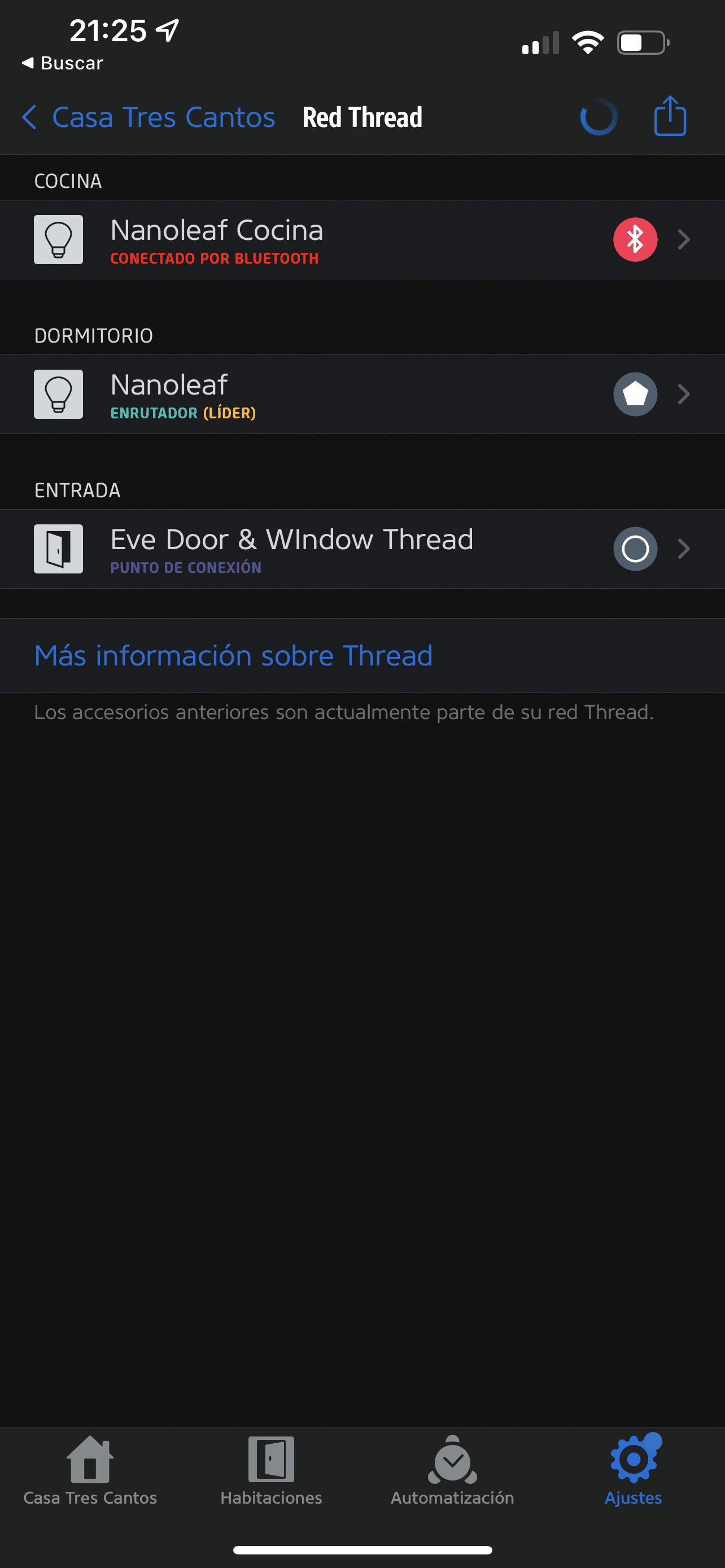
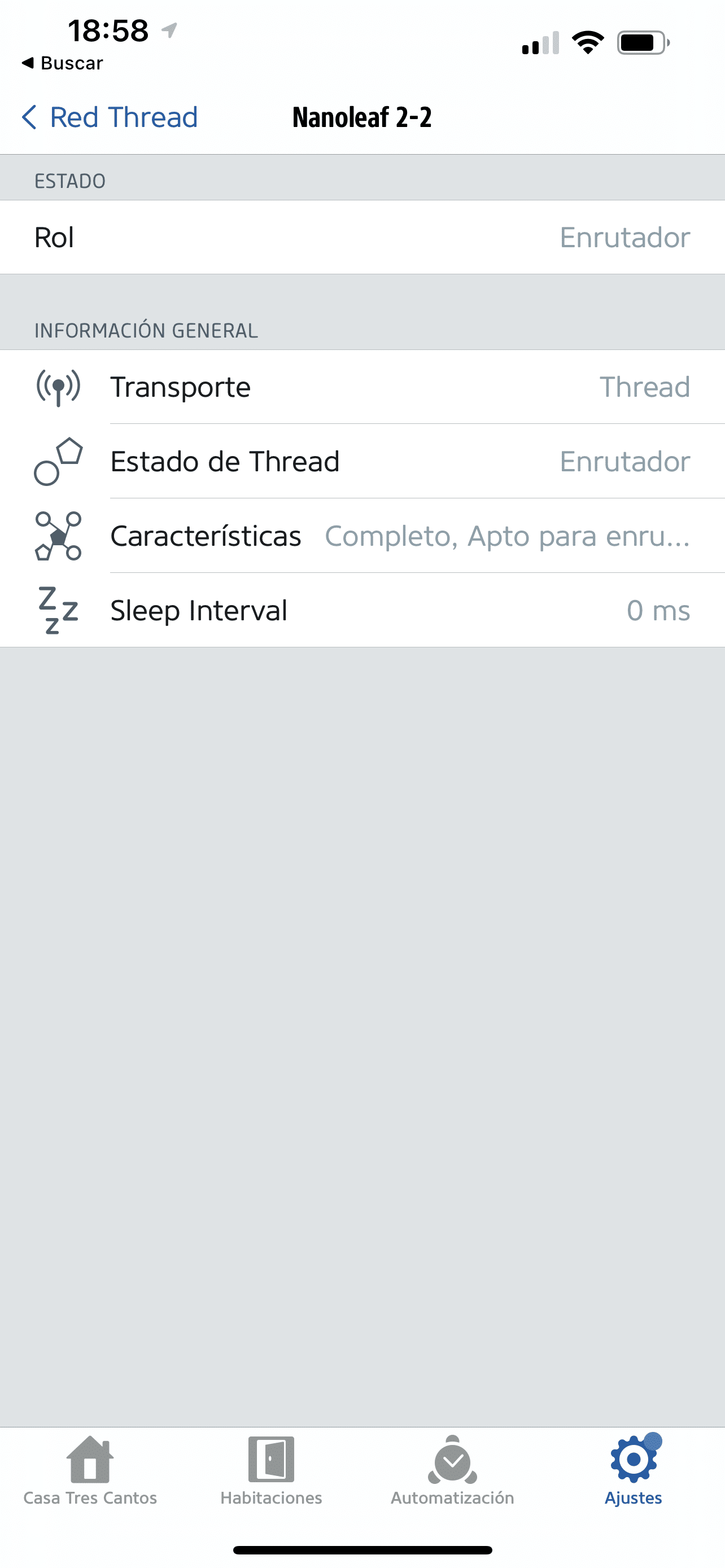
It also doesn’t allow creating a backup or error detection. So Carlos, why did you say it’s the big surprise of the year? Because it’s the only one that shows us our Thread device network!!!
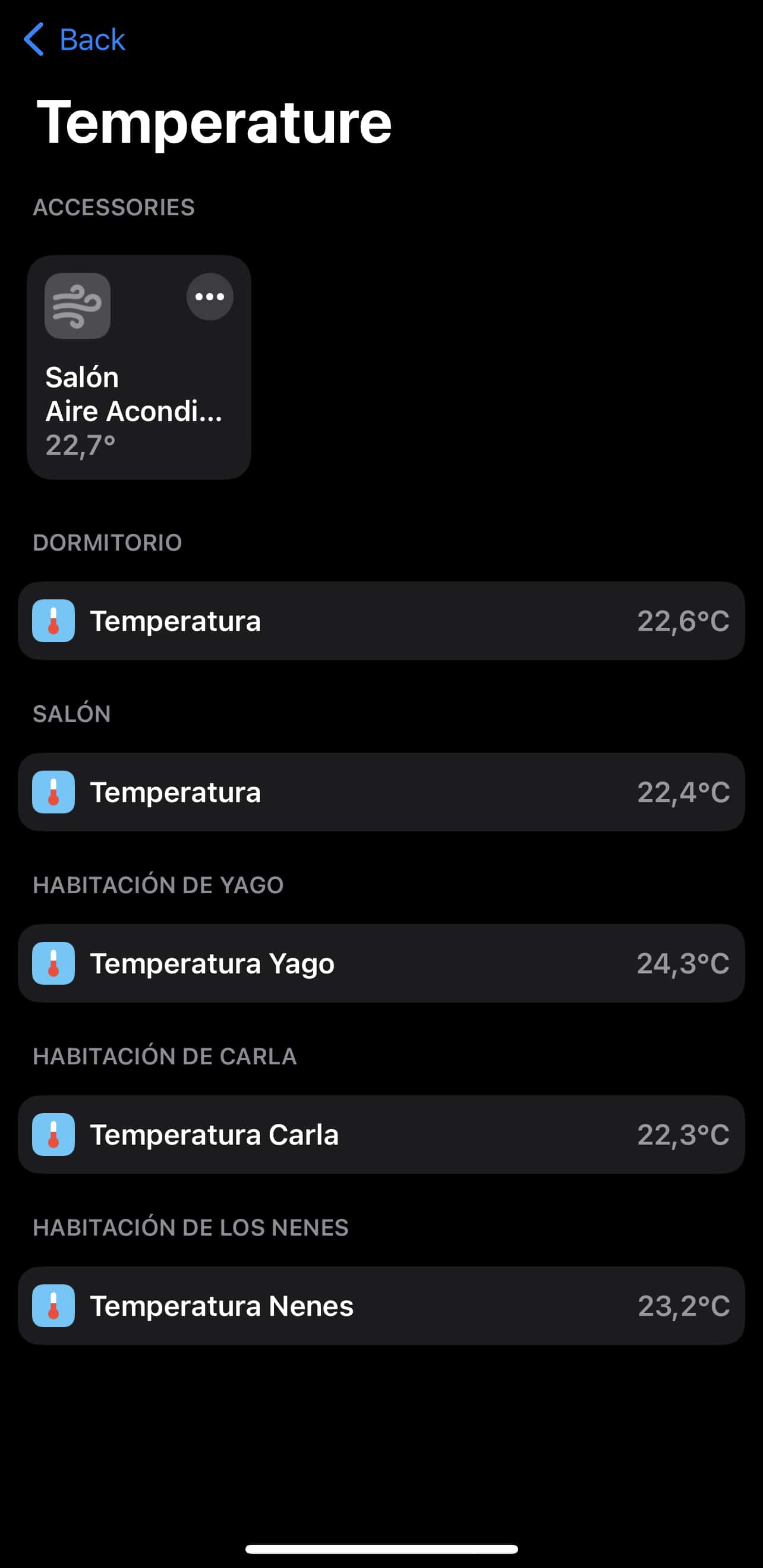
Granted, it has a head start since it’s one of the few manufacturers (along with Nanoleaf) that have Thread devices, but the thing is I really like being able to see which devices I have connected via Thread, so I know they’re behaving more efficiently than the rest… and that they’re Matter compatible, of course. It’s not useful for anything else, I can’t switch a device to make it the network’s border router or anything like that, but it shows enough info to know whether the network is working properly.
Apple’s Home
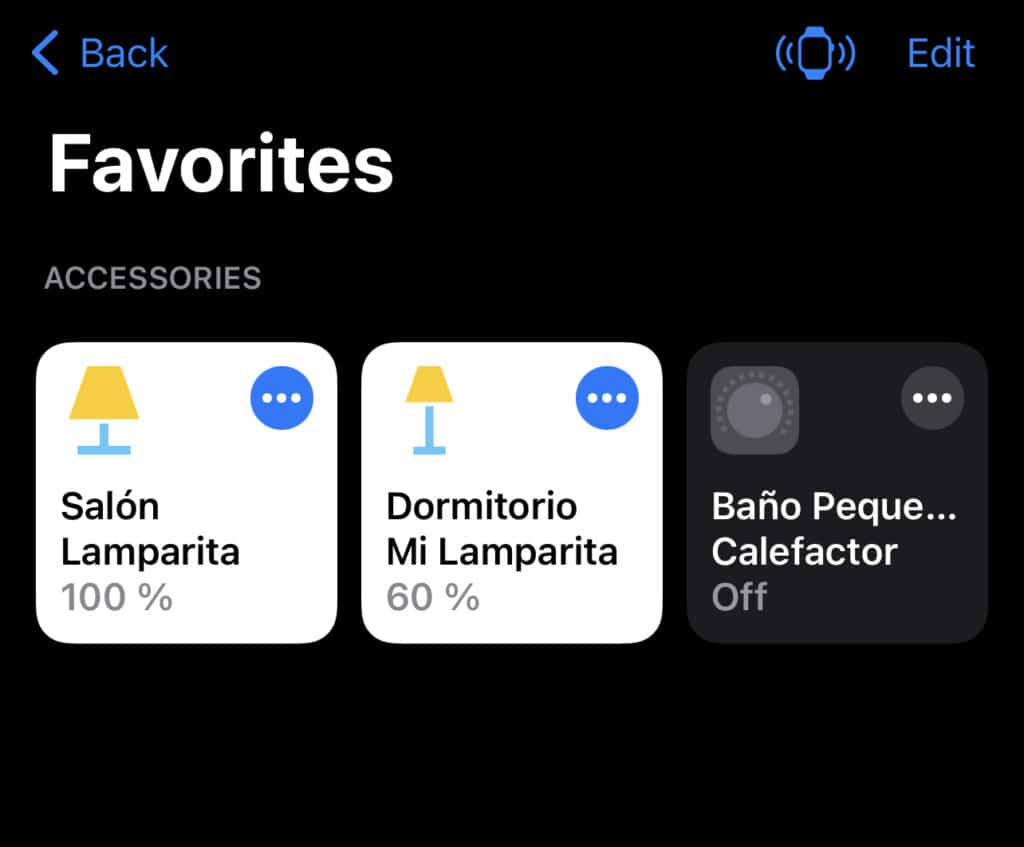
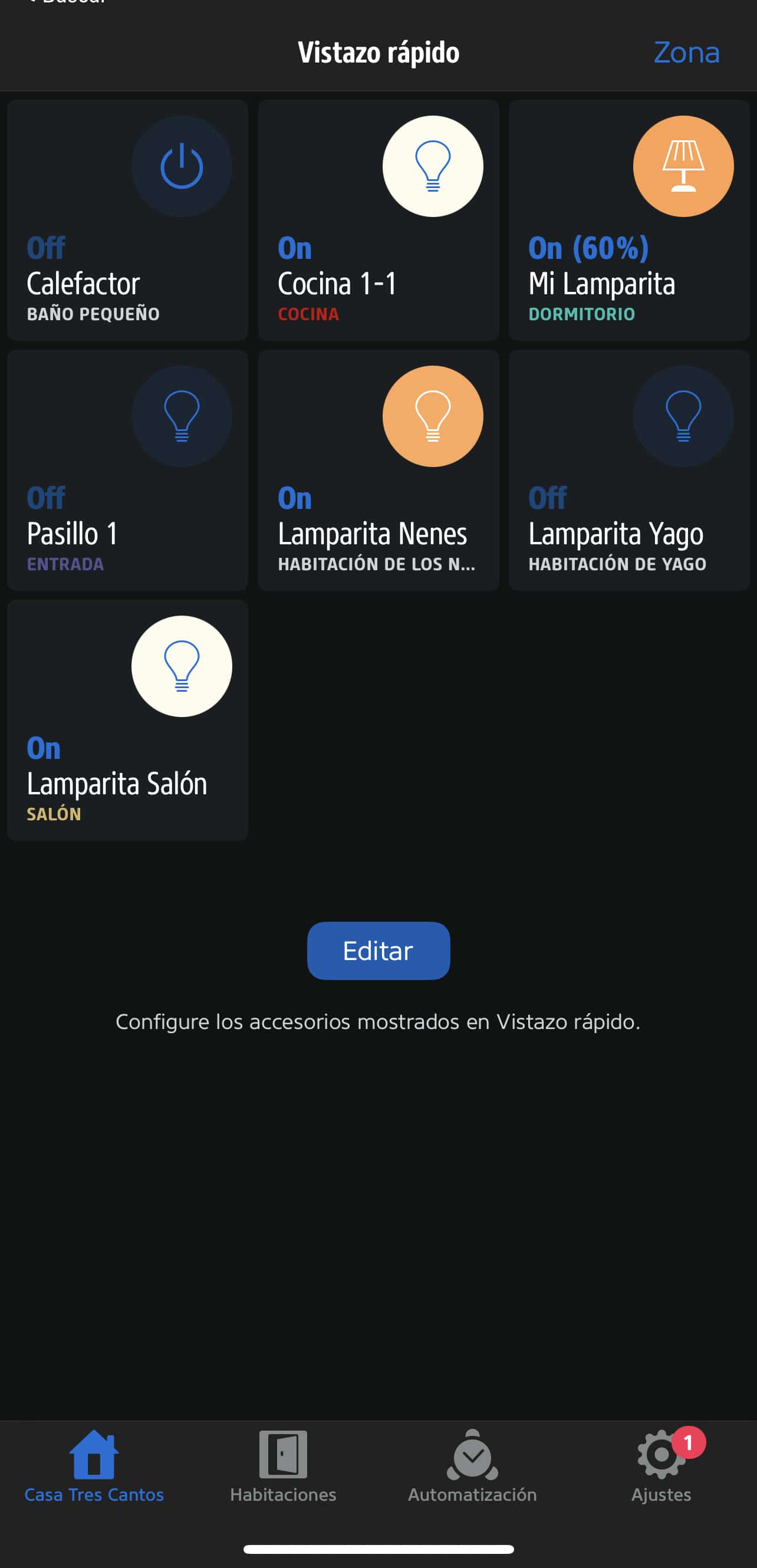
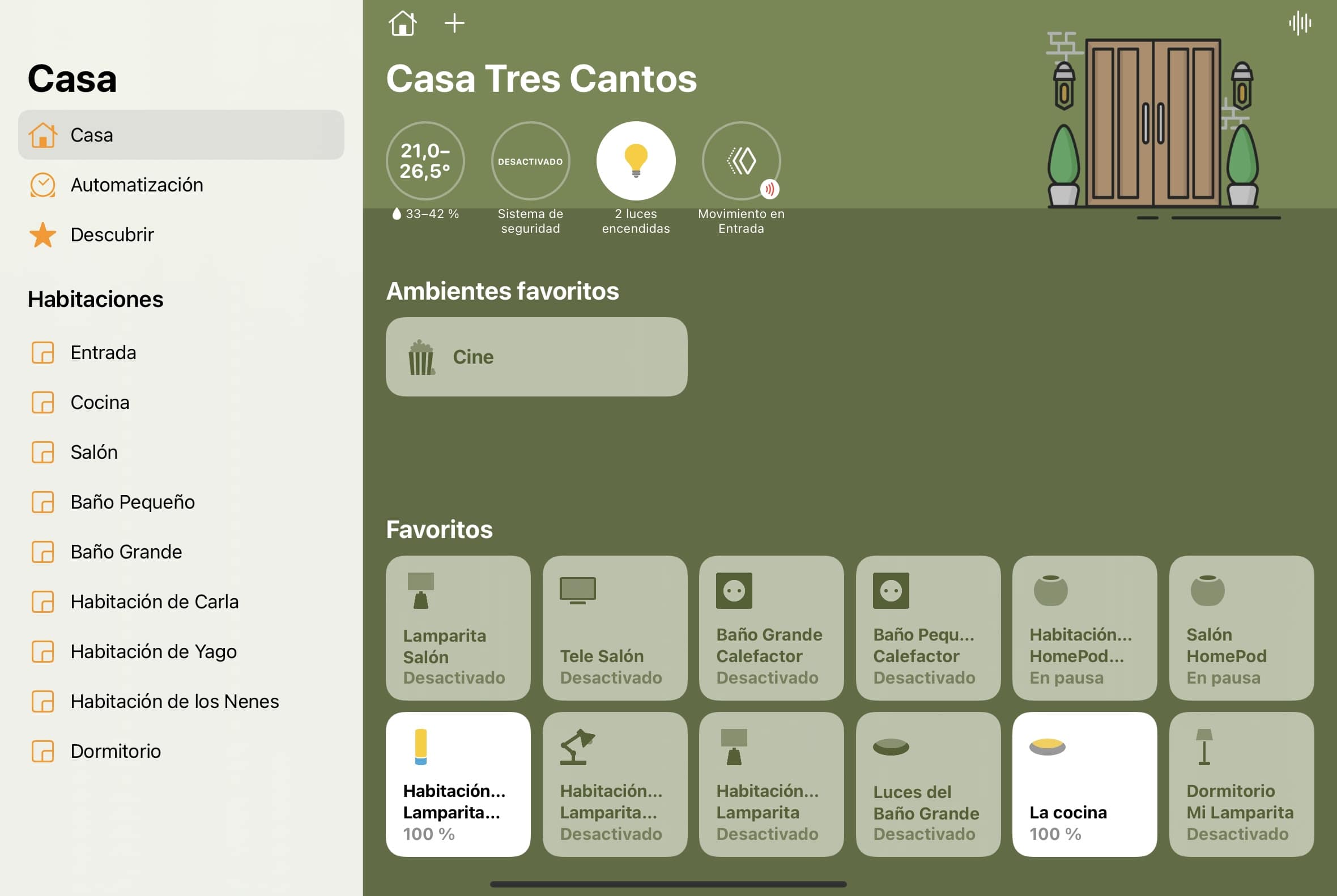
And finally we have Apple’s Home app. It bugs me that it’s missing so many features yet it’s so pretty, since it’s the one I want to keep on screen all day and the one I’d put on a wall-mounted iPad. It bugs me that automations are slower than in the others, that you have to go into Shortcuts to create conditions, that time-range based conditions are AN ABSOLUTE PAIN because you have to figure out the time in seconds and convert it… but it’s just so pretty!! In Home everything is neat and in plain sight, the tile-shaped accessories are the perfect size, the wallpaper is customizable, so is the icon (okay, there’s only 5 to choose from… but that’s 5 more than Controller offers if you don’t pay, and 5 more than Eve has).
App Casa de Apple
Not to mention the ecosystem integration. A couple of versions ago, the Home app on Apple Watch would show all your devices dumped together, and to find a specific one you had to scroll up and down the whole list. Now you can set favorites, and it also creates ‘smart’ favorites with the devices you use most. Then there’s the integration with Apple TV, where if you’re watching a movie and someone rings the smart doorbell, a little window pops up in the corner of the TV showing the doorbell’s image… and if it recognizes the face, it tells you who it is! It still has some multi-device shortcomings, since for example wallpapers don’t sync, the device tile grid on the Mac ends up absurdly small, and things like that… but overall it’s a very ‘usable’ app.
If you don’t need a Log, or backups (devices and rules are stored in iCloud, but for example you can’t restore a deleted rule by pulling from a backup), or want to create complex automations that account for multiple conditions, and you also don’t care whether a device is connected via thread, wifi, or bluetooth… you’ll love Home.
So, which one do I use?
As you can see they all fall short in some way for different reasons, but there are limitations imposed by Apple that they can’t fight against. For example, Apple’s own devices like the HomePod and Apple TV don’t come out of the Home app, you can’t control them from any third-party app… so any rules involving these devices have to be made from Home, no way around it. Well, or from Shortcuts, but then you can no longer keep them all centralized in one place.
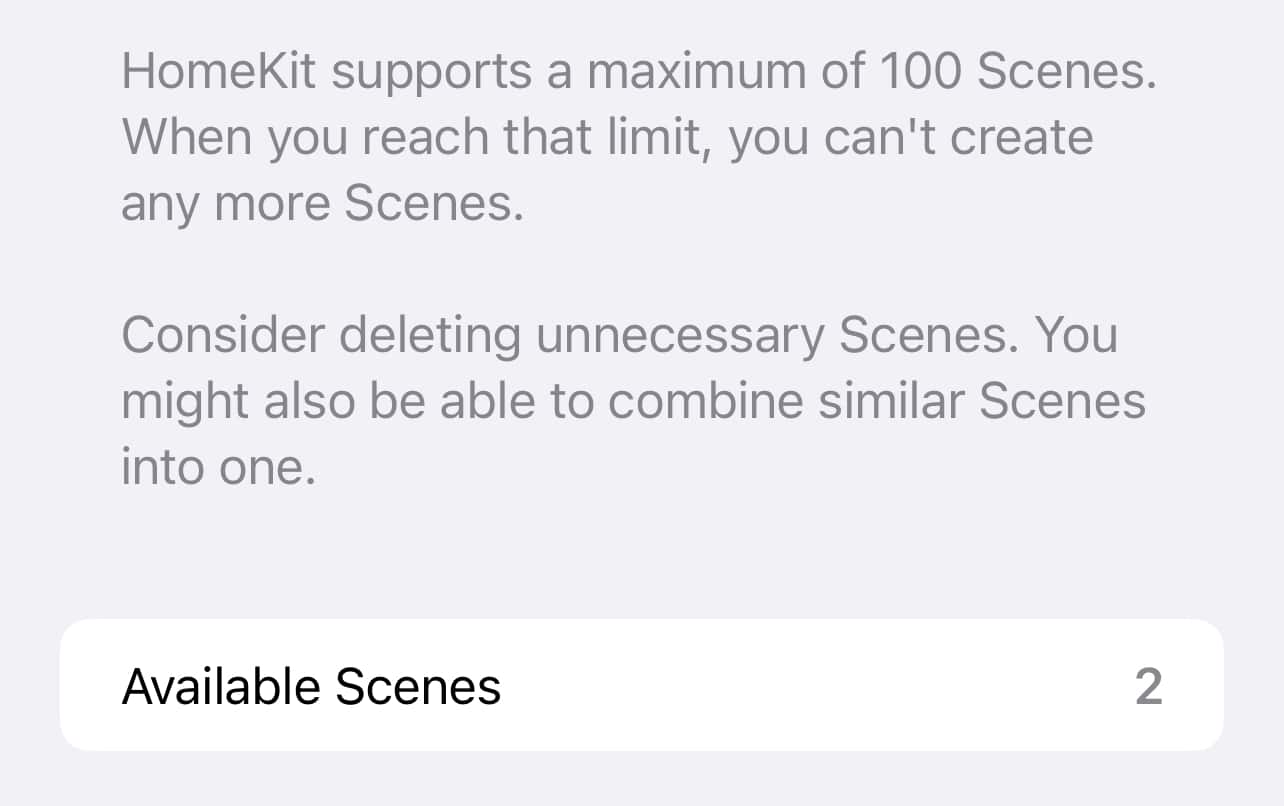
Also, remember that third-party apps can’t run an action directly on a device, they have to create a scene… and scenes in HomeKit are capped at 100! So if you have a lot of devices or got a bit carried away with automations, you’re likely to hit that limit.
Límite de escenas en Apple HomeKit
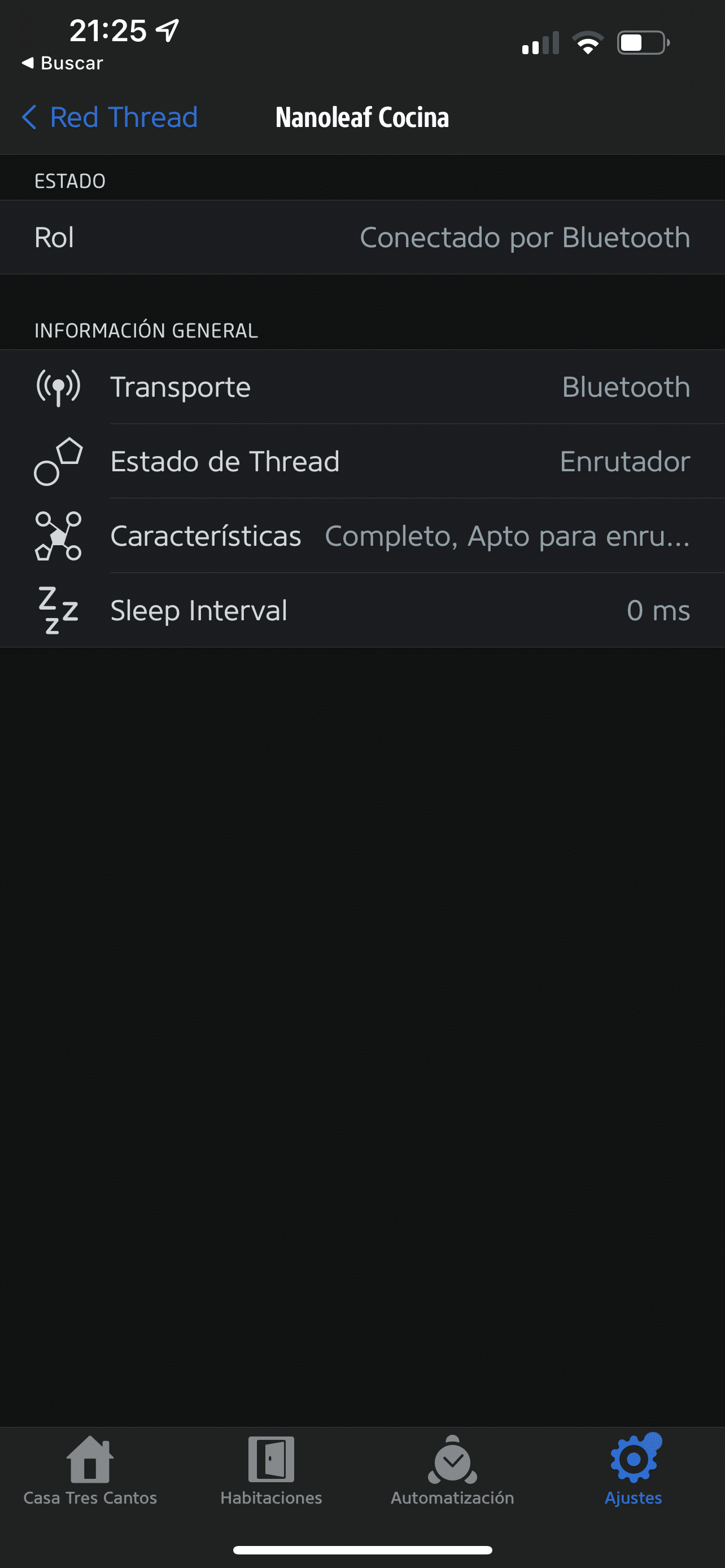
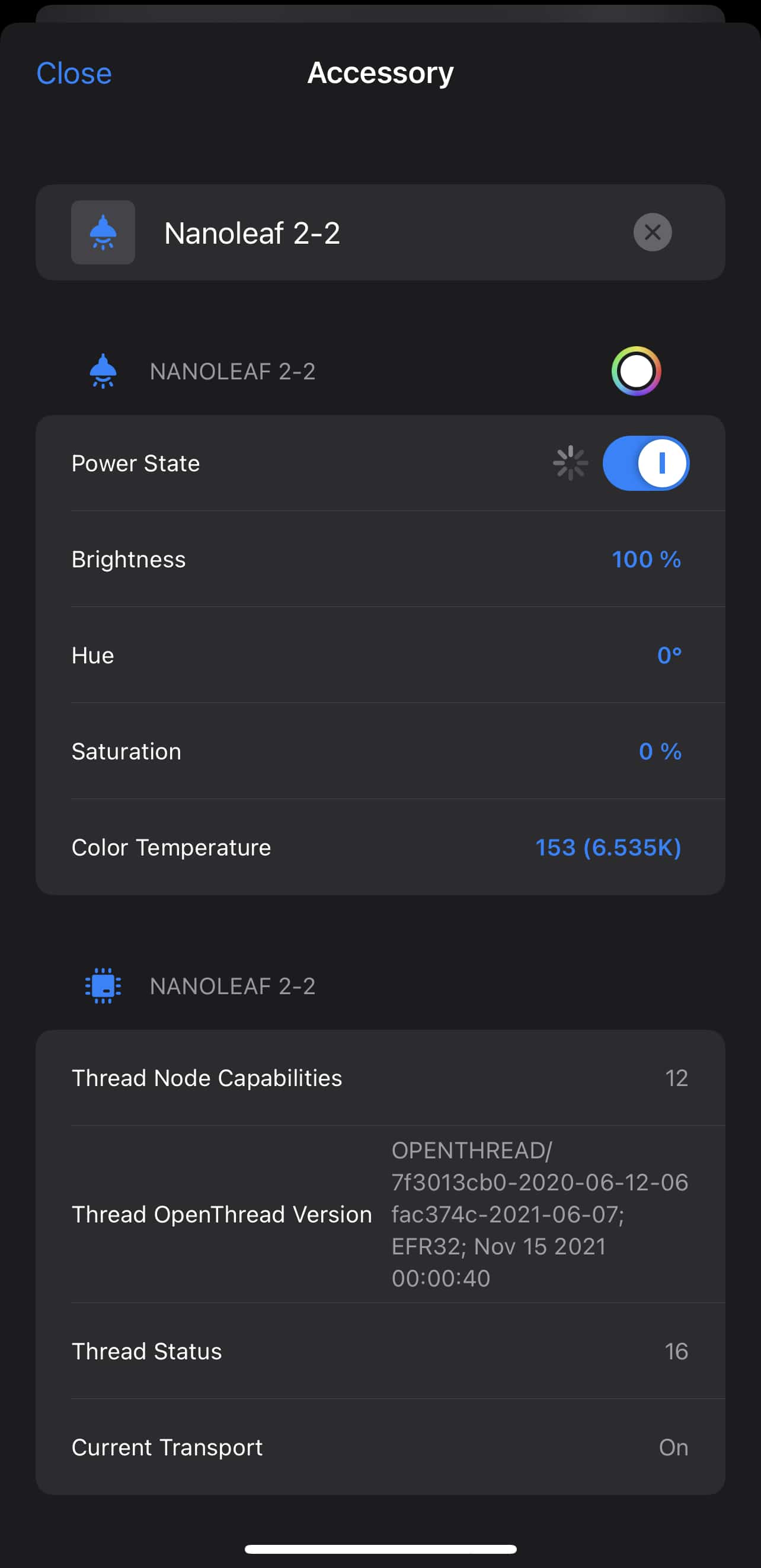
On the other hand, the Eve app is currently the only one that shows us information about the Thread network. In Controller for HomeKit you can see if a device is connected via Thread, Bluetooth, Zigbee or Wifi, but to do so you have to go into the device’s properties, it doesn’t show it as visually as Eve does.
So as you’ve probably guessed, I still use the Home app for everyday use. Since in my day-to-day there’s no longer constant rule creation, having reached a fairly stable level of maturity, since I don’t get new devices every few days, and since I know exactly how each of my devices connects, I go with the beauty of the Home app and its ease of use.
However, whenever I need to tinker with some rule or want to create a new automation, then I use Controller for HomeKit. But only then, only at that moment, I don’t open it again or check logs or anything unless I have to create a new automation.
The rest of the manufacturer apps like Nanoleaf’s, Koogeek’s, Aqara’s, etc. I don’t even have them installed! I install them only if I need to set up some new device and then I delete them right after. And that’s even though the Nanoleaf app also shows you info about your Thread network (and it shows me 2, the one created by the Eero and the one the devices created on their own before I enabled Thread support on the Eero)… but it doesn’t offer anything else, it has no use beyond adding new bulbs and changing their brightness and color.
¿Necesitas ayuda con tu domótica?
Te ahorro tiempo, dinero y disgustos. Sesiones de consultoría desde 60€.
👏🏼👏🏼👏🏼
Creo que te has dejado cosillas por comentar de la app Controller for Homekit:
1. Compatible con MacOS, creo que Catalina en adelante.
2. Es de suscripción para sus características PRO, y la ultima vez que lo mire, habia subido a 15€ al año. (Yo pague 10€)
3. Filtros para buscar/ordenar automatizaciones y escenas sin perderte. (PRO)
4. En la app para iPad, puedes abrir dos ventanas y comparar reglas, copiarlas, etc…
… y creo q mas cosillas.
Sin duda, mi app favorita para gestionar reglas y escenas; dejando la app Casa para visualizar.
 Carlos Sahuquillo
·
17 febrero, 2022
·
16 min de lectura
Carlos Sahuquillo
·
17 febrero, 2022
·
16 min de lectura







👏🏼👏🏼👏🏼
Creo que te has dejado cosillas por comentar de la app Controller for Homekit:
1. Compatible con MacOS, creo que Catalina en adelante.
2. Es de suscripción para sus características PRO, y la ultima vez que lo mire, habia subido a 15€ al año. (Yo pague 10€)
3. Filtros para buscar/ordenar automatizaciones y escenas sin perderte. (PRO)
4. En la app para iPad, puedes abrir dos ventanas y comparar reglas, copiarlas, etc…
… y creo q mas cosillas.
Sin duda, mi app favorita para gestionar reglas y escenas; dejando la app Casa para visualizar.