Today I want to talk to you about the Garmin integration with Home Assistant since there are some interesting things, and I’m sure it’ll give you some ideas that make you spend money and sell your Apple Watch… or maybe not, we’ll see.
I’ve mentioned before that I’m into running, or jogging, or whatever you want to call it. I go out for a run 4 or 5 times a week and, although I’m not that big on races, every year I usually have the Valencia Marathon on my calendar plus another Half Marathon beforehand to check how I’m feeling and how my training is going.
Maratón de Valencia 2023
I’ve owned every Apple Watch that’s come out and every high-end Garmin since the Fenix 3. Every year I’d buy the Apple Watch thinking that this was finally going to be the perfect watch, with a super polished smart side and a sports side that kept improving year after year… until months later I’d realize you can’t run a marathon while keeping an eye on how much battery your watch has left, that training with Garmin gave me way more information… and I’d go back to whatever the most complete Garmin was at the time. This went on until September, when Apple would announce the next Apple Watch and the whole cycle would start again.
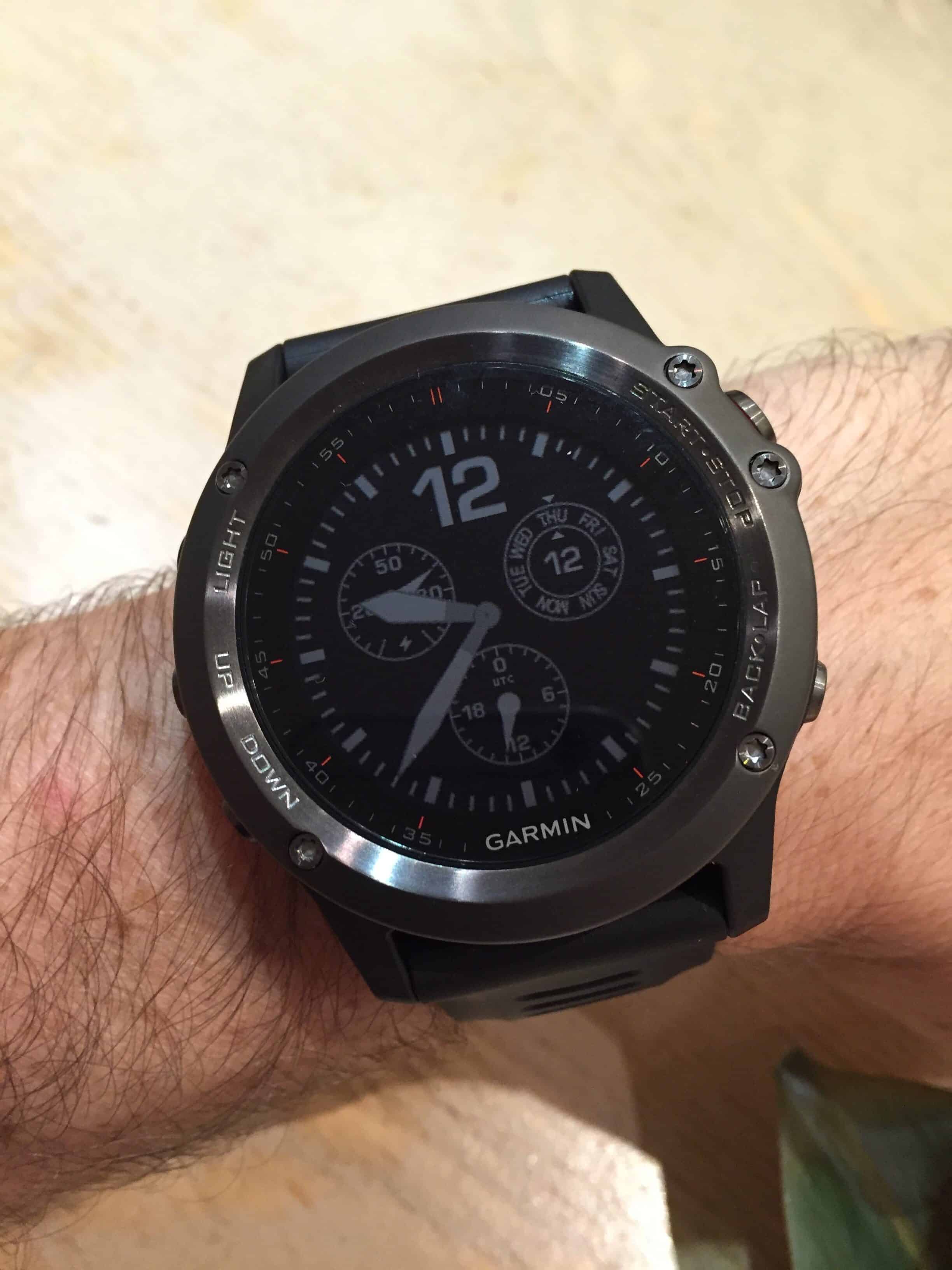
Garmin Fenix 3 en noviembre de 2015
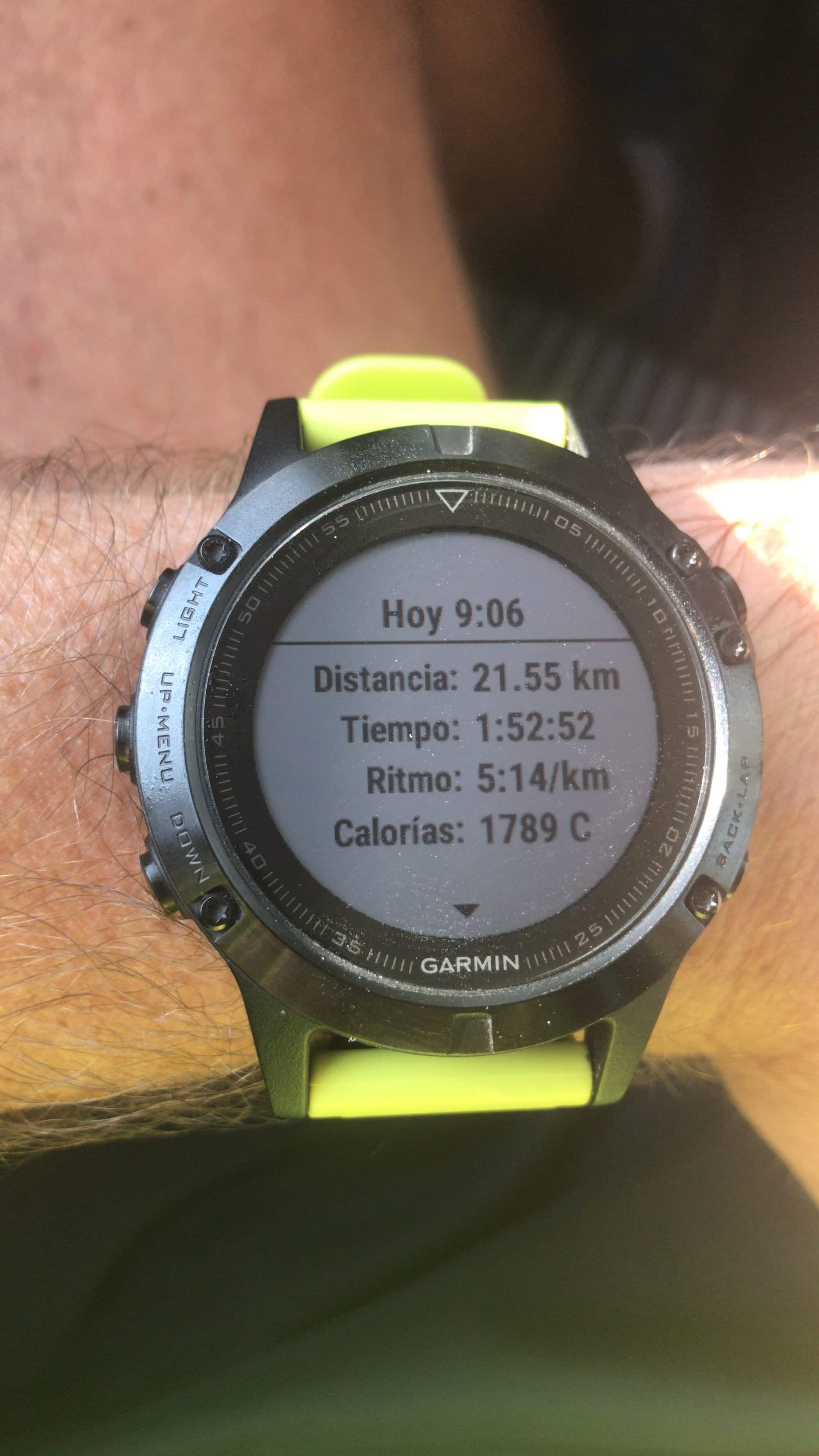
Garmin Fenix 5 de octubre de 2017
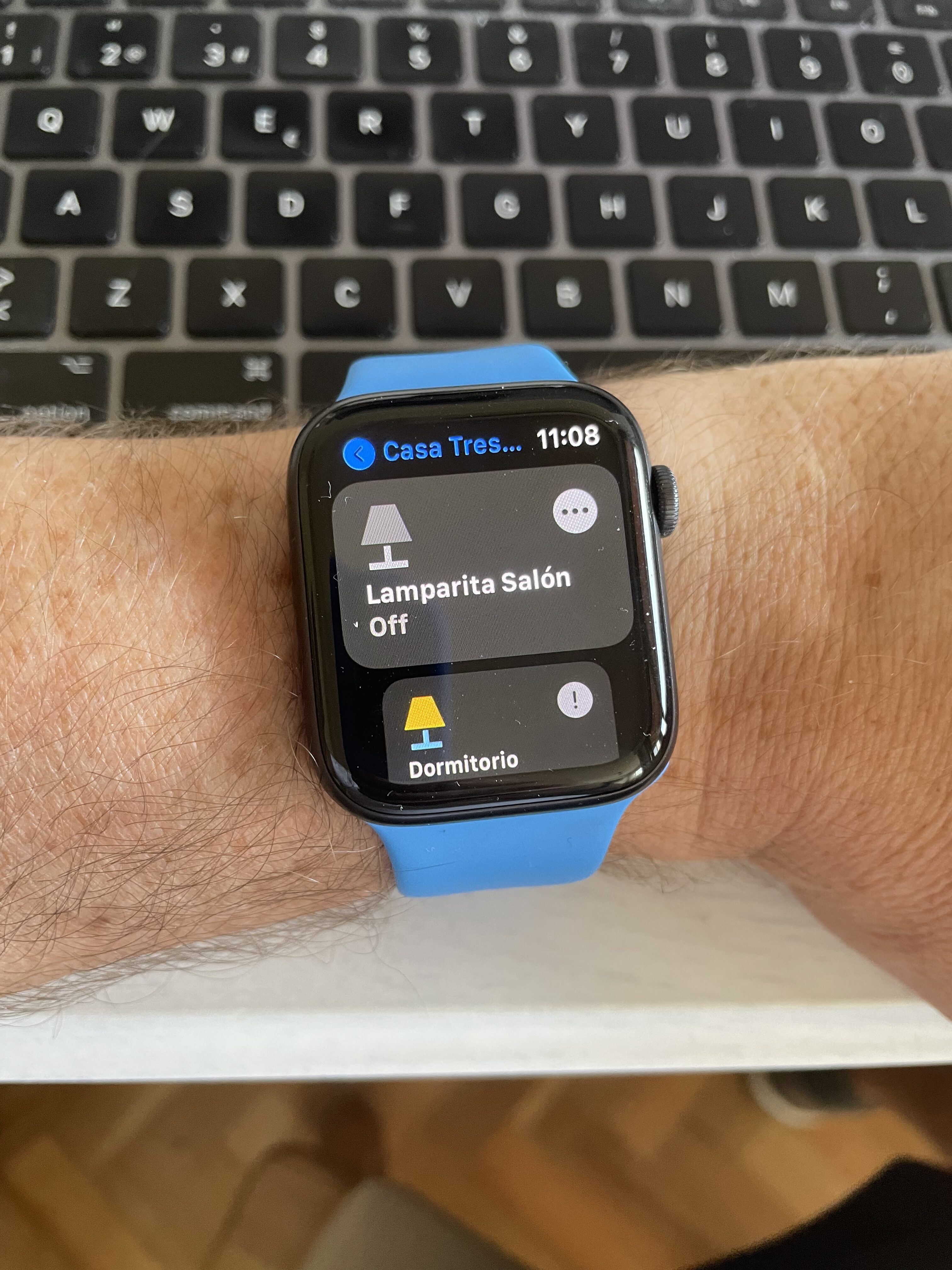
Dispositivos favoritos de Home+ en el Apple Watch
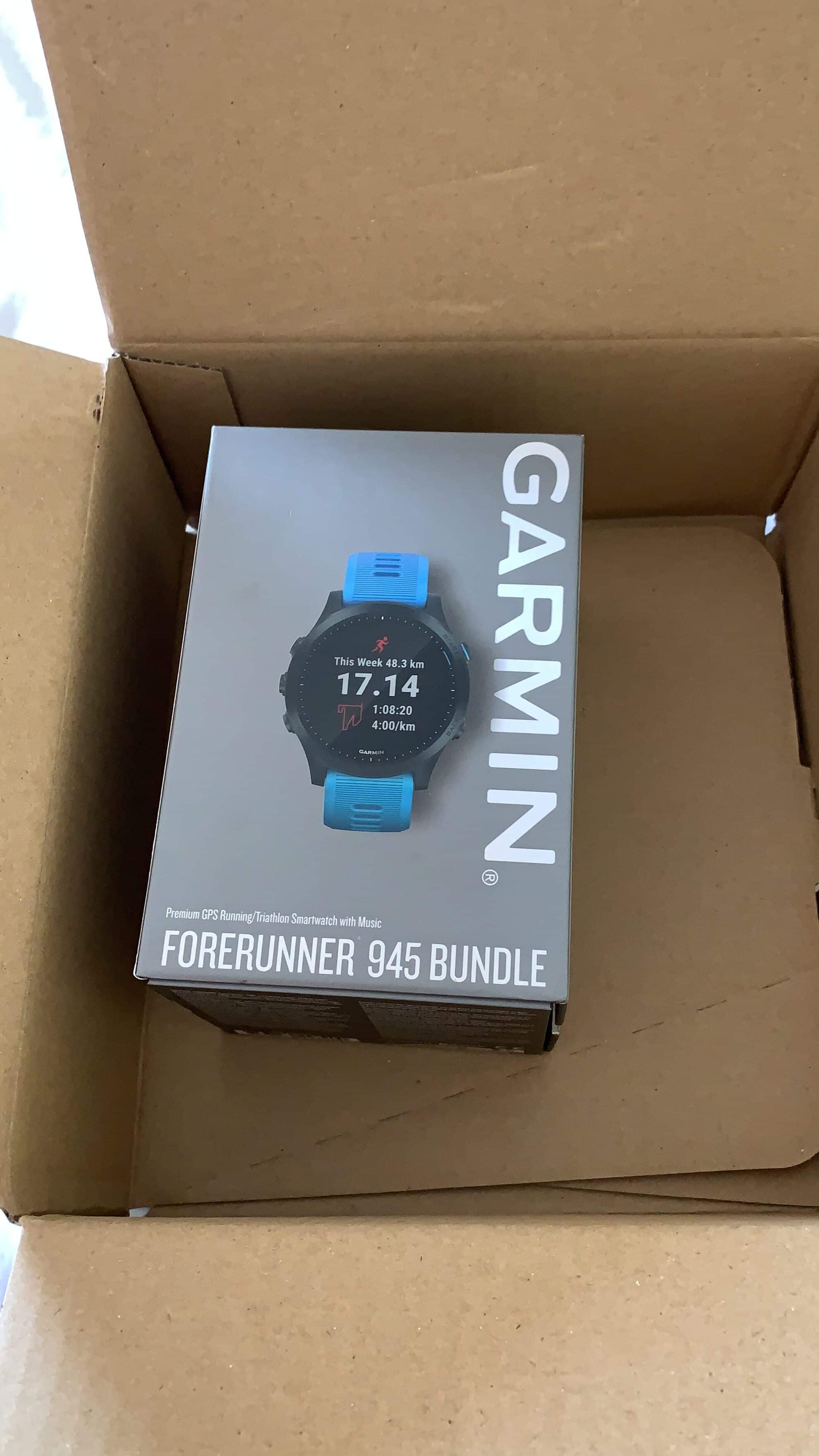
Garmin Forerunner 945 de agosto de 2019
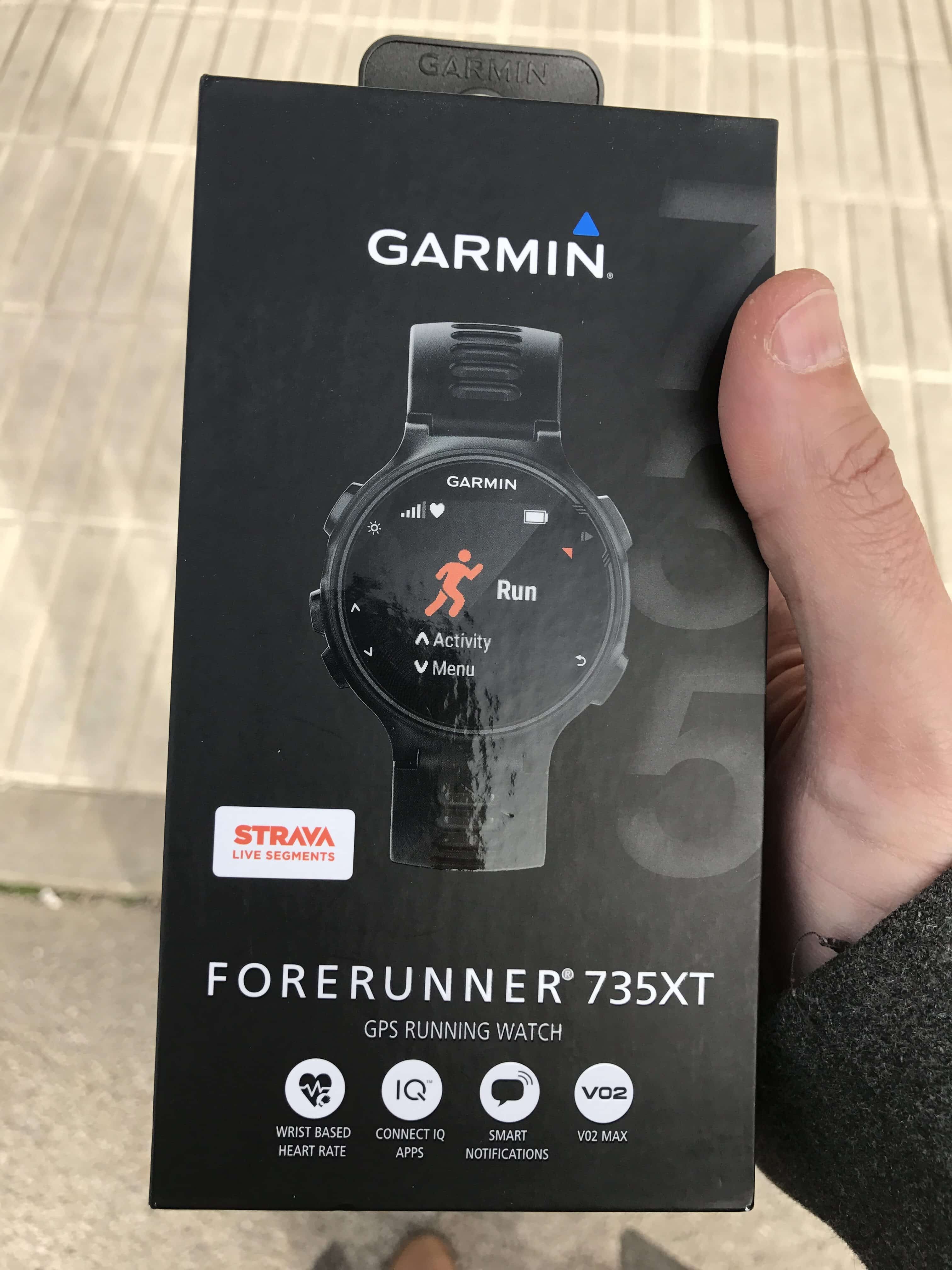
Garmin Forerunner 735XT de febrero de 2017
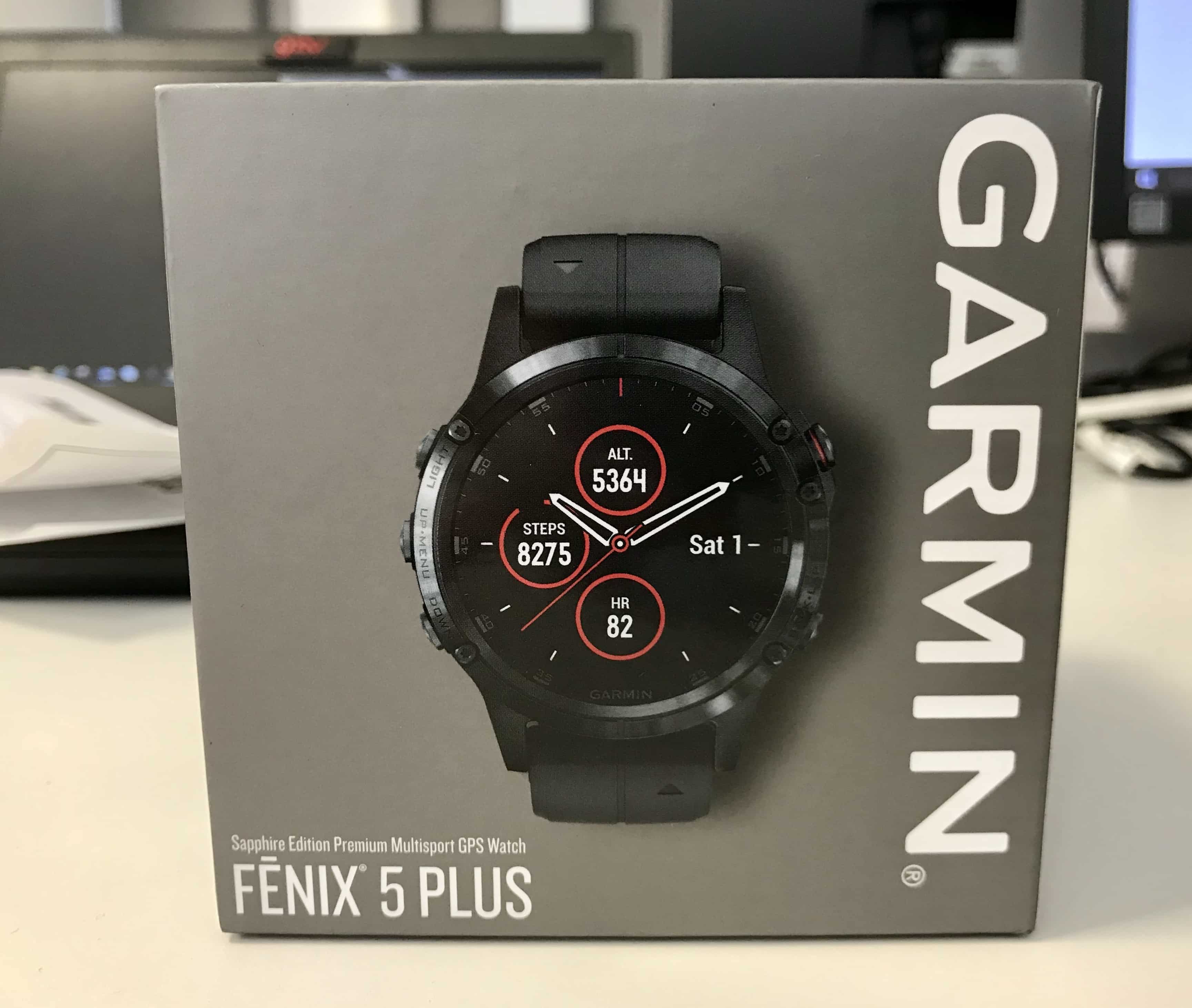
Garmin Fenix 5 Plus de Julio de 2018
When the Apple Watch Ultra came out with its promise of 3 days of battery life, it finally seemed like the perfect watch. I bought it the very day it was announced. It has new metrics, estimates power output, an incredible screen, and 3 days of battery that drop to 2 if you go running every day… but in exchange you get a watch that’s always connected because it has LTE. If something happens at home and someone calls you mid-run, you can pick up or reply by message, etc. I ran last year’s Valencia Marathon with the Ultra, and during a moment of physical and mental low, I was texting back and forth with my wife and a friend who literally pushed me through those tough kilometers… all without carrying my phone, of course.
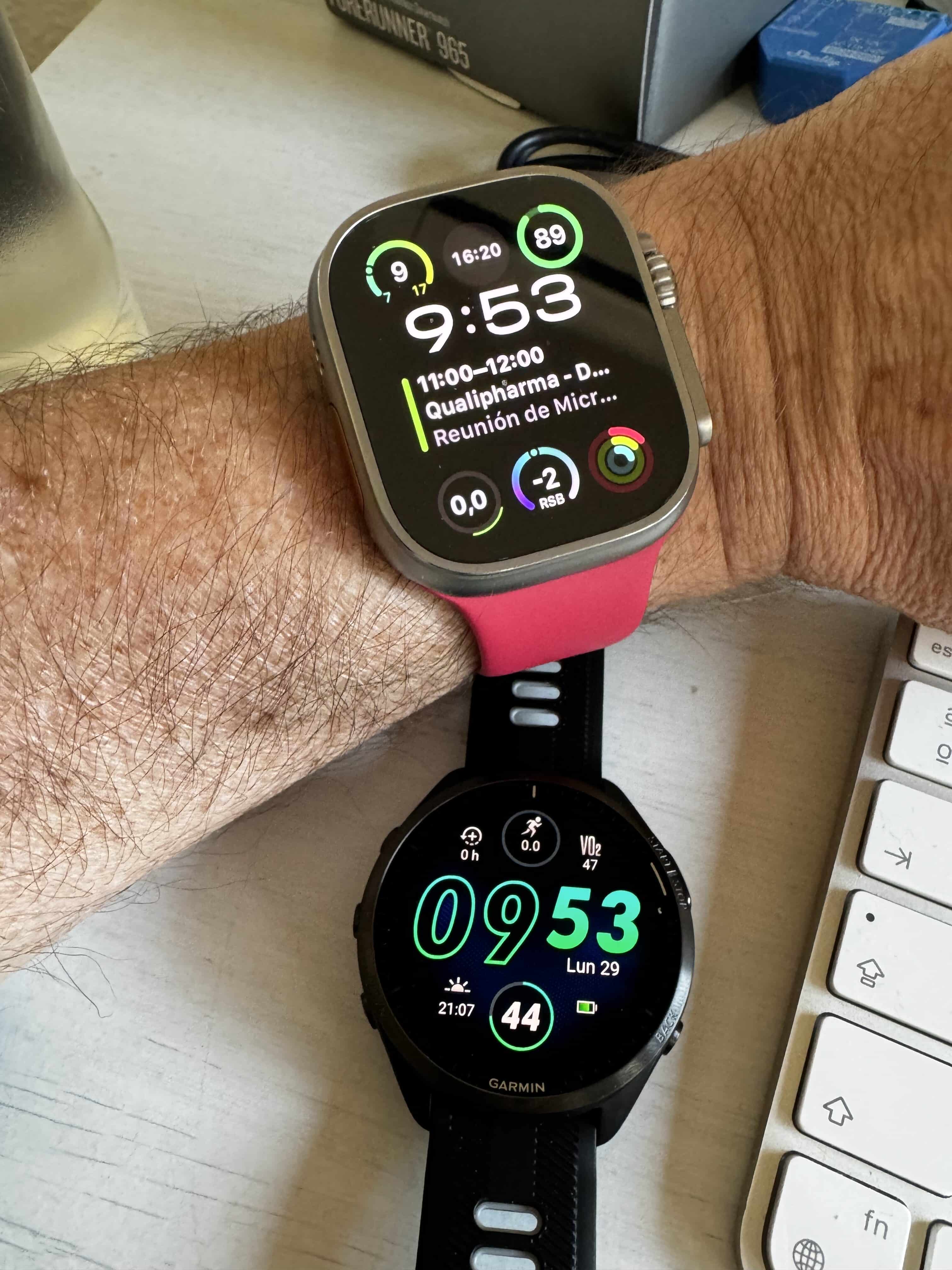
Apple Watch Ultra 1 y Garmin Forerunner 965 de abril de 2024
I no longer want to carry my phone. It’s extra weight and it slows down my top speed! But beyond that, since I have a Pro Max (although this is the last year for that, we’ll talk about that another time…), it’s uncomfortable to carry on the belt where I keep my keys and water. I’m also not one for taking show-off photos on every run, so having LTE connectivity is the perfect solution. It lets me stay connected with my family if something happens, and lets me stay connected with the world if something happens to me—if I have a fall, twist an ankle, or have a heart attack.
The thing is, I’d been happy with my Apple Watch Ultra 1 for a year and a half, but a few weeks ago I went out for a long 18km run… and when I got home, I had 38% battery left. I’d charged it the night before so it was almost at 100%. That morning when I woke up it was at 95% after a full night of sleep tracking, so I went out running with my AirPods and the Apple Watch connected via LTE to listen to podcasts, which is what I always do, and after those 2 hours of easy jogging, when I got home I had 38% battery and I thought that wasn’t enough to run a marathon, since my time is around 4 hours… so I figured I had to sell it and switch watches. I didn’t think about turning off LTE, or not streaming podcasts and downloading them directly instead, or not using the AirPods, or the messages that surely came in during that time… no, I just thought it wasn’t going to last me a marathon and that I couldn’t be worrying about that while suffering through 26 miles.
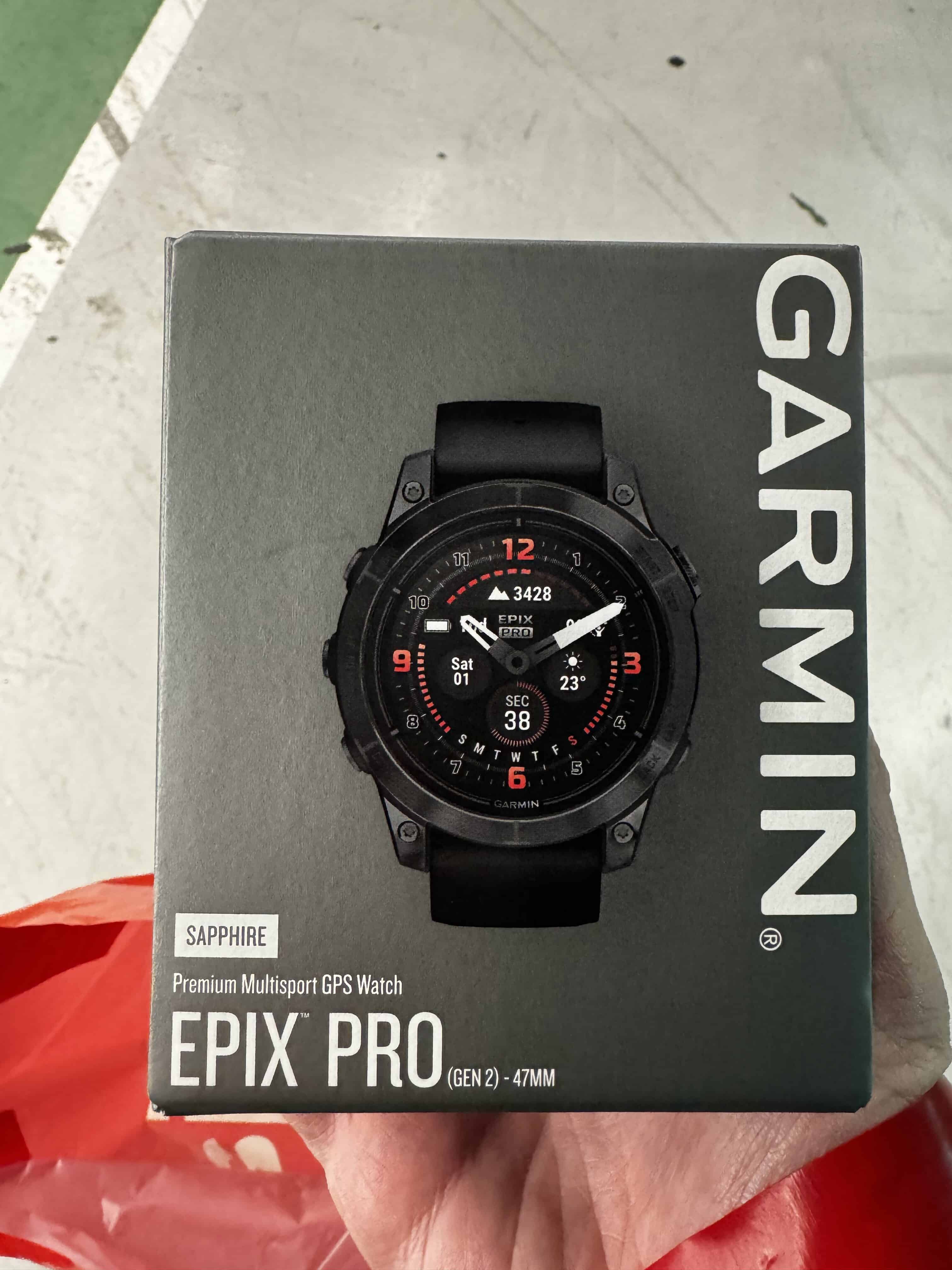
A few months ago I was trying out what’s supposed to be Garmin’s most modern watch, the Epix 2 Pro, which has an AMOLED screen and up to 10 days of battery life… and honestly, I didn’t like it at all! The Apple Watch was much better—the battery didn’t last anywhere near 10 days, though it could easily last a week… but it looked dated, with software that hasn’t changed in ages, just now in color… though admittedly a bit muted. It didn’t even last me 48 hours before I happily went back to the Apple Watch Ultra.
Garmin Epix Pro Zafiro de febrero de 2024
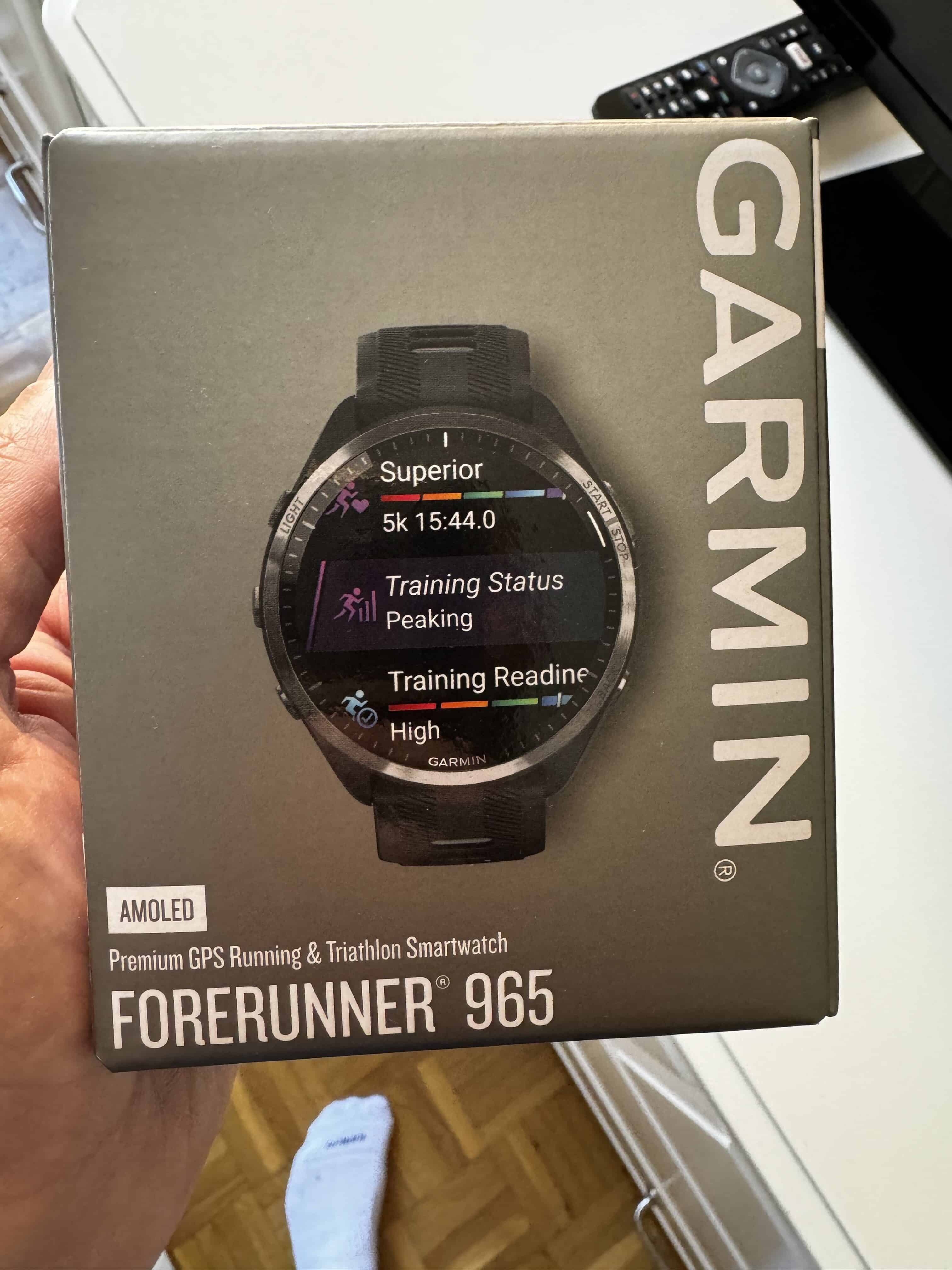
This time it’s been different: I bought the Garmin Forerunner 965, which is the top model in the Forerunner lineup. For those not in the know, the Forerunner line is supposedly aimed at people who run, swim, and cycle, even for triathlons since it tracks transition times, but it’s not an all-purpose multisport watch like the Fenix or Epix, which have every sport you could think of with their own metrics, stored golf courses, nautical miles if you’re sailing, you can dive almost down to the Mariana Trench… However, the 965 has a more modern firmware with animations on its AMOLED screen, vivid colors… and I’m thrilled with it. It’s true that I’ve had to give up the ‘smart’ side because there’s just no comparison. Garmin doesn’t even let you reply to a message with a preset response like «I’m running, I’ll call you later.» If you have your phone nearby and a message comes in, you can read it… and then take out your phone to reply. With the Apple Watch you can do anything: reply with a preset message in 2 clicks, dictate a message with your voice, type on the little on-screen keyboard… and not just for texts—you can do it with WhatsApp, Telegram, reply to an email, take a call and talk directly through the watch… all without carrying your phone. And I’ve given all that up now… and I have to say that in a way it’s actually lowered my stress level, since before I used to try to answer those messages while running, sometimes I’d mistype, other times the dictation wouldn’t pick up properly because my breathing was heavy, and so on. Now that I don’t get them… well, that’s one less problem. Whoever’s texting me will just have to wait until I get home. I’ve gained a bit of disconnection time. You’ve got to look at the bright side, always.
Garmin Forerunner 965 en abril de 2024
Well, after all that rambling, and given how well you know me after seventy-something podcast episodes, you’ll have gathered that I was a pretty heavy Apple Watch user, not just for controlling a few things around the house or turning a light on/off manually or with Siri. So I had to integrate the Garmin one way or another.
In Home Assistant there are 2 distinct integrations.
Garmin Connect Integration
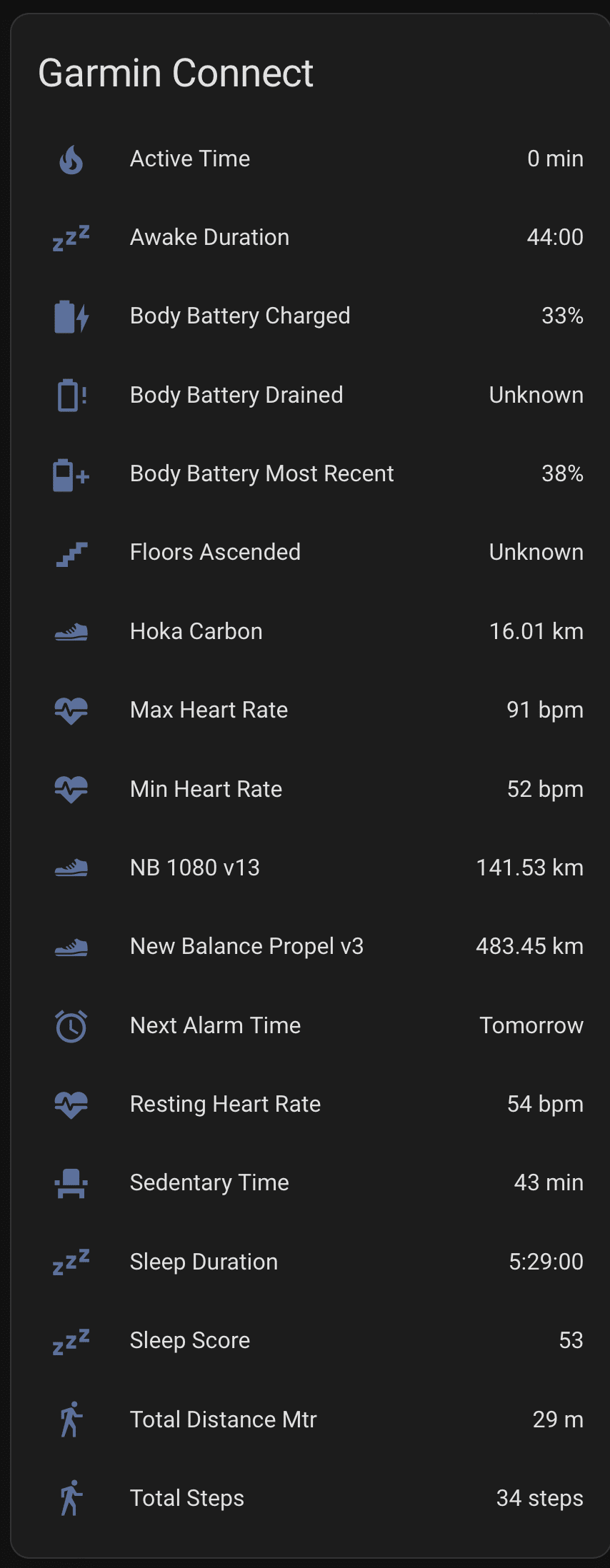
On one hand, we have the Home Assistant integration with our Garmin account. It reminds me of what you can do with the BMW Connect integration I’ve mentioned before. Basically it connects to our cloud account and pulls some of the data we see in Garmin Connect or in the watch’s app. This is kind of pointless—I don’t want to have to open Home Assistant to check how many calories I’ve burned today or how many steps I’ve taken—but these past few days a few interesting ideas have occurred to me.
Integración de Garmin Connect en Home Assistant
To start, let’s remember that Garmin Connect’s app notifications are pretty basic, so it won’t alert us about every parameter that goes out of a set range even if it shows up red on screen. However, with the Home Assistant integration, I can pull the sleep score data and get it through a Home Assistant notification every day at 8. Or I can even make the notification dynamic and get it 10 minutes after turning off the Garmin alarm, since one of the parameters it does publish is the alarm time, both the last one and the next one.
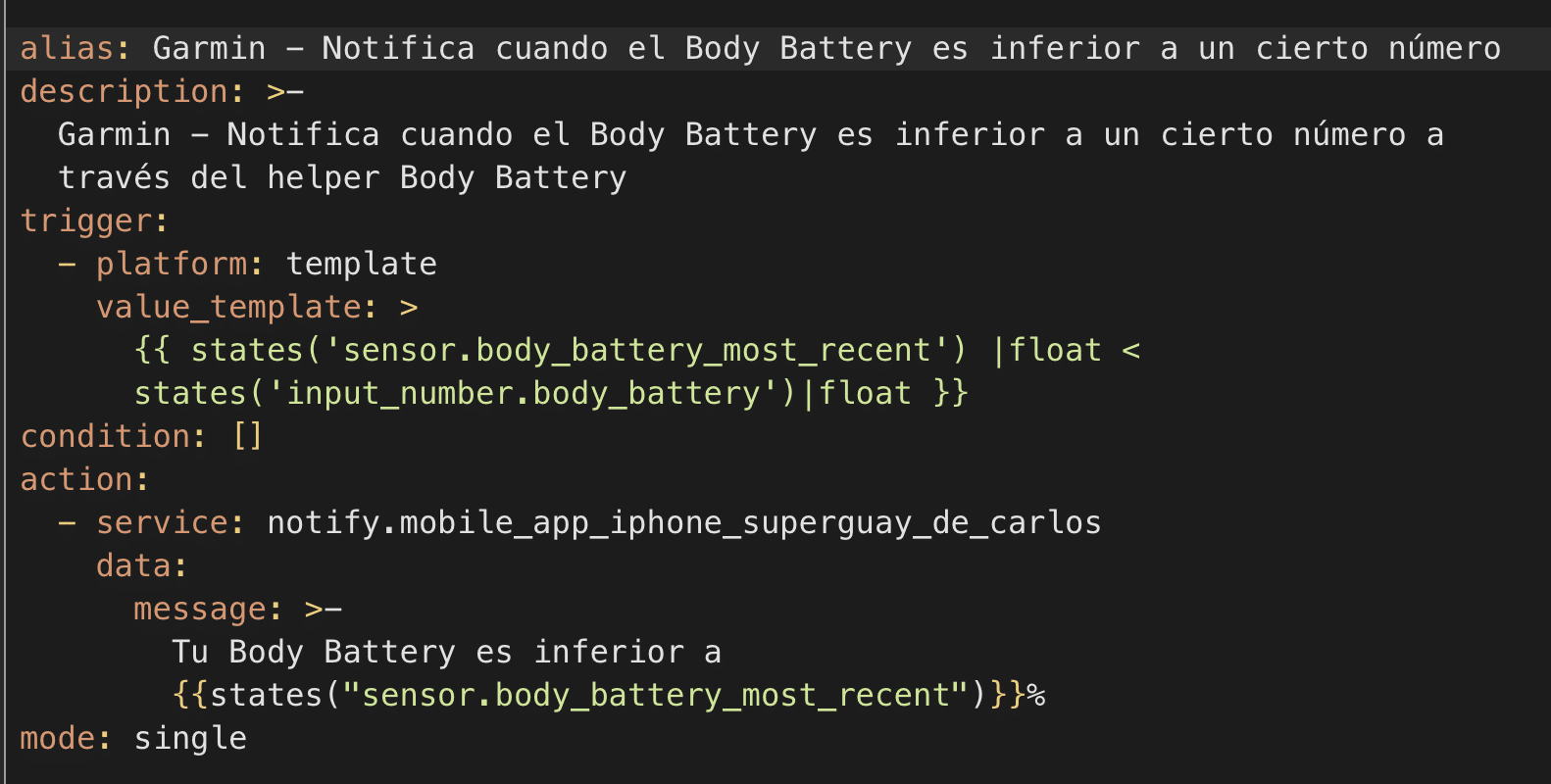
Another automation I’ve set up sends me a notification through Home Assistant when my body battery drops below 20%.
Notificación para el Body Battery de Garmin
If your alarm clock is controlled by Home Assistant and, say, turns on your lamp and raises the blinds at a certain time, we can pull your sleep hours and, if we’re lacking sleep and our sleep score is very low, delay all of this a bit—20 minutes, for example. Dynamically, without you having to do anything.
Or if you normally track how much water you drink during the day and today you haven’t had enough, you can have it send you a notification.
Or have it turn on the bathroom heater an hour after you turn off the Garmin alarm, as long as it’s within a certain time range, since that means you got up to go running. It’s true that with the Apple Watch we could add other parameters to the condition, like my location, but the result can be pretty similar.
The data doesn’t refresh in real time, so we can’t set up an automation to alert us, for example, if our heart rate is unusually high… by the time that information syncs, we might have already had the heart attack, but obviously we can get that notification directly from the watch itself.
For now I’ve settled on the body battery notifications, which usually come in late afternoon since I run in the mornings, and the sleep score one, which lets me adjust my morning run depending on whether I’ve rested enough to throw in some pace-change intervals—the kind that leave you with tunnel vision by the end—or whether it’s better to leave that for another day and just go for an easy jog because my sleep wasn’t restorative. I’ve also set up a notification for when my usual running shoes hit 800 kilometers, which is when I should replace them. This info is also available in Garmin Connect, but you don’t get an actual notification for it, so not bad at all.
With the BMW Connect integration, which I’ll tell you about another day, I do similar things. Since my integration uses BMW Connect’s services, every time I use it, it syncs a bunch of stuff from BMW’s servers: telemetry, range, recent rides, kilometers until the next service… and you can set up things like having your Home Assistant alarm wake you up 15 minutes earlier because it noticed your bike is on reserve fuel, giving you time to fill up before heading to the office—saving you that «Damn, I forgot I left it on reserve» scare when you start it up.
ConnectIQ App for the Watch
On the other hand, we have widget or app integrations that run on the watch itself. These apps can be downloaded through Garmin Connect IQ, and there are several related to Home Assistant.
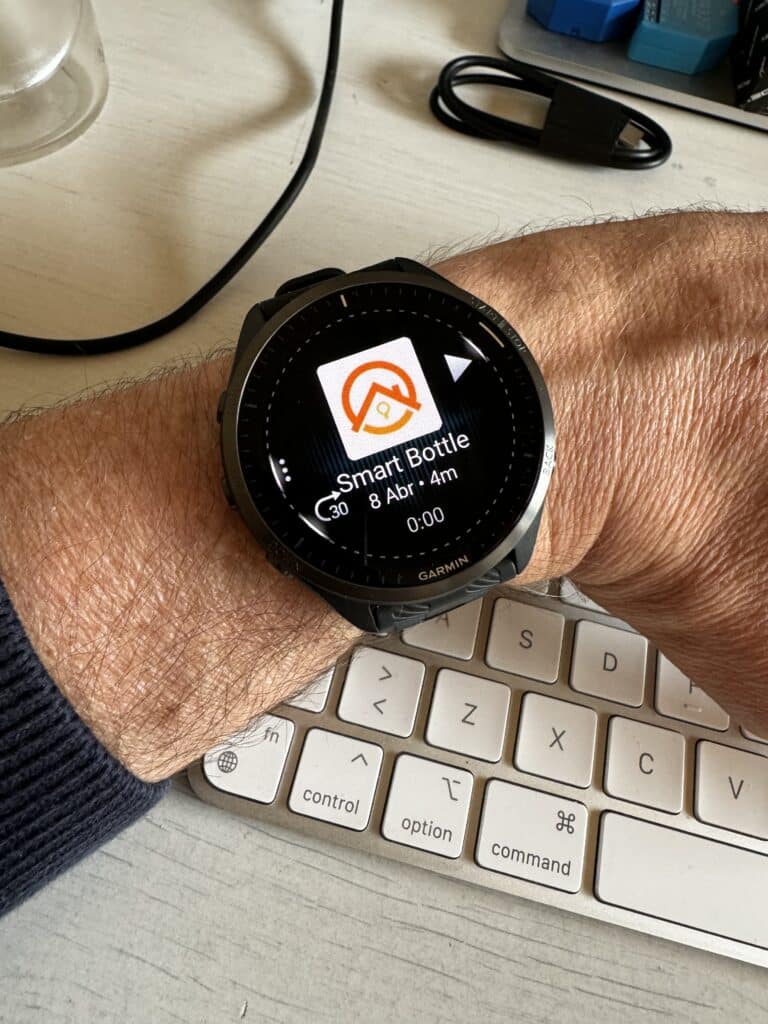
After trying out several, the one I like best is Garmin Home Assistant (app). This app lets you customize a screen with all the data you want to show—it could be a switch to turn a device on or off, temperature info, or a clickable button to run an action or script. Anything at all. I’ve set up a switch to turn my nightstand lamp on or off, a button to trigger the scene that opens my gate, another switch to turn off all the lights in the house at once, and the average home temperature reading.
Basically, it doesn’t give you direct access to every device you have in Home Assistant—you have to pick them one by one. You can end up with all of them if you want, but it’s more like a set of ‘shortcuts’ to the ones you check most often.
Now, there are things that still need polishing… for example, even though the 965 has Wi-Fi connectivity, this app connects to the phone via Bluetooth. If you don’t have your phone nearby, it doesn’t matter if you can connect to Wi-Fi because it just won’t work. Apparently it’s because Wi-Fi connectivity drains a lot of battery—it might drop us from 10 days of battery down to 8… what a tragedy.
Also, if we want to see real-time data as soon as we open the app without waiting a couple of seconds for it to refresh, we can enable that option, but it also comes with a warning that it uses a lot of battery. We’d surely drop from 8 days to 6. A watch with 144 hours of battery life is practically unacceptable. And I’m serious, huh? I promise I’m going out running every day, I played padel both days this past weekend while tracking the activity, other days I do strength training, I’ve got alarms set on the Garmin, I log the water I drink, the always-on display is on at full brightness at all times… and it goes over a week without needing a charge.
It’s possible that in a few weeks, when the Apple Watch Ultra 3 is announced, I’ll fall madly in love and convince myself it’s the ultimate watch… but for now, I can tell you I’m absolutely thrilled with the Forerunner 965 and the Advanced Notifications I’ve set up through Home Assistant.
¿Necesitas ayuda con tu domótica?
Te ahorro tiempo, dinero y disgustos. Sesiones de consultoría desde 60€.
Hola! Me gusta mucho la info y el contenido que generas. Me encantaría integrar mi reloj garmin con HA para que la cafetera se encienda cuando apago la alarma del reloj. Estoy probando con la integración que aquí comentas, pero no se como usar la información «next alarm» para mi intención. Además, cada cúanto actualiza la información HA que recoge de garmin connect?
 Carlos Sahuquillo
·
5 junio, 2024
·
13 min de lectura
Carlos Sahuquillo
·
5 junio, 2024
·
13 min de lectura

Hola! Me gusta mucho la info y el contenido que generas. Me encantaría integrar mi reloj garmin con HA para que la cafetera se encienda cuando apago la alarma del reloj. Estoy probando con la integración que aquí comentas, pero no se como usar la información «next alarm» para mi intención. Además, cada cúanto actualiza la información HA que recoge de garmin connect?