Integrating my air conditioning into HomeKit with Tado
 Carlos Sahuquillo
·
9 septiembre, 2020
·
8 min de lectura
Carlos Sahuquillo
·
9 septiembre, 2020
·
8 min de lectura
Idioma:CastellanoEnglish
Most Air Conditioning units on the market can be programmed to turn on and off at a set time, but if you want to take it a step further and be able to automate on/off actions and decisions, or ask your voice assistant to lower the temperature by another 2 degrees, in this post I’m going to tell you how to integrate air conditioning into HomeKit with Tado v3+.
First of all, I should say that there are cheaper solutions than Tado for turning your split air conditioning unit into a ‘smart’ or connected gadget. Some people do it through Broadlink, which also lets you connect other IR-controlled devices like your TV, robot vacuum, etc., and then integrate it with HomeKit through free and open solutions like HomeBridge. You kill several birds with one stone in terms of automation, but integrating with HomeKit through a middleman platform doesn’t quite convince me—I don’t want more gadgets running at all times at home, even though HomeBridge can run on a Raspberry Pi or on a Synology NAS, for example, so if you already have these gadgets at home you won’t need to add anything else.
As you already know, whenever possible, I try to make sure all the devices in my home are natively compatible with HomeKit. Flashing a device, as we did with the Shelly units, is one thing, but having to install a whole integration platform is another, so I prefer to look for devices that integrate in a simpler way… like Tado v3+.
Also, on another note, there are rumors that Tado is going to unveil a new device at this year’s IFA (2020, the year of COVID-19), so the current model is on sale. I bought mine a couple of months ago for €88 thanks to an earlier deal, and at the time of writing this post it’s at its all-time lowest price on Amazon: €72.
Before we dive in, I have to mention there’s one important BUT or CON: it doesn’t allow you to have ‘satellites’ to control multiple units, so if you have 2 air conditioning units in different rooms you’ll need to buy 2 Tados. It’s true that they then integrate without issues and you can automate actions separately or ask your voice assistant to turn one of them on and set it to whatever temperature… but 72€ x 2 will make you think twice before buying. If you only have 1 unit, it doesn’t seem so expensive.
There are more ‘buts’ that I see, but I’ll tell you about those later 🙂
Physical Installation
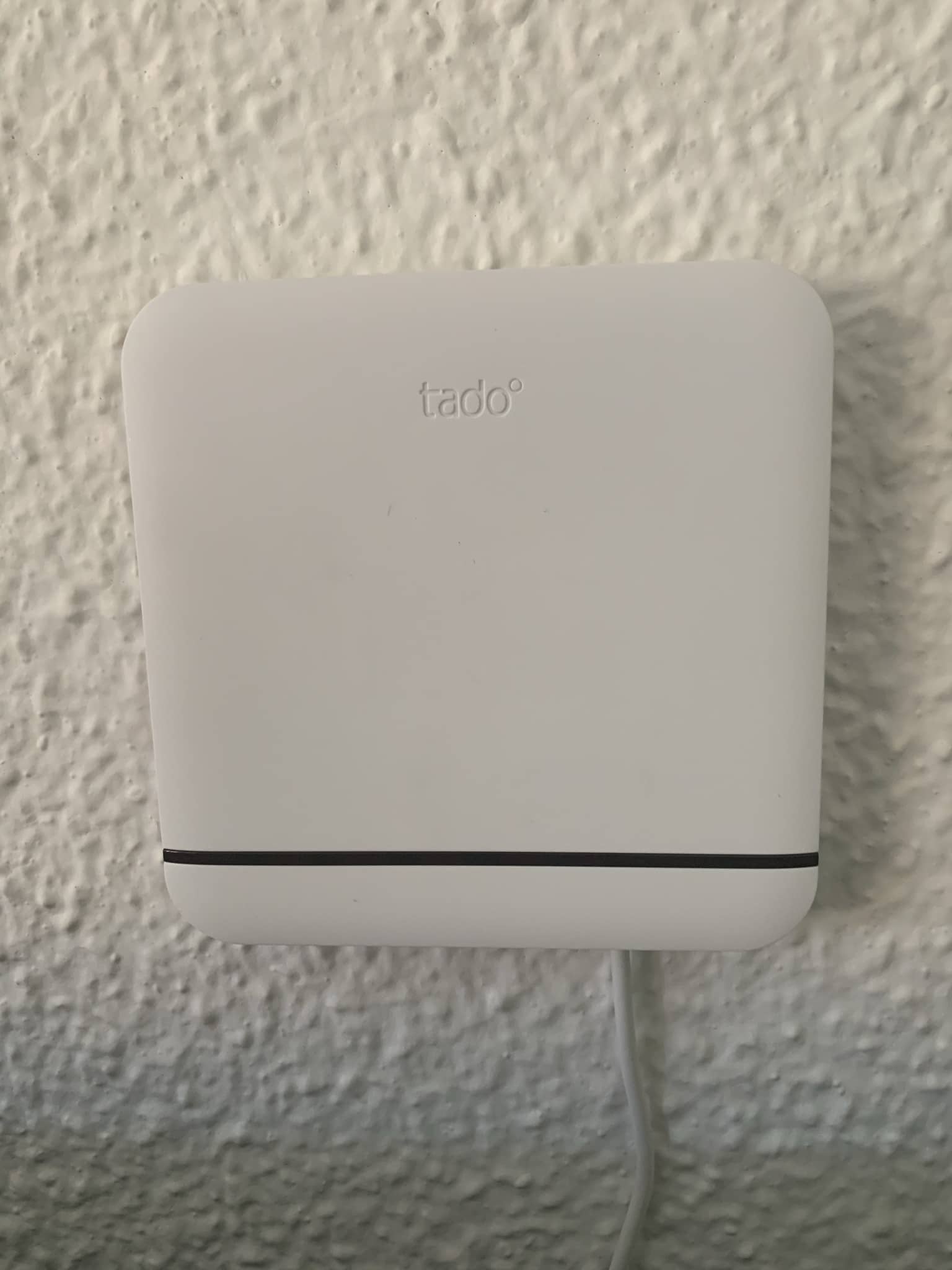
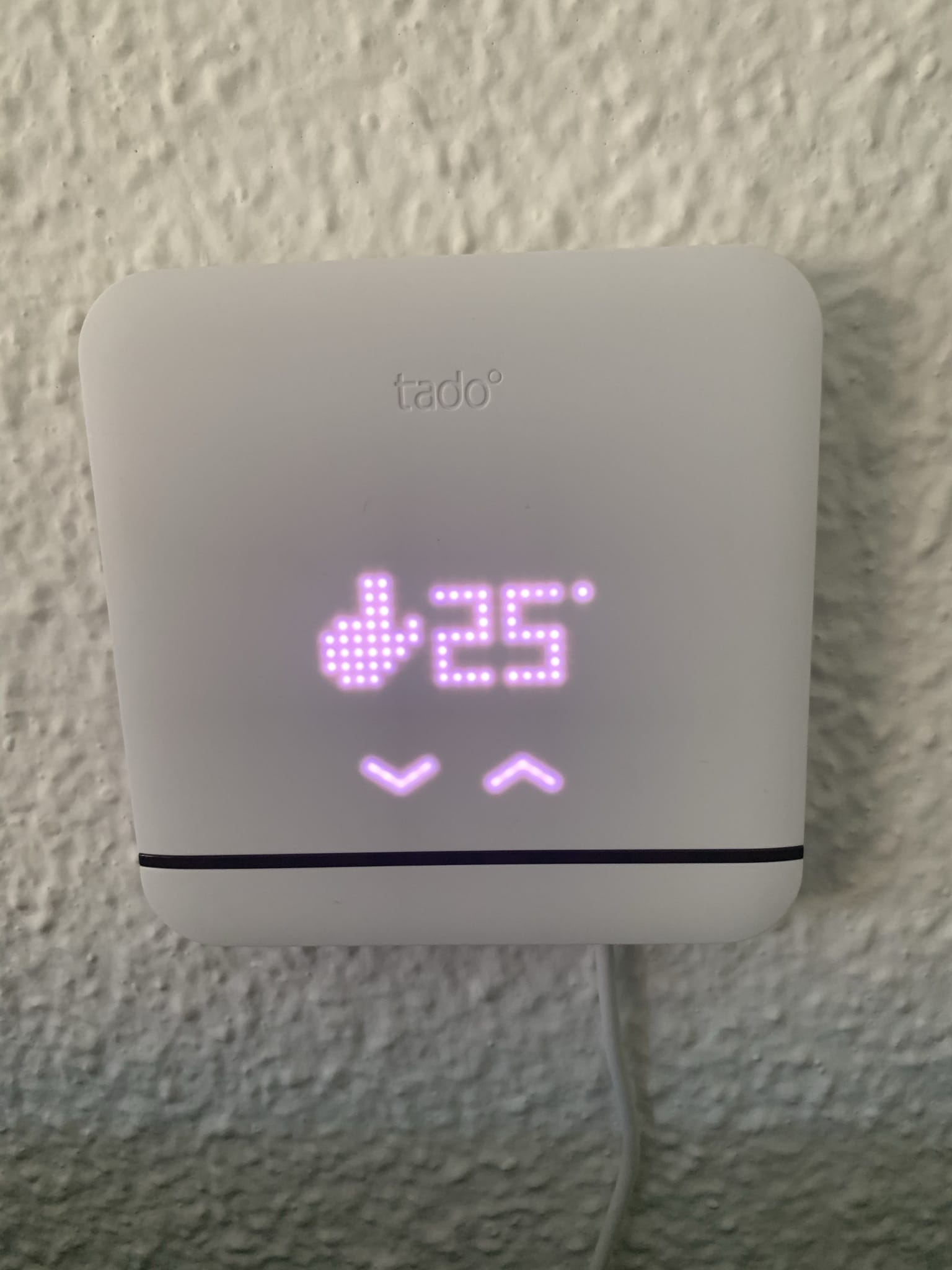
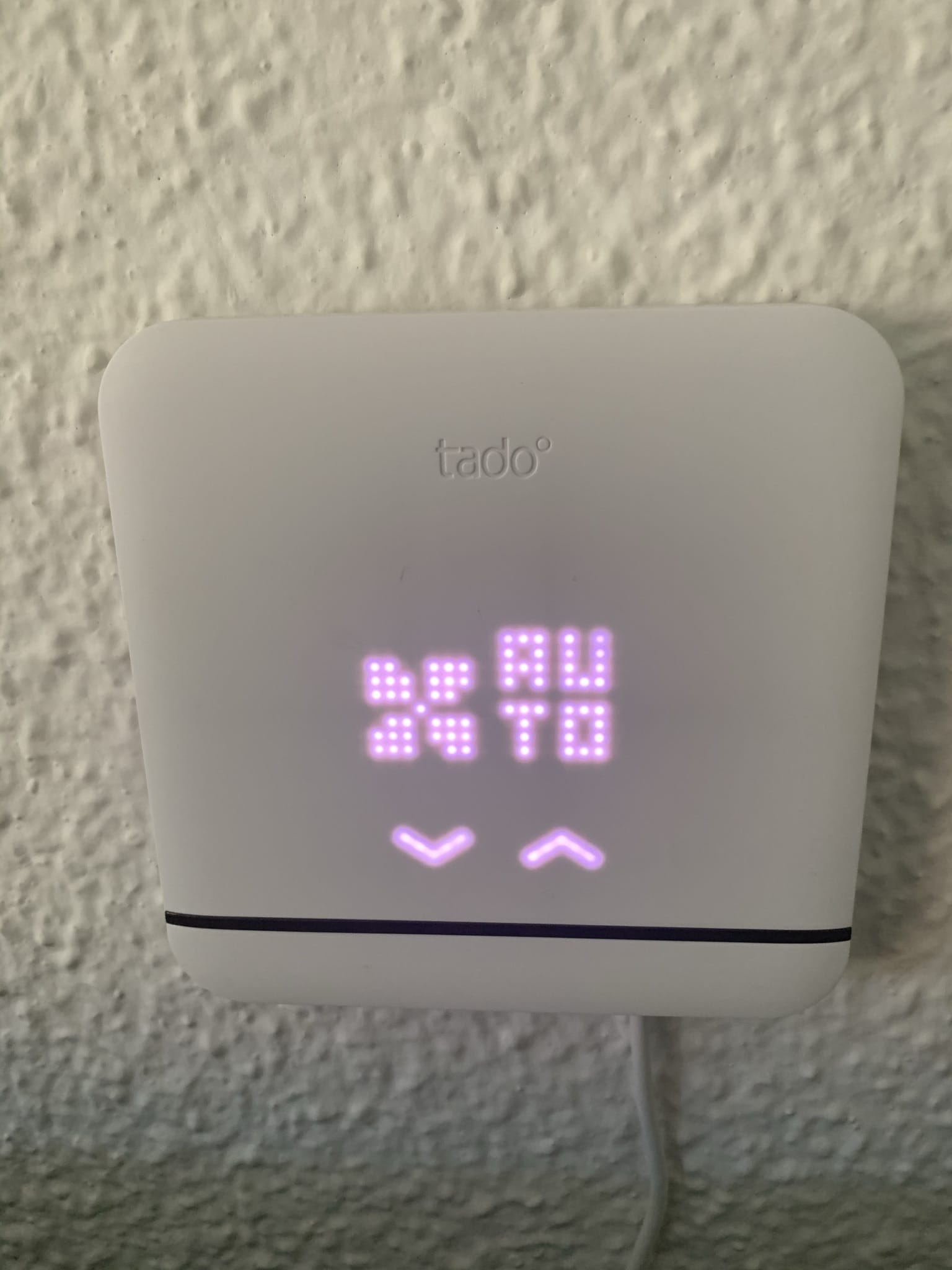
The presentation is really, really good—it practically blends into any environment and outshines any other little screen or control panel we might have on the wall, like the one for central heating, an alarm, or any similar device. Also, the little screen is touch-enabled, so if you have guests over, or don’t have your phone handy, or simply walk by and want to change the temperature or turn on the unit manually, you can do so without any issues. That said, the screen is capacitive and you need to press it to be detected and change values—don’t expect it to be like the screens on today’s phones. This is probably one of the things that will improve in the next model.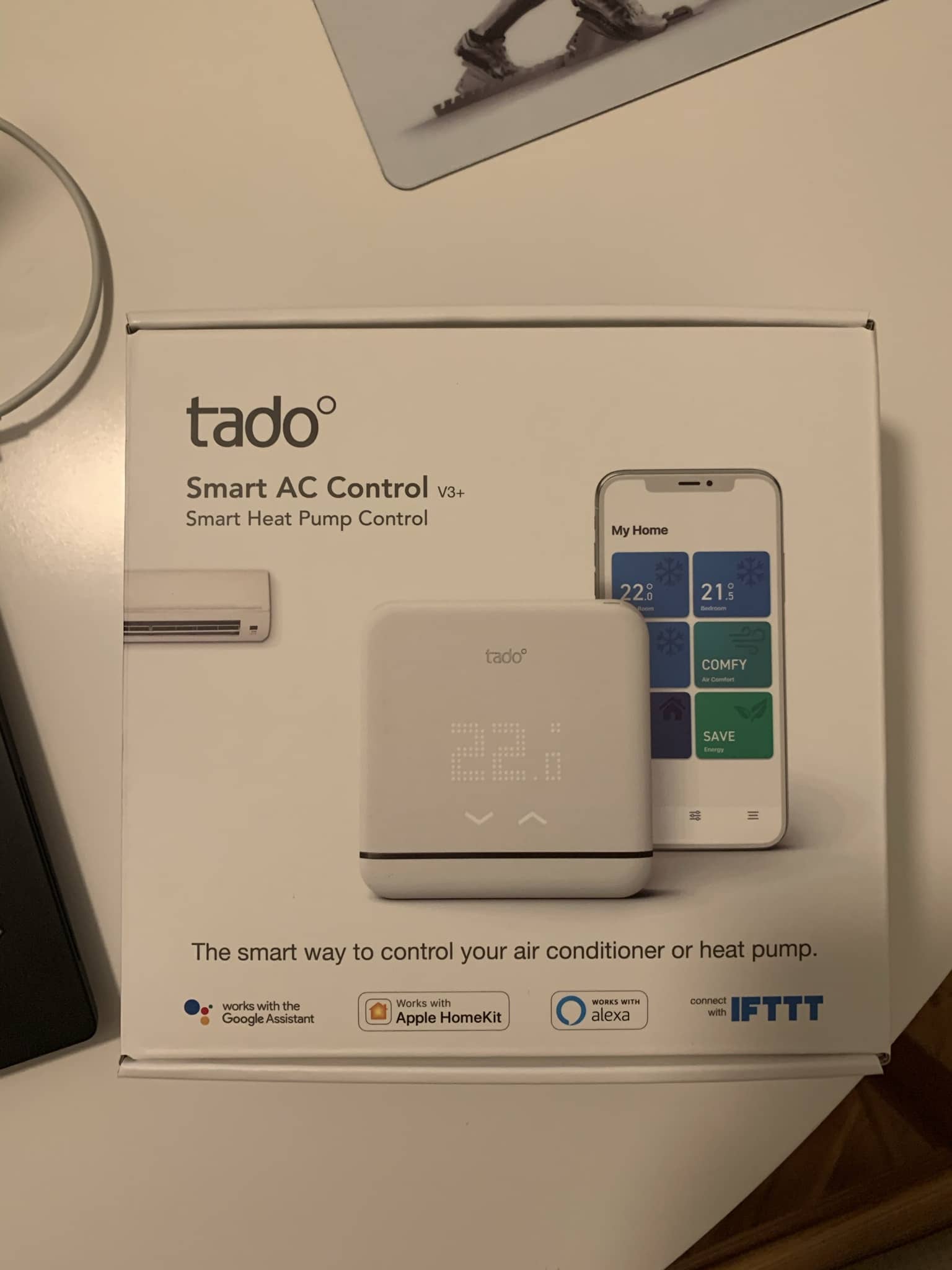
Setup
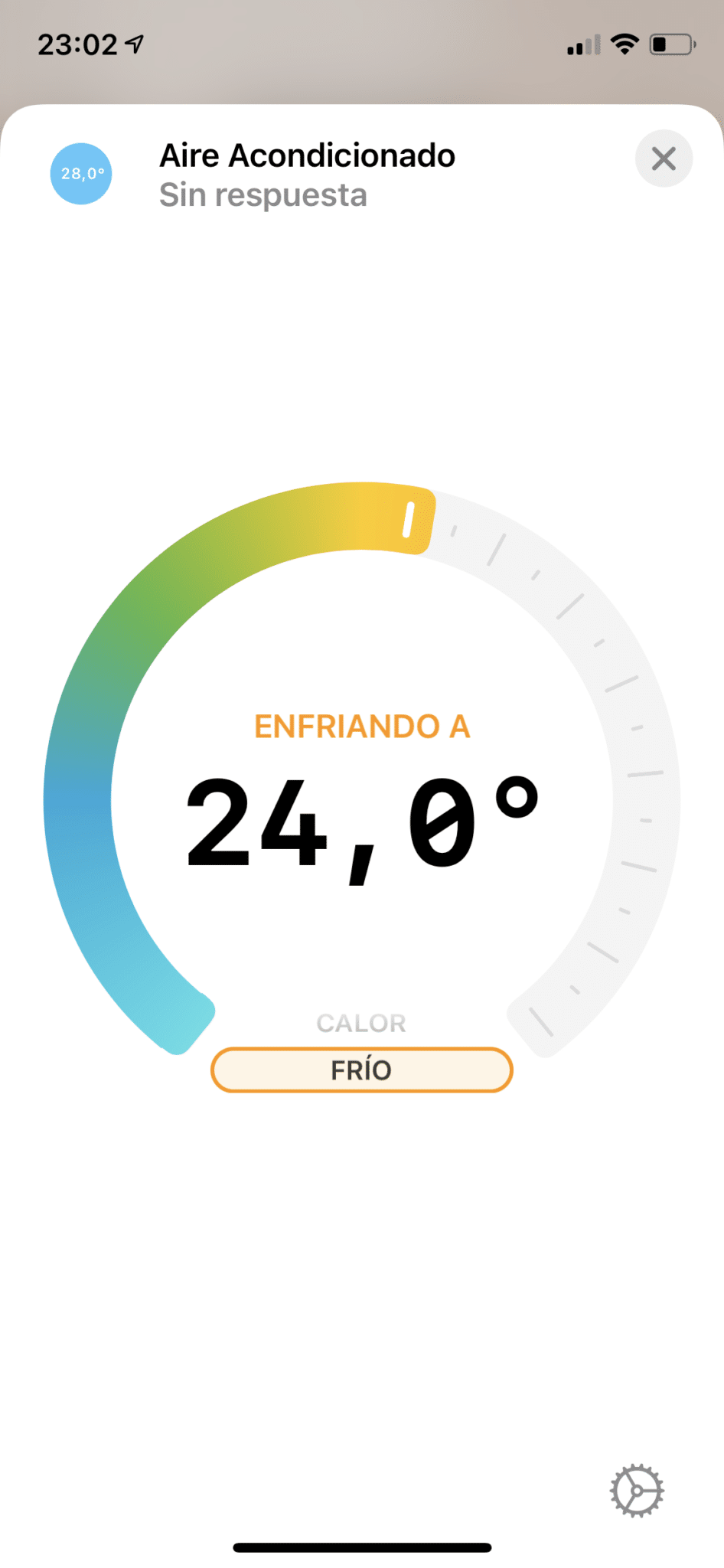
Once you start the installation process through the Tado app, it will ask for your air conditioning brand and the remote control model (in my case it was printed on the back)… and that’s it, it will send a few test commands to check that it has direct line of sight to the unit and can interact with it. That said, depending on your air conditioning model, it may show you several configuration schemes, so in some cases you’ll have to try a few until you find the right one. In my case, with a Fujitsu air conditioner, there were 5 different schemes, one of them recommended… well, the recommended one didn’t do absolutely anything other than make the air conditioner beep—it didn’t turn it on, off, or anything at all. I think I got it right on the third try.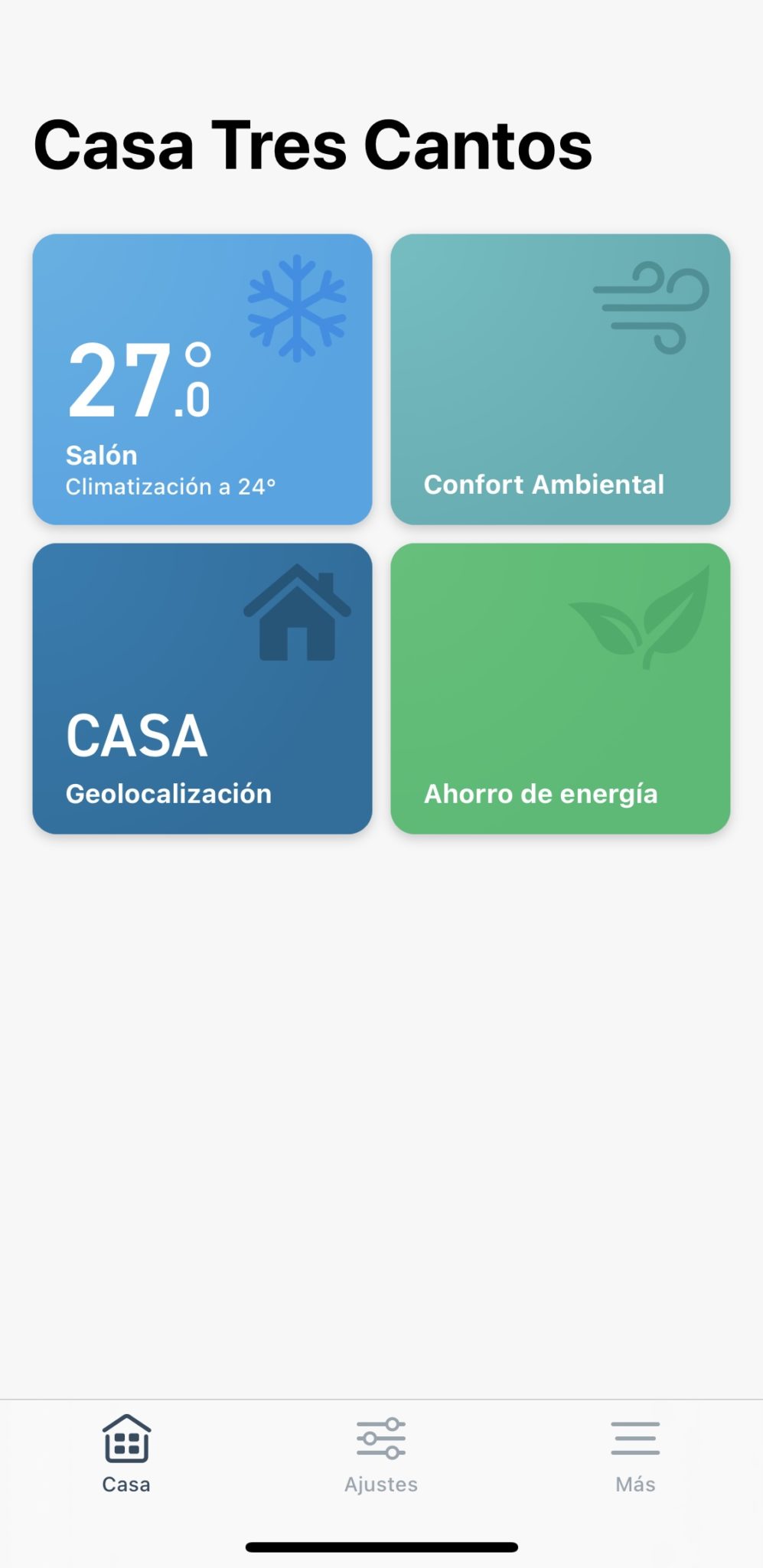

Conclusion
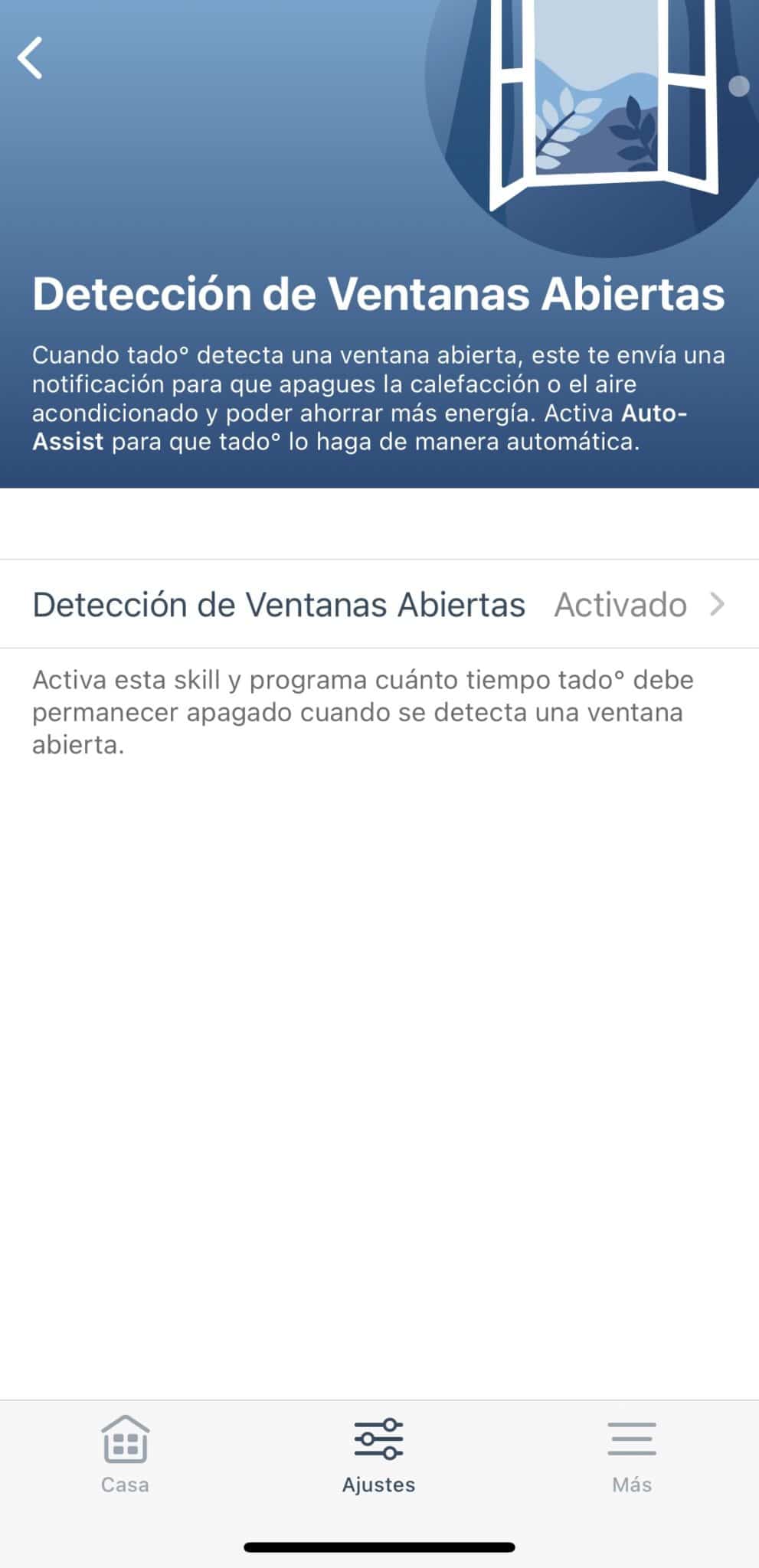
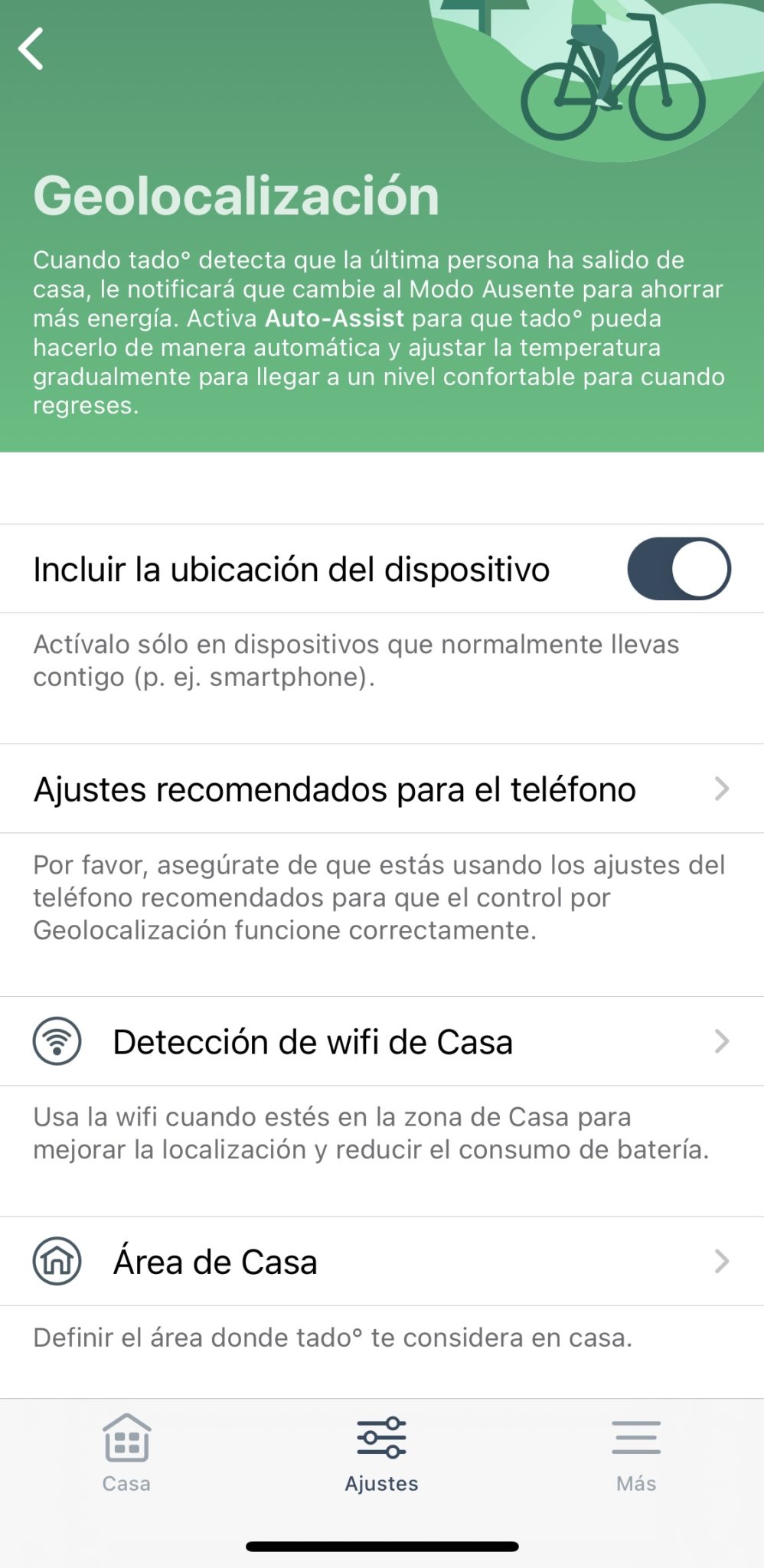
If I’m being 100% honest (which I always am), don’t expect energy savings from buying the Tado, even though they «sell» it that way on their website. Supposedly you can automate it to be efficient and keep the house always at the right temperature, turning off when it’s not needed… but do you really need that from your air conditioning? Since I got the Tado, my AC has been running MUCH more often than before, with the resulting energy expense. Now, when I’m heading home and it’s hot out, it turns on automatically… that works great, but do I really need it kicking in 5 minutes before I arrive? These types of air conditioners take very little time to cool down a room, I don’t know… and the same goes for when I leave—it’s always nice for the house to be at the right temperature—but I’m not sure it’s worth having the AC turning on and off all day just so it’s ready when I get home at night. But, if what you want is to be able to automate certain actions or control your air conditioning via voice assistant or from your phone, then it’s perfect. It works really, really well, and the touchscreen is a nice bonus that makes it more comfortable for guests or other people in the house who don’t want to deal with all this and would rather keep turning the AC on and off the usual way.¿Necesitas ayuda con tu domótica?
Te ahorro tiempo, dinero y disgustos. Sesiones de consultoría desde 60€.
Carlos Sahuquillo
'Haga lo que haga en la vida, siempre compito' - Jacques Villeneuve Reserva una sesión →
Sigue leyendo
Ver todo el blog
Entradas relacionadas

3 septiembre, 2026 · Domótica
Leer
Webhooks and workflows in Controller for HomeKit
Kicking off Season 4. I'm picking back up the automation for the sensor that kept running out of batteries that I told…
Ep. 111 · escúchalo
0:00 / 13:12

27 agosto, 2026 · Domótica
Leer
How to tell if your kid is sneaking into your room without having a camera
I bought the Aqara P2 presence and light sensor with Matter, and I've got it running simultaneously on HomeKit and Home Assistant…
Ep. 110 · escúchalo
0:00 / 12:16

25 abril, 2026 · Domótica
Leer
Smart locks with kids
Having a smart lock at home is great—until one of your kids accidentally opens it from the Home app while you're away,…
Ep. 109 · escúchalo
0:00 / 18:41
buenisima entrada!
Gracias Álvaro! Me alegro mucho de que te haya gustado, gracias a ti por el feedback!
Buen artículo Carlos.
Otro “pero” es que no puedes usar todas los opciones del aire. Por ejemplo, justo bajo el aire tengo mi escritorio y cuando llevo un rato me quedo helado y debo coger el mando para poner la dirección del aire fija porque con tado no tengo esa opción.
Aunque por lo demás, es perfecto, como bien dices con el asistente funciona genial. Mi hijo de 5 años lo enciende con el mando del Apple TV, invocando a Siri.
Gracias Carlos.
Mira pues no había caído! Es verdad que la inclinación de la tapita esa que dirige el aire no se puede mover, qué curioso.
Gracias a ti, como siempre!
Hola Carlos, estaría interesante una entrada para poder controlar el aire acondicionado por conductos. Un saludo
Hola García López! Muchas gracias por tu comentario. La verdad es que hay varios compañeros interesados en esto pero el problema es que no hay un ‘estándar’, sino que cada fabricante se las ingenia un poco para dar solución a este tema. Lo bueno es que si tienes algún aparato que sea controlable por Wifi aunque sea desde su propia app o con un mando a distancia, puedes meterlos en HomeKit a través de HomeAssistant o HomeBridge… pero ya sabes que no me terminan de gustar esas soluciones, supone meter más cosas en casa.
Aun así, si tu aire acondicionado es por ejemplo Daikin, tienes la solución https://www.daikin.es/es_es/grupo-de-productos/sistemas-de-control/daikin-online-controller.html, si es Mitsubishi tienes https://www.melcloud.com/es/Home… como puedes ver no es un ‘estándar’ y la categoría de los aires acondicionados por conductos todavía no está soportada en Apple Homekit, por lo que me temo que nos tocará esperar para ver un soporte ‘nativo’.
En ese caso, para un equipo Daikin por conductos al que le han instalado un DKNWSERVER y por lo tanto puedo encenderlo por wifi, crees que existe forma de integrarlo en Homekit? lo he intentado con un plugin de Homebridge pero no ha habido manera… estaría muy agradecido si puedes ayudarme, no sé dónde recurrir
Hola amigo! Que producto que venga con “satélites” para distintas estancias me recomiendas? Me encanta tardo, pero como bien dices, serían 3×75… ya que tengo 3 estancias y los aires son antiguos :/… ¿que me recomendarías? Gracias!!