Minimizing notifications
 Carlos Sahuquillo
·
12 diciembre, 2024
·
10 min de lectura
Carlos Sahuquillo
·
12 diciembre, 2024
·
10 min de lectura
Ep. 88 · escúchalo
0:00 /

Idioma:CastellanoEnglish
Today I want to talk to you about how we’ve overshot the mark with notifications. Actually, «overshot the mark» is kind of the opposite way round, isn’t it? In Formula 1, for example, they say a driver «brakes too late» because they run wide on the corner, meaning they didn’t brake in time — it’s not that they braked too much and overdid the braking… anyway, I don’t know, the point is that a few years ago we were asking device manufacturers to give us notifications for apps and not just for calls or messages, and I think it’s gotten out of hand… and that’s exactly what I want to talk to you about today.
The problem: Too many notifications
I think we have too many notifications. And not just smart-home ones, mind you. We have too many notifications in general, but on top of that, apps seem to want to notify us about absolutely everything. For example, I get that it might be useful for your bank to notify you about odd activity on your account… but you can’t just tell it «only notify me about odd stuff,» I don’t know, transfers of an amount that don’t match your usual patterns, lots of transfers in a short time span, that sort of thing… or that a bill is about to be charged and you don’t have the funds, I don’t know, but in my case, for example, my bank notifies me of literally every single transaction on my account. And damn, there are a lot of them, there’s activity on my account every single day — you know at home there are 6 of us with all our respective expenses, after-school activities, school fees, some loan or other, a Bizum for a birthday… there’s no need to notify me about all of it… but it feels like if we turn off this notification we’re going to miss something important, like maybe we’ll check the account and it’ll be at zero because some cybercriminal got access and drained it. Well, the bank app might still make some sense, but getting notified by the Dragon Ball Legends game that my energy has been restored and I can go beat people up online again… well, what can I say… or that Ibai has posted a new video about his dramatic physical transformation… great, wonderful. In the end we spend the whole day getting notifications on our phone, on our watch, some we see right away, others we pick up the phone for something else and see we’ve got a gazillion notifications sitting there… and we end up deleting them because honestly they’re not useful to us. If we focus on notifications from smart-home devices or services, it’s true that many of them aren’t enabled by default… but you can still go overboard as much as you like. From cameras or motion sensors that notify you of any movement, or even a change in brightness that gets flagged as movement, to the robot vacuum. Why on earth would I want the vacuum to tell me it’s heading out to clean? Well, I guess it could be useful if the vacuum has issues and you want to confirm it’s actually going out to clean, but it hasn’t failed in a gazillion months, so I don’t need that notification at all. The «finished cleaning» one might be somewhat interesting… but I don’t know, isn’t it just supposed to go out, clean, and come back?Removing notifications that add no value
So over the past few weeks I’ve tried to minimize notifications as much as possible. I don’t even have real-time notifications enabled for Telegram, so if someone messages me, I see it in the Notification Summary at the times I’ve scheduled — one at the end of the morning and another at the end of the workday in the afternoon — but not in real time. As for the vacuum I mentioned earlier, I’ve set up a single notification that only alerts me if the status equals ERROR, meaning if it’s gotten trapped in a room or failed for whatever reason. I’m thinking I could tweak it even further… let’s see, normally if it bumps into a room door and it swings shut or something like that, it ends up trapped… but what can I actually do about it if I’m at the office? I could adjust that notification so it only alerts me about that if I’m at home and can therefore go open the room door, but if I’m at the office, well, it doesn’t really matter to me. You can also do things with cameras and motion sensors. Some motion sensors let you adjust the sensitivity, for instance if you have a pet wandering around the house while you’re out. Or a robot vacuum, as we mentioned before, which means we’ll get fewer notifications overall… but what I’m trying to avoid isn’t missing out on knowing if something abnormal happened at home — what I’m trying to avoid is getting a notification just because my eldest son got home within his usual timeframe and that triggered the lights turning on. What’s the point. Or if someone rings the intercom or the doorbell and my wife is home, I don’t care about that either — it’s a different story if the front door opens when we’re supposedly not home, in that case it makes sense — but you have to steer clear of what happens in that other Simpsons episode where Homer shows his family his «Everything’s Fine» alarm, which goes off every 3 seconds unless everything really is fine… and on top of that, you can’t even turn it off: So there you go, in this quest to cut down on notifications, I’ve disabled the notification I told you about before, the one Home Assistant sent to my phone with the Garmin Sleep Score, meaning the sleep score my watch gives me by tracking my sleep, based on which I plan my workouts for the day and decide whether to swap today’s brutal interval running session for something calmer, like floor exercises at home or something along those lines. I also have a notification called Door Open During the Night that sends me a notification the next day with the time the front door was opened during the night. This notification isn’t just a notification, it’s an automation that, if the door opens between 1 a.m. and 8 a.m., turns on the little entryway lamp and sends me a notification with the exact time it opened… and this used to be useful to me because I have a 17-year-old son who goes out at night and I like to know whether he got home on time or not. You know, real needs. Thing is, nowadays I can find this out in plenty of other ways — I can check the Security event history in the Home app to see it, since there’s an open-door sensor on that door, actually there are 2, but anyway… and there’s also the smart lock, so I have a thousand ways to know if he’s come in… I can even check the system events and see what time the lamp turned on, what the motion sensor detected, etc… and the worst part of all is that sometimes it’s my wife and I who get home later than my son, so the next morning he reminds me that I really overdid it last night and that’s why my head hurts. A disaster. So, notification disabled. Another notification I’ve disabled is the one for Home Assistant updates or some of the associated plugins. It’s not that I don’t care or that I won’t update as soon as a new update comes out — you know I work in cybersecurity and I take updates and keeping everything current very seriously — but I check into Home Assistant now and then, I don’t need a push notification to update it that exact second, I can perfectly well update it a few hours later when I open the Home Assistant app for something else. While reviewing my notifications I found a few I’d created back when Controller for HomeKit rolled out its advanced notifications feature, which I made just to test it out properly. For instance, I had one disabled that has a counter — it counts 7 nights that my phone is connected to the Wifi, and the next morning it sends you a notification to change the sheets. Hey, don’t laugh, the folks at Controller for HomeKit thought it was an interesting example. Plus, you can reset the counter to zero whenever you want — say, if that night you got hot and heavy with your partner and the bed ended up covered in your genetic material, that body-chocolate stuff, hot wax, whatever, and you had to change the sheets anyway. It’s all been thought through. They also gave the example of changing the coffee machine filter after it’s been turned on X times, but I like the sheets one better. Needless to say, I have those notifications disabled — not because I don’t think they’re useful… but can you imagine the notifications we could end up creating with a simple counter? The sheets, the coffee filter, a recurring reminder to change the batteries in some important device, the head of the electric toothbrush… all of that can be notified directly from Controller for HomeKit, no need to do it through the system’s reminders, which means you can fine-tune it further and say «only notify me under certain conditions»… for example, don’t notify me about changing the robot vacuum’s brushes even if it’s hit the recommended number of uses if I’m on vacation away from home — since the vacuum has still gone out to clean so everything’s spotless when you get back, but you can’t actually change those brushes.Swapping Notifications for Conditional Automations
Needless to say, notifications like «It’s cold in the living room,» meaning the temperature is too low… Well, great, turn on the heating if there’s someone home or nearby, and otherwise leave me alone… because if we’re all in Valencia, for example, I couldn’t care less about the living room temperature….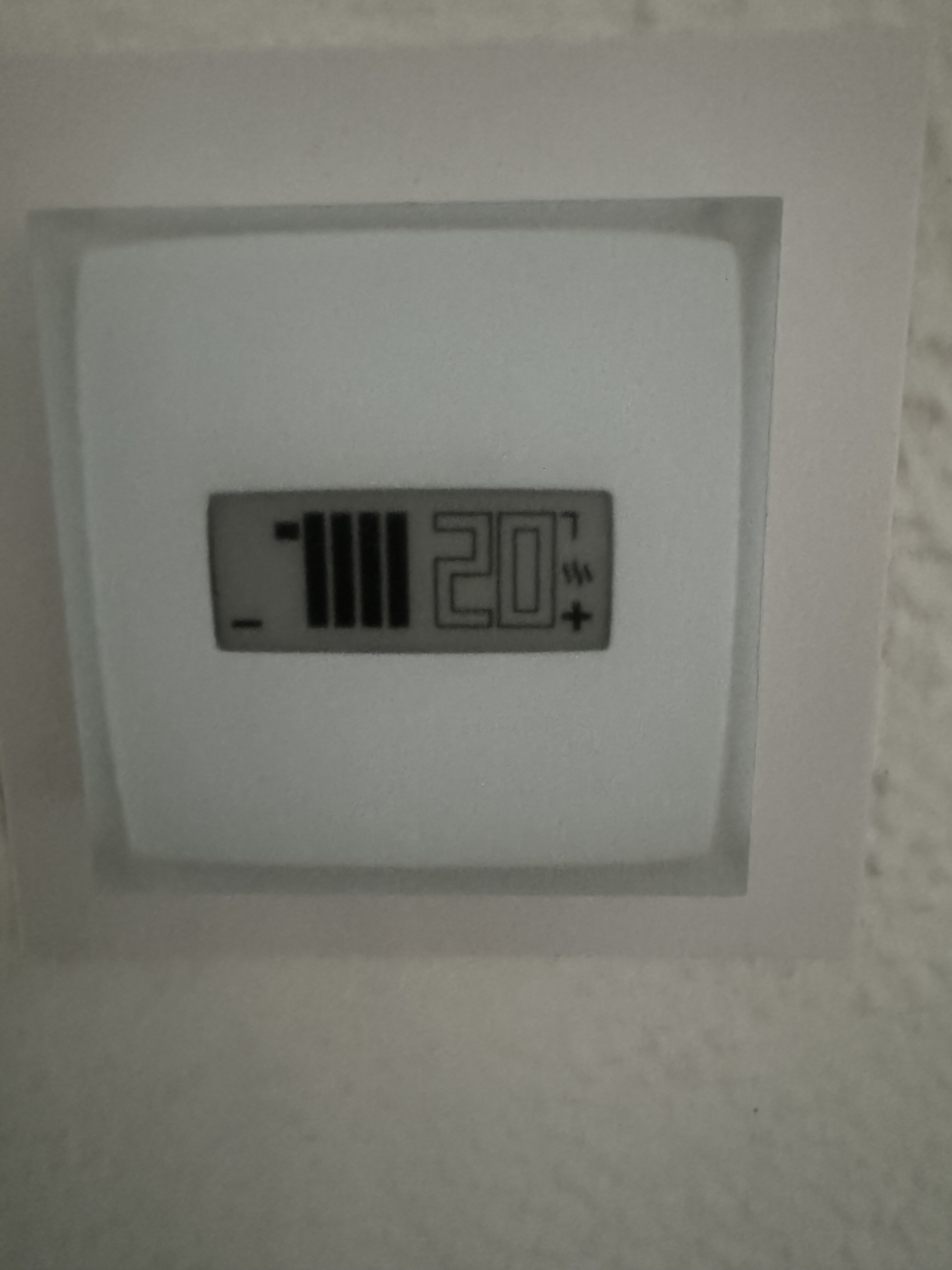
¿Necesitas ayuda con tu domótica?
Te ahorro tiempo, dinero y disgustos. Sesiones de consultoría desde 60€.
Carlos Sahuquillo
'Haga lo que haga en la vida, siempre compito' - Jacques Villeneuve Reserva una sesión →
Sigue leyendo
Ver todo el blog
Entradas relacionadas

29 octubre, 2026 · Domótica
Automatizaciones basadas en el tiempo que hace
Una propuesta para combinar Netatmo y Met.no con Home Assistant, sensores de contacto en HomeKit y automatizaciones que también se puedan hacer…
Leer
22 octubre, 2026 · Domótica
Leer
15 preguntas de domótica que se repiten una y otra vez
He revisado comentarios del blog y correos de lectores para juntar las dudas que más se repiten sobre Shelly, HomeKit, Matter, Home…
Ep. 116 · escúchalo
0:00 / 22:46

15 octubre, 2026 · Domótica
Leer
Apple vuelve a por la casa: HomeView, HomePod mini 2 y Apple TV 4K
Apple presenta HomeView, HomePod mini 2 y un nuevo Apple TV 4K. Repasamos precios, disponibilidad en España y el futuro de Apple…
Ep. 115 · escúchalo
0:00 / 19:51
0 comentarios