Philips Hue's behavior in Home Assistant when the power goes out
 Carlos Sahuquillo
·
26 mayo, 2022
·
7 min de lectura
Carlos Sahuquillo
·
26 mayo, 2022
·
7 min de lectura
Idioma:CastellanoEnglish
A few weeks ago I told you about the limitations I’d run into with Home Assistant during the first few weeks of use. One of the ones that’s caused the most trouble at home is the impossibility of configuring how the Philips Hue lights behave when the power goes out… and I’ve managed to fix it! Let me tell you how.
The problem: the lights turn on when the power goes out
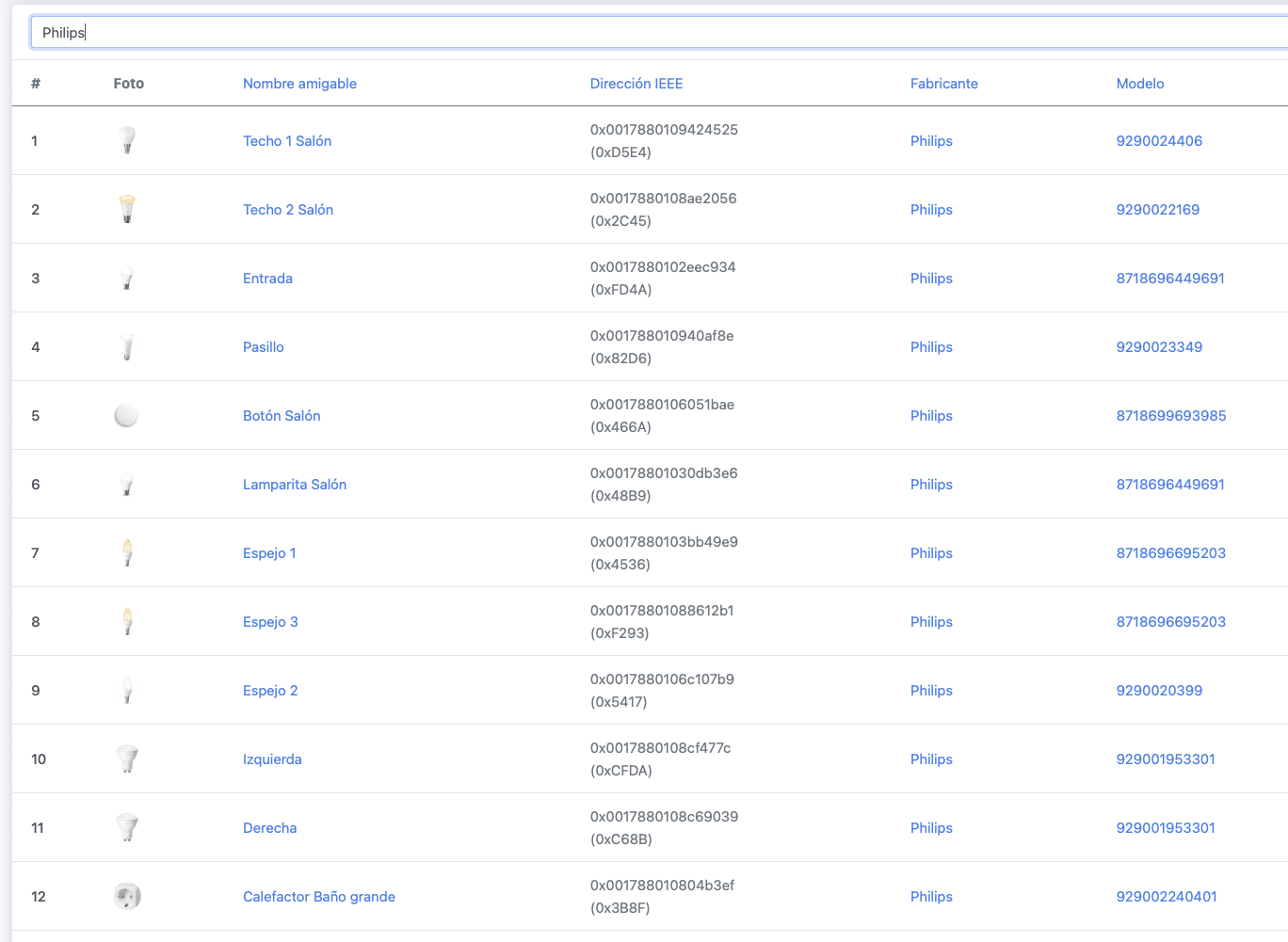
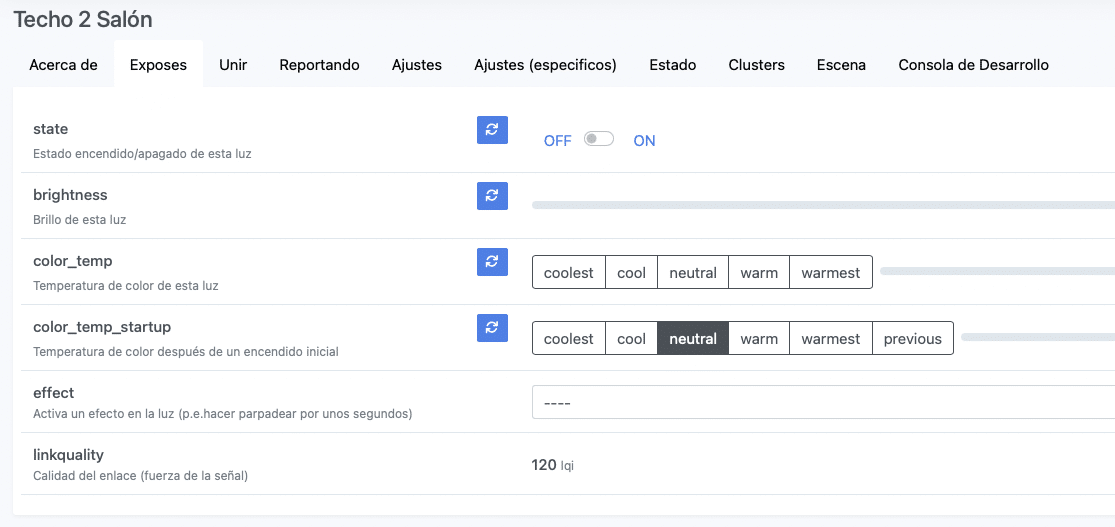
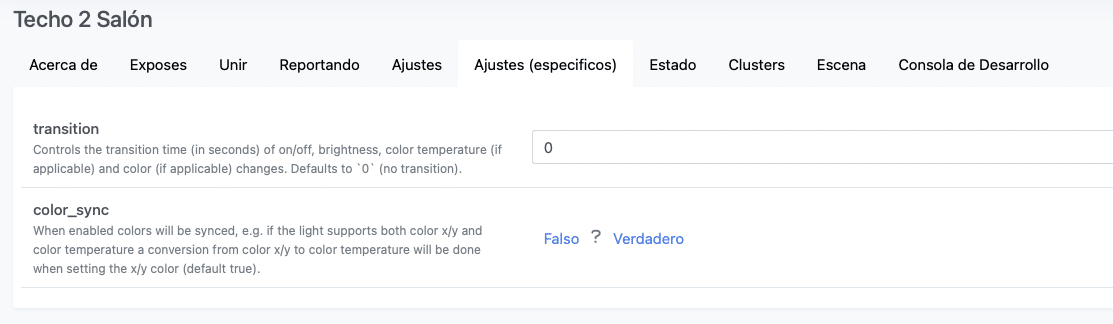
Well, it’s not that they turn on when the power goes out, obviously if there’s no power they can’t turn on… but when the power comes back, ALL of them turn on at 100% in warm tones, that is, in the bulbs’ default configuration. At my place the power doesn’t go out that often, but sometimes we turn on too many things at once… and the breaker trips. Then as soon as I flip the power back on, ALL the lights turn on, along with all the Philips Hue plugs, which I currently have connected to the heaters in the bathrooms. What’s more, until Home Assistant fully restarts and the switches reconnect, there’s no way to turn them off… so those 3 or 4 minutes it takes for the Pi to boot up and Home Assistant to become available feel ETERNAL while my wife gives me that look that means ‘honey, it’s fine, but I’d love it if this worked a bit better, take it as a suggestion, my love’. You know the one. If we have the original Philips Hue bridge, it’s possible to configure how the bulbs behave when the power comes back from the app. The options are the usual suspects: ON (all lights turn on), OFF (all lights stay off), and RECOVER (the lights go back to whatever state they were in before the power went out). Also, the bridge is integrable with Home Assistant, so if you keep the Philips Hue bridge you won’t have any issues. But as you know, I’m a bit of a knucklehead, and I decided to ditch all the zigbee bridges and use only Home Assistant with the SonOFF zigbee dongle… which, in every sense of the phrase, has brought me more headaches than benefits, although it’s true I’ve learned a lot and I think it runs faster than the official bridges since there’s no information exchange between platforms, all devices connect to the SonOFF dongle and are managed through the Pi, so after some time investigating I bitterly discovered that there’s no parameter whatsoever for configuring the bulbs’ behavior 🙁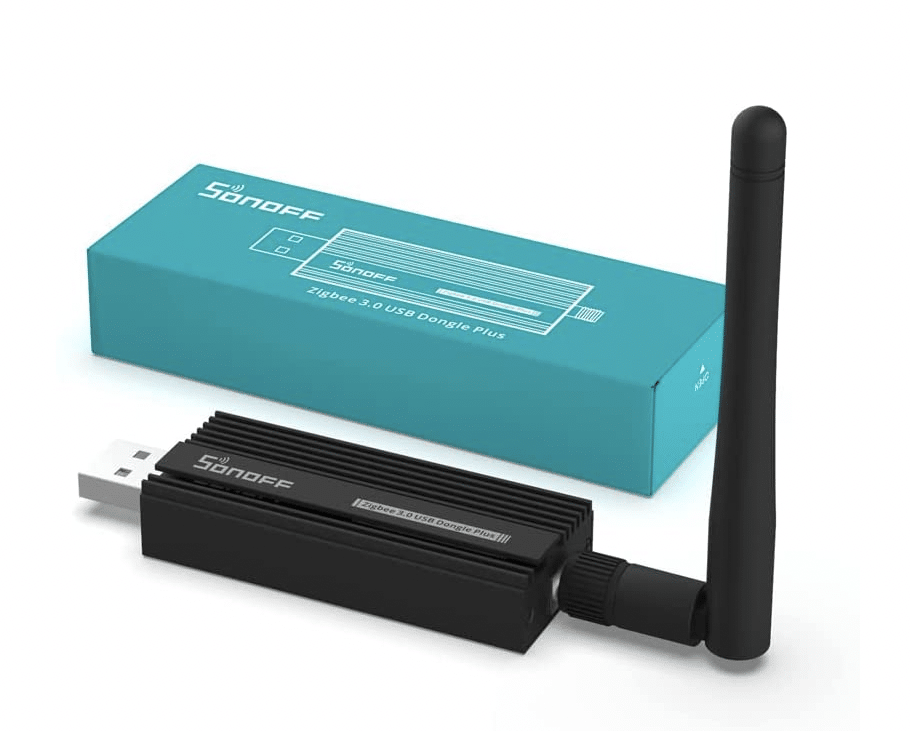
The solution: Mosquitto Broker
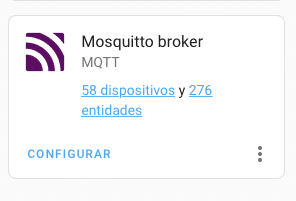
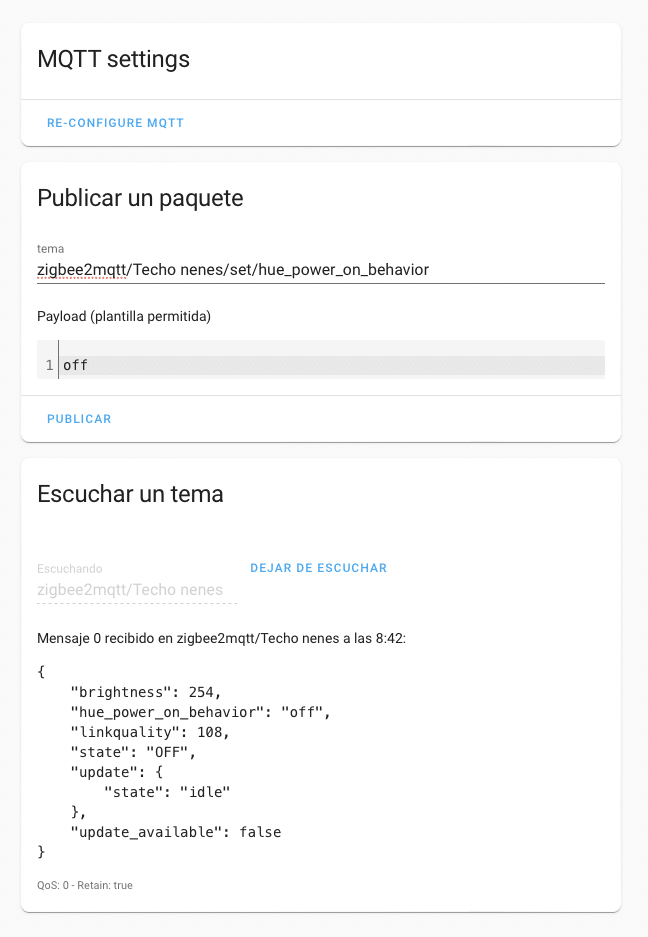
Eclipse Mosquitto is software for sending lightweight messages, to put it simply. Basically it publishes message queues that you can subscribe to. I won’t bore you with more details, but if anyone wants to dig deeper into this you can check out the Mosquitto Broker website https://mosquitto.org/ or read BBits’ post where they explain it wonderfully.

¿Necesitas ayuda con tu domótica?
Te ahorro tiempo, dinero y disgustos. Sesiones de consultoría desde 60€.
Carlos Sahuquillo
'Haga lo que haga en la vida, siempre compito' - Jacques Villeneuve Reserva una sesión →
Sigue leyendo
Ver todo el blog
Entradas relacionadas
3 septiembre, 2026 · Domótica
Leer
Webhooks and workflows in Controller for HomeKit
Kicking off Season 4. I'm picking back up the automation for the sensor that kept running out of batteries that I told…
Ep. 111 · escúchalo
0:00 / 13:12
27 agosto, 2026 · Domótica
Leer
How to tell if your kid is sneaking into your room without having a camera
I bought the Aqara P2 presence and light sensor with Matter, and I've got it running simultaneously on HomeKit and Home Assistant…
Ep. 110 · escúchalo
0:00 / 12:16
25 abril, 2026 · Domótica
Leer
Smart locks with kids
Having a smart lock at home is great—until one of your kids accidentally opens it from the Home app while you're away,…
Ep. 109 · escúchalo
0:00 / 18:41
Gracias por este resumen, lo probe directamente enviando comando
mosquitto_pub -t ‘zigbee2mqtt/0x001788010bd58d86/set’ -m ‘{ «hue_power_on_behavior»: «off» }’
Pero veo que funciona a medias, en tu video veo como parece intentar de querer encender y se apaga inmediatamente.
En mi caso no tengo ese efecto, pero si es cierto que si apago y enciendo el interruptor en poco tiempo. Se pierde esta configuracion o eso parece.
Entiendo que realmente la configuracion del estado ON OFF o el RECOVER (que no parece funcionar) no se guarda internamente en la propia bombilla, si no que es el Mosquitto el que envio como tiene que comportarse cada vez que se engacha no?
Gracias!
Hola sabido! Muchas gracias por tu mensaje! Pues no te sé decir porque si es mosquitto quien manda el mensaje, como es que cuando se va la luz y luego vuelve, la bombilla sigue apagada? No debería ser así ya que cuando vuelve la corriente a la bombilla mosquitto todavía no puede publicarle nada ya que no se ha levantado aun, por lo que debe almacenar algo de información en la misma bombilla, no?
En mi caso funciona perfecto, el video de la lamparilla no hace justicia ya que en este momento no hay ligero parpadeo ni luz residual que creo que se debía al mismo interruptor de la lamparilla. Estos días han saltado los plomos en varias ocasiones debido al calor y haber encendido demasiadas cosas y te aseguro que funciona como debe, cuando vuelve la luz se quedan APAGADAS por defecto sin tintineo ni energía residual ni nada 🙂
a mi si me funcionó con recover, muchas gracias!
Genial Arturo! Gracias a ti por el feedback!
Yo tengo 3 lamparas HUE numero de modelo 929001821602, monocromaticas dimmeables, que no se por que razon me las toma el zigbee2mqtt como 8718699673147. La opcion «recover,» no esta, esta la opcion «prervious» que debe ser lo mismo, y el comportamiento es erratico: por ahi respeta el ultimo estado y por ahi no.Ya no se que setearle……
Y no es mejor conectar el Raspberry PI a un SAI/UPS para que cuando se vaya la luz, siga funcionando?
Hola Ben! Muchas gracias por tu comentario! En realidad eso no te soluciona mucho y estás añadiendo complejidad a la red, ya que los SAIs no son baratos, hay que cambiarles las baterías cada cierto tiempo… y aún así, la bombilla se quedará quedando sin luz y aparecerá como desconectada en Home Assistant! Es verdad que cuando cuelga la luz, en cuanto se conecte ya sabrá el estado en el que tiene que ponerse, pero tendremos que elegir igualmente cuál es su estado por defecto cuando vuelva la corriente y todavía no se haya conectado a la plataforma.
Ese problema tenia en Home Assistant también, la solución sencilla fue cambiar en la configuración del dispositivo zigbee cambiar el estado de encendido en el desplegable LastState (Último estado) que es lo que haría una bombilla normal.
Todavía no utilizo Mosquitto y eso que compre otra antena para cacharrear si puedo aguantar todo en ZHA lo haré aunque sea a base de cacharrear con los Quirks y es que soy nuevo en esto de HA y la cosa es compleja para, como me llamo a mi mismo, fontanero informático.
A estas alturas supongo lo tendrás solucionado.
En realidad encontré este sitio porque tengo instalado en un mini pc home assistant con proxmox y como tu pienso que los intermediarios a la larga no son buenos, la intención es instalarlo en baremetal.
Hola Juan, muchísimas gracias por tu comentario! Sí, ahora ya tienes el desplegable, pero cuando escribí esta entrada aún no existía eso 😀
Respecto a utilizar ZHA, yo creo que es más robusto y sencillo de utilizar, pero viene muy bien tener MQTT instalado porque hay dispositivos que se pueden gestionar directamente desde MQTT, se ha convertido en un estándar de gestión de colas (no, de esas colas no :D) y, por ejemplo, el Ring intercom se puede gestionar desde la nube de Ring (con lo cual ya no se queda en local) o desde MQTT (con lo cual sí se queda en local). Con los Shelly nos pasa lo mismo, si tienes MQTT los puedes gestionar en local, sino tienes que pasar por el Shelly Cloud.
Y como bien dices, tengo HA instalado directamente sobre Home Assistant OS en el NUC, sin capa de virtualización ni nada. De momento 0 problemas. Bueno, 0 no, algún problemita puntual, pero nada que hubiera mejorado proxmox o similar 🙂
Pues lo voy a probar ahora mismo, yo también quité el hub por no tener tanto aparato, y unificaro todo en home.
Muchas gracias por la info