Tedee lock compatible with Matter
 Carlos Sahuquillo
·
9 abril, 2026
·
12 min de lectura
Carlos Sahuquillo
·
9 abril, 2026
·
12 min de lectura
Today I want to talk to you about the update that allows some Tedee locks to be compatible with the Matter standard which is something we have been waiting for for for a long time since it was announced in July 2023… but which has been delayed until February of this year, and has also been gradually reaching the users. As I can look forward to these things, I actualized as soon as the new firmware was available… and during this time I have had lights and shadows I’ll tell you now.
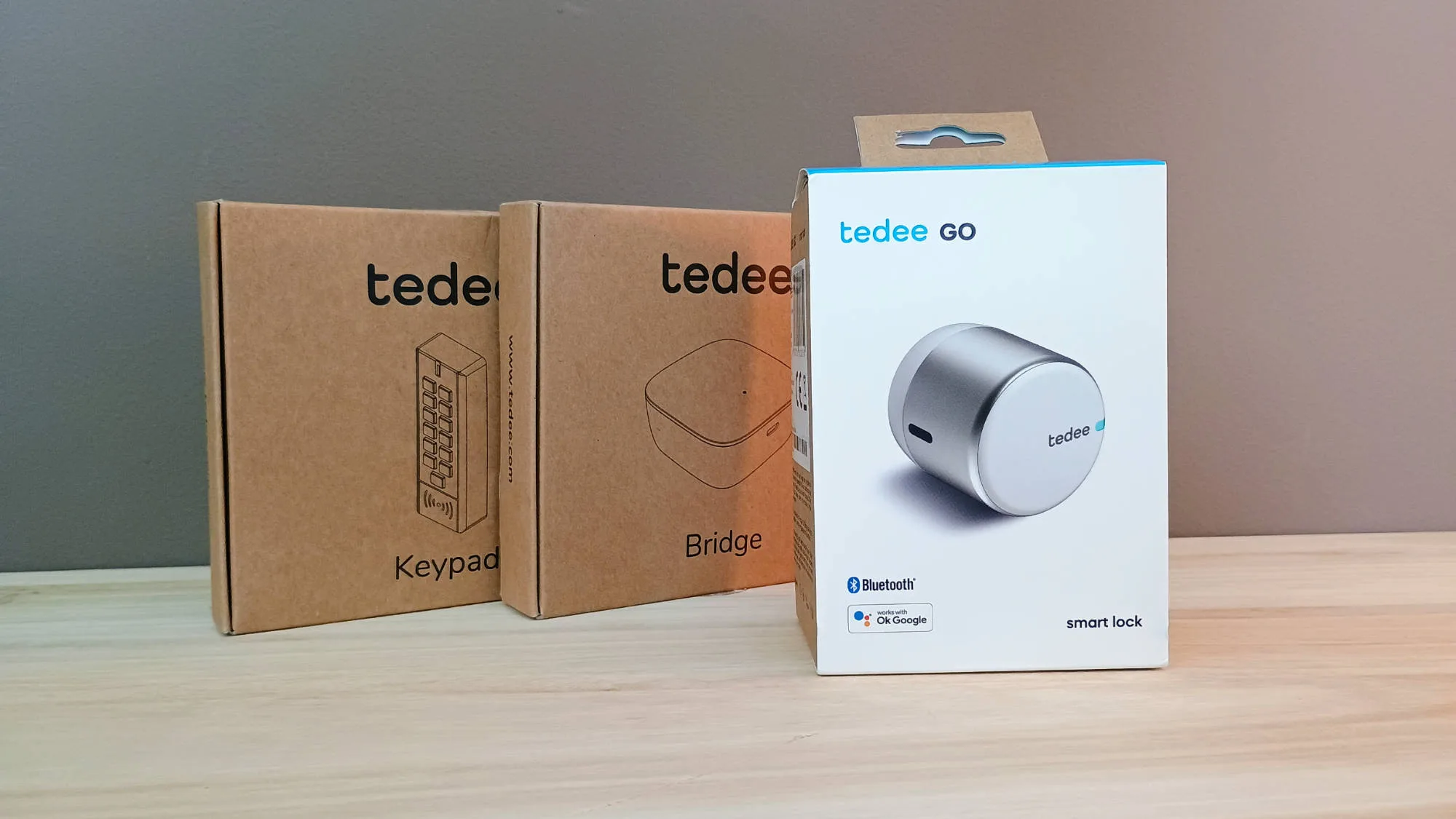
The Tedee Go 1 lock
The truth is, the locks of the brand Tedee I love not only for its minimalist design but also for its technical characteristics: respond quickly, do not give sustenance, do not make too much noise for what are the intelligent locks (that all make some noise when turning the key) and also the battery has a more than reasonable duration.
However, compatibility c
on HomeKit from Apple has always taken a lot for granted. At first it was not available for any model, then they made only the Pro model compatible and the Go was out, then they said that the Go 2 would be compatible later… a little care, so cWhen they said in 2023 that they were going to be compatible with the Matter standard, many users were opened the doors of the sky. because they were using Tedee’s app to open the door and they couldn’t integrate it with their HomeKit devices.
In my case it wasn’t too important because you know that I have both the Apple ecosystem and Home Assistant < /
strong >, and how Home Assistant has Tedee plugin and recognizes the lock perfectly as from there it was published in HomeKit with some limitations… well no, with MUCHAS limitations, since in HomeKit you lost all the properties, you could open it and close it already… but I created a couple shortcuts, I posted it in HomeKit doing a little tuning of the integration configuration file HomeKit bridge And I had the basic functionalities but with some notifications to let you know when the door was open off-schedule, while I was out of the house and stuff.
By the way, I plan to talk to you.
about permits on this type of devices especially when we have children at home so they can’t open the door when they want to, which happened to us once some of my kids touched the house app the lock and it opened when there was no one at home… so it remained open for a few hours, not for a couple of hours, but if you looked at it you did see that the door was open and just pushing a little bit would have been able to get in.
Well, you can imagine the chicken with my wife… another of the automations that almost cost me divorce,
I’ll add it to the post that I have out there and you like it so much when I reflatter it or update it, suckers.
But good as I was going, you take me away. Users who had a first-generation Tedee Go and did not have Home Assistant could not integrate it with HomeKit and should use Tedee’s app to open and close. The app is great, it allows you a lot of things that neither Home Assistant allows nor of course HomeKit now, But it’s a brace to use a specific app and you run out of complex automations like the one I have to close the door lock, pass the key, when I put the mobile to load by
the night and we’re all home. If not all of us are not, that my eldest son may have been out there in a gardena and I don’t want the lock to start to make noise and pass the clac- clac- clac when he comes back at that many in the morning.
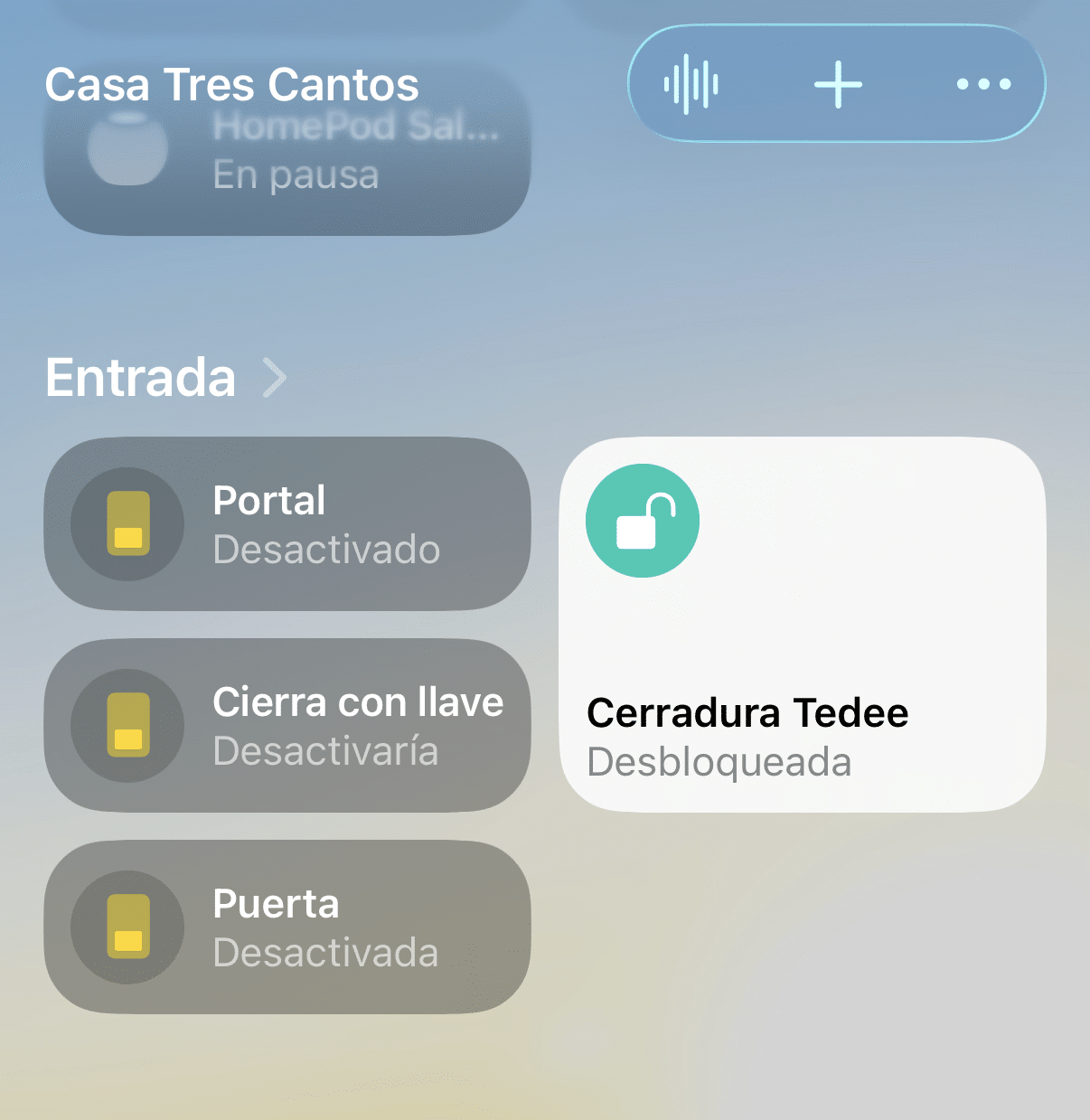
With the compatibility with Matter we have won a lot, since the lock appears on HomeKit as if a native HomeKit lock were involved. We also won some very useful functions, now I tell you later, but first let me tell you what to do to make it compatible with Matter.
Update to Matter
As I was telling you, the new firmware was published in February and was gradually reaching all users, so if you were trying to update the same day, you still had no choice. Tedee says that by March it was already available to all users. I don’t know when I actualized, but I’d probably be giving the Refreshing, Refreshing, Refreshing until the firmware came out as available.
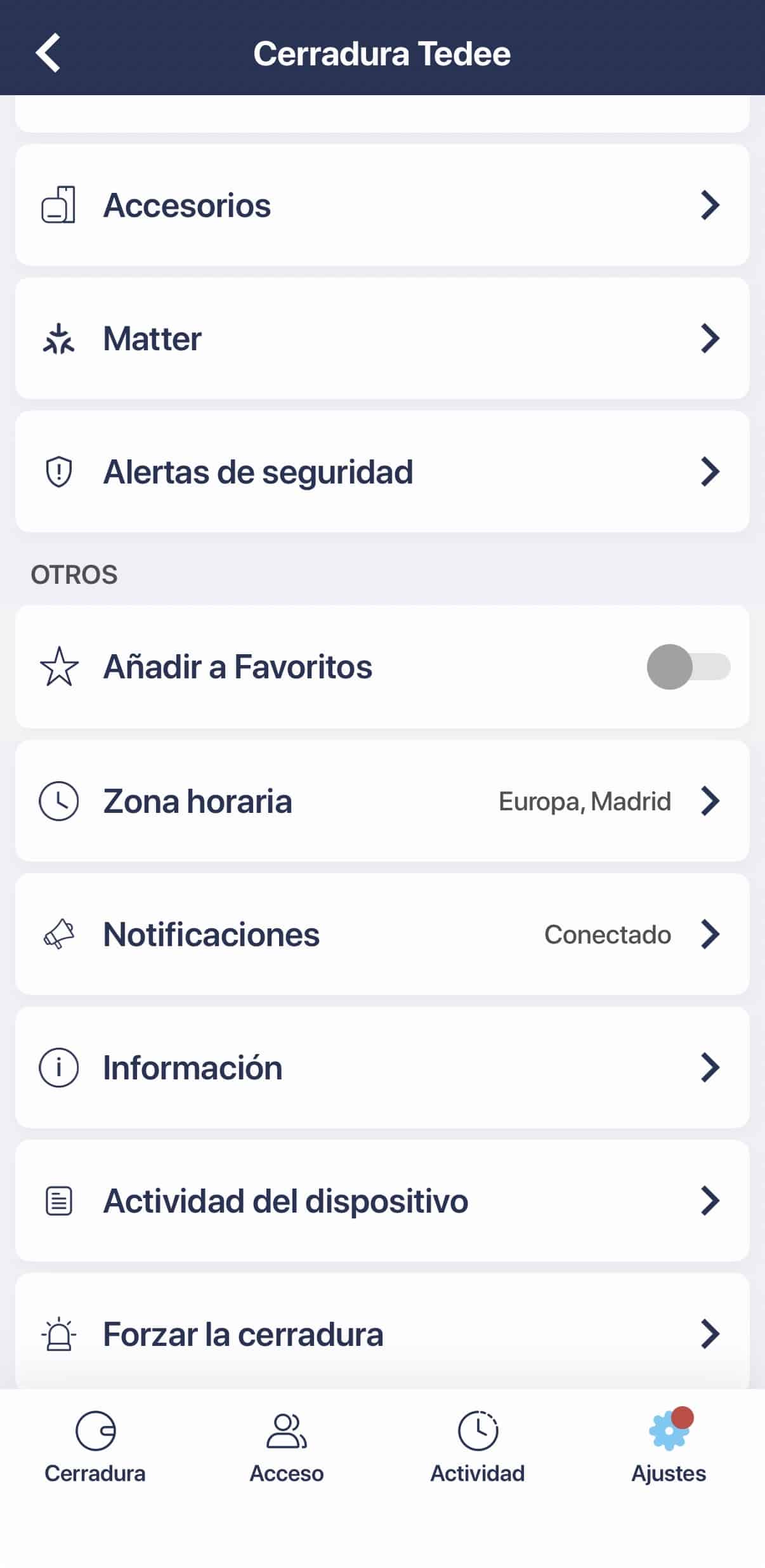
The update has no complexity unless you have to do it from the Tedee app, of course. You enter the lock and you will see that before the security alerts you have a new section q
It’s called Matter.
I hear what is updated in the Tedee Go is the bridge Since these locks are not independent and need bridge to work… and that’s why. the Tedee Pro has not become compatible with Matter, since it seems that the lock hardware does not allow it and it is not possible to update it only by firmware. It’s what a minimalist hardware has, what it’s gonna do.
Another important thing to consider is that You need a Thread Border Router., since the bridge doesn’t do that function, so if you don’t have home
Thread devices are already working make sure you have a border router like an Apple TV 4K, Apple HomePod, Modern Amazon Echo, Amazon Eero routers or Home Assistant with the right pinch.
And you might wonder But how do I link it to the Home App or my Matter ecosystem if I don’t have the Matter code? And you’re absolutely right, as Tedee is including the Matter code, the Matter Setup Code in their new locks, but those that we have versions of some time have been updated do not have this code… but don’t worry because the app gives you during the pajami process
Matter with the first ecosystem.
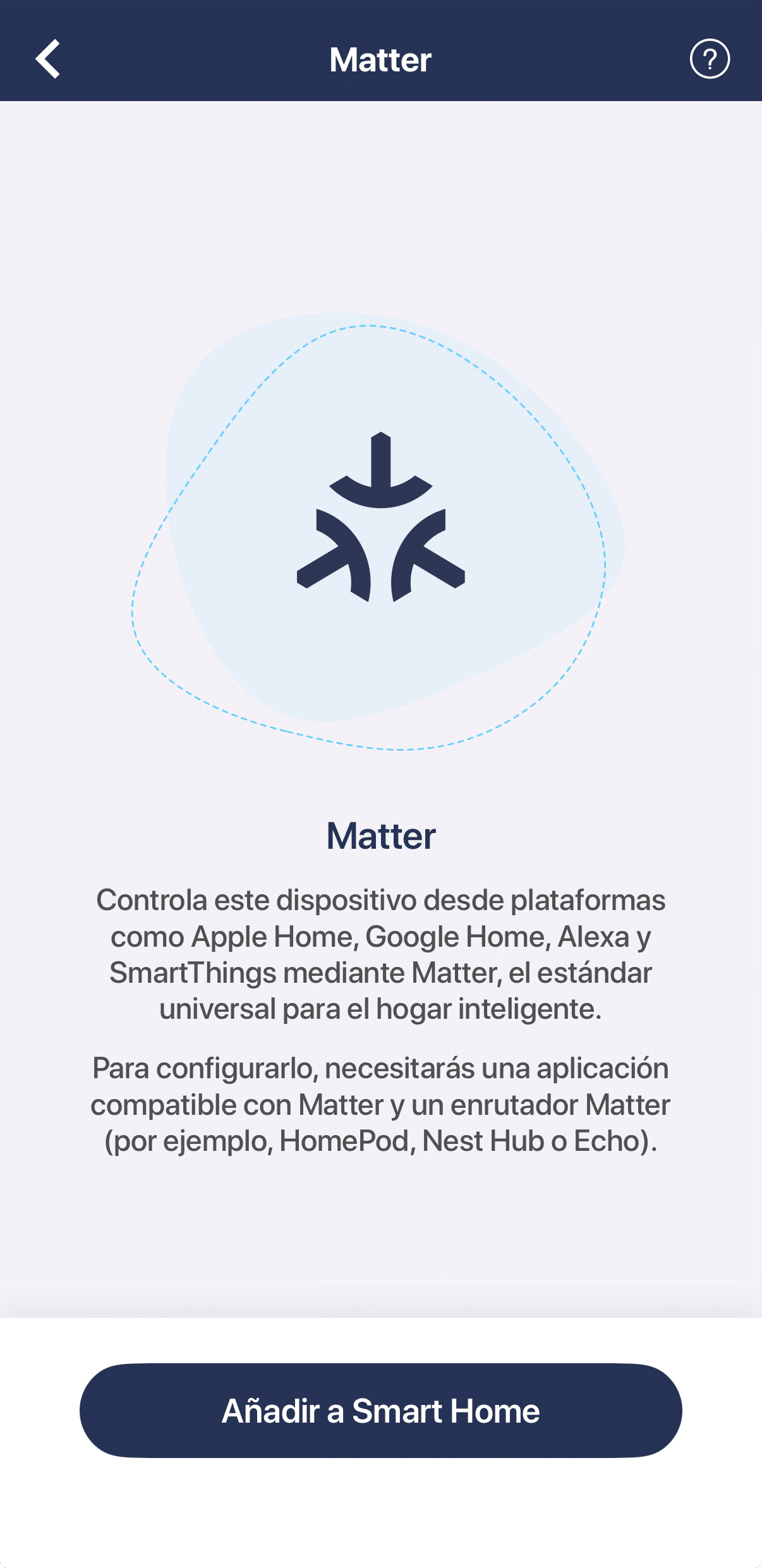
That’s right. attach it somewhere, for example in the Configuration Codes section of the Maintenance part of Controller for Homekit, which is precisely for that because stickers can be deleted, taken off or lost… and in that case you are faked if the Home app is not able to recognize that device by proximity and needs yes or yes the matching code, not only Matter but also HomeKit’s ancients. If you don’t have a driver for homekit DIOS KNOW WHY, put it the same in a shared note, a txt, an Excel or d
I want you to, but He thinks if you lose him, you won’t be able to relink that device in most cases.
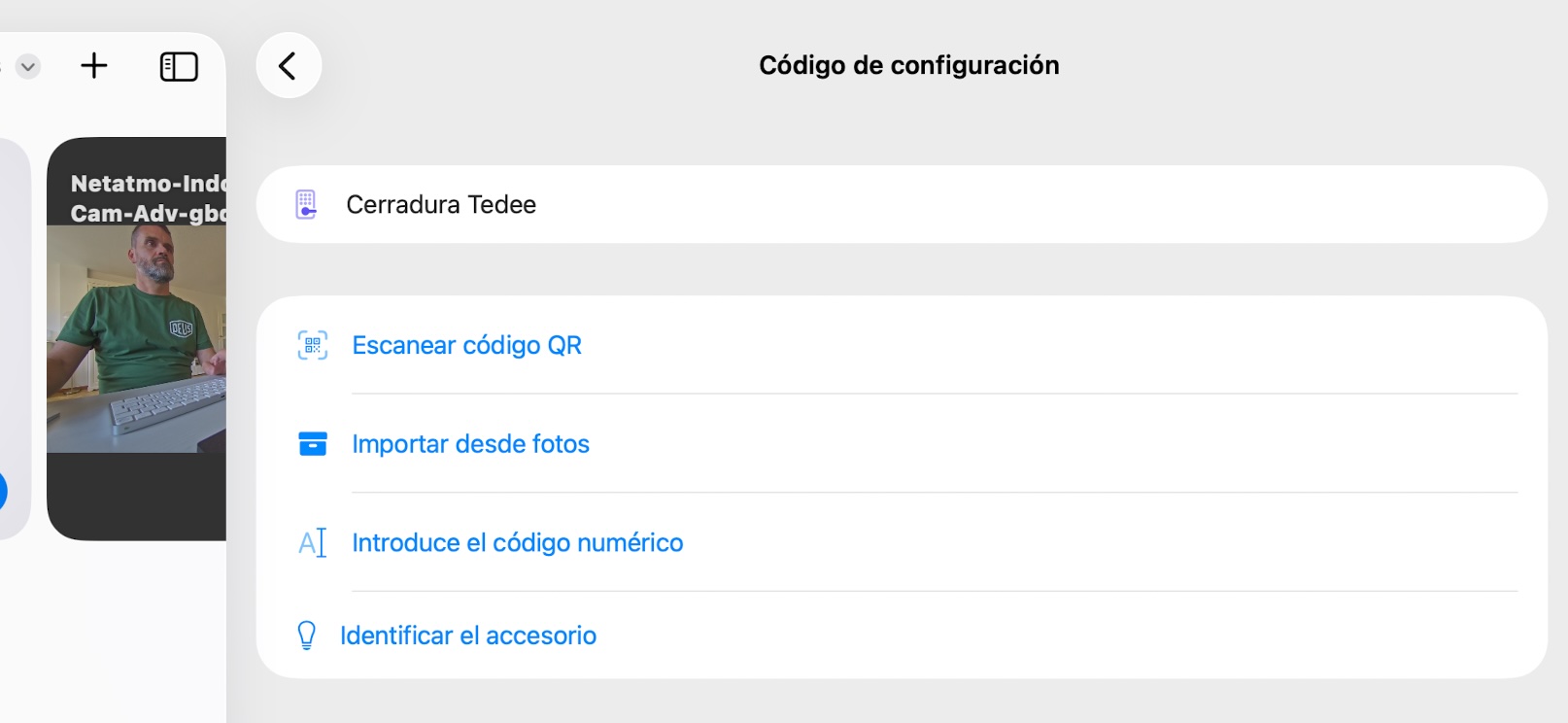
Integration in Apple HomeKit House App
Still, to link her to Homekit and have her on the Home app you don’t have to do anything, since when you finish the matching process from the Tedee app gives you the option to give you permission to access the house data and add it directly as a lock, you ask the room name and so on.
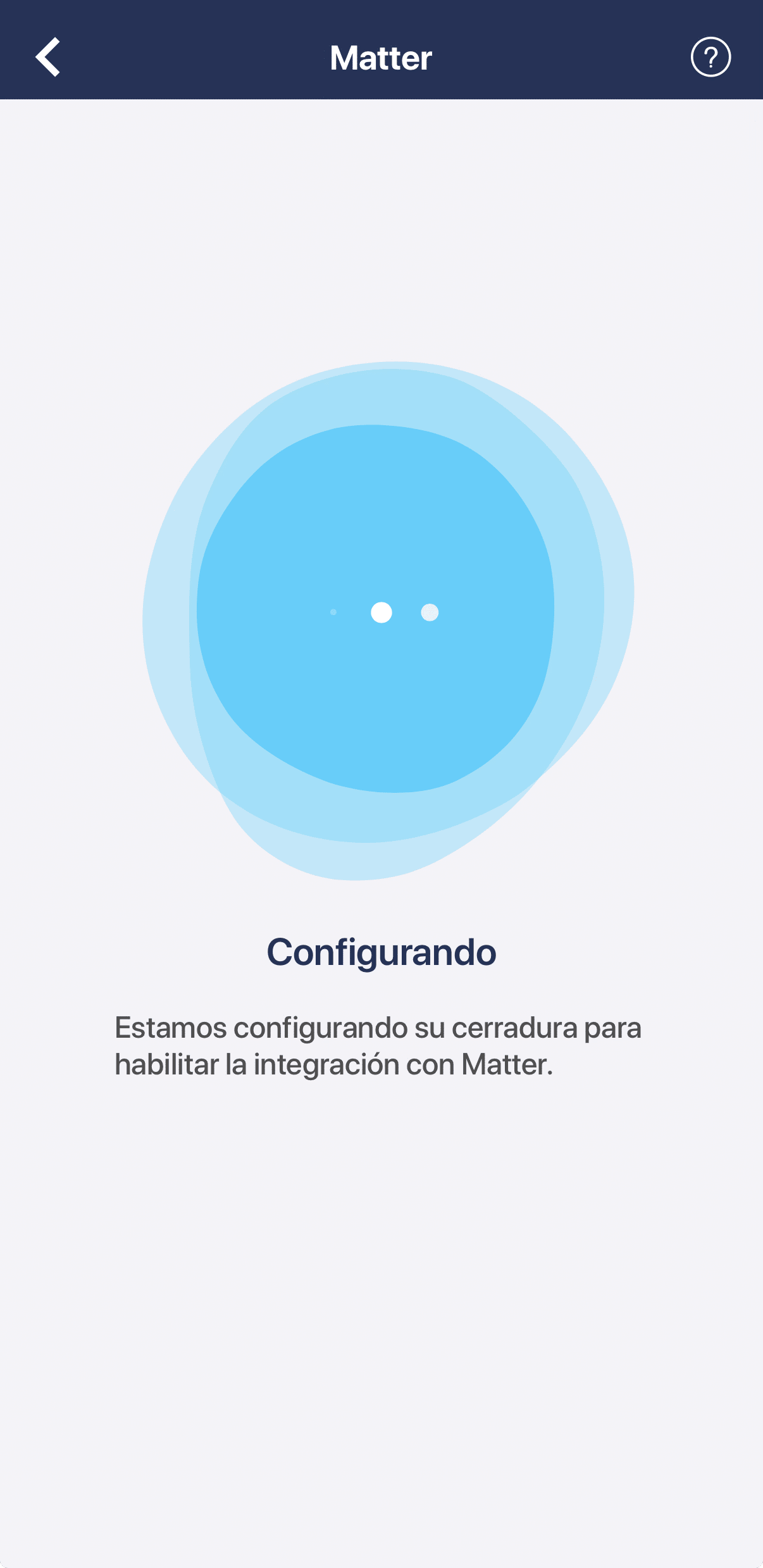
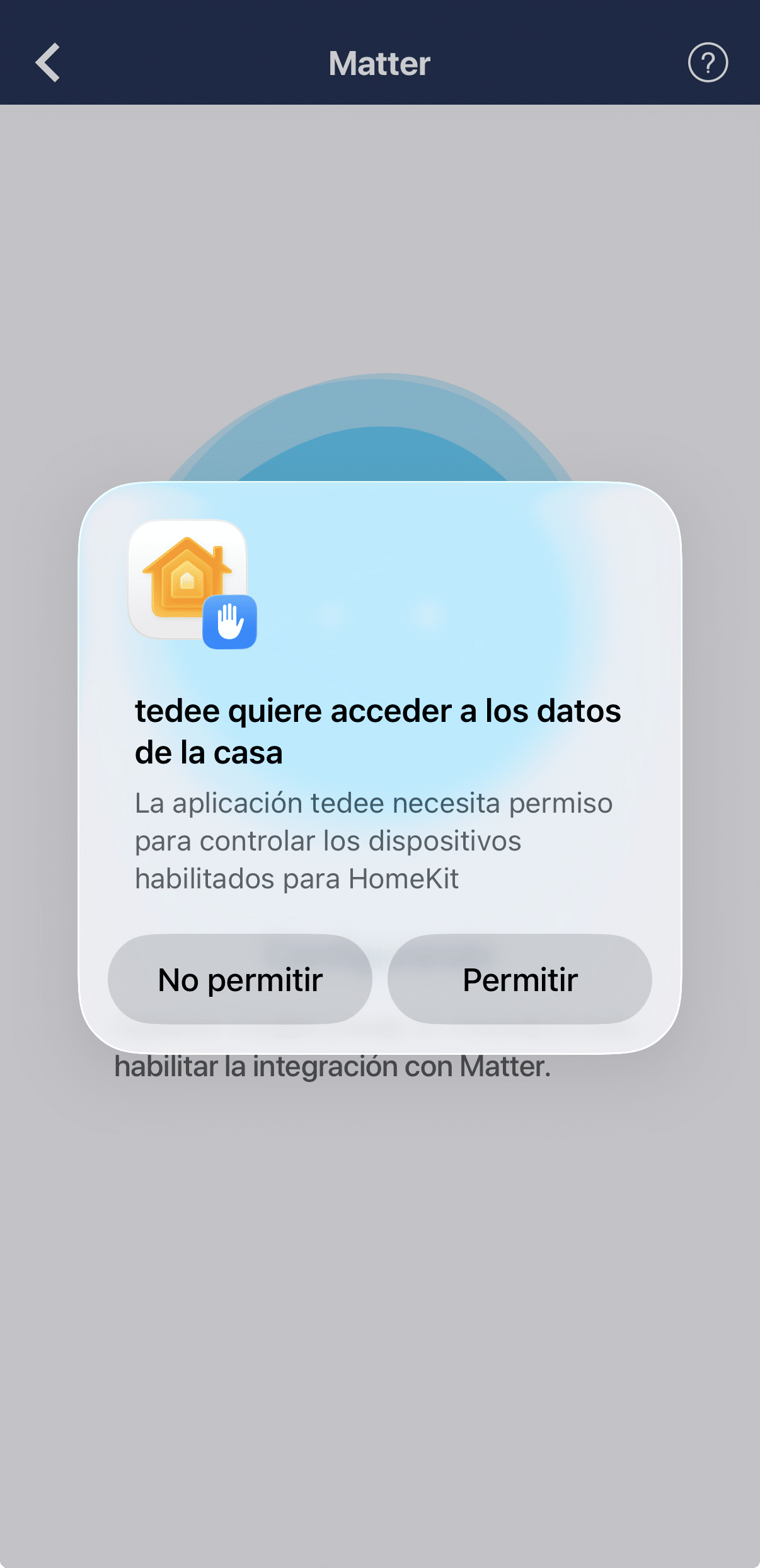
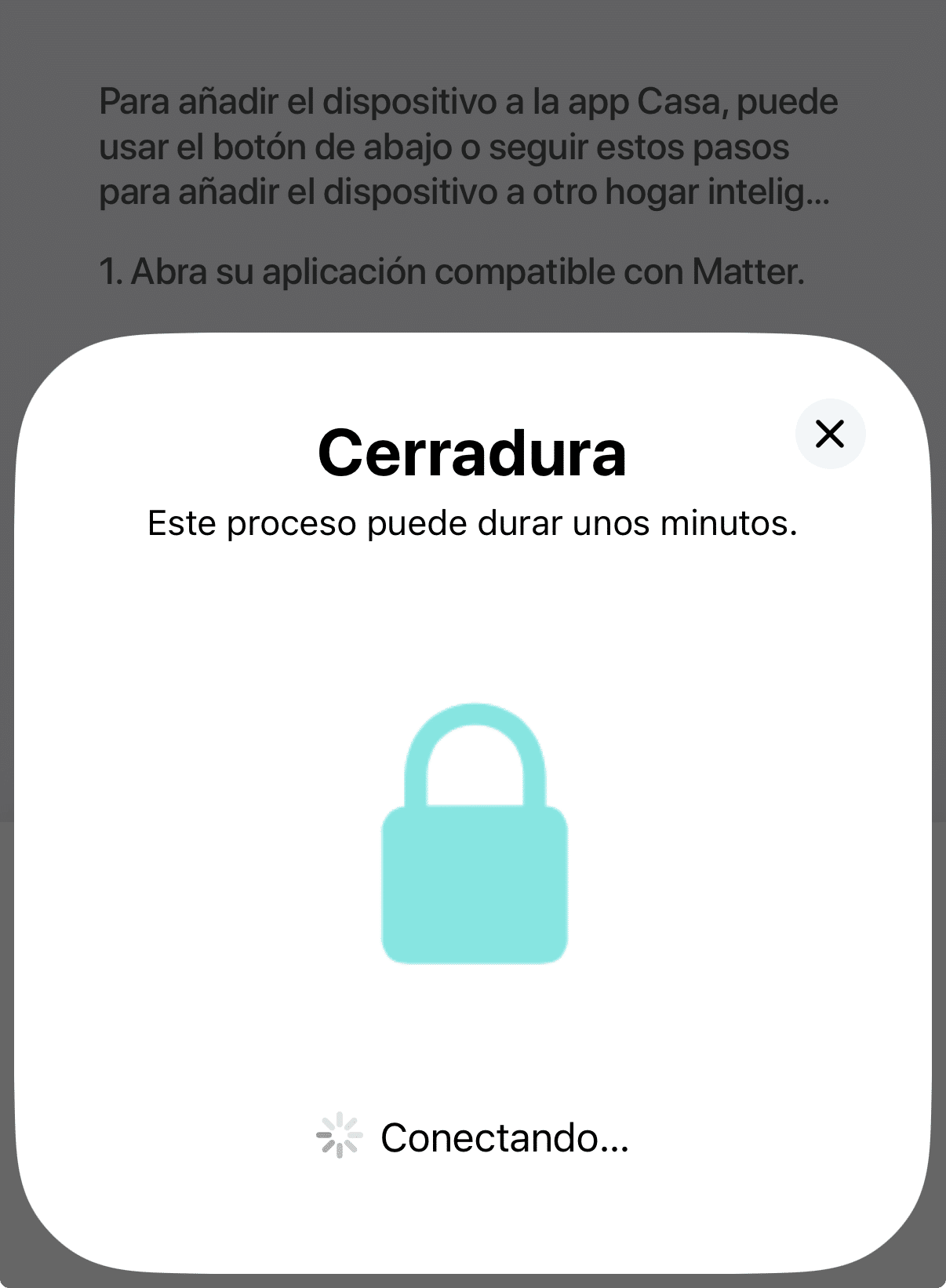
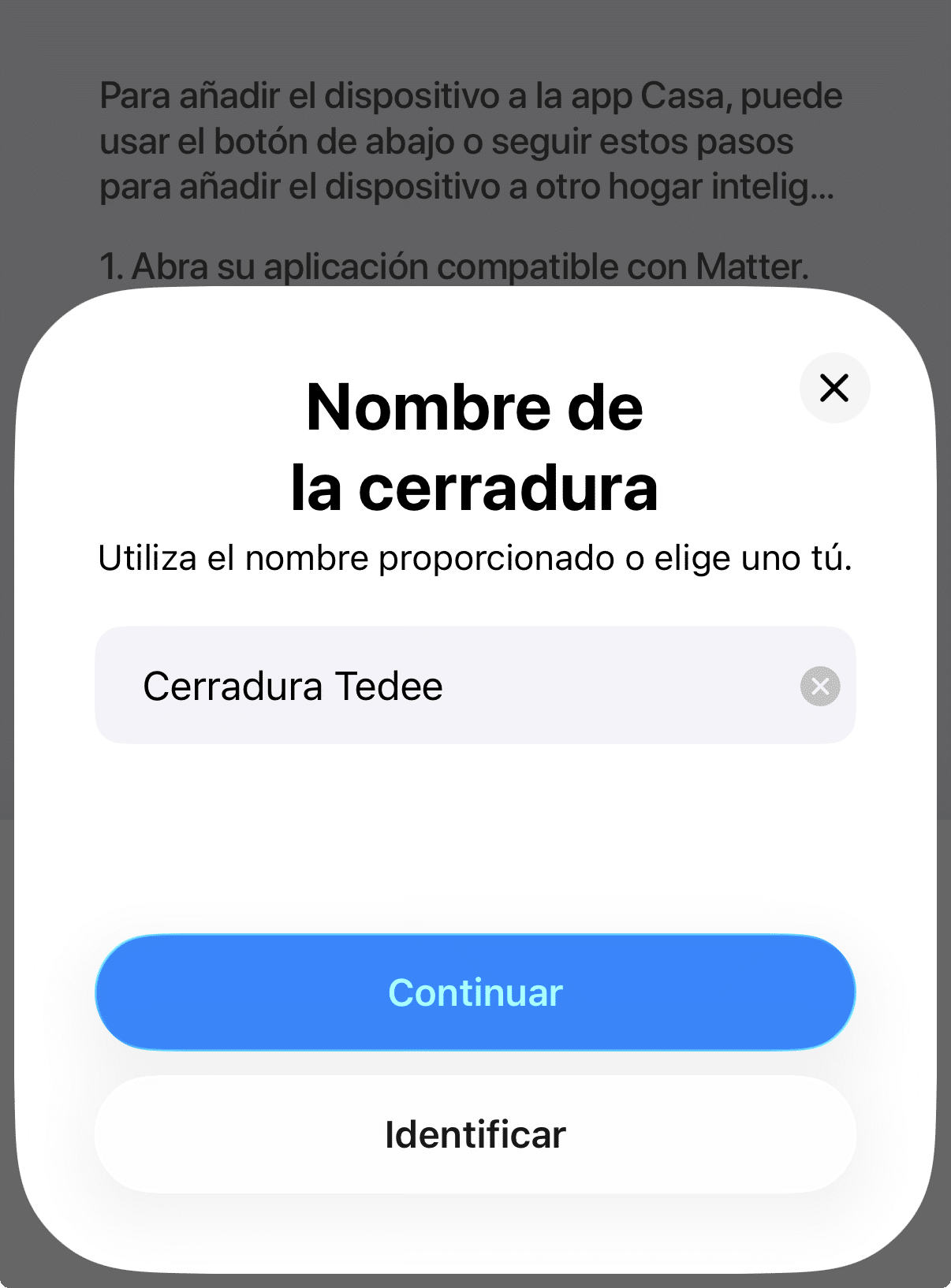
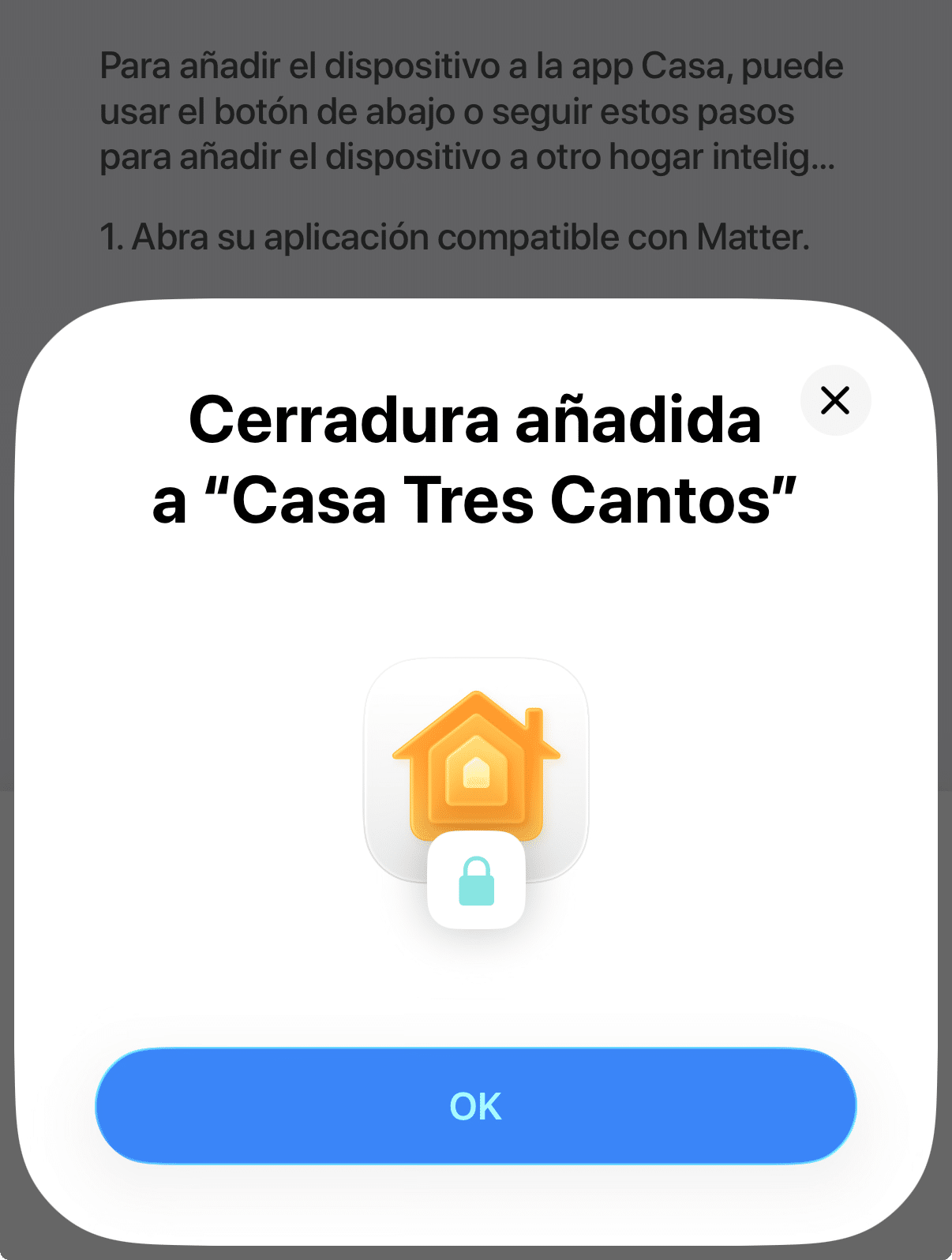
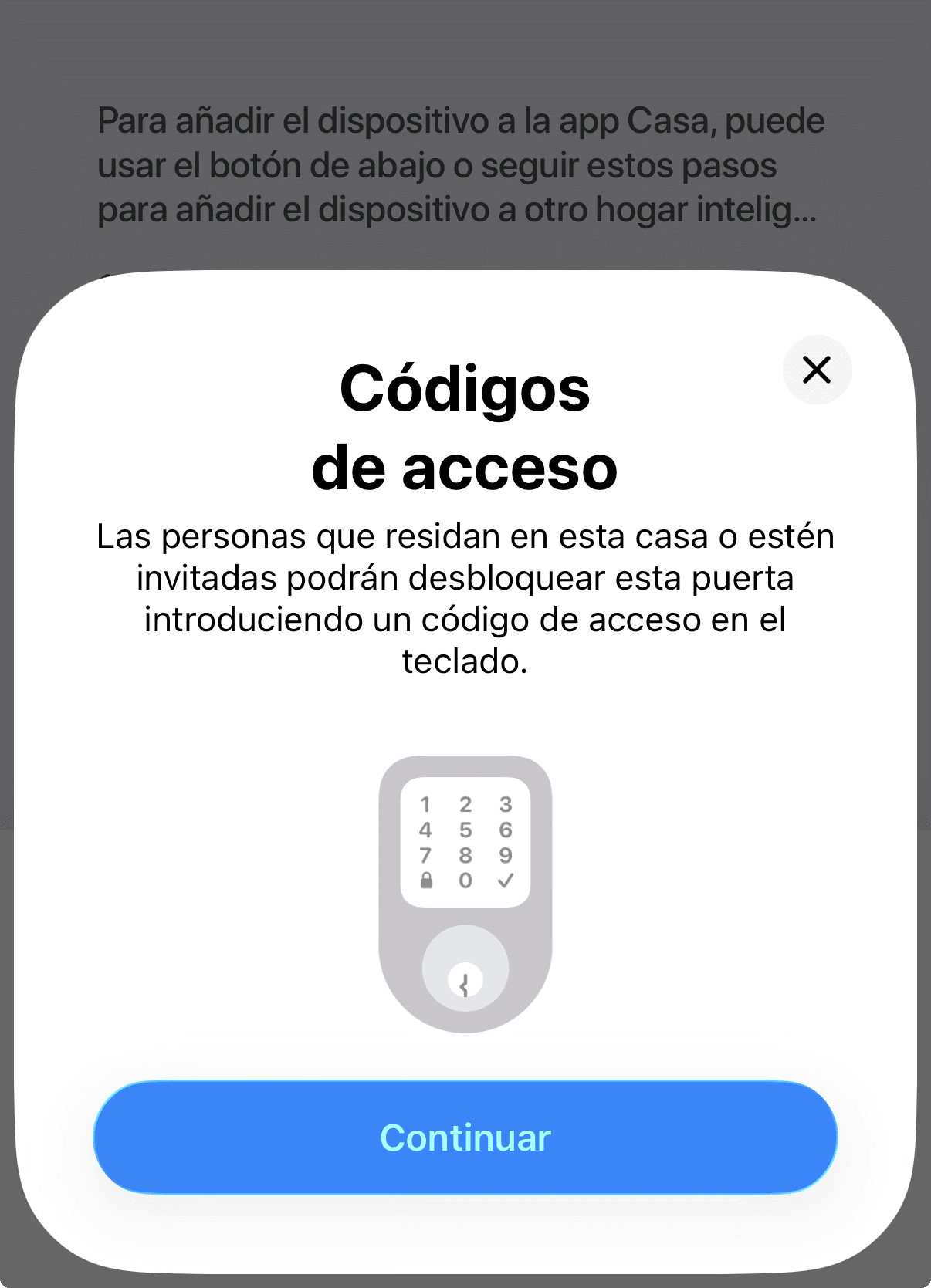
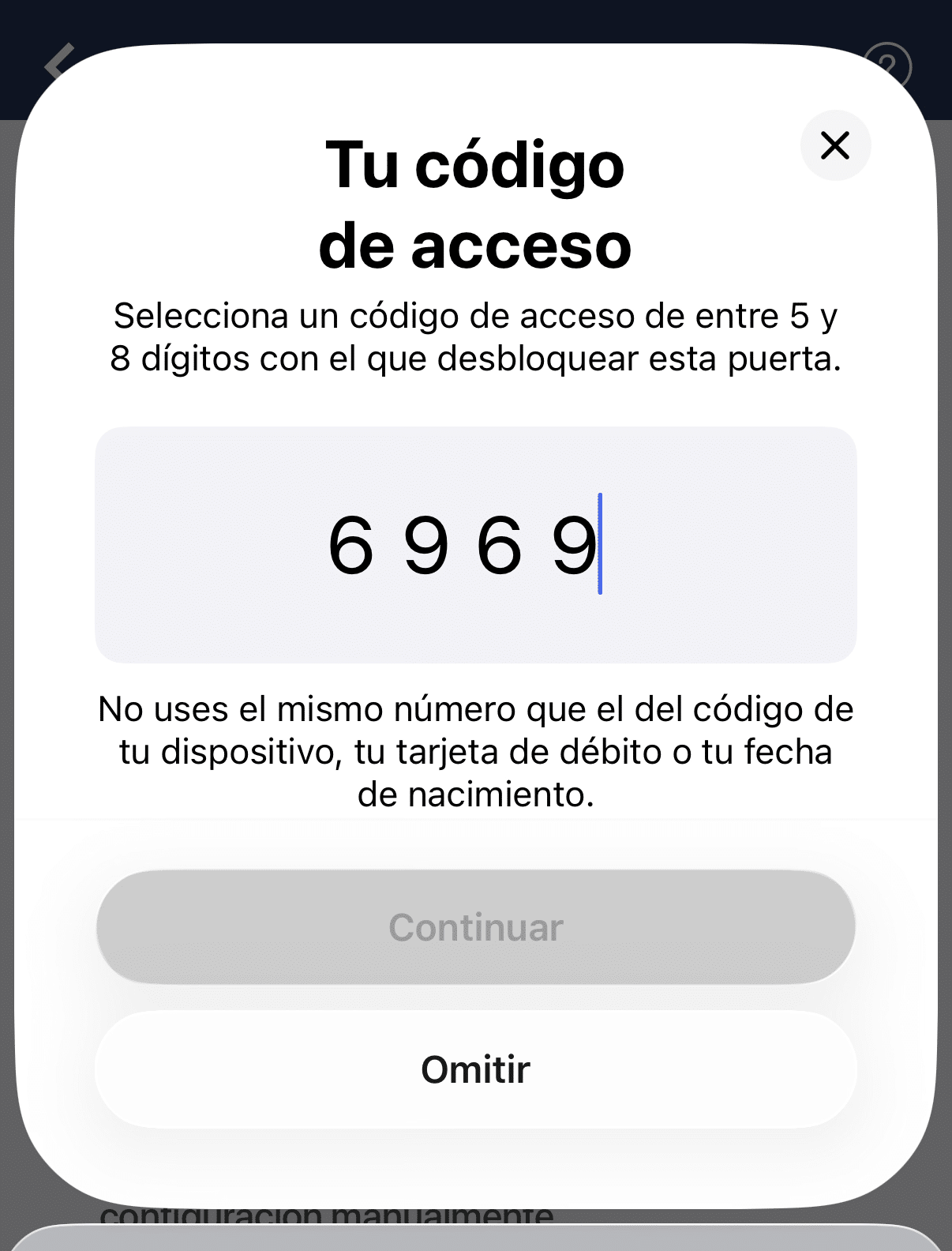
«p1» > And During this process a curious thing happens and it allows you to create the unlocking code for the keypad, the numerical keyboard you can have on the door outside so you can get in without keys and no cell phone or anything. A year ago or so they pulled out a new, more modern keyboard, mine is only numeric and has no NFC or footprint or anything, it’s just a keypad that sticks with double-sided tape or with a pair of screws and goes to batteries… but it’s cool that you can create the codes directly from the home app.
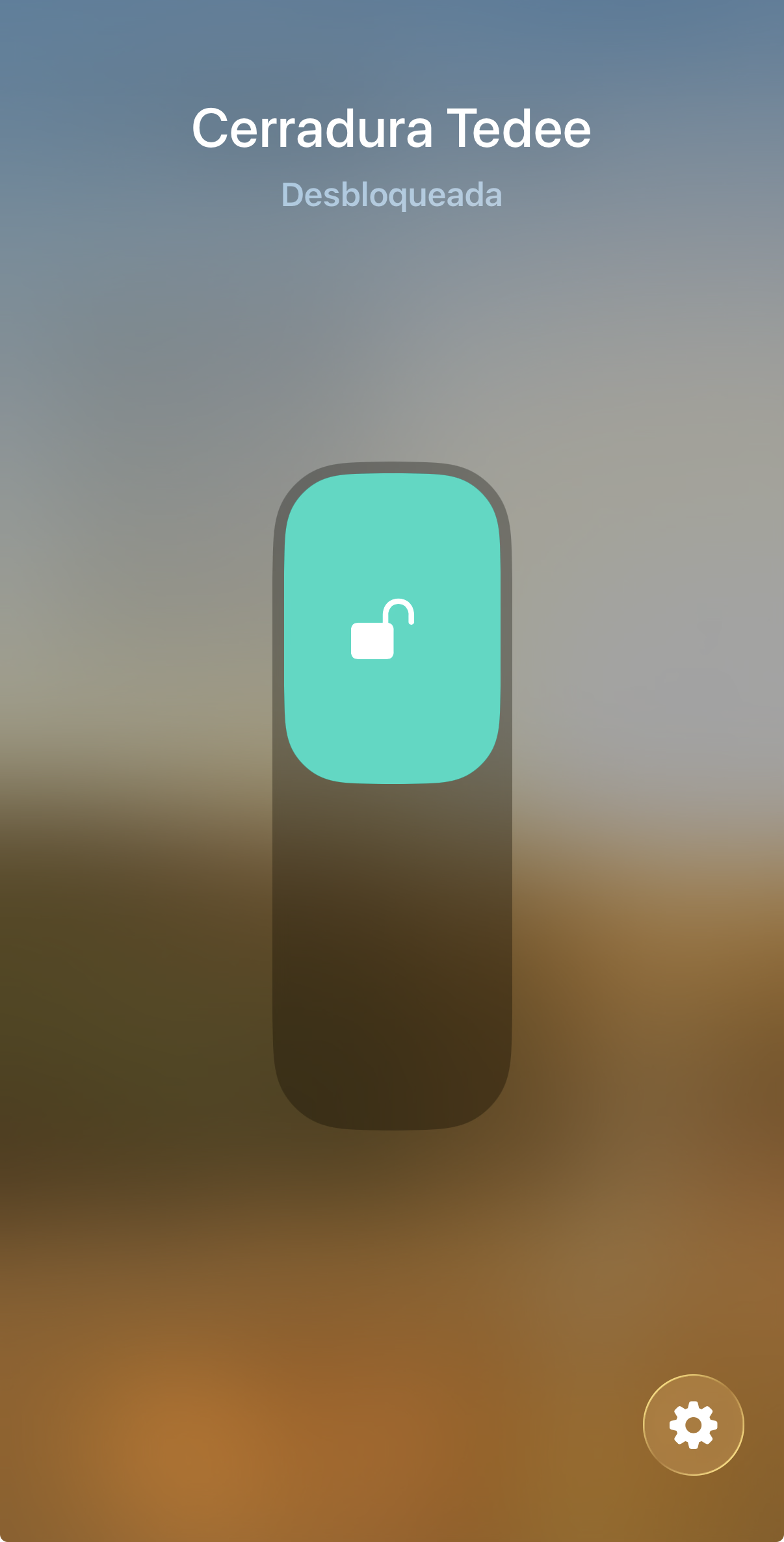
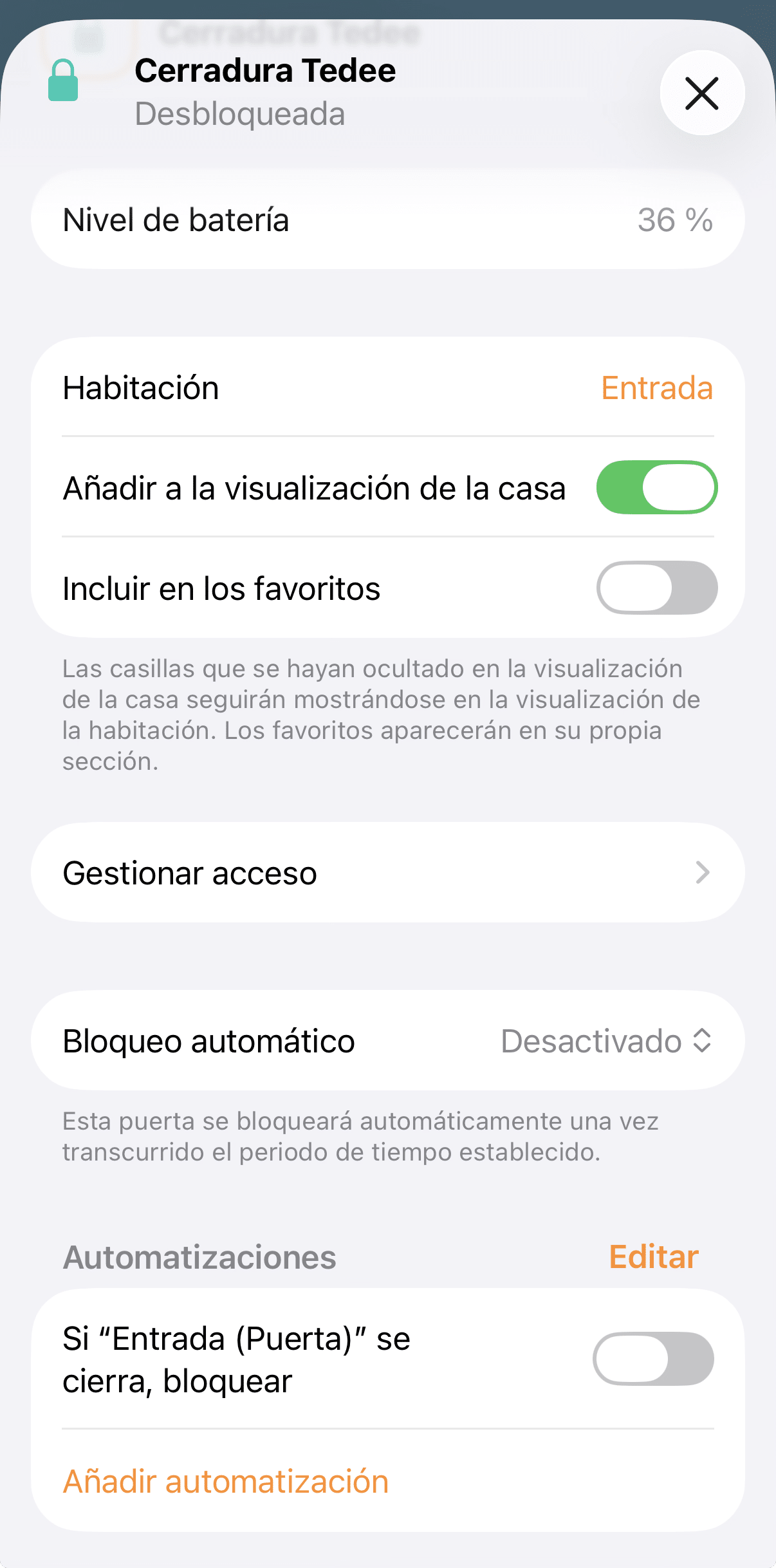
Once you have it in the Home app, when you enter configuration see?
♪ that you have a lot of configurable thingsIt’s not like you publish it from Home Assistant, now. You can even see the battery and create a smart notification with Controller for HomeKit to let you know for example when it has less than 20% battery left. You know that Apple House app has this as a pending subject, when you have a low-battery device, it comes out there on the top bar of the house app, but you don’t have a notification or any of this, so if you don’t get too much into the house app, you may get past it and suddenly you run out of battery on some device.
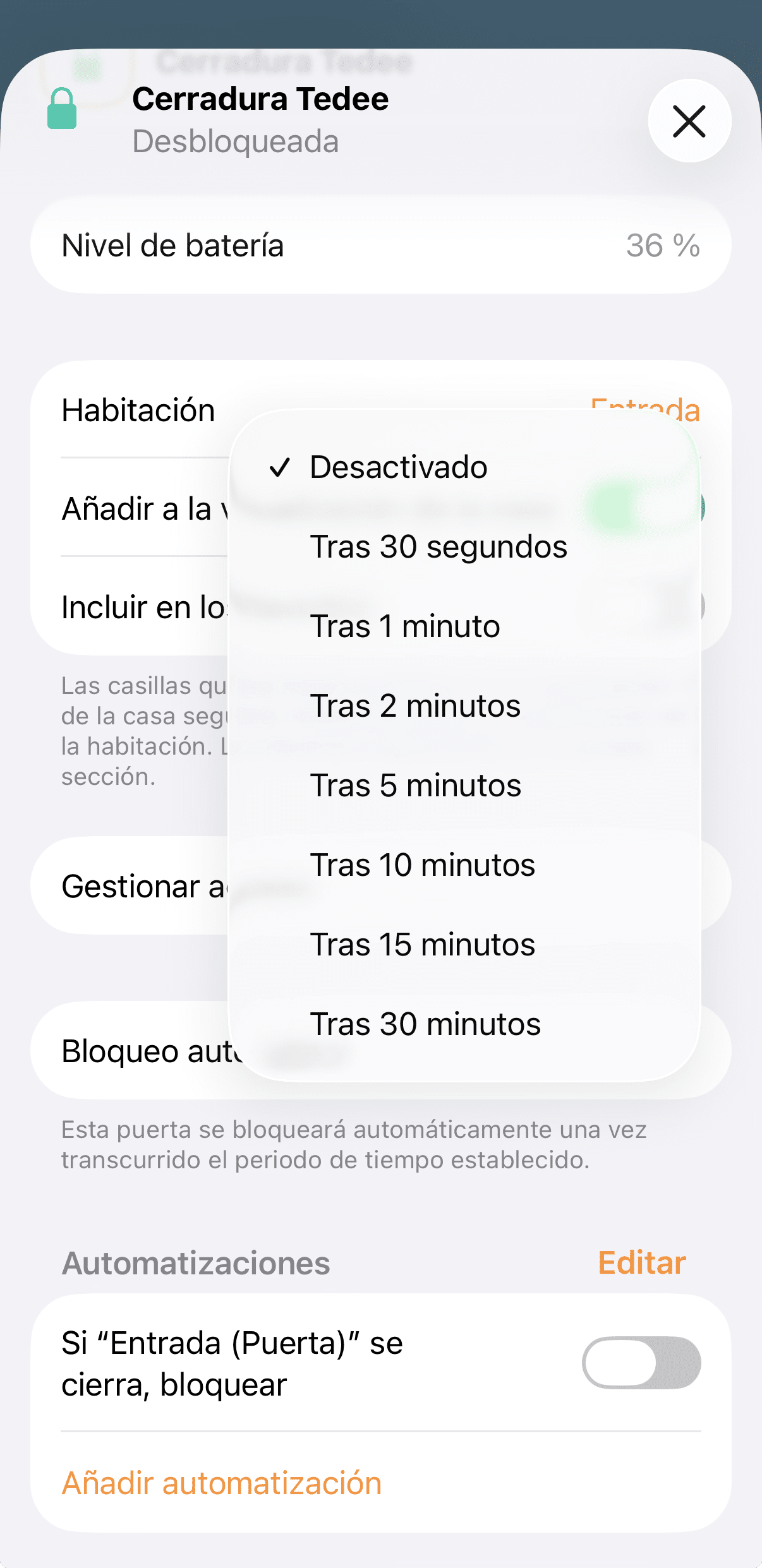
Also
g > can manage the automatic lock, i.e. automatically pass the key after X seconds of inactivity, change the access codes of family members And things like that. The truth is, I really like integration, Although there are things that can’t be done and you have to die in the Tedee app, such as calibrating the lock, which is something that is not done very often… but from time to time he asks you to heat the lock or you see that it does not open the latch completely and you want to calibrate it to make it work again properly, because that will have to be done from the Tedee app… just like there are many times that we can and
Limit the manufacturer’s app because the Home app already takes care of everything and manages the updates and everything, on this occasion we have to keep it… but this may also be interesting because of the granularity of access management, I’ll tell you next week when we talk about it. You can also use both, keep the native app running when you pass the lock to HomeKit no less… but I also don’t advise you to have users who can open the lock through the Home app and others through the Tedee app because in the end you lose control and it’s like you have keys to your house spread out there. I don’t know if you’ve heard Joaquin Sabina talk about this.
once, but he said that half of Madrid had keys to his house and that he was there and there were always people taking something, that as a young man it was funny but as it was getting older he saw the need to change the lock and be quiet at home. Tap stuff, you know.
Is it worth buying a Tedee Go 1?
Well… After these months I can tell you that everything works as expected once integrated with HomeKit. I have not noticed that the connectivity is slower or that it uses more battery or does strange things like it does with the Nuki Pro c
using the link via threat and Matter. The only thing that happened at first is that the activity notifications did not always come when the door was opened or closed despite being all well set up… but it was arranged alone, I don’t know, it would probably be a matter of firmware and it was arranged with some minor update.
Apart from the errors in the notifications I’d say it’s been a while since I’ve been through, The only complaint I have is in the access management part that I’ll tell you more in detail next week but that’s actually not a lack of Tedee or Matter but HomeKit., and it’s just that in HomeKit n
or you can restrict the use of certain devices for family members, so I have all my children with access to the Home App, I can’t tell them that they don’t have access to the cameras or to touch their brothers’ balls by turning off their lights or by going up the boiler to get them hot… and of course, this also includes the lock… and this is what made the door stay open a few months ago, but well, I found several creative solutions that do that right, next week I tell you in detail.
In any case, a new life for the first generation Tedee Go and Tedee Go2 because with compatibility
with Matter new possibilities openThe truth. I had ever thought about changing mine for some of the others I sometimes try to have better integration without having to depend on Home Assistant, who you already know my intention is to take it away at some point… but now There’s nothing to push me to change anymore and I’m actually very happy with the lock as such.
wp: block {«ref»: 1612} /
Carlos Sahuquillo
'Haga lo que haga en la vida, siempre compito' - Jacques Villeneuve Reserva una sesión →
Entradas relacionadas
How to spot issues in a Matter device
I opened Home Assistant's new Matter and Thread map to check which routes my devices are using and see just how useful…

HomeKit with AI in iOS 27
Apple released iOS 27 on September 14th and, as it does every year, I'm going through what's changed in the Home app…

Webhooks and workflows in Controller for HomeKit
Kicking off Season 4. I'm picking back up the automation for the sensor that kept running out of batteries that I told…
0 comentarios