Advanced notifications in HomeKit
 Carlos Sahuquillo
·
13 diciembre, 2022
·
8 min de lectura
Carlos Sahuquillo
·
13 diciembre, 2022
·
8 min de lectura
Idioma:CastellanoEnglish
[spreaker type=player resource=»episode_id=52187479″ width=»100%» height=»200px» theme=»light» playlist=»false» playlist-continuous=»false» chapters-image=»true» episode-image-position=»right» hide-logo=»false» hide-likes=»false» hide-comments=»false» hide-sharing=»false» hide-download=»true»]
Over the past few weeks I’ve been going back and forth on whether to migrate the devices I have at home to the new thread technology and the Matter standard. More and more manufacturers keep announcing new versions of thread-compatible devices, and others are announcing new firmware versions because the device had been ready for a while and just needed compatibility switched on with an update, as is the case with the Philips Hue bridge, which in the beta version of the software is already compatible with Matter.
Even so, it’ll still be a while before the standard reaches a reasonable level of maturity and all the usual manufacturers start releasing 100% compatible devices onto the market. Personally, I don’t want the Philips Hue bridge to be compatible with Matter, I want the Philips Hue bulbs to be compatible with Matter and not need the bridge at all. Aqara has done the same thing, announcing that the bridge will be compatible, although rumors are already starting about Matter-compatible devices that won’t need a bridge.
HomeKit apps
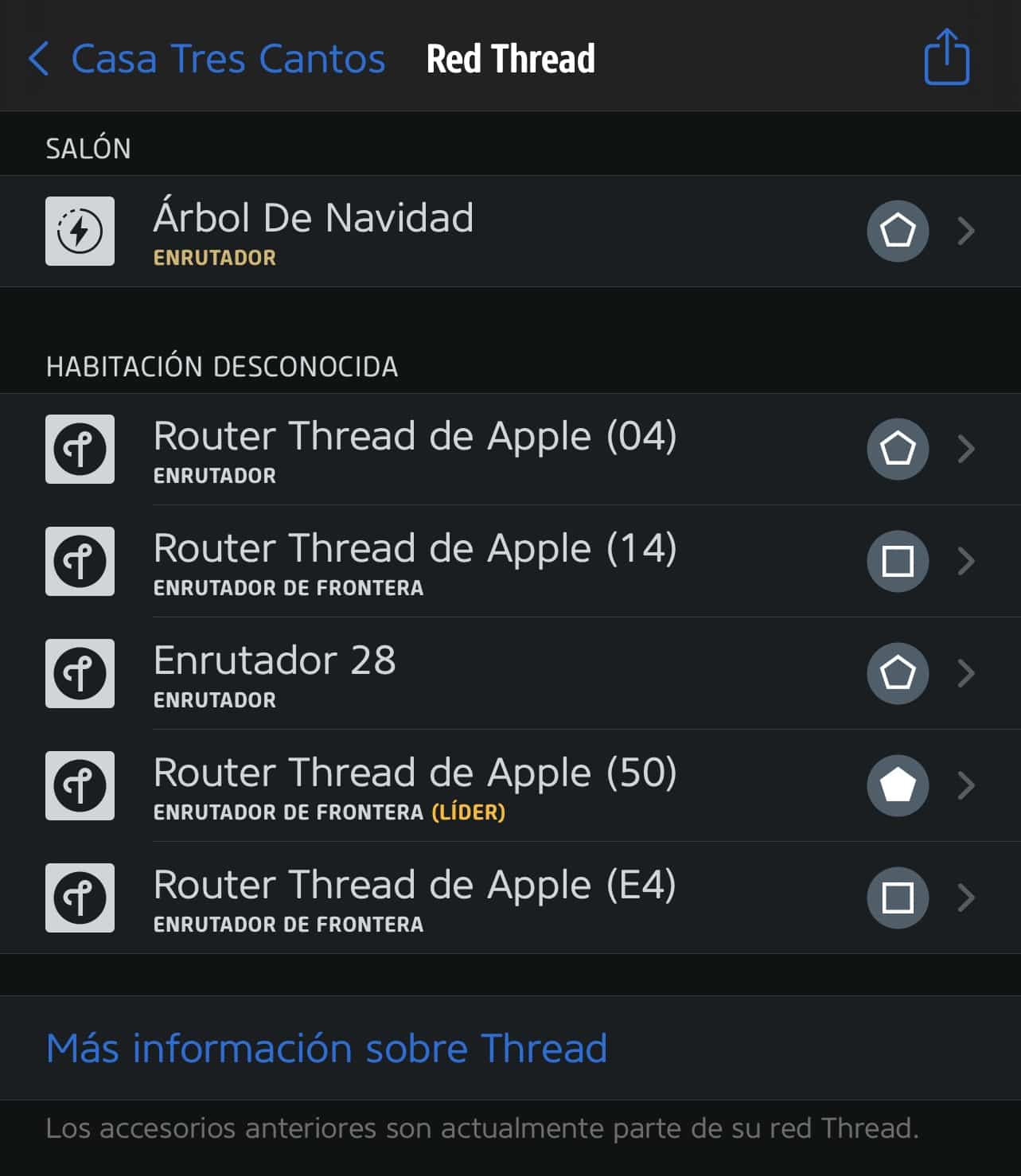
Anyway, while I was mulling all this over, I thought I’d do a review of the most common apps, both Home+ V6 (yes, they’re already on version 6), which you know I’ve defended to the death, Controller for HomeKit, which some folks from the Telegram group have also defended to the death, and other apps like Eve’s native app, which as you know shows all devices even if they’re not from their brand. I’m not going to do an in-depth review of each one right now, mainly because I already did that a few months ago, and although Home+ has changed a bit going from version 5 to 6, the improvements they’ve added aren’t much to write home about. I do like that now when you open a smart plug you can see real-time consumption, but you can’t even tell if it’s connected via Bluetooth, Zigbee, or Thread, which is the case with this particular plug. I don’t know, I think Home+ is falling behind a bit, even though a few years ago it was my favorite…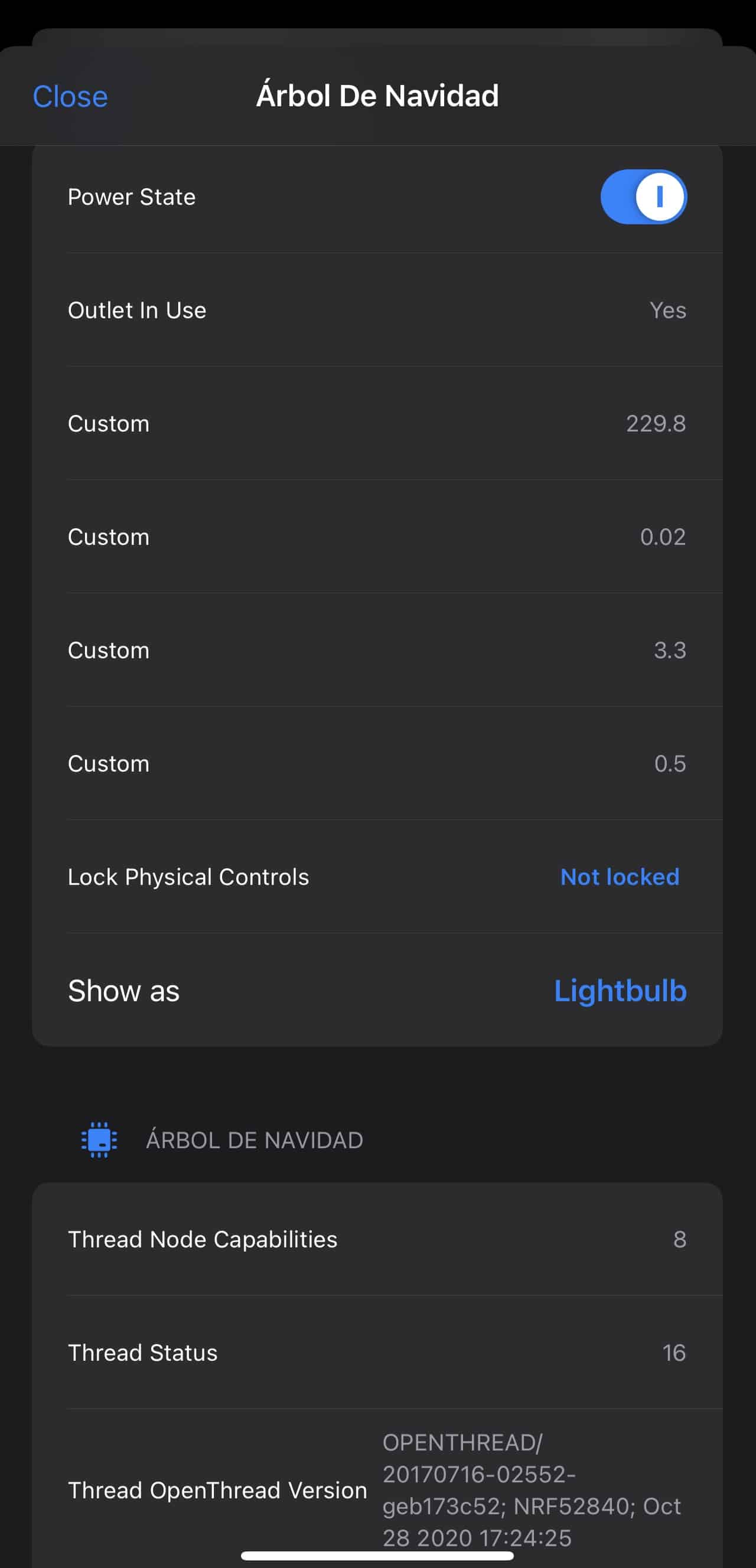

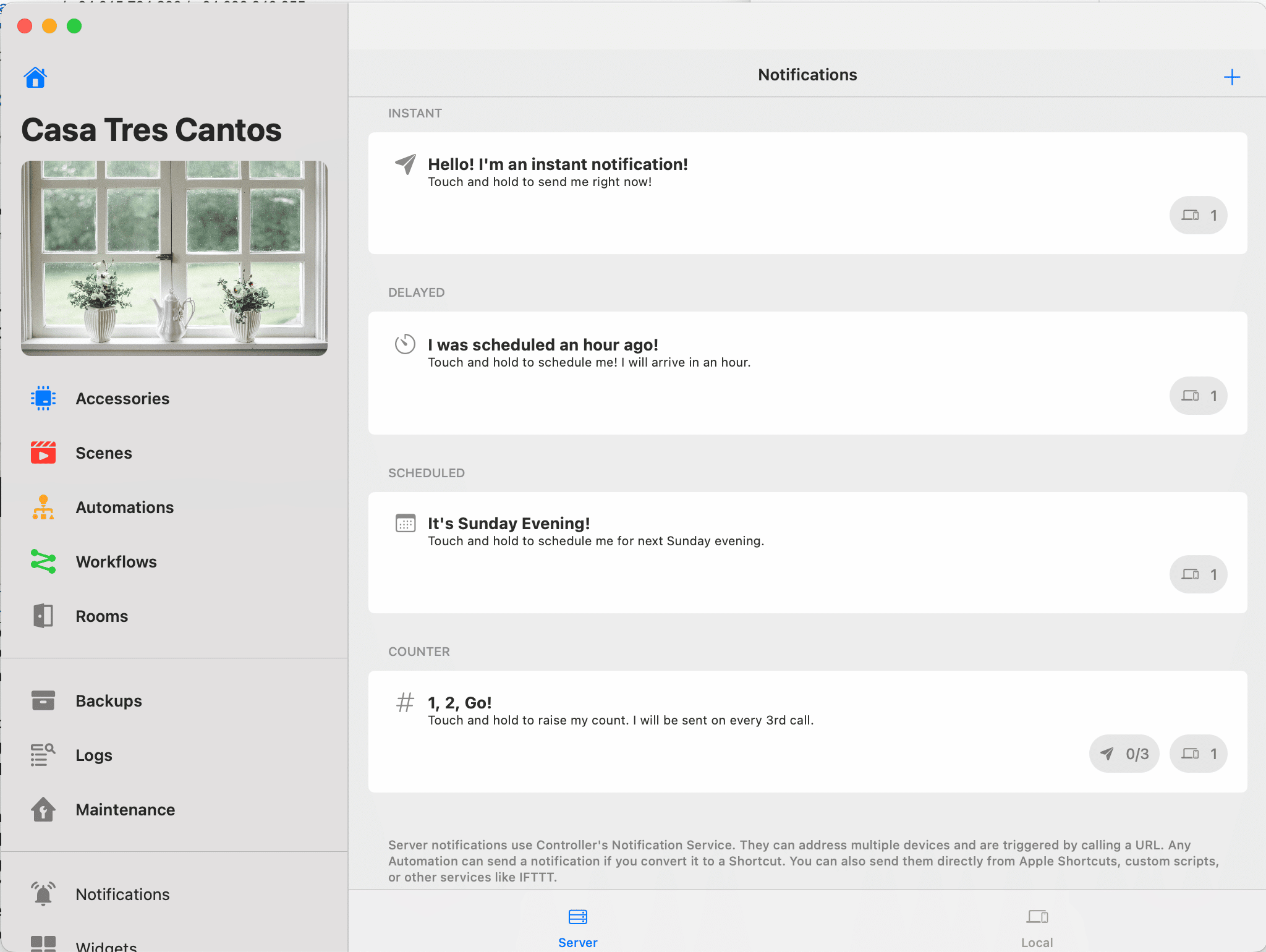
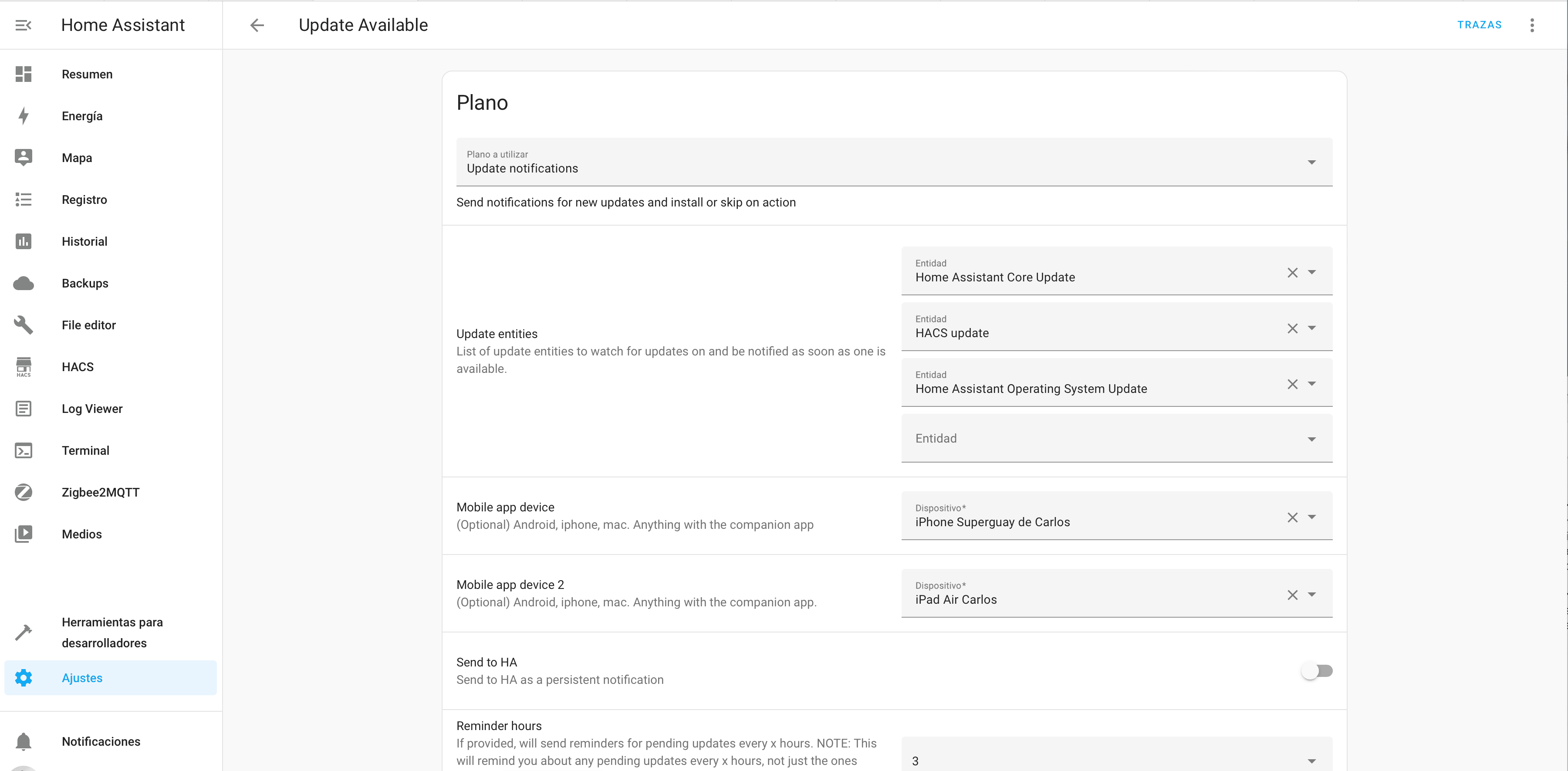
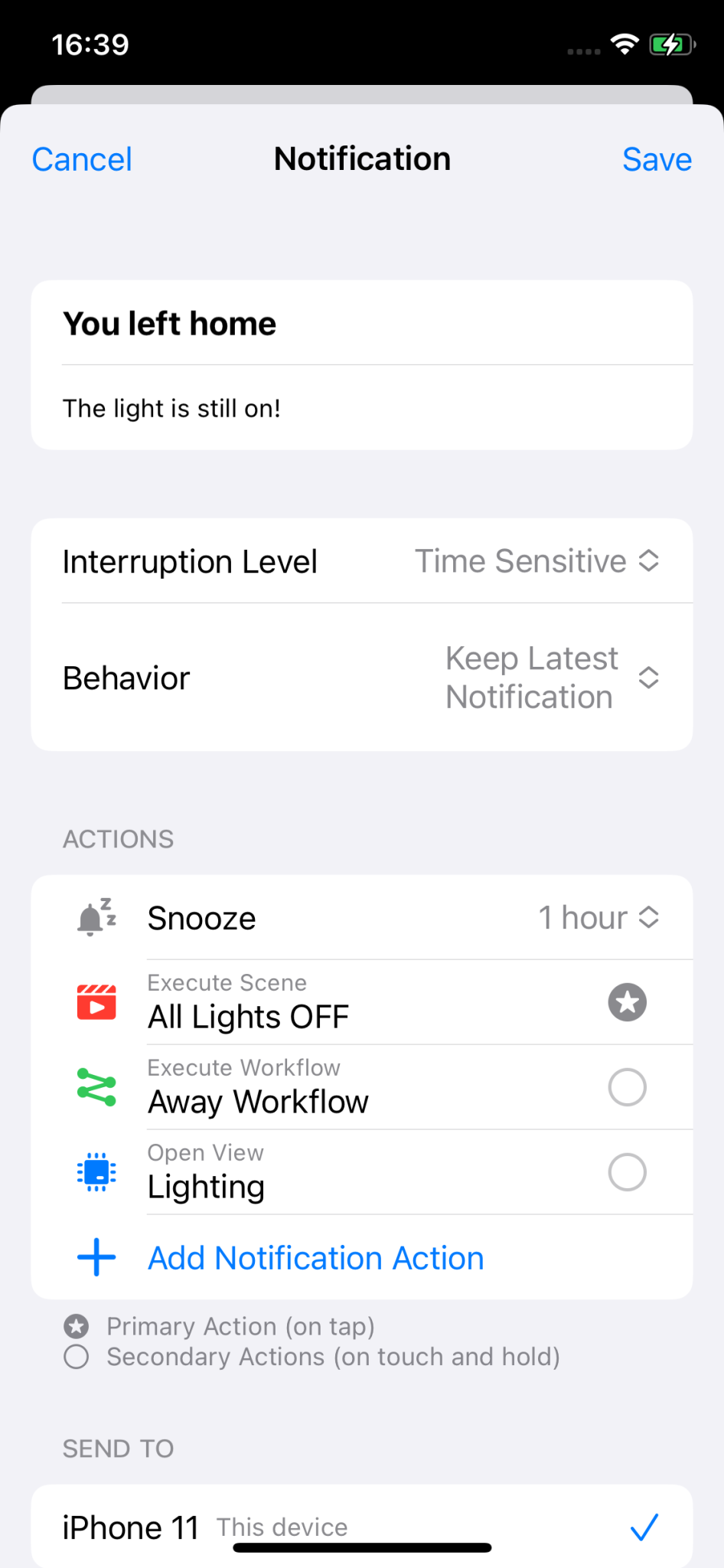
Pointless notifications
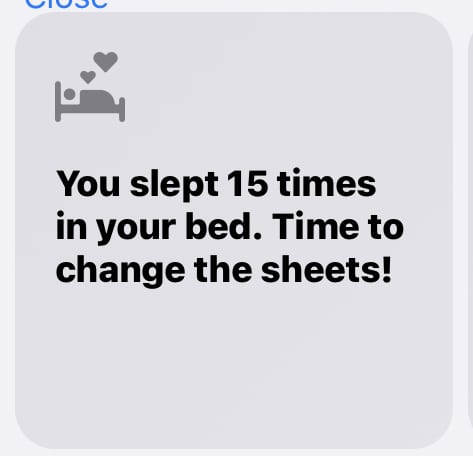
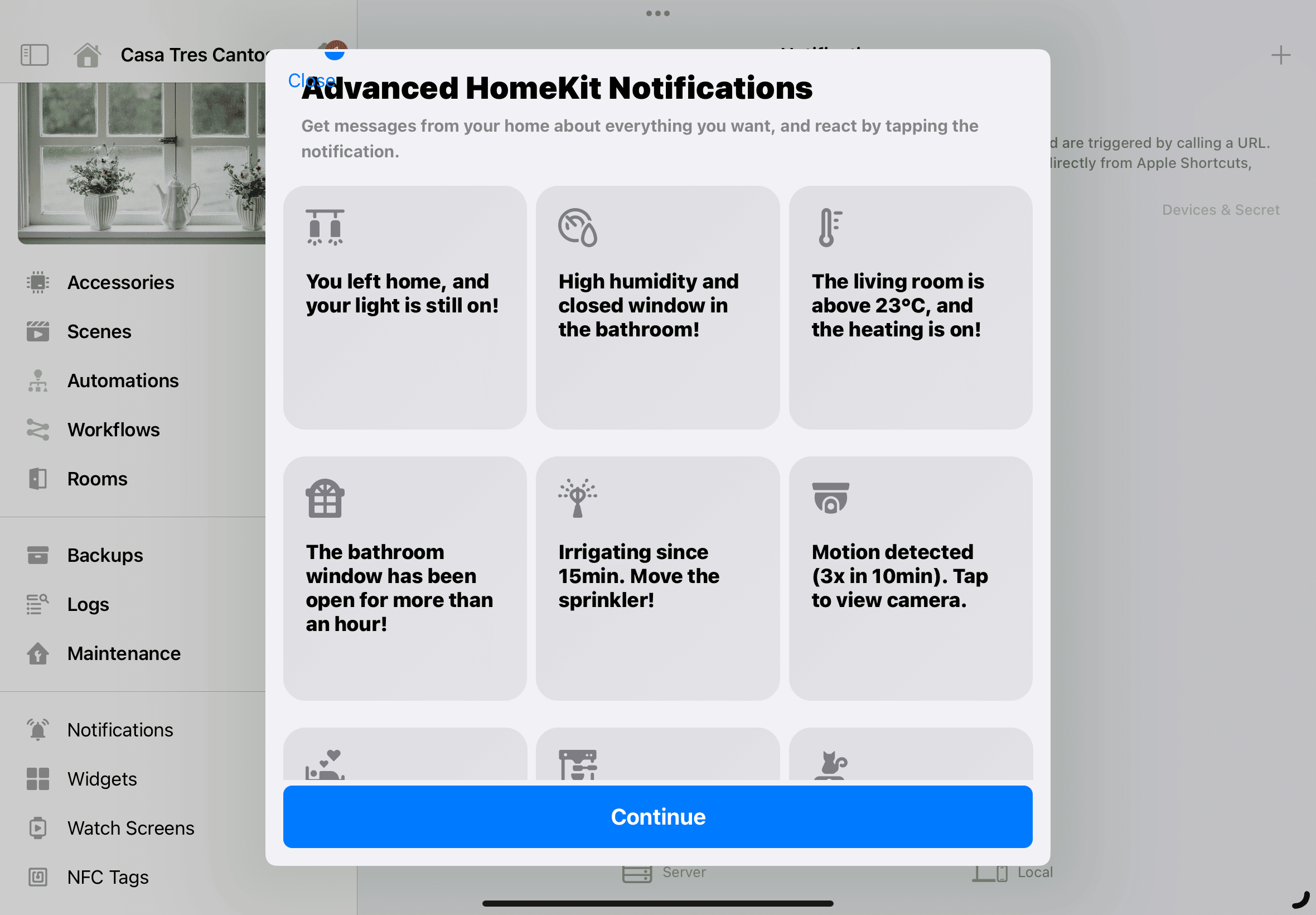
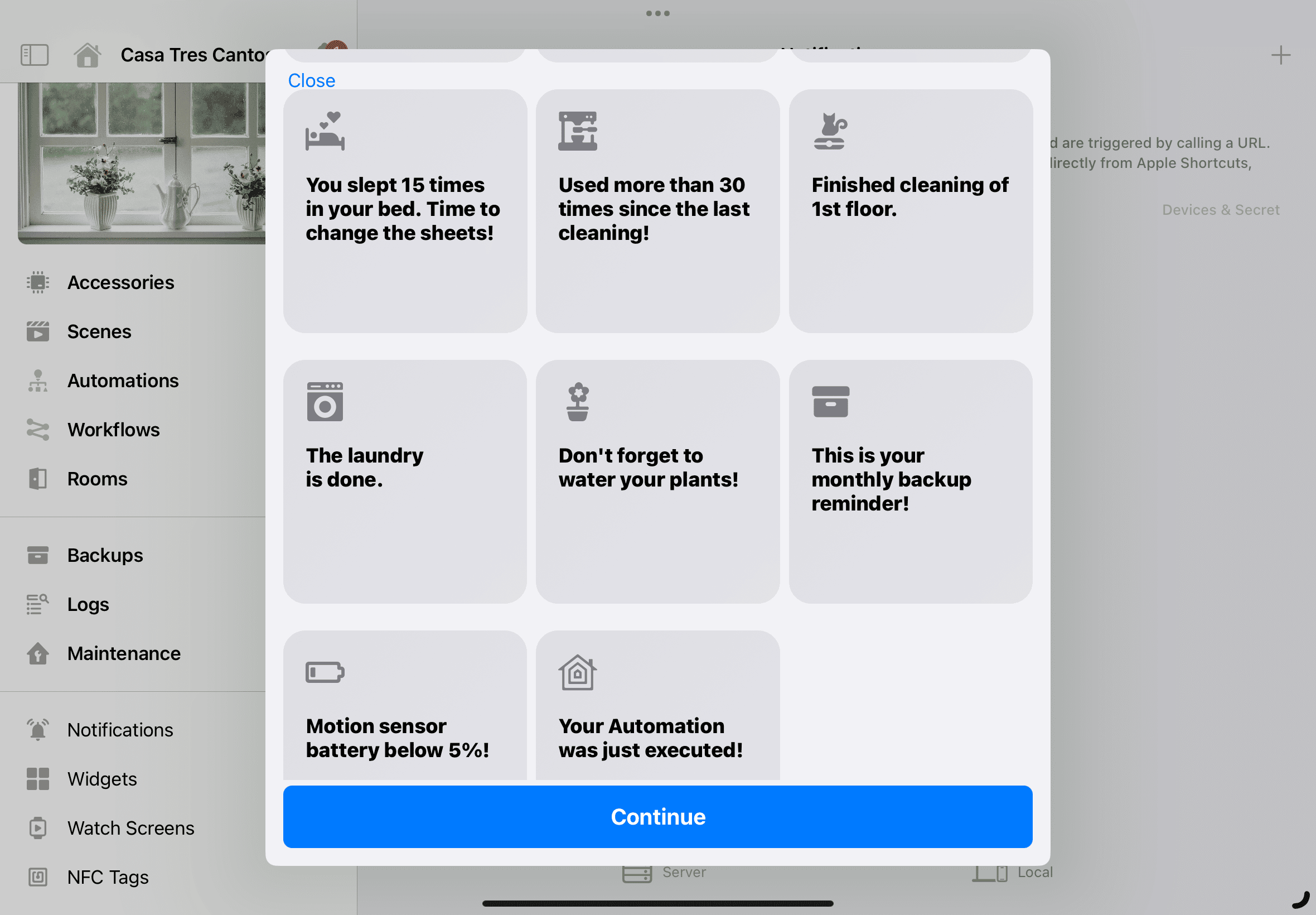
But the worst thing about this new feature… is that… you won’t believe it… but it comes WITH EXAMPLES!!! Which awaken utterly ridiculous needs!!! Hahaha. Some of the examples might actually be useful, you could set up a reminder like I mentioned before to remind you to back up your automations, a backup you can do from both Controller and Home+ but not from the Home app. That way, if you ever mess up an automation or run into some major problem and lose them, you can restore them. Fine, that can be useful, but in Home Assistant I have the backup scheduled and I only get notified if it fails. I don’t know if you’ve seen that Simpsons episode where a super loud alarm is blaring and Homer shouts ‘THIS ALARM GOES OFF EVERY 3 SECONDS UNLESS SOMETHING IS WRONG!!!!’ Well, same thing here.
¿Necesitas ayuda con tu domótica?
Te ahorro tiempo, dinero y disgustos. Sesiones de consultoría desde 60€.
Carlos Sahuquillo
'Haga lo que haga en la vida, siempre compito' - Jacques Villeneuve Reserva una sesión →
Sigue leyendo
Ver todo el blog
Entradas relacionadas

17 septiembre, 2026 · Domótica
Leer
HomeKit with AI in iOS 27
Apple released iOS 27 on September 14th and, as every year, I'm going through what's changing in the Home app and HomeKit.…
Ep. 112 · escúchalo
0:00 / 12:44

3 septiembre, 2026 · Domótica
Leer
Webhooks and workflows in Controller for HomeKit
Kicking off Season 4. I'm picking back up the automation for the sensor that kept running out of batteries that I told…
Ep. 111 · escúchalo
0:00 / 13:12
27 agosto, 2026 · Domótica
Leer
How to tell if your kid is sneaking into your room without having a camera
I bought the Aqara P2 presence and light sensor with Matter, and I've got it running simultaneously on HomeKit and Home Assistant…
Ep. 110 · escúchalo
0:00 / 12:16
1 comentario