Emergency A A contacts on the mobile
 Carlos Sahuquillo
·
21 agosto, 2017
·
5 min de lectura
Carlos Sahuquillo
·
21 agosto, 2017
·
5 min de lectura
This issue is not very related to information security, it would be rather a practical case of usability And the knowledge of the mobile phone that everyone uses, but the other day he went out in a conversation with friends and I was surprised by the number of people who still don’t know. I mean… emergency contacts «A» on the mobile.
A few years ago, back in 2009, a Red Cross campaign and the Ministry of the Interior recommended renaming the emergency contacts we had on our cell phone for «A Name _ Contact«. This way, if we had any mischief and emergency services would access our cell phone, they would know who to warn. The idea was good… to begin with, the «A» contacts would always get out of the contact list, and
or the other side greatly facilitated the work for which they were intended. As you can imagine, This made sense when we were wearing a Nokia that blocked the screen just to avoid accidental pulsations. and that it was unlocked by pressing two keys simultaneously that were indicated on that same screen.
But of course, from 2009 to today it has rained a lot, We’ve learned some things about the importance of blocking the mobile with a code or unlocking pattern to protect our privacy, photos, messages, etc and with this we have made it impossible for an emergency service to access our contacts to find the famous «A.» What do we do now?
The solution comes from the manufacturers
Today, most mobile phones on the market carry the operating system Android Google or iOS in the case of Apple iPhone. There are some models with different operating systems, but they are very minority and we will not talk about them. The point is, both Google and Apple improved the way we can access emergency contacts, let’s see how they would be defined in each of them.
If you have an iPhone
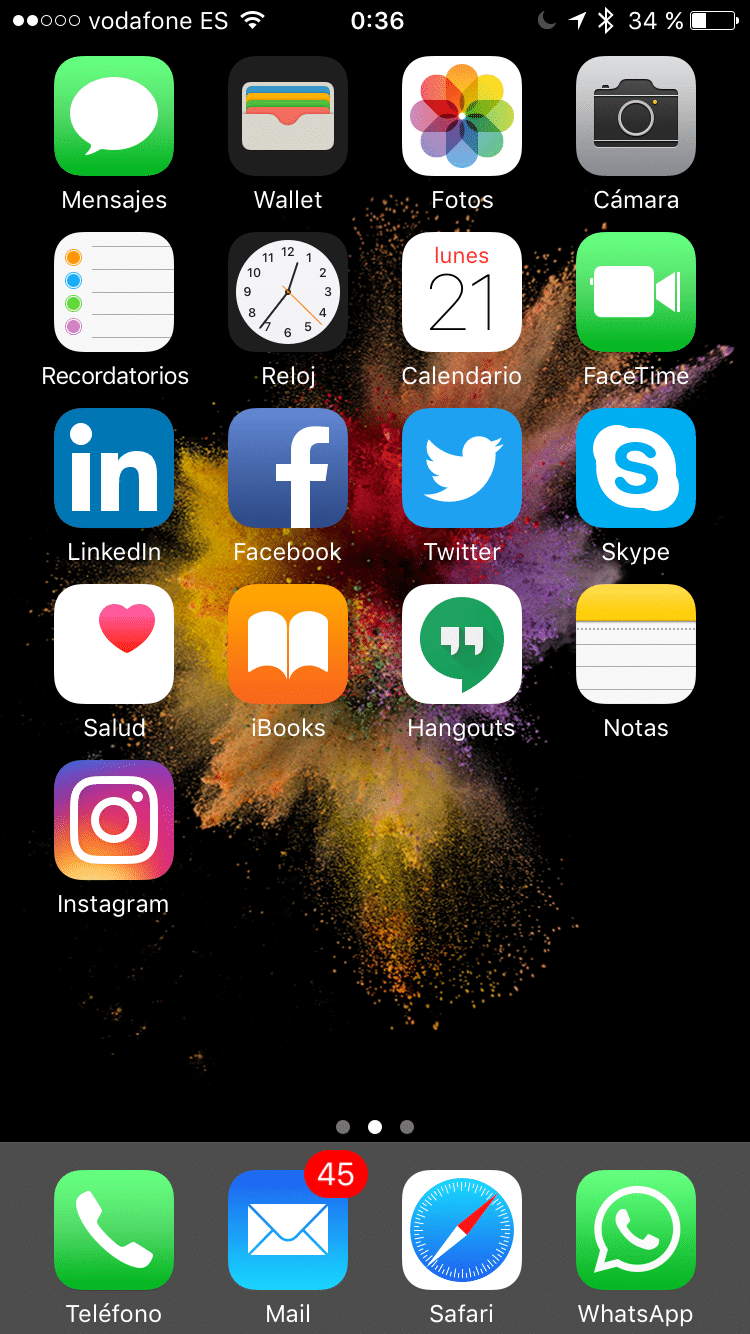
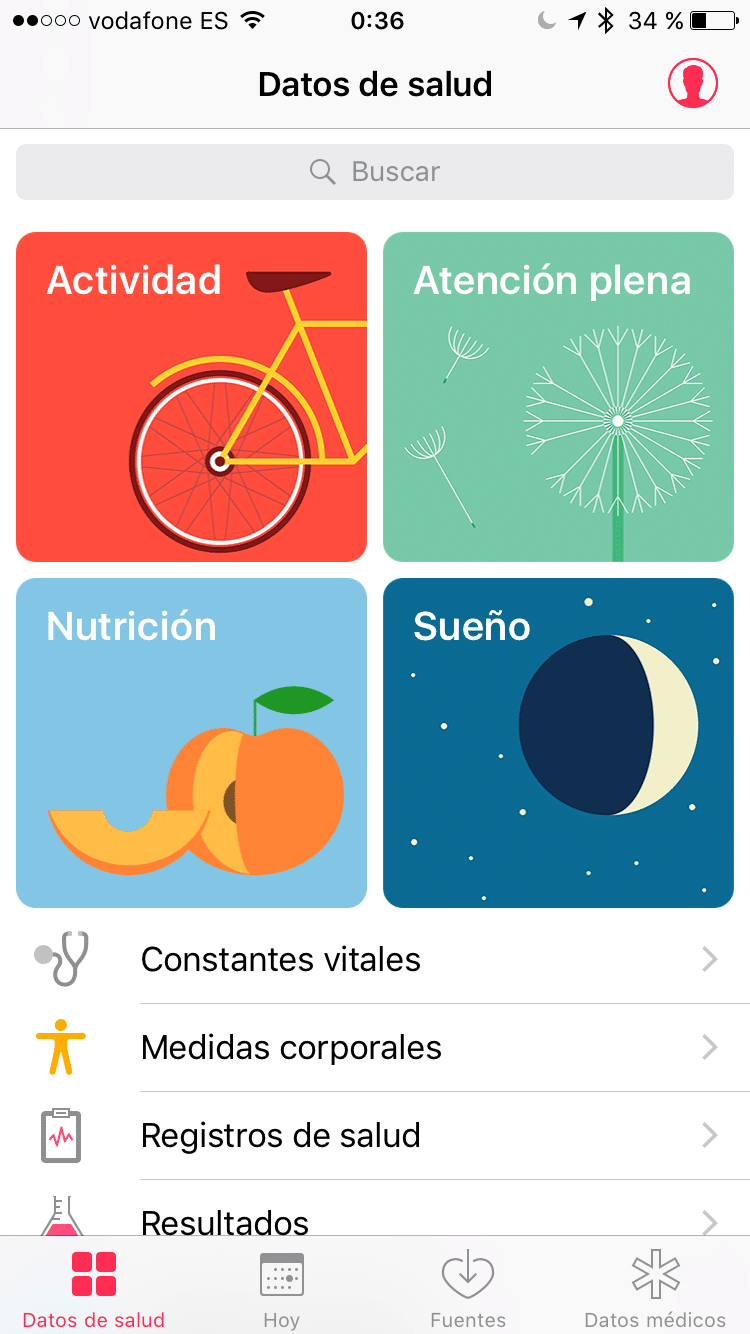
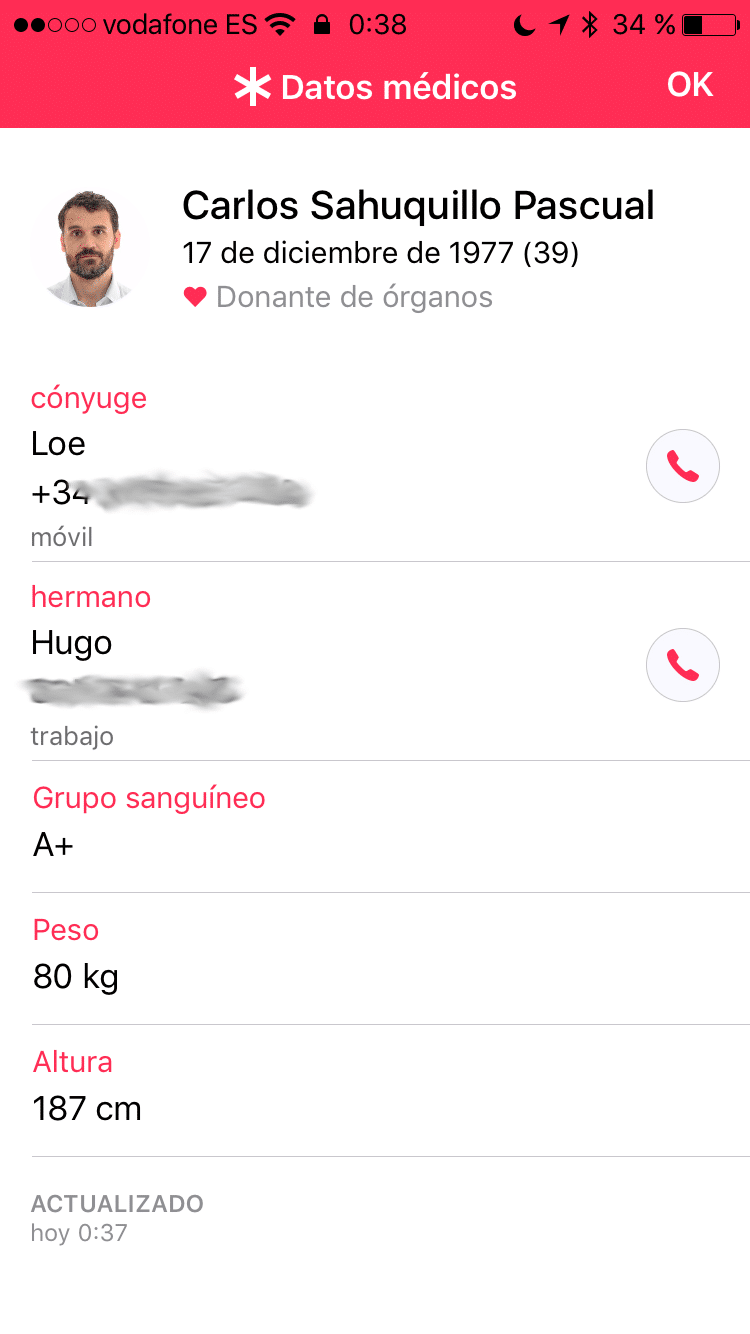
You must access the application ‘Health ‘ where you find all your metrics and statistics of sport, food, sleep, etc… and once here, you must go to ‘Medical data ‘ located in the lower right corner and complete all the data you want, including security contacts. In my case, as you can see, I have my wife and my brother… although according to what occasions I would prefer to be called my brother because if they call my wife, I would still fall a bit: D

As additional information, you can see that it is possible to include information regarding your blood group, weight, height, if you are an organ donor, drug allergies, etc.
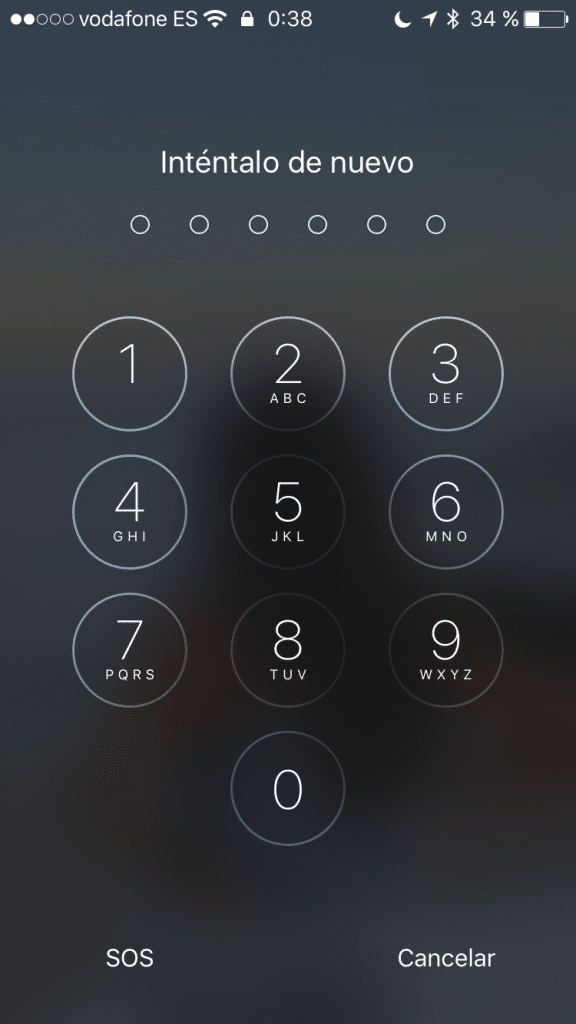
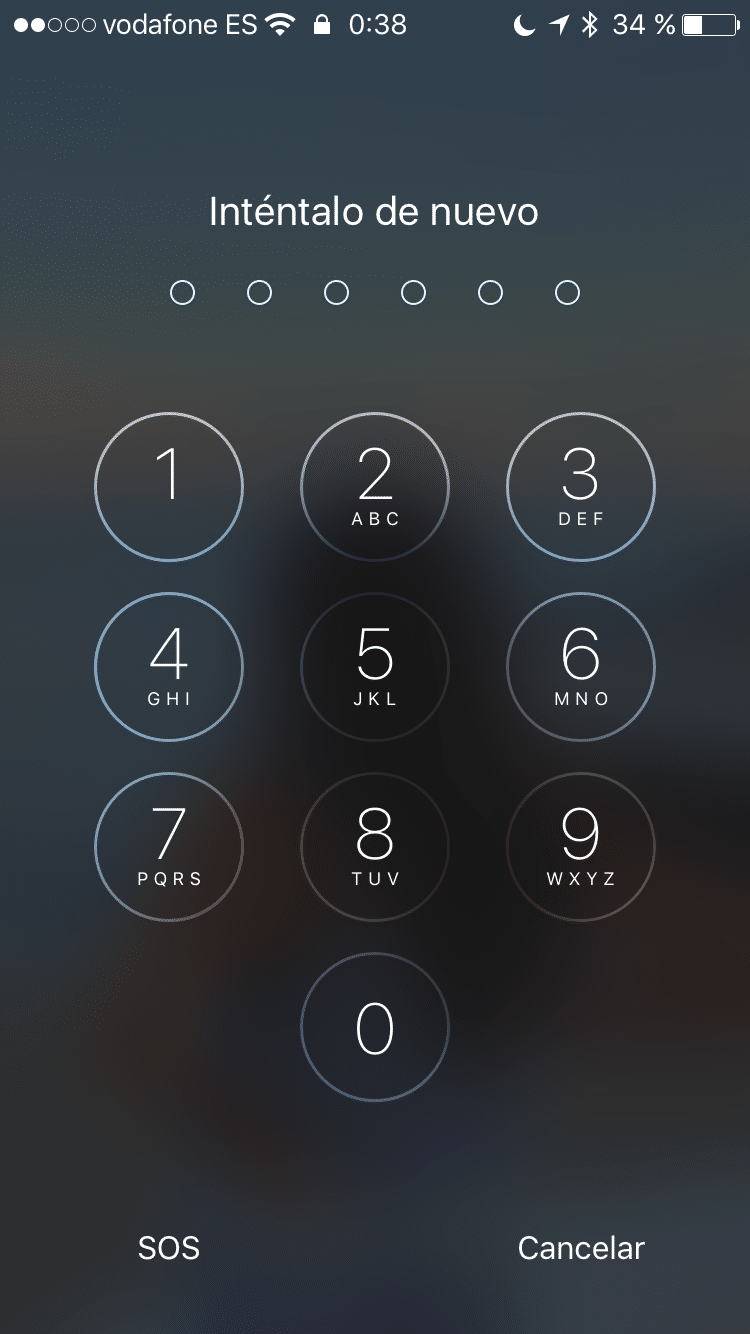
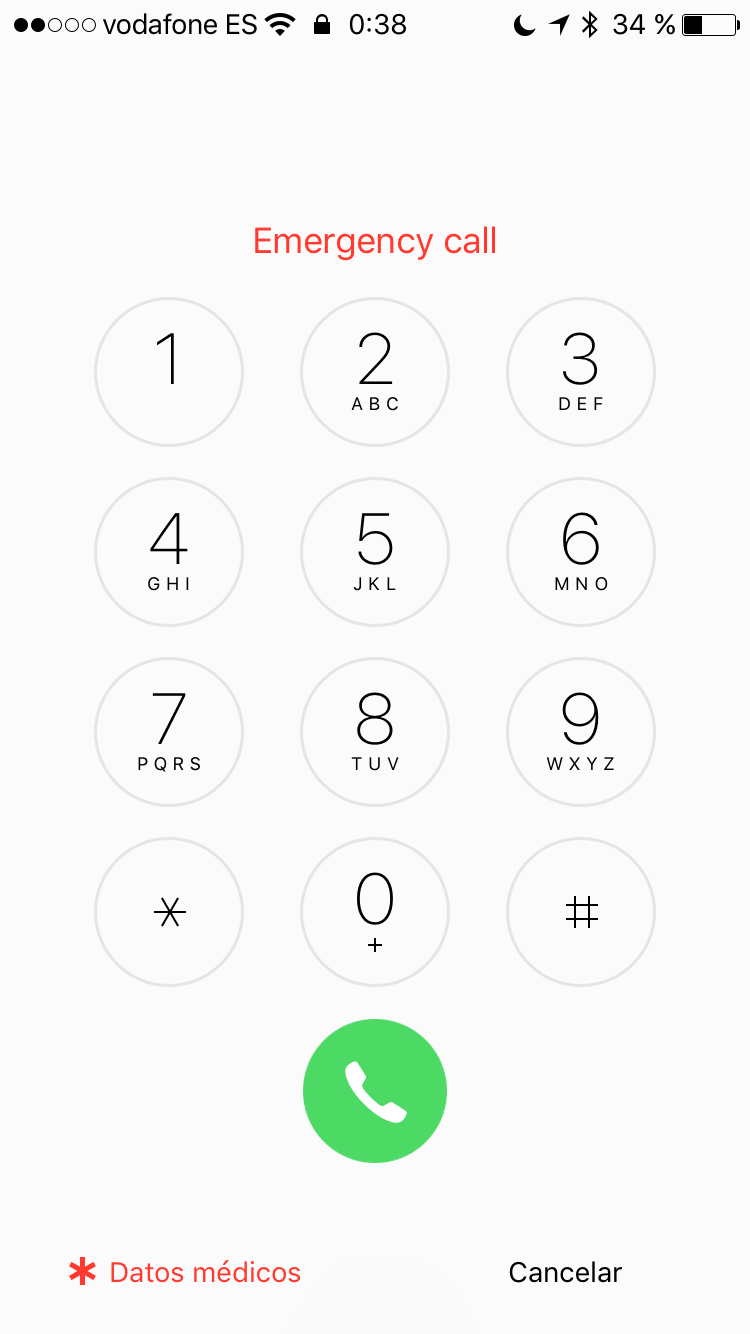
If you have to access these data, simply You would have to touch the Home button so that the phone would ask us for the unlock code, press on ‘SOS’ located in the lower left corner and then on ‘Medical data’, from where we can even call the contacts in question with this same phone.
If you have a phone with Android
And you are lucky to have the latest version of the operating system (Android 7.0 ‘Nougat’ at the time of writing this post), you must access to ‘Adjustments’ and, once here, you must go to the «System» tab and enter into ‘Security ‘, from where we can set up some parameters, including the ‘Main Contacts’ that is what Android calls them.
If you’re not one of the lucky ones to have an Android phone updated to the latest version, you should look for these contacts in ‘Adjustments’, ‘Users’, ‘Emergency information ‘ and finally in ‘Contacts’.
And the privacy of this data?
In this case we make these data ‘accessible’. Obviously someone has to take our phone physically and get to this data… but what if we have a friend with a boyfriend that we like and want to get his phone? (I’m sorry, I’ve come up with the gender modifiers… this equality has its complications.) The thing is, if I have access to my friend’s phone, I could get her boyfriend’s phone as long as it was correctly introduced into the phone’s’ Medical Data ‘… well, it’s a small information leak (also known to the term
‘leak‘) which we allow in exchange for being able to tell them if something happens to us, but in any case we will have to inform our emergency contacts and ask them for their consent to be able to enter their data and to be accessible by emergency services if necessary.
Carlos Sahuquillo
'Haga lo que haga en la vida, siempre compito' - Jacques Villeneuve Reserva una sesión →
Entradas relacionadas
Low cost teleworking
Low cost, Chernobyl and the importance of not carrying out safety tests with haste and under pressure.
Leer
Mounting a MESH network compatible with Apple HomeKit
You have problems with your wifi and you've thought about setting up a mesh network? The eero router solves this and is…
Leer
Automating blinds with Shelly 2.5 (updated 06 / 08 / 21)
You have motorized blinds, but you want to be able to automate them? In this entry we explain how to use Shelly…
Leer
0 comentarios