Homekit at Apple Watch
 Carlos Sahuquillo
·
26 febrero, 2020
·
3 min de lectura
Carlos Sahuquillo
·
26 febrero, 2020
·
3 min de lectura
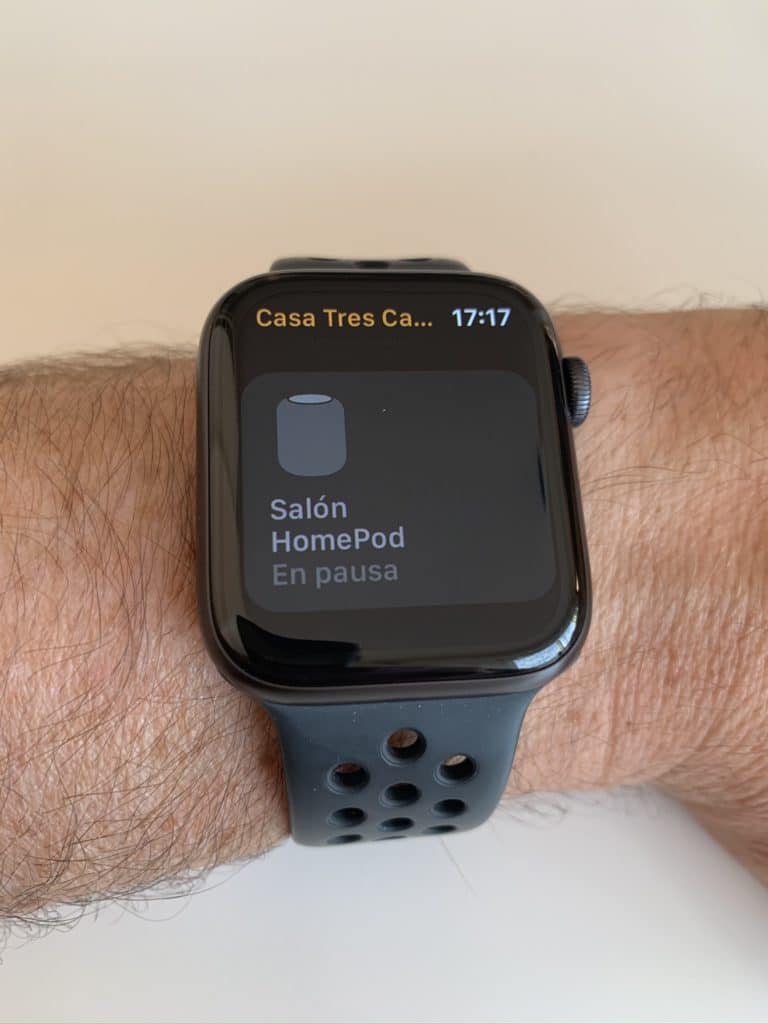
Many of you ask me about the use of HomeKit and the Home app so you don’t have to be taking your cell phone out of your pocket every 2×3 or without having a HomePod you have to yell at. From the other end of the house. how I use HomeKit on the Apple Watch.
First of all, remember that My priority is not to interact with the LUCES. He was not looking for a home connected to a thousand devices, but a smart home that could make his own decisions. If it’s cold I want the boiler to be turned on without having to say «Hey Siri, turn on the boiler ‘or without having to press a secret push, so the use I make of the Apple Watch is quite residual, turn off some light or check some sensor.
Well to the mess. If you have or will soon have an Apple Watch (and it can be a good time because there is good 44mm Apple Watch Series 5 offers), you will have seen that the House app is installed on the clock. Since the different devices we have at home are stored in iCloud under our Apple ID, we simply have to open the Home App on the Apple Watch to check that they actually appear there all of them.
House at Apple Watch
The Home app at the Apple Watch allows a pretty basic use of devices, it will probably evolve a little later, but today we cannot interact too much with them directly from the clock:
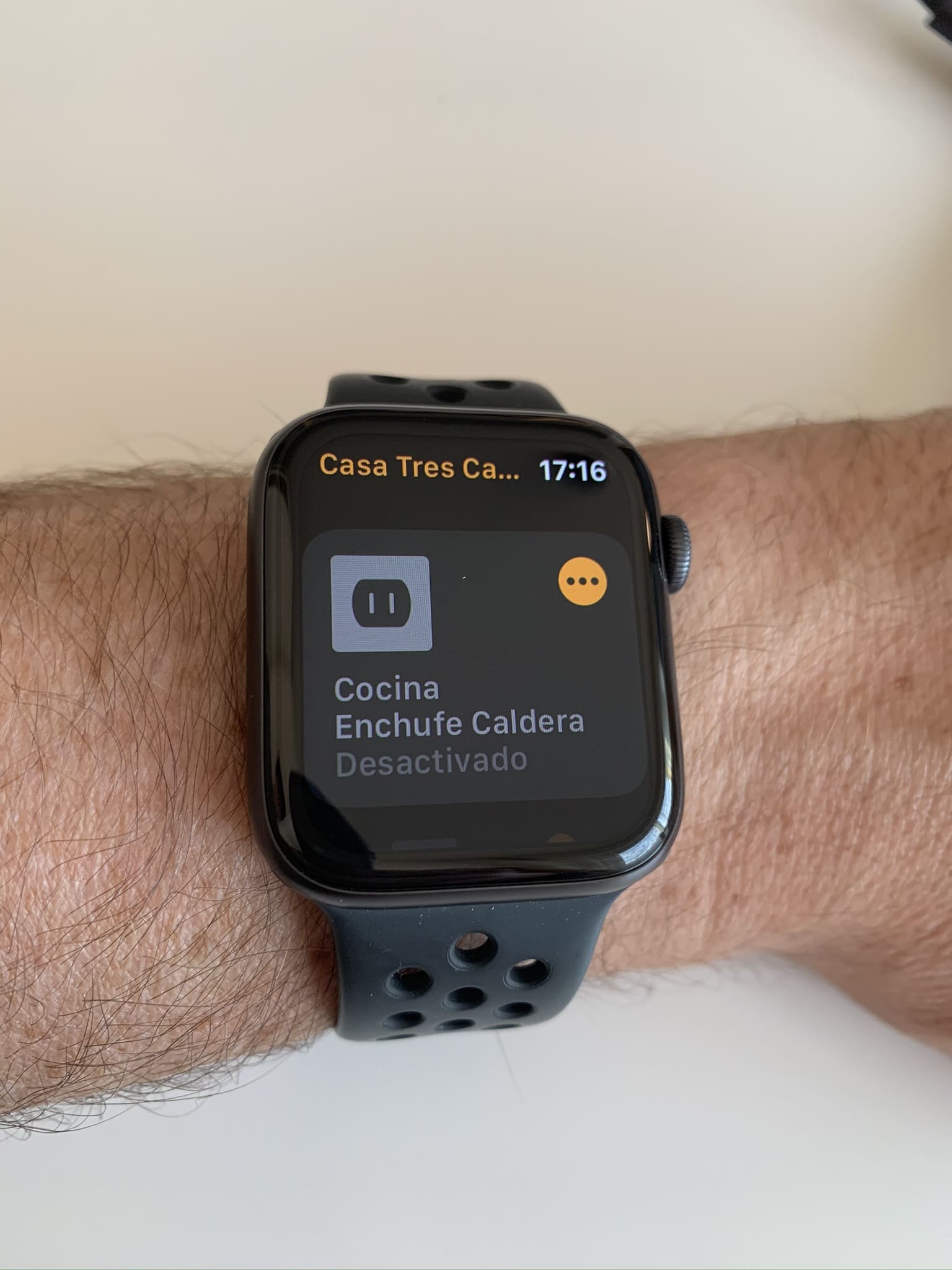
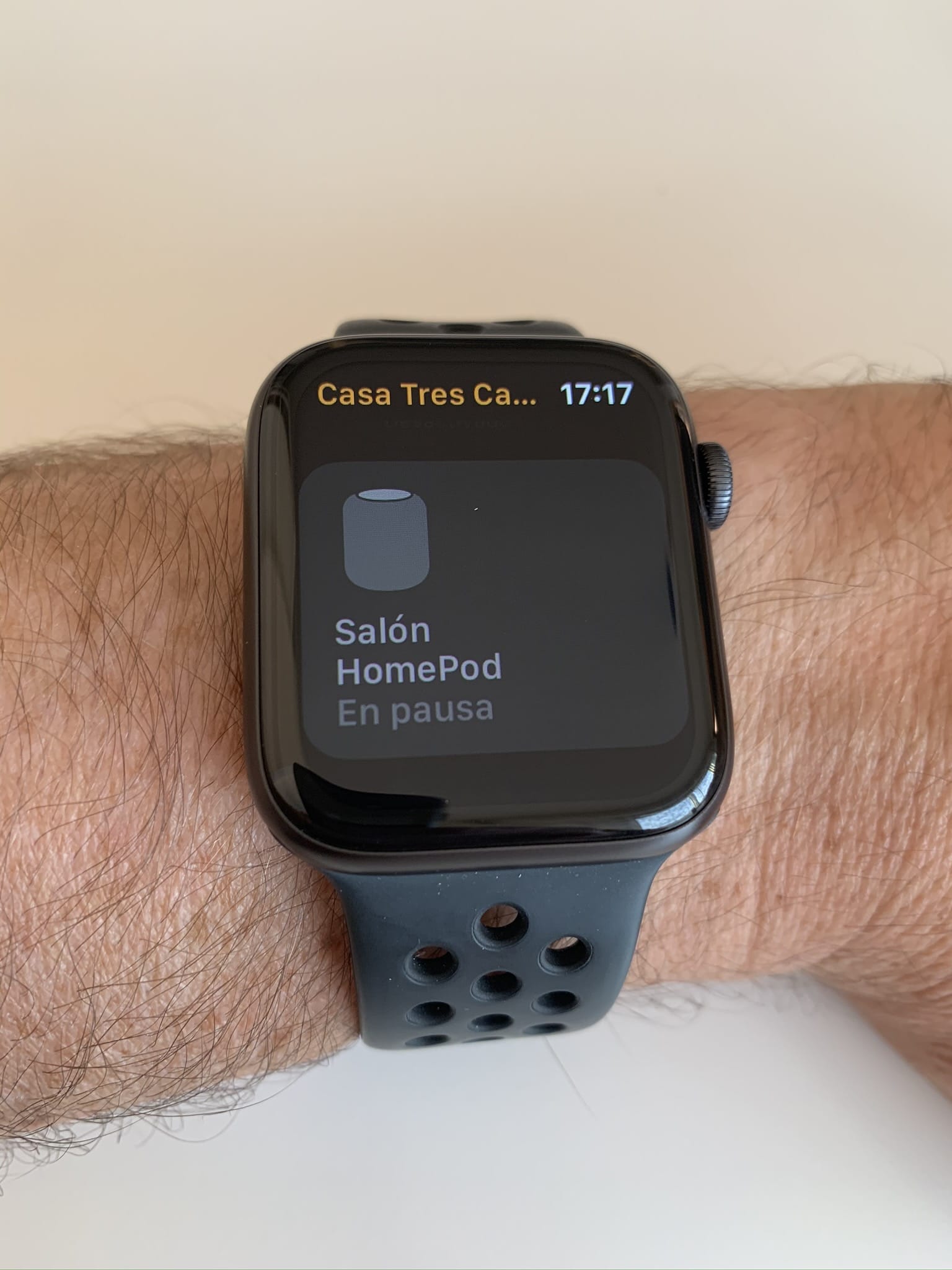


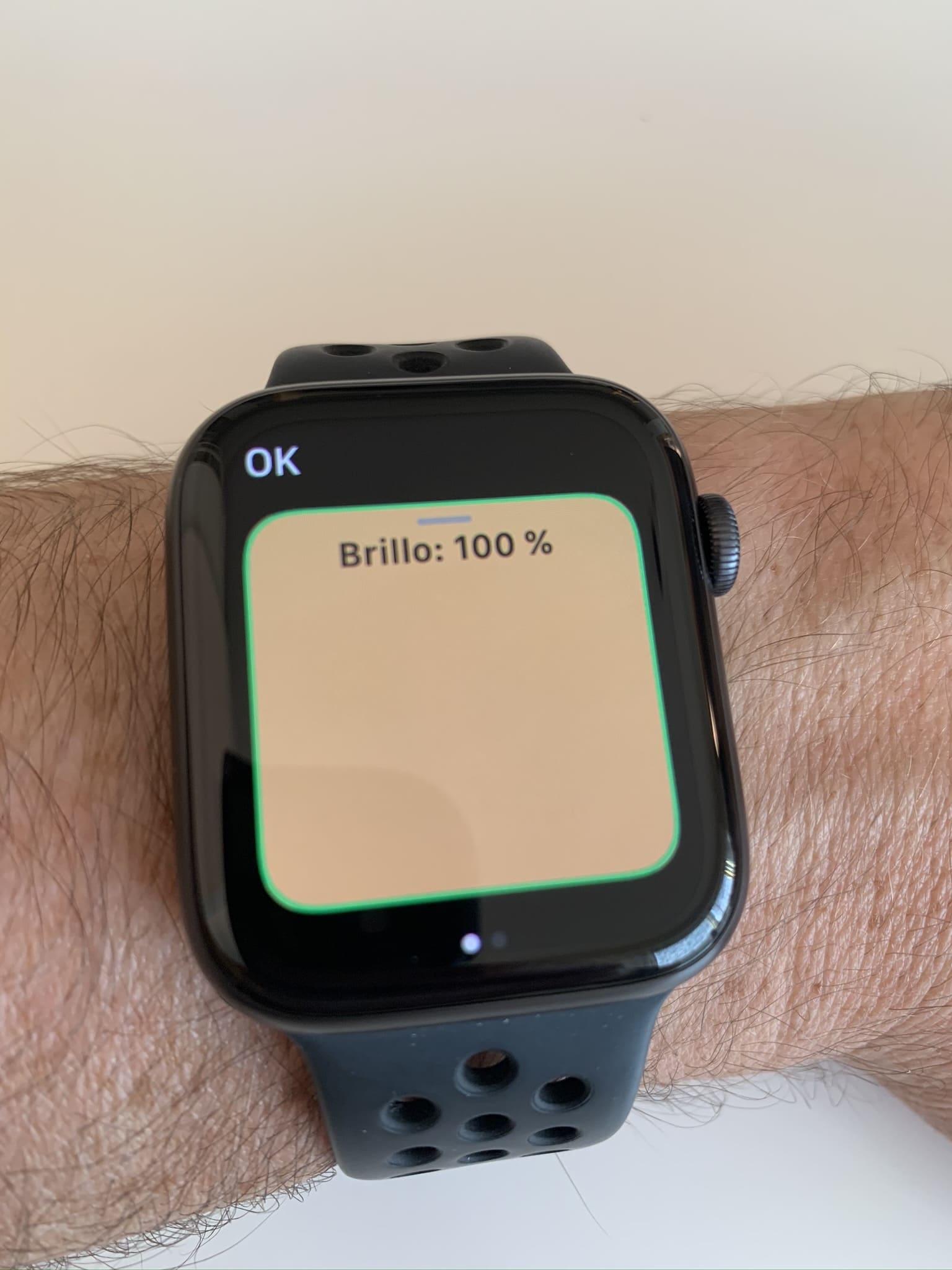
Of course we can always use Siri, both from the Apple Watch and from the iPhone or, as we said before, yelled at the HomePod from any room:
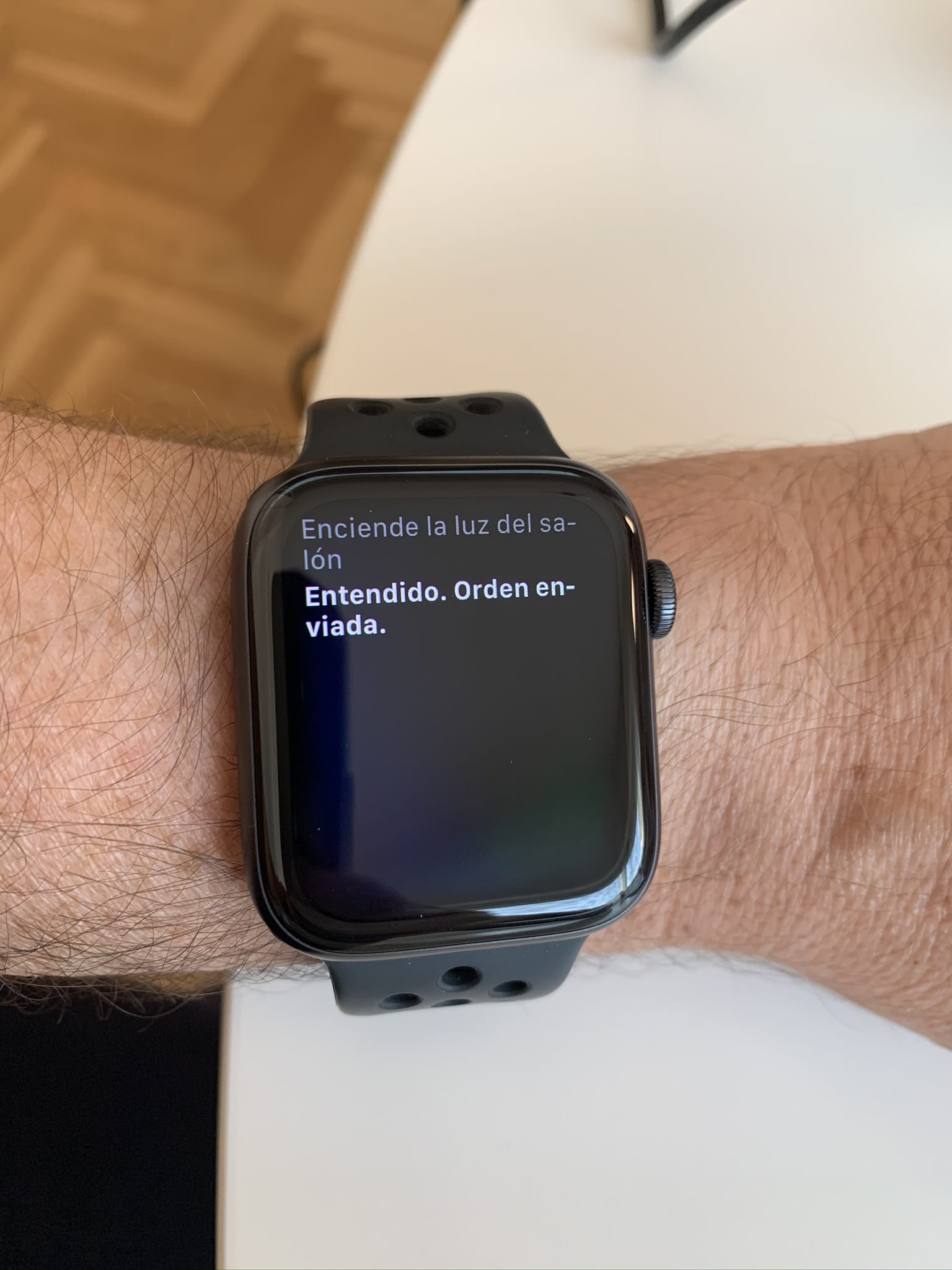
But, although the basic functionality meets it, it has many limitations: for example, it is not possible to see the temperature of the rooms because I have the Aqara thermometer with several data fields and simply tells us that there are several data fields, but we cannot ‘click’ or see the information of each of them.
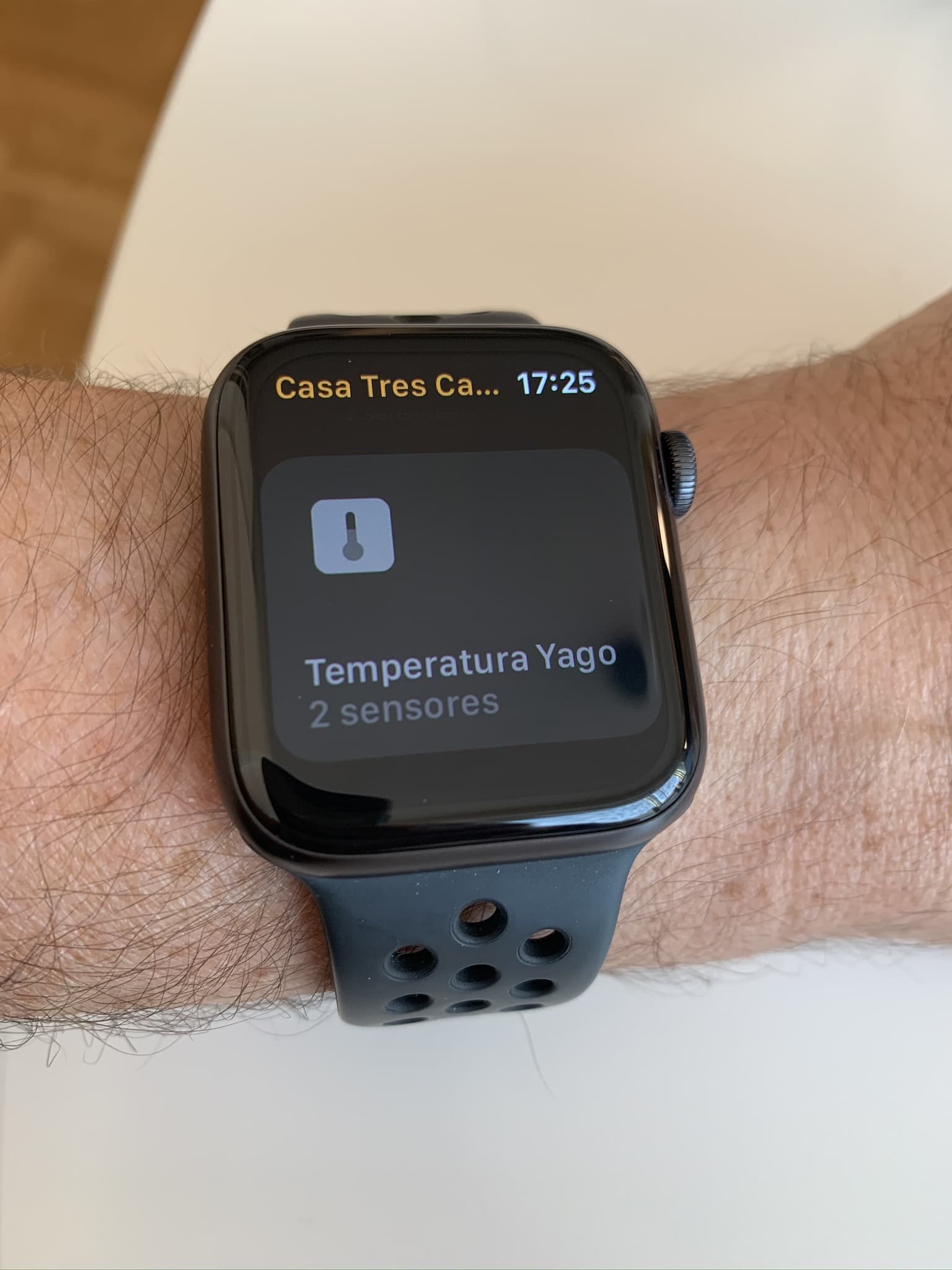
Even so, the most basic functions of turning on / off or changing the intensity of a bulb can be done from the clock, but little more:
https: / / youtu.be / IbEviuY9Vv4
Home + 4 back to the rescue
You know that I’m a big fan of the Home + 4 app, that I am using it from almost the beginning to create much more personalized conditions of use (you have some examples in the first entry where we talk about HomeKit), but the app keeps surprising me! The Watch works much better than the native app:
https: / / youtu.be / SPODc7RqQ8w
As you see, not only shows the temperature values (or the one we select) within each, but shows us only the favorite devices, so we’ll have on the app screen only the devices we want to interact with or control without having to go through the whole list.
Its price is 15 Euro, but I’m negotiating with the developer to see if it offers us a discount to the blog readers… I already have it, but some of you have not started using it for the high price and I can assure you that there is a before and a after. In any case I’ll inform you if you finally offer it to us!
wp: block {«ref»: 1612} /
Carlos Sahuquillo
'Haga lo que haga en la vida, siempre compito' - Jacques Villeneuve Reserva una sesión →
Entradas relacionadas
How to spot issues in a Matter device
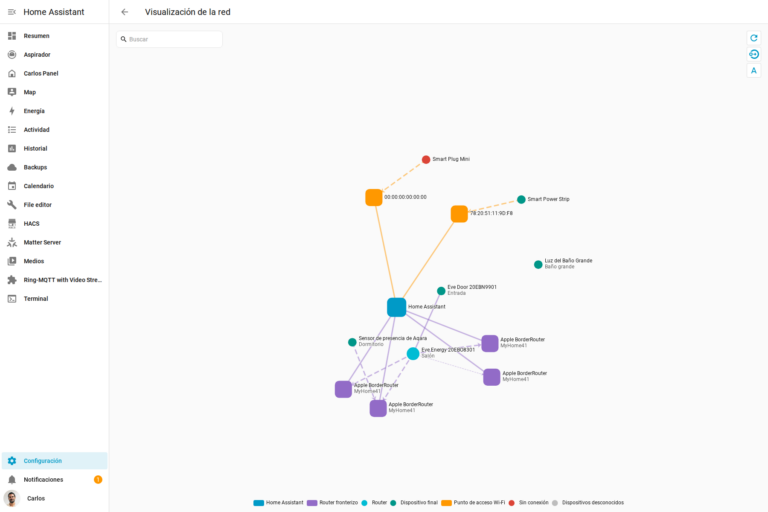
I opened Home Assistant's new Matter and Thread map to check which routes my devices are using and see just how useful…

HomeKit with AI in iOS 27
Apple released iOS 27 on September 14th and, as every year, I'm going through what's changing in the Home app and HomeKit.…

Webhooks and workflows in Controller for HomeKit
Kicking off Season 4. I'm picking back up the automation for the sensor that kept running out of batteries that I told…
16,99 pavos la aplicación HOme+4, más encima te dice que tiene compras dentro de la app.
Ya Félix, no es barata, aunque es una muy buena compra. Dentro de la App yo no he visto compras adicionales, de hecho no veo ni una sección desde donde haya algo que comprar…
Para integrar algunas acciones es un must-have, pero con la gratuita de Eve también puedes hacer que, por ejemlll, si el sensor de Aqara baja de X temperatura ejecute una acción como encender un enchufe. Con la App nativa no puedes hacer eso, los sensores de Aqara se consideran solo un monitor y no los está ‘leyendo’ todo el rato… pero con Eve no puedes poner tantas condiciones, yo por ejemplo tengo una regla para la caldera que es ‘si la temperatura ha bajado de X, son entre las 23 y las 7 de la mañana, es entre semana, hay alguien en casa y la caldera está apagada… entonces la enciendes’.
No sé, a mi me encanta, pero sé que es una pasta en una App. Me consuela pensar que solo hay que pagarla una vez, no hay suscripción ni leches de esas.
Gracias por tu comentario!