How to Make Security Copy of Mobile Phone Data
 Carlos Sahuquillo
·
4 octubre, 2017
·
10 min de lectura
Carlos Sahuquillo
·
4 octubre, 2017
·
10 min de lectura

A few days ago, My mother-in-law lost her phone and with him she left a little bit of her life.: photos children since they were young, discussions from WhatsApp with another family member who is no longer in, files audio… It all disappeared with the phone.. No, I didn’t have a backup of the phone.
After changing the key service passwords in case the phone fell into bad hands We tried to get some of this information so valuable to her, but there was nothing in the cloud. that phone had no automatic security copy method set up. That’s why today we’re going to talk about the importance of backup, and I don’t mean just the mobile, you have to have backup of everything that’s important to us, just like we have 2 sets of home keys. Let’s avoid the disgust my mother-in-law has every time he remembers all the memories he has
lost.
So far, Every time we thought about a backup, a rather tedious process came to our head.:
· Have clear applications with which we handle data or information we want to save (actually, what we want is not to lose it if we change device).
· Remember to make it and wait while it is done.
· Save it… where? If I leave it on the same computer and it’s ruined, goodbye to the copy… a CD? Are there still CDs?
This is all a lot of trouble, right? check that the copy is being performed correctly and that we are able to recover everything in a reasonable time in the event of a misfortune.
The last thing I said might seem obvious, but I have a friend who has a service company and one of his star services is the automated security copy service (Back up. is of the Great @ JavierPerisin case anyone wants more information). At times, it performs a small audit as a complement to this service and, to this end, does something as simple as taking a new device completely blank (a computer, a server)
, a mobile) and try to restore the last backup to detect possible failures in the making of the copy, things that are missing to be able to completely restore the device or check the time it takes to restore the copy simply so that we know that, if it is a server we are trying to restore, how long we will be without the cache until the service is completely restored. You would be surprised at the results you have told us sometimes, from backups that have been out of work for weeks to documents that have not been included in the copy and therefore there is no way to recover. Let’s try to make it.
It’s not gonna happen to us.
What exactly do I want to keep?
This answer is simple, 99% of respondents would say:. It’s not that easy to save everything and it depends a lot on the device you have. For example, If we have an Apple iPhone, in iCloud (the Apple cloud) we have free 5Gb for, among other things, the Security Copies and the Photos. This means that if we have the mobile full of photos, videos in 4k, and in addition to this we have a group of WhatsApp full of funny images and photos we want to save also, surely with 5Gb we will not have even to start and the copy will not be done properly. On the contrary, if t
let’s get an Android device the storage depends on the space we have in our Google account (free 15Gb). Let’s see the different options depending on the type of device we have:
If you have an iPhone
You’re very happy. The Security Copy on Apple’s mobile devices (iPhone and iPad) is done automatically! You just have to have enough space in your iCloud account and know what you want to save. If you don’t buy additional space and take the free 5Gb, you’ll have to be a little more selective in what you’re going to save on the copy.. We’ll see it a little later, but check that you have this copy on.
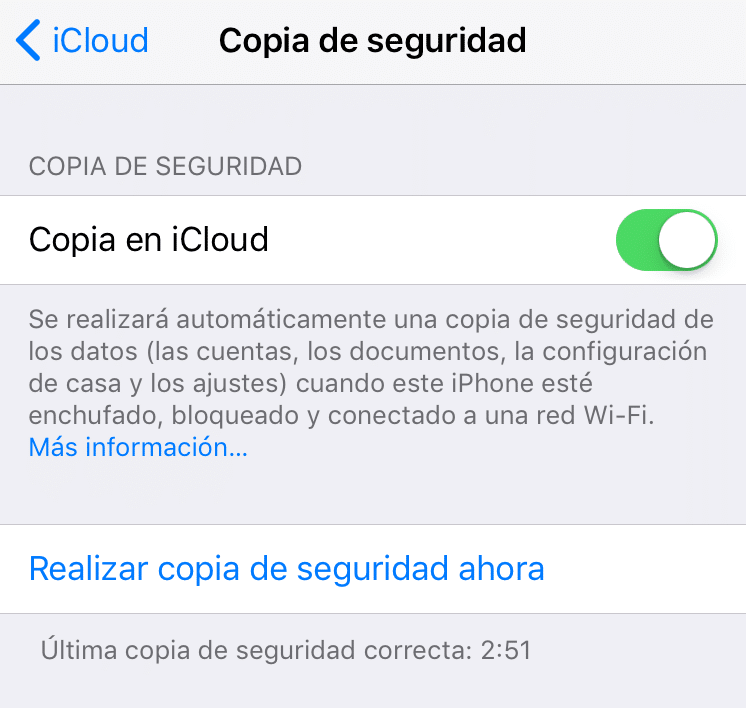
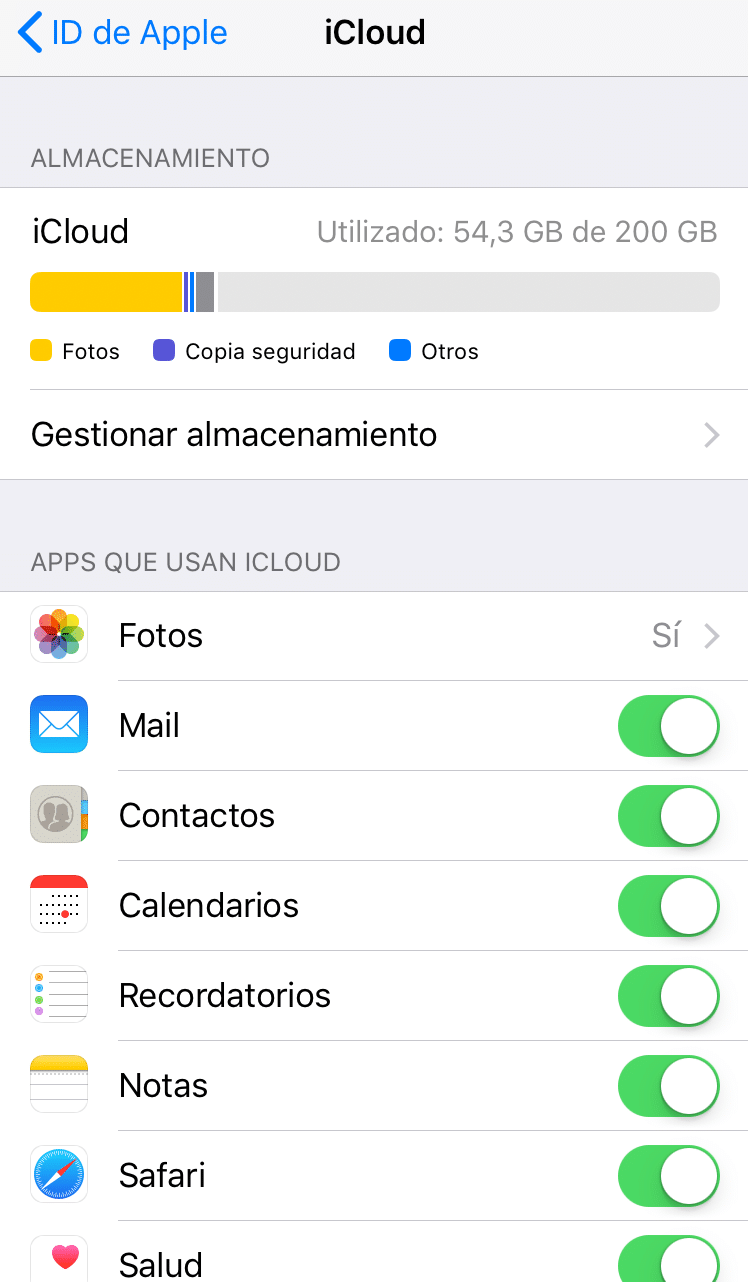
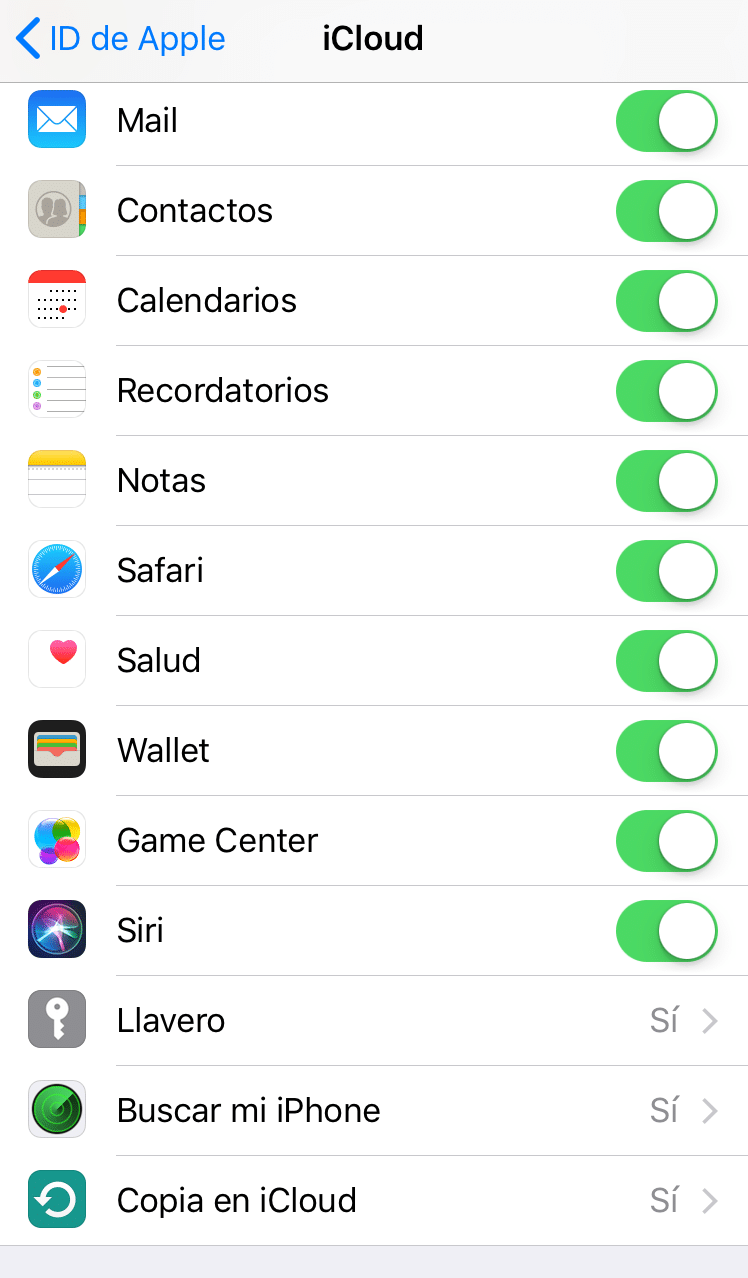
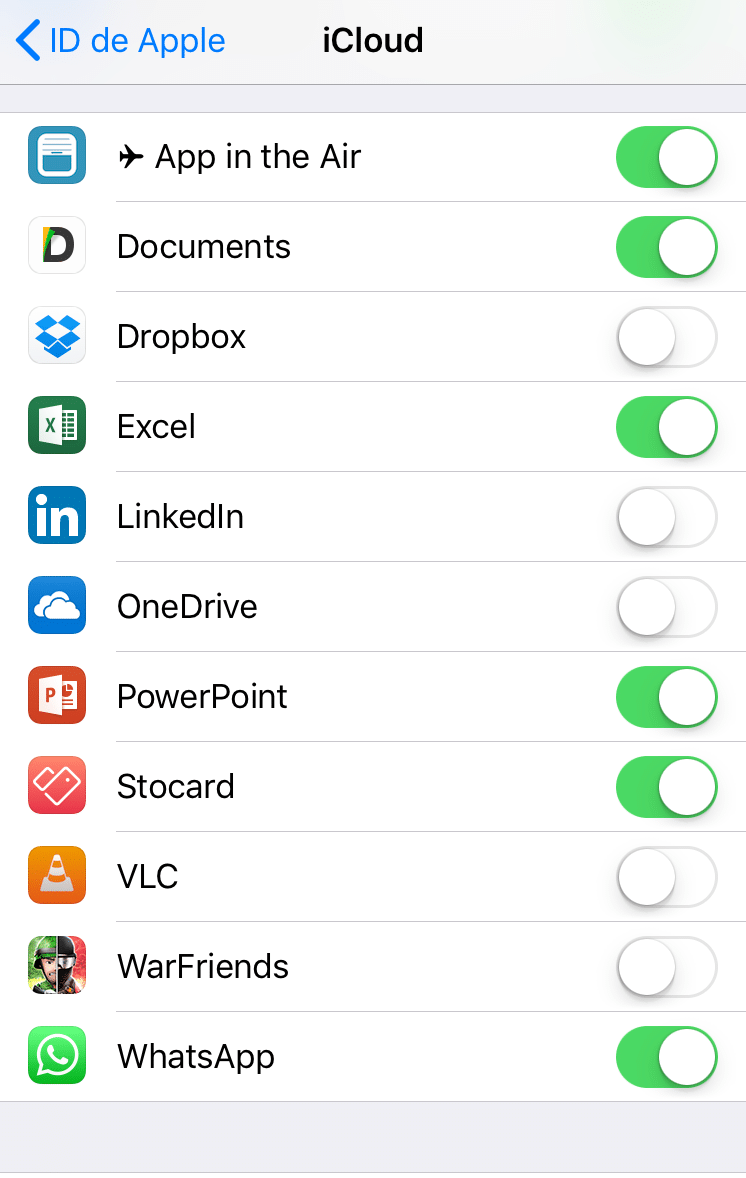
Also You can expand the space, the prices are quite reasonable. If you have several Apple devices (for example an iPhone and an iPad), you can expand the space and both can back up smoothly:
· 5 GB: free
· 50 GB: €0.99
· 200 GB: €2,99
· 2 TB: €9,99
I, for example, pay €3 a month for having 200Gb of space and there I save all my photos, documents, backup of my phone, backup of my wife’s iPhone and backup of the iPad applications that my children have. And I have a lot of space.
If you have a mobile with Android
Google also keeps some things automatically, for example the passwords of the wifis you connect to, remember the apps you have installed, etc., but for example it doesn’t make an automatic copy of the photos you have in the Gallery… not by itself, although it is as simple as using Google Photos to save your photos and Google will automatically upload them to the cloud, being able to configure if you want it to do so immediately after taking a photo or recording a video you are wherever you are or only when you are connected to a Wifi, so you don’t melt your 4G data rate. Then we’ll comment.
a little more, but if you have an Android device this is the copy you should have, yes or yes, although now we’ll see what it includes and what doesn’t.
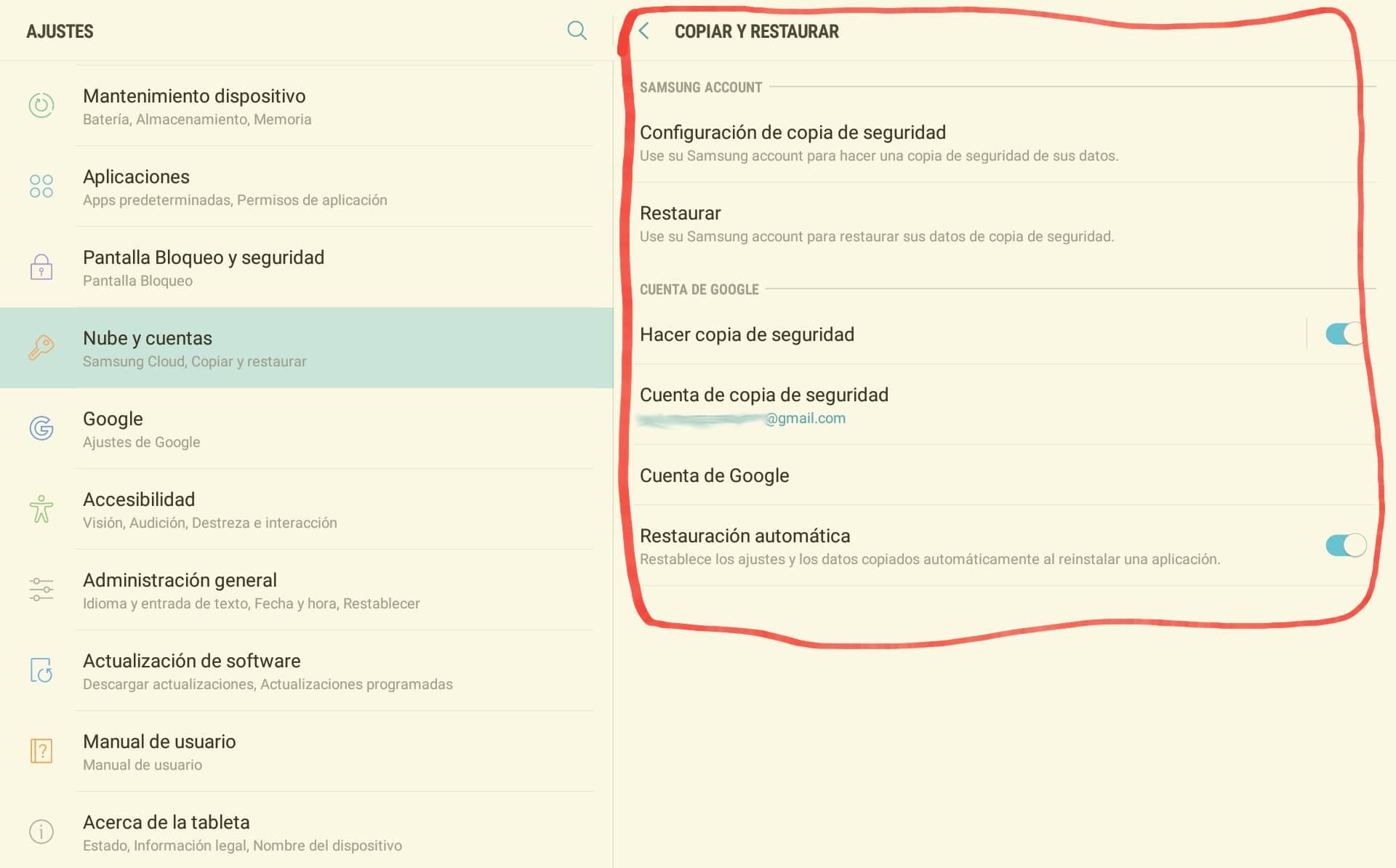
But unfortunately it’s not gold all that relays and this automatic copy of Google includes only the following:
· Google Contacts Data
· Google Calendar adjustments
· Wi-Fi networks and passwords
· Background of the start screen
· Gmail settings
· Applications installed through Google Play
· Screen settings (brightness and suspension)
· Language adjustments and text introduction
· Date and time (it gives me a laugh to see this functionality)
· Adjustments and information of applications not designed by Google (varies depending on the application)
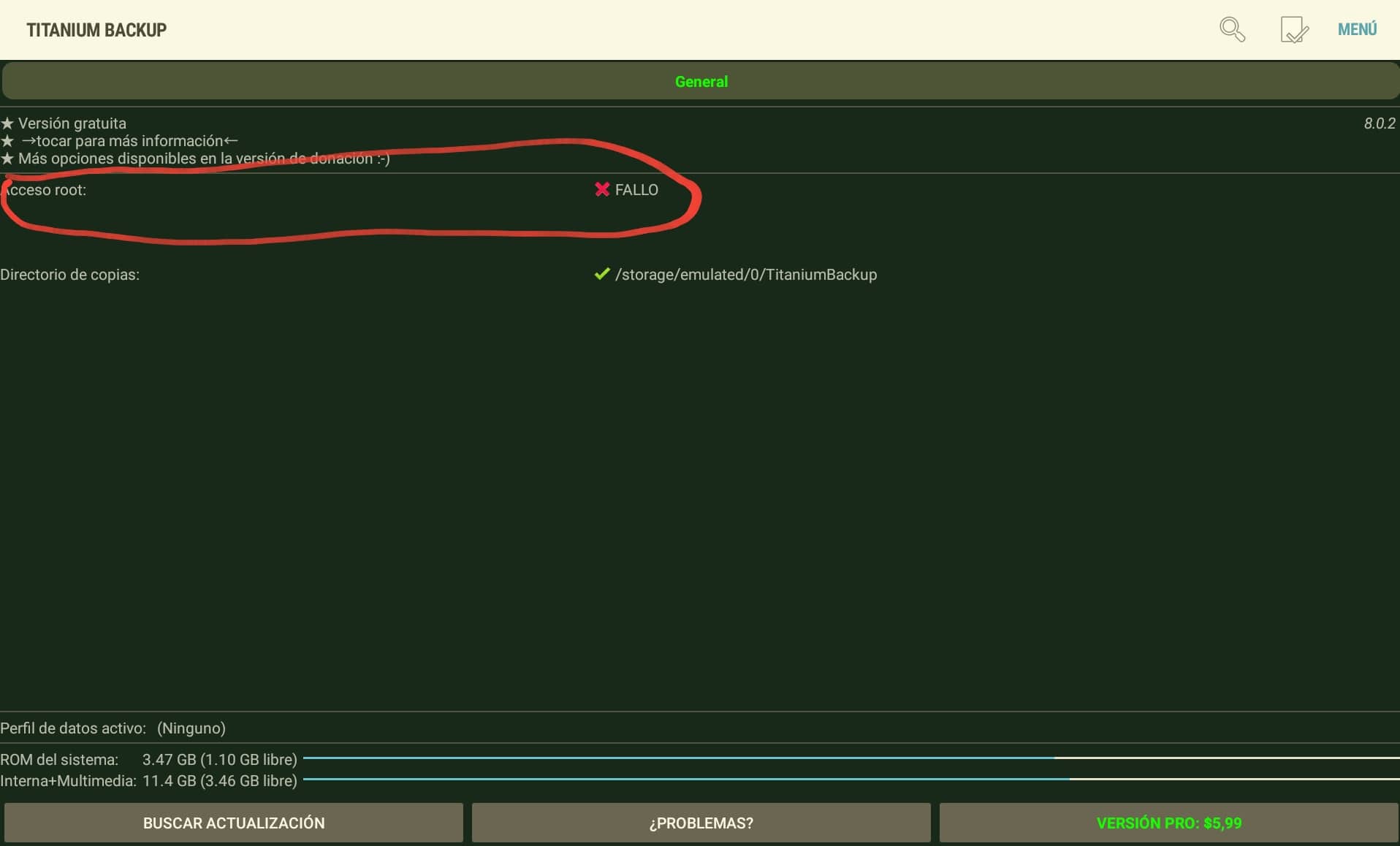
As you see, neither the photos nor the WhatsApp conversations are kept. That is, the apps we have installed will not save their configuration or content. But?What if you want to have an EXACTA copy of your device How does Apple in case you need to restore it or buy another one and want to have exactly the same thing? Well then you have to use third party tools available in the Play Store that will copy the applications and settings of these. I used
er noreferrer «target =» _ blank «> Titanium Backup Root on more than one occasion and makes a perfect copy, which you can then climb into the cloud or just keep it on the phone memory card… the problem is if you lose the full phone with a card included, of course. In addition, in order to access the settings of the Apps, these applications need to have ROOTEED the device (be root on the device means having access to the system at a low level)… and not everyone knows or wants to.
How much do I want to keep all this?
A mobile is not a changing environment to need a copy every few hours. If we use Apple or Android integrated solutions we won’t even have to worry about this data… but if we use other solutions like Titanium Backup Root, we’ll have to think about how much we want to do the copy. In most cases, a copy a day will be more than enough taking into account that the photos can be uploaded to the Internet automatically every time we do one and that the documents we can have them directly in the cloud using
noreferrer «target =» _ blank «> Google Drive, iCloud, One Drive from Microsoft, Dropbox or the storage provider we like best.
What if my photos take a mogollon?
The bulk of the Security Copy is occupied by photos / videos and WhatsApp conversations. If you don’t have a lot of iCloud space or if you have a mobile with Android and you want to have the photos in the cloud, the best solution goes by using Google Photos, available as a mobile app both on the Apple App Store as in the
noreferrer «target =» _ blank «> Android Play Store.
With Google Photos you can completely forget about photos and back up of them. You can set up the application (both on Android and iPhone, I’ve been using it for a while and that I’m a fanboy Apple) to upload the photos and videos just by making them or when you are connected to a wifi network, in addition to allowing us to search inside the photos by recognizing the elements of the photo, so we can search after ‘cars’, ‘dogs’, ‘beach’ and the application will show us the corresponding photos without even having tagged or renamed them. What’s cool? Well, what’s most cool
s that is free and without limit (yes, without limit, you can save as many photos as you want), with the simple restriction that the photos have to be less than 10 Mpx and the videos have to have a resolution less than full HD 1080, although if both your photos and your videos have better quality, Google Photos will automatically reduce them if you want to take up only the unlimited free space.
Come on, I recognize, it’s my WhatsApp that occupies a mogollon.
I knew it! In that case, you can do two things: use the inside copy of WhatsApp to avoid taking up space in your other accounts (available in Settings within WhatsApp)… or clean the groups from time to time! In my case, the group that occupies most is one of friends where 99% of what they are sent are jets… and at this time it occupies 1,63Gb. Imagine I kept it inside my security copy, the 5Gb were going to disappear me in a matter of days only with this group. So the best thing is to clean the groups from time to time and forget to copy these data if they’re not really important.
Carlos Sahuquillo
'Haga lo que haga en la vida, siempre compito' - Jacques Villeneuve Reserva una sesión →
Entradas relacionadas

Low-cost remote work
Lowcost remote work, Chernobyl, and the importance of not running security tests in a rush and under pressure.
Leer
Mounting a MESH network compatible with Apple HomeKit
You have problems with your wifi and you've thought about setting up a mesh network? The eero router solves this and is…
Leer
Shelly for shutters: the 2.5 guide, HomeKit, and Matter (2026)
Got motorized blinds but want to automate them? In this post I explain how to use the Shelly 2.5 to get this…
Leer
0 comentarios