The importance of operating system updates
 Carlos Sahuquillo
·
11 octubre, 2017
·
7 min de lectura
Carlos Sahuquillo
·
11 octubre, 2017
·
7 min de lectura

You have no idea how nervous I get when I see someone’s phone, or they hand it to me for something, and I notice there are pending updates waiting to be installed. Some people seem to hoard them, God knows for what dark purpose beyond making me anxious—or is it that they’re just not aware of how important operating system updates are? Today we’re going to talk about this and why we should install them as soon as they show up.
There are 2 types of updates: the typical app update, which includes new features, and system updates. In both cases we can run into major changes (for example, going from version 1 to version 2) and minor changes (for example, going from version 1.1 to version 1.2). Major versions usually include significant improvements to the base system, security updates, changes in appearance, new features, etc., while minor versions usually fix issues that users have detected once the version has already been installed on many devices… developers are clever folks, but they can’t test every single combination that’s going to show up out in the wild, which is why a new minor version sometimes comes out just a few days after a major version has been released.
App updates:
Sometimes a new version of one of the apps we have installed gets published, and we’re immediately given the option to update it. This update can even be automated, and in fact, it can be set to only update automatically when we’re connected to a Wi-Fi network, so almost without noticing, they’ll update themselves and we’ll get straight to enjoying the improvements.
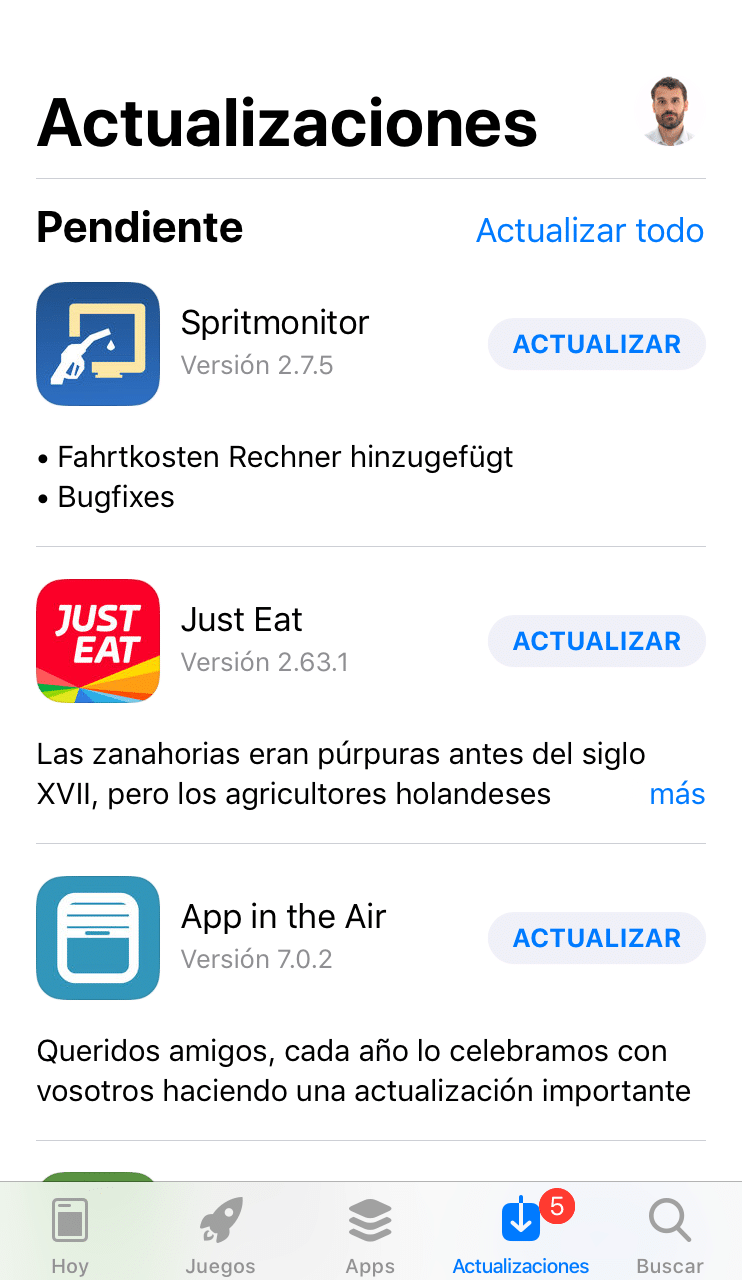
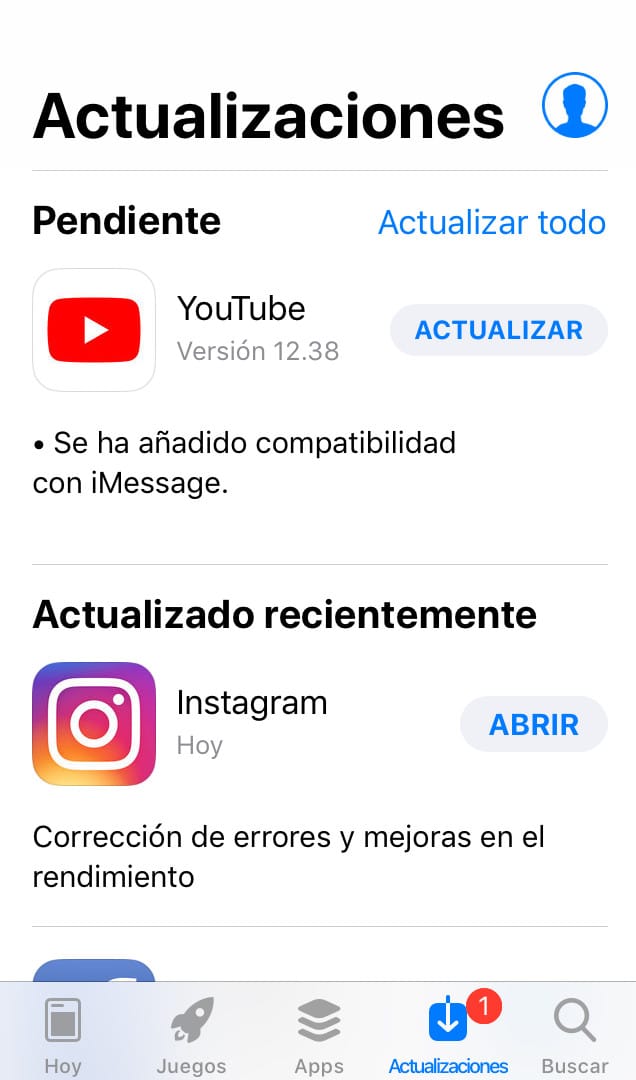
System updates:
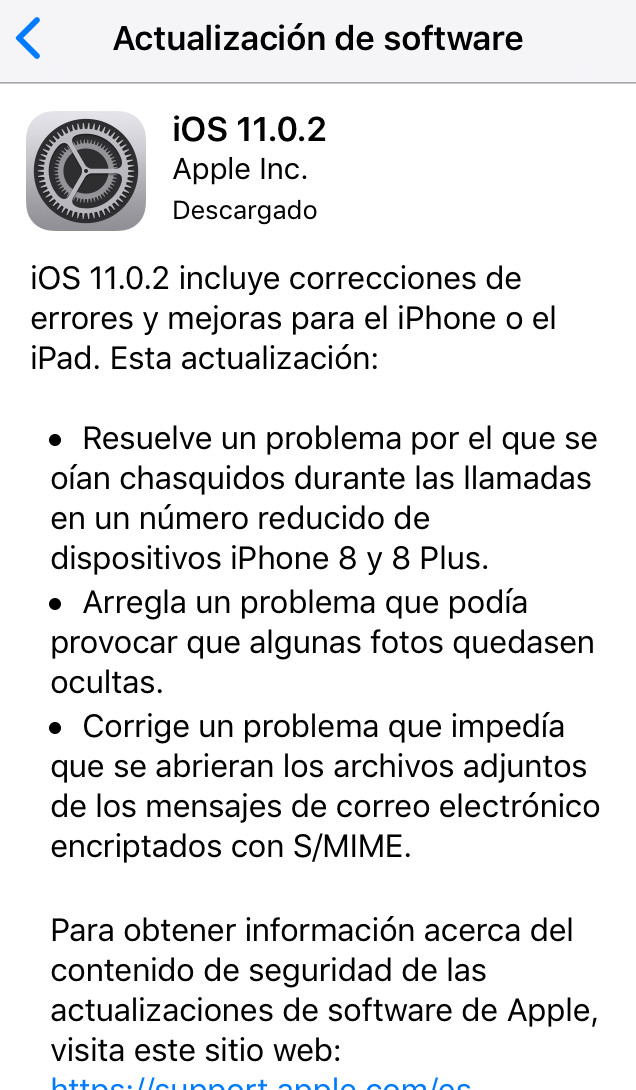
These updates are a pain for some users who find they have to download a ton of megabytes just to update their phone. Even so, security updates are always included, so we should update as soon as possible. Does this mean I should download the 1.5GB my phone is asking for to update the system version over 4G while I’m on vacation? Well, it depends on the latest vulnerabilities discovered, but generally speaking, YES.
To give you an idea, a few weeks ago a Bluetooth protocol vulnerability called BlueBorne was published, through which an attacker could take COMPLETE control of your phone, browse your photos, read your messages… okay sure, Bluetooth has a relatively short range and we can also turn it off, but both Android and iOS quickly released an update to fix this vulnerability, so simply by installing it we no longer had to worry about ‘bad guys’ nearby or about turning off Bluetooth. In other cases, however, the vulnerabilities don’t have such a dramatic impact… for example, the latest version of iOS 11 for Apple was draining too much battery with some apps, and they had to release a minor update, 11.0.1, to fix this issue. In other words, every system update is going to bring some improvement to our device, some invisible at the security level and others more noticeable, like in battery usage or device performance… not to mention other features like more modern icons, new emojis, or other minor functionalities, which is why we should always update as soon as they’re available.
But… how do I update my phone?
This process is more or less simple, but it depends on the phone you have. Unfortunately, Android users face an uphill battle here, since Android phones don’t get updated as often as they should. Explaining it quickly: when Android releases a new version, it’s the phone manufacturers (LG, Samsung, Sony, Huawei, BQ, …) who decide whether or not to send the update to their phones… and most of the time, they assume their phones won’t be able to run the new system version smoothly, so users will complain that their phones are running slow, and so they decide not to roll out these updates to phones past a certain age. In the real world, this means that only Android phones less than 1 to 1.5 years old are going to get updated. Not cool, right? This forces us to change phones within that timeframe if we want it to stay secure… not even to get the latest emojis, just to simply remain secure! It’s a bit worrying. This is the famous ‘fragmentation‘ of Android that gets mentioned sometimes—it means there are a gazillion versions of Android out there in the world, since users have phones of varying age where they may have installed more or fewer system updates.
On top of that, there’s another problem. Sometimes, a company that develops an app (WhatsApp, for example) decides its app should no longer work on versions older than a certain one, so if you have, say, a phone with Android version 3 (we’re on version 8 at the time of writing this post), you can no longer use WhatsApp because that version of Android doesn’t implement the minimum security measures that apps require nowadays.
With iOS things are simpler. Keep in mind that Android builds an operating system that gets installed across a ton of different phone manufacturers, with different components, different cameras, different processors… and it has to work well on all of them. Apple, on the other hand, only has to build an operating system for its own phones, which it knows inside and out, and this lets them create an operating system that runs smoothly on their devices without slowing the phone down… always within reasonable limits, of course. For example, my friend César has a 2013 iPhone 5S that updated perfectly to the latest version of Apple’s operating system (iOS 11), so he still has a perfectly up-to-date phone for at least another year… 5 years with the same phone, enjoying the latest security updates and the latest operating system features. Do any of my readers have a 5-year-old Android that still gets updates? Not even phones made directly by Google get updated once they’re over 3 years old.
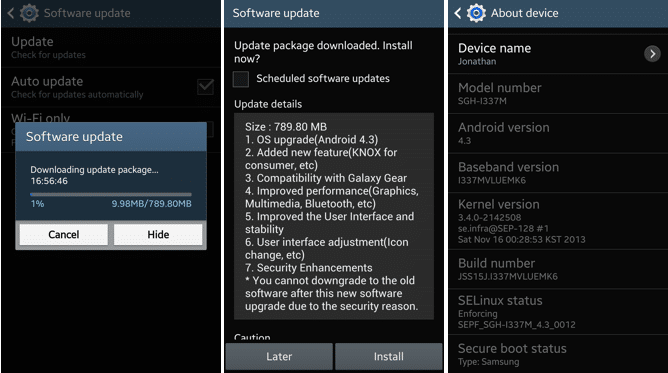
If we’re lucky enough to get a new system update on our phone, a message will pop up right away offering to download and install this new version. This process takes a while because you have to download several hundred megabytes and then install it on the phone afterward, so I’d recommend doing it while connected to Wi-Fi and with the charging cable plugged in. Even so, if you only have 4G available and you have a big enough data plan, I’d go ahead and download the update over 4G. In any case, our phone will show us a message similar to this one:
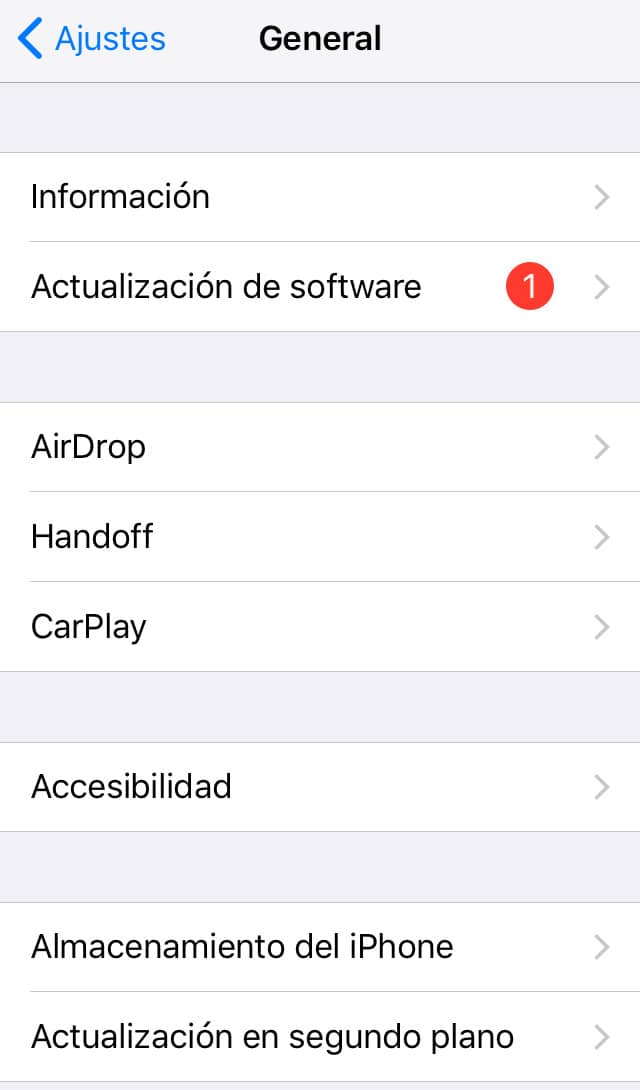
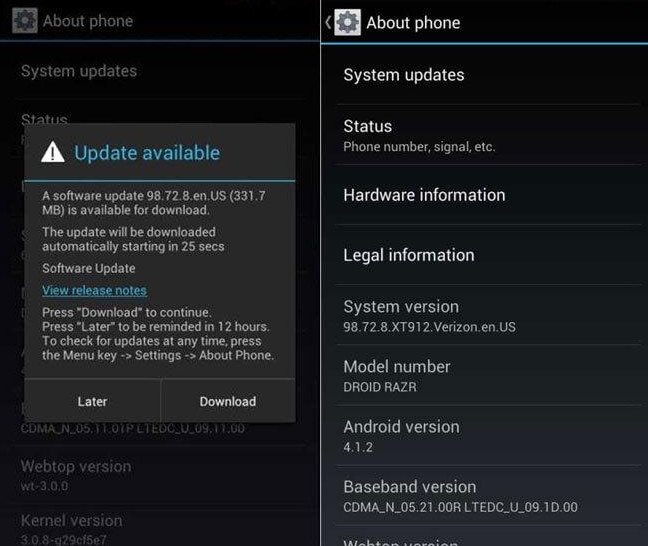
And after downloading the update package, the phone will restart and begin installation, showing us a black screen throughout the process:


A few minutes later, we’ll get to enjoy the new operating system version, and above all, the new invisible security improvements that will keep our phone completely secure.
So now you know—once you’re done reading this post, go check whether you have the latest operating system version, and if not, update it!
Carlos Sahuquillo
'Haga lo que haga en la vida, siempre compito' - Jacques Villeneuve Reserva una sesión →
Entradas relacionadas

Low-cost remote work
Lowcost remote work, Chernobyl, and the importance of not running security tests in a rush and under pressure.
Leer
Mounting a MESH network compatible with Apple HomeKit
You have problems with your wifi and you've thought about setting up a mesh network? The eero router solves this and is…
Leer
Shelly for shutters: the 2.5 guide, HomeKit, and Matter (2026)
Got motorized blinds but want to automate them? In this post I explain how to use the Shelly 2.5 to get this…
Leer
0 comentarios