Television compatible with Apple HomeKit
 Carlos Sahuquillo
·
16 diciembre, 2020
·
8 min de lectura
Carlos Sahuquillo
·
16 diciembre, 2020
·
8 min de lectura
Ep. 9 · escúchalo
0:00 /

Idioma:CastellanoEnglish
I swear this wasn’t intentional… but over the last few days my LG TV has passed away. It was a 6-year-old LG, Smart-TV but without the webOS operating system that has made LG TVs so popular, so it had been abandoned for a few years now… and I’ve spent the last few days looking for a TV compatible with Apple HomeKit.
It really bugs me when a device gets abandoned. I’m not talking about manufacturers dropping support after a reasonable number of years, I mean when a manufacturer adopts a new technology and abandons the previous one, leaving it without support, maintenance or updates. That’s what happened with my previous TV; shortly after I bought it, LG replaced the old Miracast system and started including the webOS operating system in new TVs, so mine stopped getting updates and new apps. Apps from services like HBO, Movistar+ or Apple TV+, which came out later, were never added. Sure, Netflix and Amazon Prime Video were available, but not much else.
As for Prime Video, a few months ago it started failing and wouldn’t let me log in, so it was easier for me to just use an Apple TV I had in the living room and access the rest of the apps from there.
The problem: it won’t turn on
Anyway, a couple of weeks ago the TV started acting up… when you turned it on, it would get stuck on the LG logo and never move past it. Sometimes unplugging the cable and plugging it back in would get it past the LG logo and it’d turn on normally, but after a while it would shut off and the same thing would happen again. It’s true that sometimes it turned on fine with no issues, but that was the exception. Yeah, I know… some of you who know your way around these gadgets will tell me that’s a silly fault, that you can fix it with a re-balling, or something about the board’s boot process. My friend Carlos Gomis, the guy behind the post on how to automate blinds with Shelly 2.5, is the type who loves tinkering with these kinds of faults and tearing things apart down to the last screw, only to end up replacing a 50-cent capacitor that was the actual culprit… but hey, I felt like getting a new TV, so what!? Hahahaha. Honestly, the new TV cost me less than €700, which while still a fair amount of money, is less than what a mobile phone or a computer costs these days… and it lasts a lot more years. Let’s put an end to this idea of replacing your TV every 10 years! Anyway, the new TV is another LG, but this time it’s a 55″ NanoCell with WebOS 5.0… and best of all, compatible with AirPlay 2, Apple TV+ and HOMEKIT!! Let’s see what that means:AirPlay 2 compatibility
Some folks from the Telegram group have asked me if I can send the TV’s sound to the HomePod. Nope, that’s not possible. What I can do is send both music and video from any Apple device running an up-to-date version of iOS or macOS. In other words, I can play movies or videos straight from my MacBook without needing an HDMI cable, exactly as if I had an Apple TV. I can also stream music with the option of not turning on the TV screen at all, so the music plays through the speakers without any weird screensaver or anything showing up on screen. This feature is standard AirPlay behavior, so… what does the ‘2’ in AirPlay 2 mean? Well, basically it means you can do several things at once. For example, you can make the music ‘follow you’ around the house… if I’m playing music from my iPhone in the living room (say, on the TV or on the HomePod) and I walk into the bedroom where I have a HomePod Mini, the music will switch from one speaker to the other without any interruption, as if you were adjusting the balance on a stereo system. This is really cool, it’s like having a built-in sound system throughout the whole house. On top of that, from the same iPhone I can send music to one AirPlay 2-compatible speaker and a different song or other content to other speakers. And of course I can also play the same music on every speaker in the house, whether it’s the TV, a HomePod, a HomePod mini, or any other AirPlay 2-compatible device. Let’s say my new TV is a sort of ‘entry-level’ AirPlay 2 device, meaning I can send stuff to it for playback, but I can’t send image or sound from the TV wirelessly to other devices.Apple TV+ compatibility
There’s a bit of confusion with the names here, since right now we have 2 different things both called ‘Apple TV’. On one hand, there’s the classic device, the Apple TV HD or 4K, which is basically a small device that makes a non-smart TV ‘smart’, though of course you can hook it up to any TV with an HDMI input. From the Apple TV you can install apps to access the most common services we mentioned earlier, watch Apple Keynotes, play YouTube videos, and so on. On the other hand, there’s the Apple TV+ service, which is a video streaming service like HBO or Netflix. What sets Apple TV+ apart is that all the content is produced by Apple, so a lot of care goes into every detail and not just anything gets added to the catalog… but obviously that means the catalog is much smaller. In this case, my TV is compatible with the service, so you get an Apple TV+ app built in to access its content. And for that same reason, I no longer need to keep the Apple TV connected to the TV, since the content access and AirPlay features it provided are now built right into the TV. Nice, one free outlet to plug in any other smart-home hub! xD Although remember that the Apple TV acts as a HomeKit hub and lets you trigger automations even when you’re away from home, which the TV doesn’t do.HomeKit compatibility!
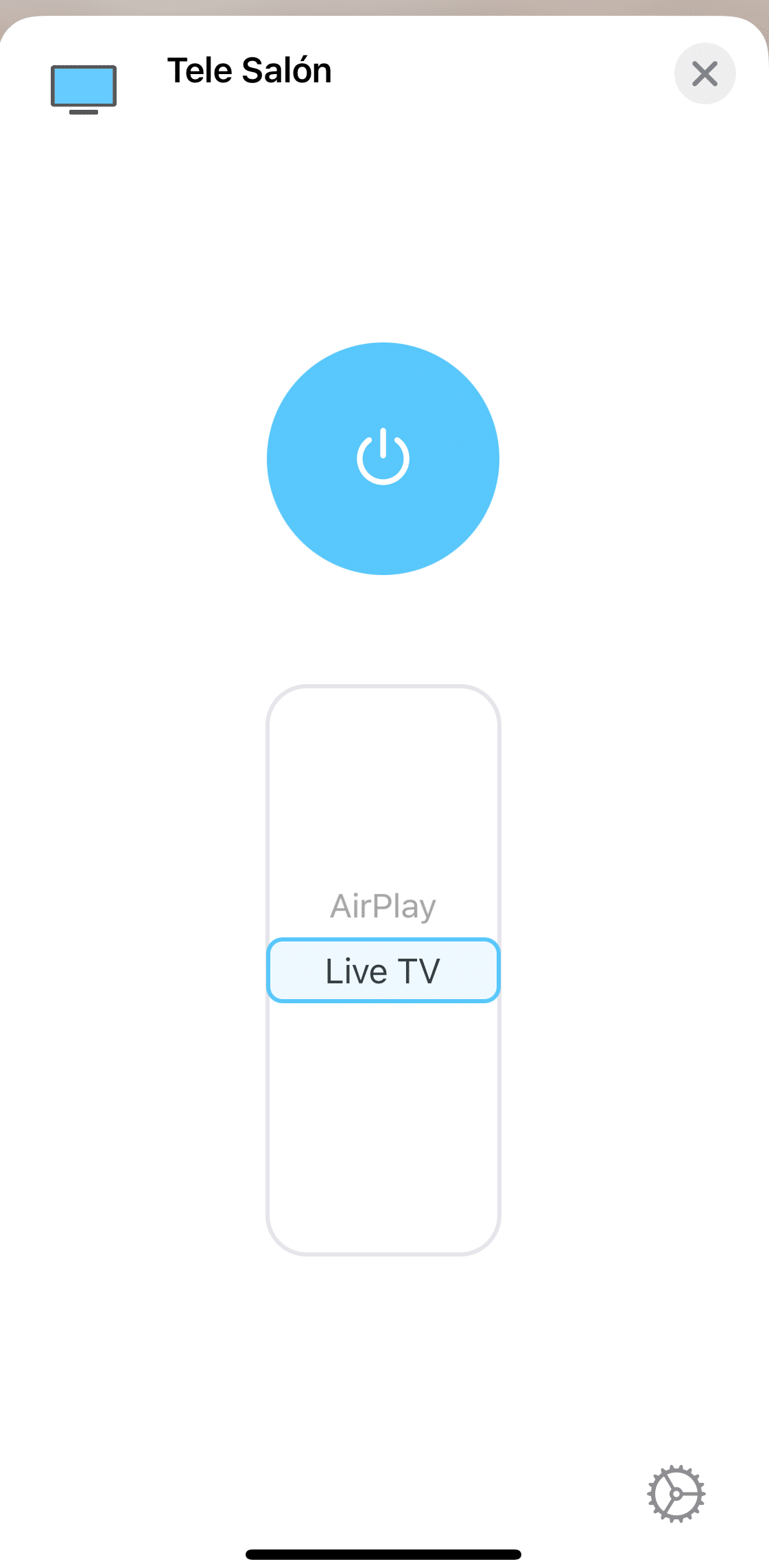
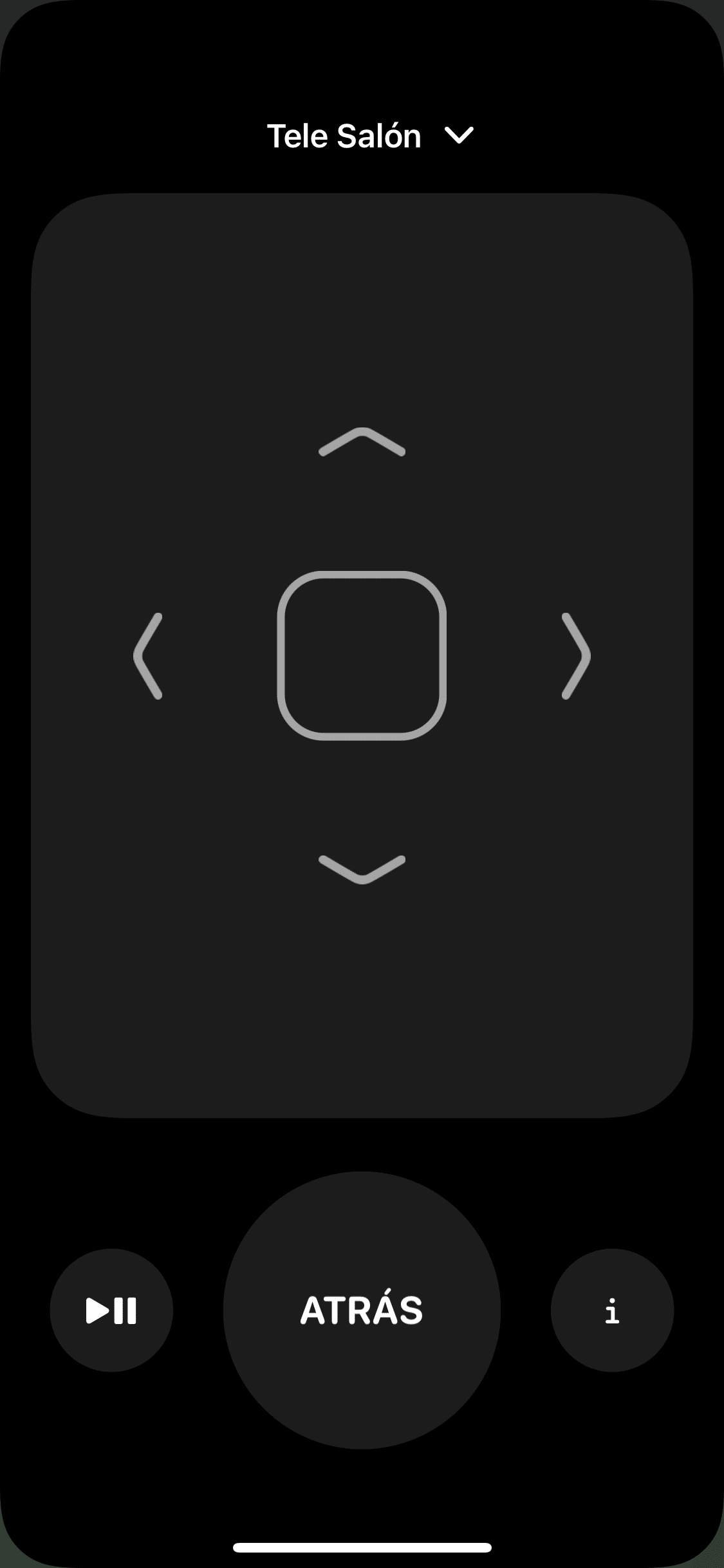
Now this is the cool part. The TV is HomeKit compatible, so you can add it directly to the Home app and set up automations, on top of turning it on/off with Siri. Sadly you can’t say ‘Hey Siri, change the channel’, but you can do that from your phone. The setup process is almost completely seamless; in the connectivity menu there’s a HomeKit option, and when you tap it, it shows you a QR code that you scan with your phone to add it to the Home app.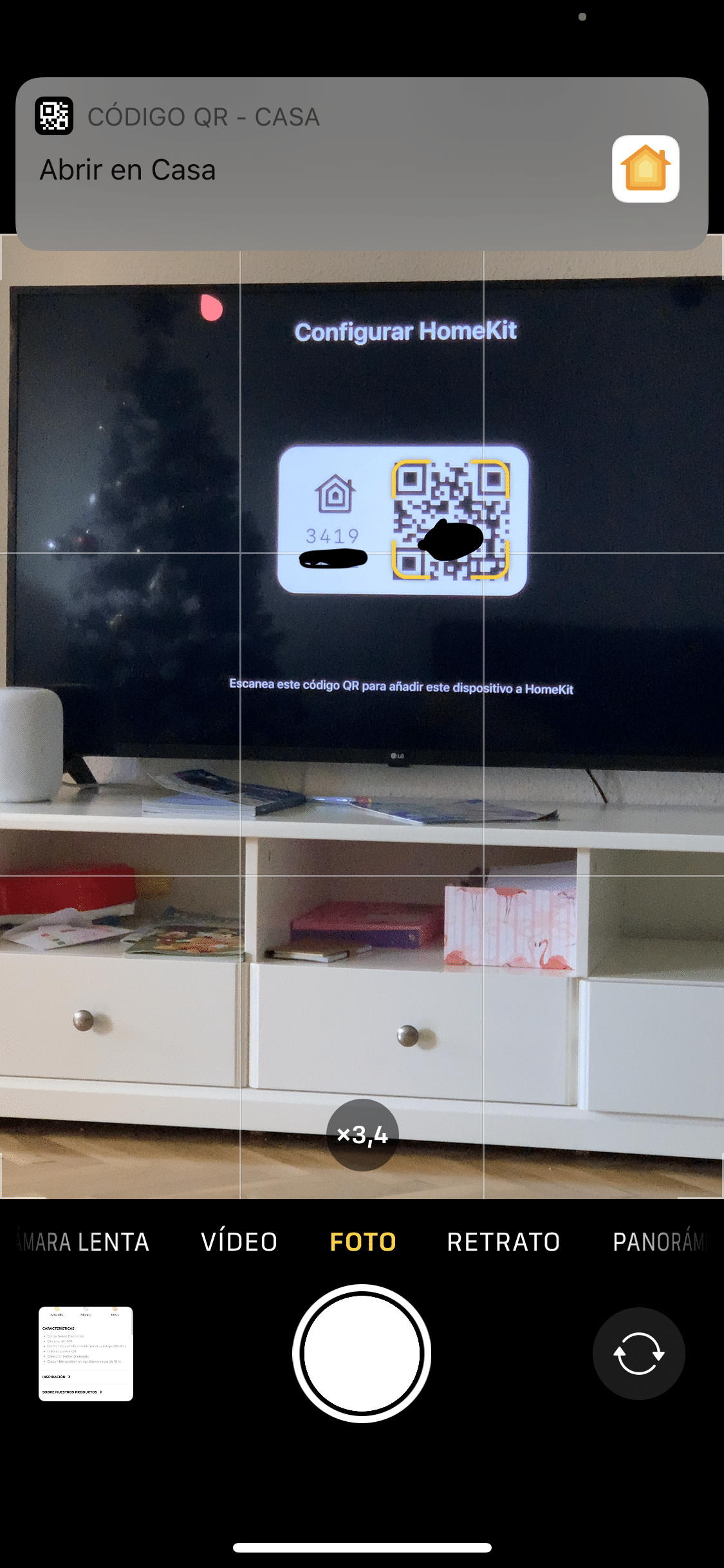
Automations
Honestly, I’ve only set up a few automations since using the TV isn’t really tied to whether someone’s home or not. So far I’ve added it to the ‘Leaving home’ scene so it turns off when all devices leave, but in truth we’ve never actually left the TV on by accident, since it’s pretty obvious it’s on when you’re heading out the door.
¿Necesitas ayuda con tu domótica?
Te ahorro tiempo, dinero y disgustos. Sesiones de consultoría desde 60€.
Carlos Sahuquillo
'Haga lo que haga en la vida, siempre compito' - Jacques Villeneuve Reserva una sesión →
Sigue leyendo
Ver todo el blog
Entradas relacionadas

8 octubre, 2026 · Domótica
Leer
How to re-pair Zigbee sensors in Home Assistant without losing your automations
Swapping the battery wasn't enough to bring four Aqara sensors back to life. Here's how I re-paired them with ZHA without losing…
Ep. 114 · escúchalo
0:00 / 19:22

1 octubre, 2026 · Domótica
Leer
How to spot issues in a Matter device
I opened Home Assistant's new Matter and Thread map to check which routes my devices are using and see just how useful…
Ep. 113 · escúchalo
0:00 / 14:08

17 septiembre, 2026 · Domótica
Leer
HomeKit with AI in iOS 27
Apple released iOS 27 on September 14th and, as it does every year, I'm going through what's changed in the Home app…
Ep. 112 · escúchalo
0:00 / 12:44
Me alegro mucho amigo por tu nueva adquisición. Mi tv tiene 7 años y cruzo los dedos cada vez que la enciendo, ojalá falle jajaja.
Jajajajaja, la verdad es que en los últimos años han evolucionado bastante, ya no tanto en imagen (que ni idea, pero cuando me compré la anterior ya había alguna 4k que costaba un pastizal… pero existir ya existían), pero sí en conectividad y posibilidades.