Smart Buttons compatible with Apple HomeKit
 Carlos Sahuquillo
·
18 mayo, 2020
·
7 min de lectura
Carlos Sahuquillo
·
18 mayo, 2020
·
7 min de lectura
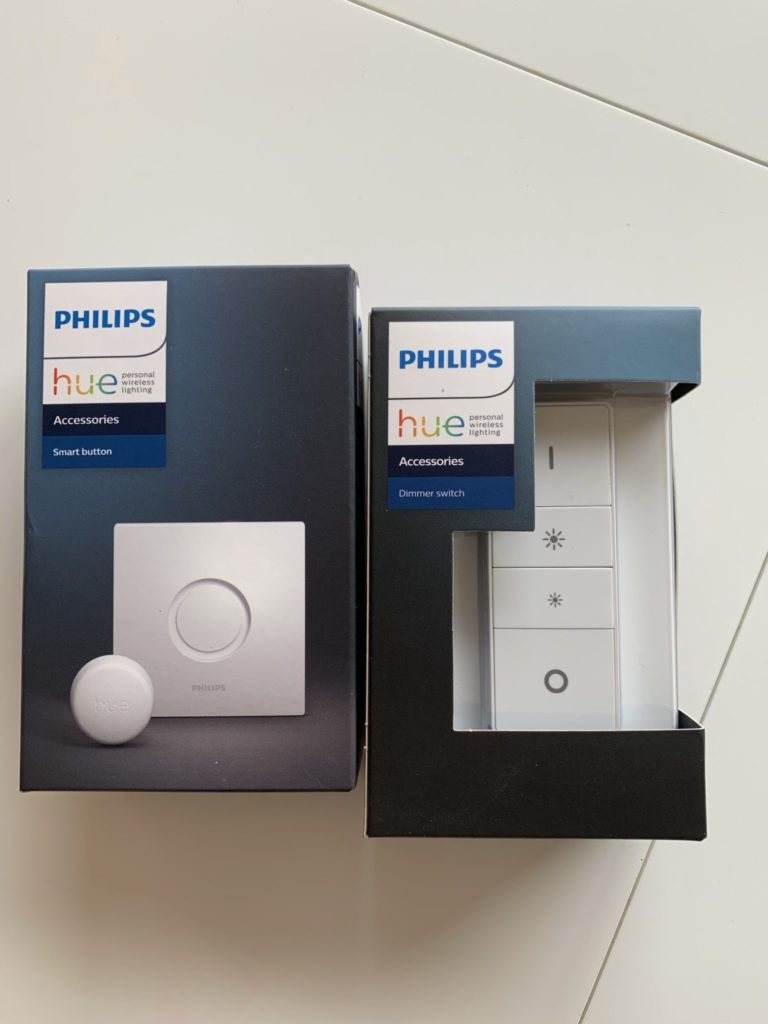
I recently acquired a couple of Philips Hue smart buttons to automate some actions at home using Apple HomeKit, but are they better than Aqara’s? Since they cost twice as much? Spoiler: No They’re just a little faster.
Philips Hue accessories
Although I seem to be sponsored by Philips, I assure you that at the time of writing this article is not so (you never have to close xD doors), but I am delighted with the range of Hue products!
Now I have told you once that I am very happy with the Hue lights of Philips They never fail! I also told you that A couple of months ago I bought Hue’s plug to prove it was better than my Koogeek… And indeed, he hasn’t run out of connection once since I bought it… so Why not try the smart button?
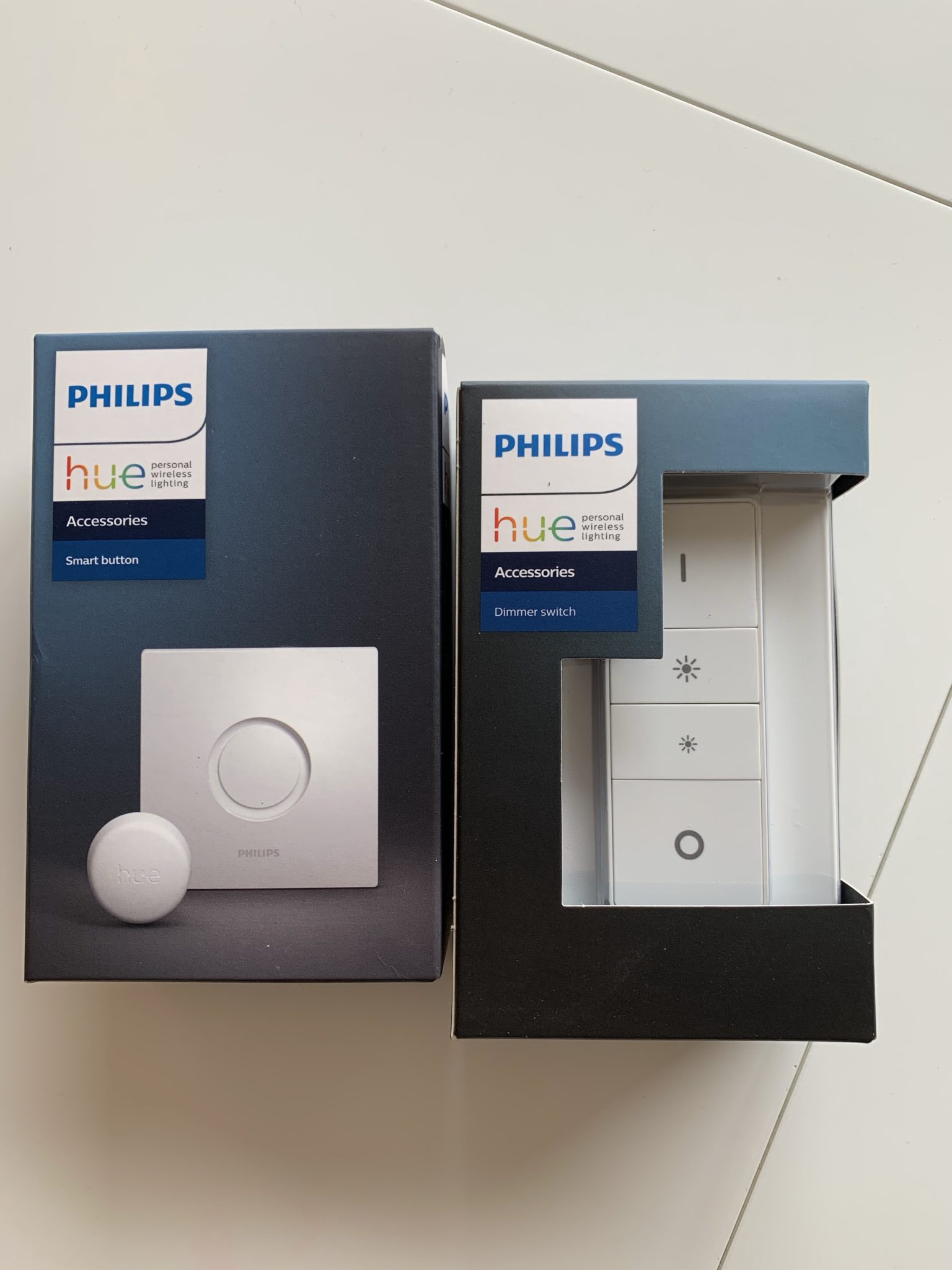
Philips has in its catalog a lot of different switches. You can choose with or without intensity regulation, in circular or elongated format, and all of them come with embellisher so that it’s not just to leave the little button out there and lose it within two days.

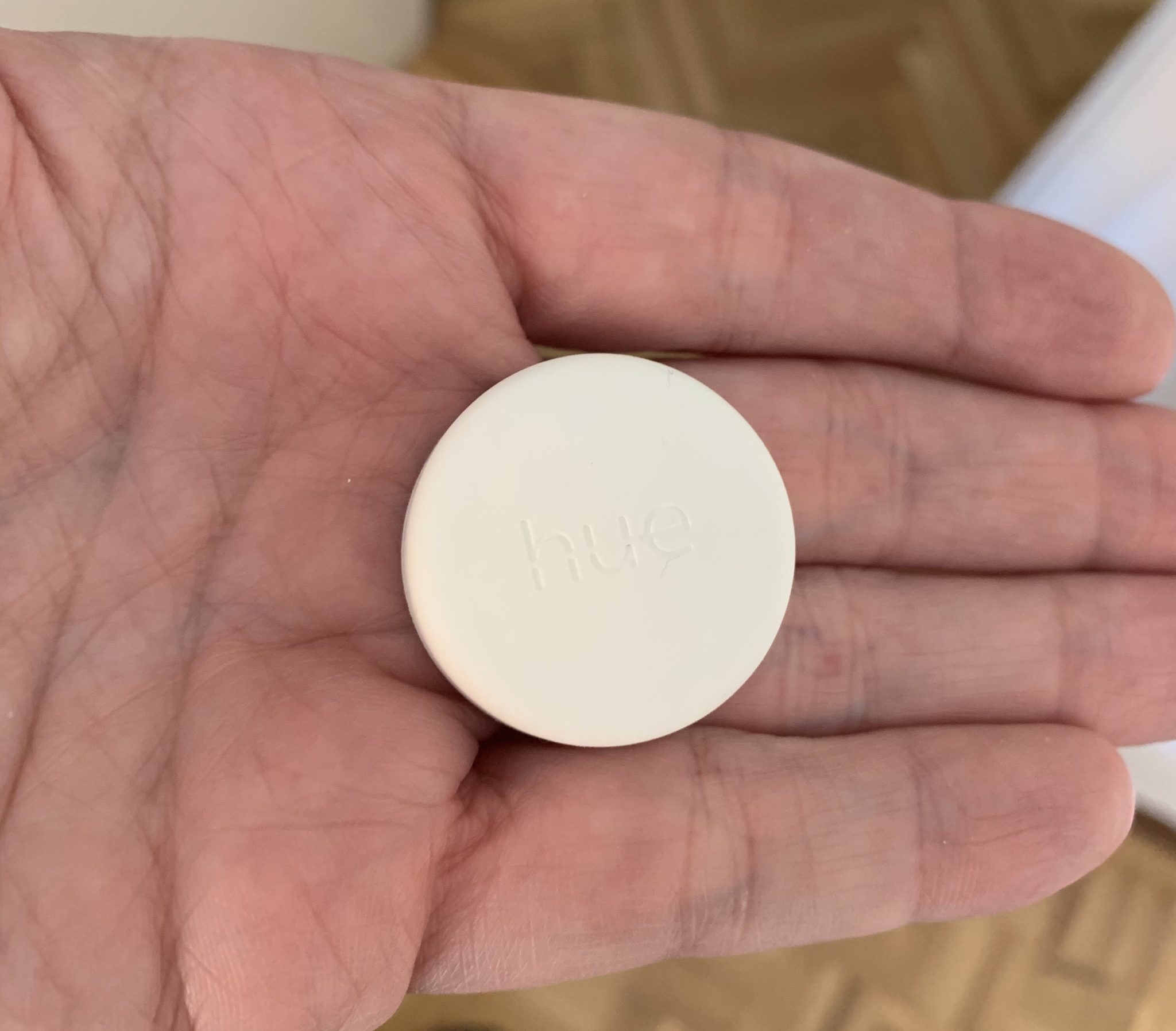

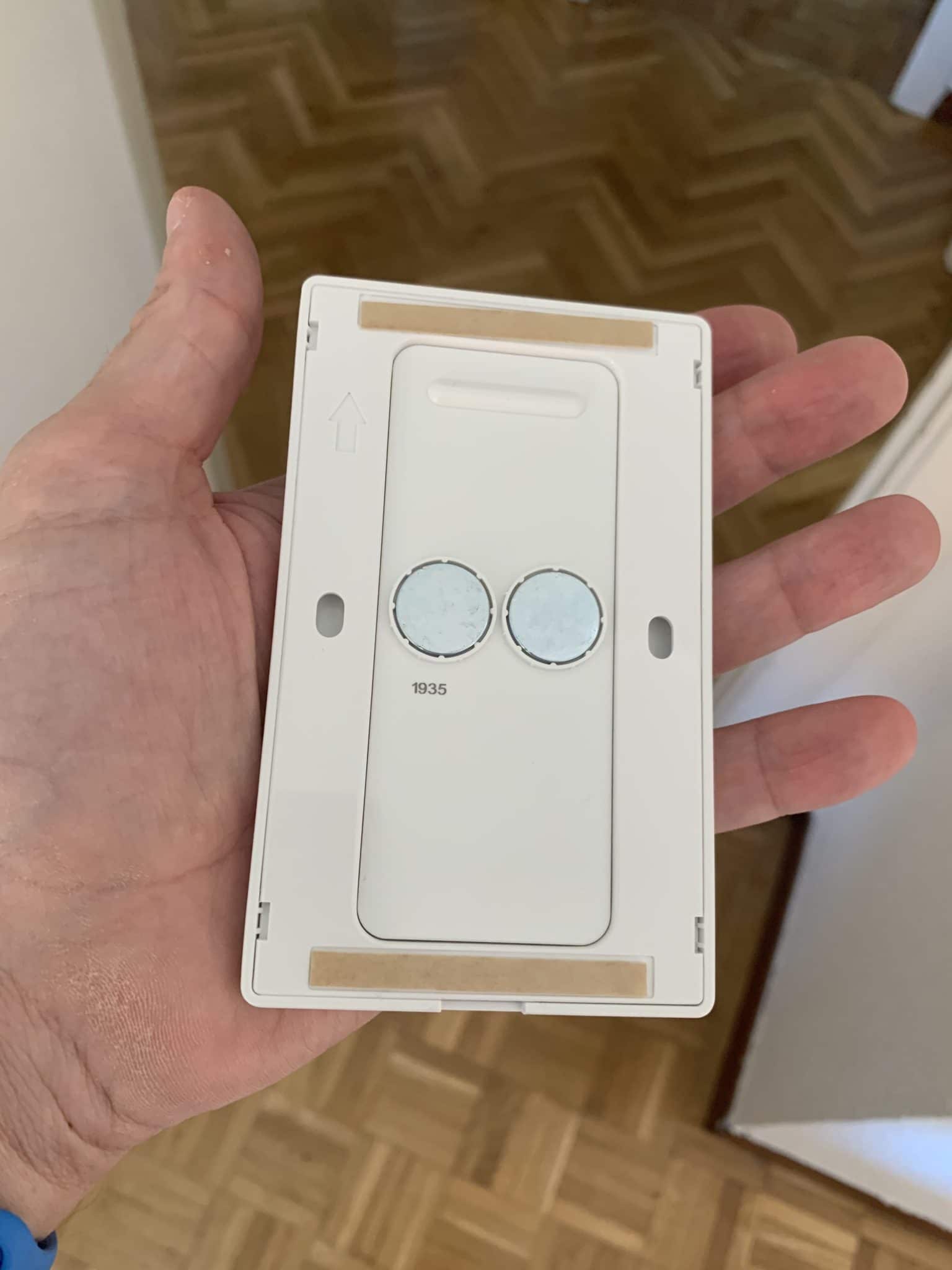
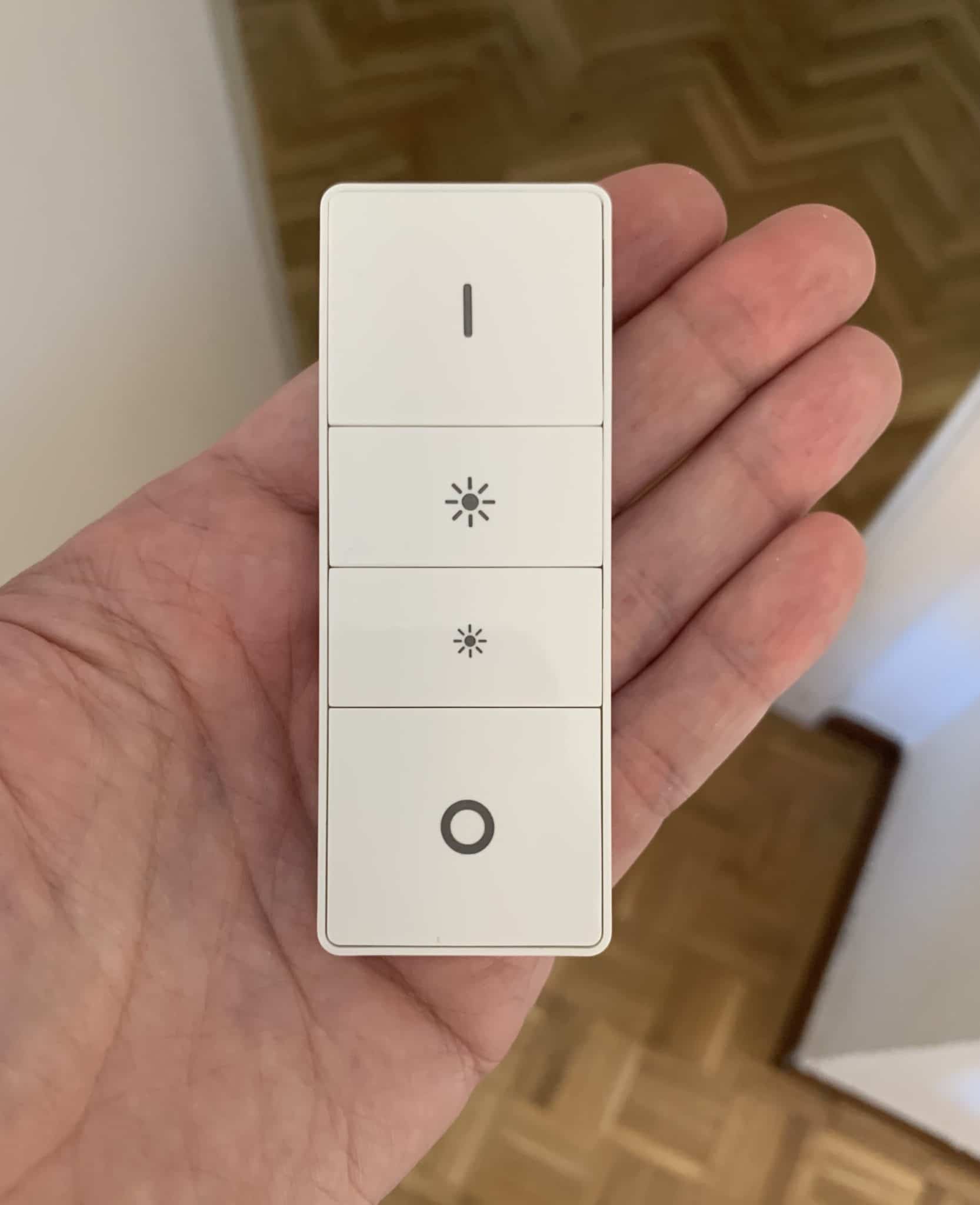
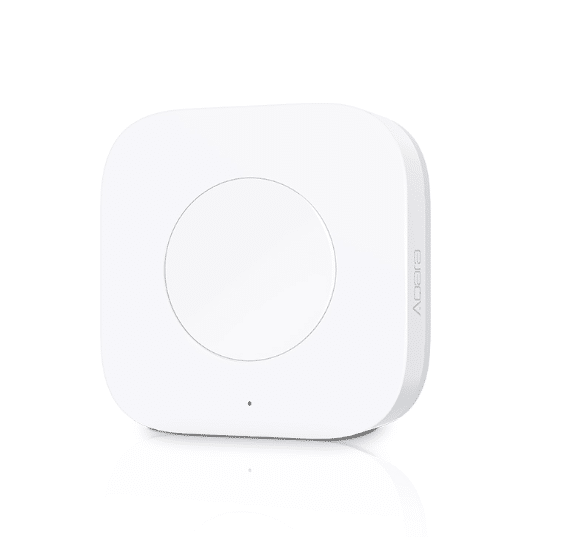
The models I’ve tried are these three, the Smart Button (€19,98) and Dimmer Switch (€16,95) of Philips Hue vs el Aqara Mini Switch (€8,98).
Note that it is not a ‘remote button of lights’, we can automate any action… from turning on the boiler, ringing the doorbell, turning off all the lights of the house on the way out, opening the garage door, activating the alarm… any device we have on HomeKit’s house app is capable of being automated with the physical button as well as being able to use the corresponding Siri command.
It is also important to note that there are other brands on the market that are also compatible with Apple HomeKit, Logitech and Eve for example also have smart button models.
Appearance and use
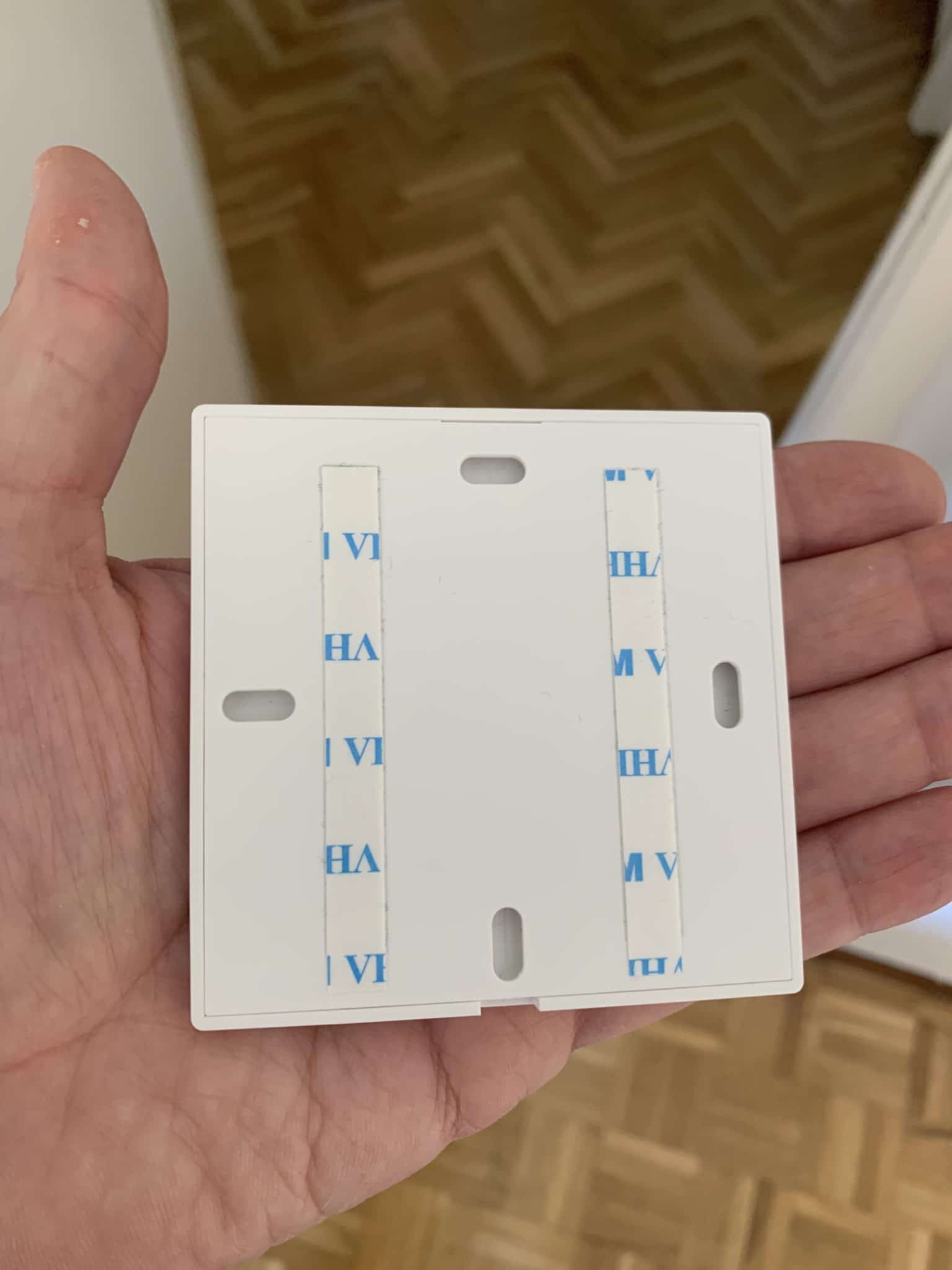
Philips’ devices carry a small magnet, so if (as is my case) you have it on some metal surface, it makes you almost the times a fixed button. However, the embellisher also has double-sided tape, so you can also leave it ‘fixed’ on a wall.
The Aqara button does not have so much paraphernalia The little button comes right in, and that’s it, but it’s true it has a nice design. This button also has double-faced tape in case you want to stick it somewhere and use it as a fixed button.
Following the structure I have used in other entries, I will put the need and solution to you:)
NEED: May my eldest son turn on / off the lamp from the bed. It may seem silly, but in my eldest son’s room there is no plug in the area where the bed is located, so he has the lamp a little away and he has to get up to turn it on / off.
SOLUTION: Smart button on the wall next to the bed that controls the Philips Hue bulb you have in the night lamp. In addition, by having a smart bulb in this lamp we can light it up little by little when it comes to waking up, turn it off at 23: 00 that is when you should stop reading and go to sleep and make that, if you have to get up to the bathroom and turn it on at night, it does not turn on to the maximum power and simply turn it on to 30% without having to do anything weird with button combinations.
Philips Hue vs Aqara Switch functionality
Is it possible to do the same with the Aqara button that is cheaper? Yeah, exactly the same. The Aqara button supports up to three different types of click, so we can put a function for the normal click, a function for the double click, and a function for the long click. And then all this with the conditioners we want, so we could tell you that if we double-click during the day do one thing but between 23: 00 and 08: 00 in the morning do another. As we have ever said, the limit is in the imagination.
Peeeeeero There’s one thing I like more than Philips, and it’s his immediacy.. It’s not that Aqara’s late, but when you press the button a few milliseconds pass (you’re not going to believe it’s an eternity) until the bulb is turned on, I imagine by the ‘traffic’ of the Aqara Switch receiving the command, it sends it to HomeKit and it finally sends it to the Hue Switch. Obviously with the Hue button does not pass, you press the button and light is turned on at that very moment.
Installation and configuration
This process hardly deserves a section of its own as in both cases the configuration is super simple as we have seen on other occasions. Both the Philips app and the Aqara app have to look for the device, press the button… and find it automatically, without reading barcodes with the camera or anything complicated. Once recognized, you can set up directly from Apple House and forget about each other’s own application to program buttons or pulsations.
Conclusion
After testing both of Philips’ crazies, for the use I’m going to give you in my eldest son’s room I’ll take the Smart Button, which is curiously a little more expensive than the Dimmer switch but also has a dimming function, so if you keep the button pressed as if it were a long push you can attenuate the light until you reach the luminosity you need, but if you do normal click it will turn on 100% and turn it off in the next click.
List of wishes for Philips Hue
You know one of the things I miss in the Philips catalogue? The wall switches to replace the conventional switch. There are times when someone comes home, whether it’s some friend of my children, a relative or some friend of mine, and I’m not going to explain to them that to light us what light they have to go through the motion sensor of us or ask Siri to turn it on… and of course, every 2×3 I find the problem that someone has tightened the switch of the facility by default of the house and has cut the current that comes to the Hue bulbs, so to the baton that bulb and no longer it’s going on…
At the same time, they test for whether the switch has failed, with what is leaked to God’s, the values of the bulb are reset, they scream from the other end to inform me that it has fused… a show.
For these cases, I have the Aqara switches that are the ones that send the order to the Hue bulbs to turn on or off… but if they turn on with the motion sensor or with Siri or with some automation, they continue to work perfectly. Behind the Aqara switch are simply the wires of the installation bridges two to always reach the light bulbs.
Well, I don’t need Philips to have a switch of this kind, it’s not that Aqara’s are working badly, but you’ve already seen that Aqara has a small delay of a few milliseconds when interacting with Philips Hue bulbs and we’re usually used to light going at the speed of the idem, so until you get used to it (or for visits) it’s a rare behavior.
wp: block {«ref»: 1612} /
Carlos Sahuquillo
'Haga lo que haga en la vida, siempre compito' - Jacques Villeneuve Reserva una sesión →
Entradas relacionadas
How to spot issues in a Matter device
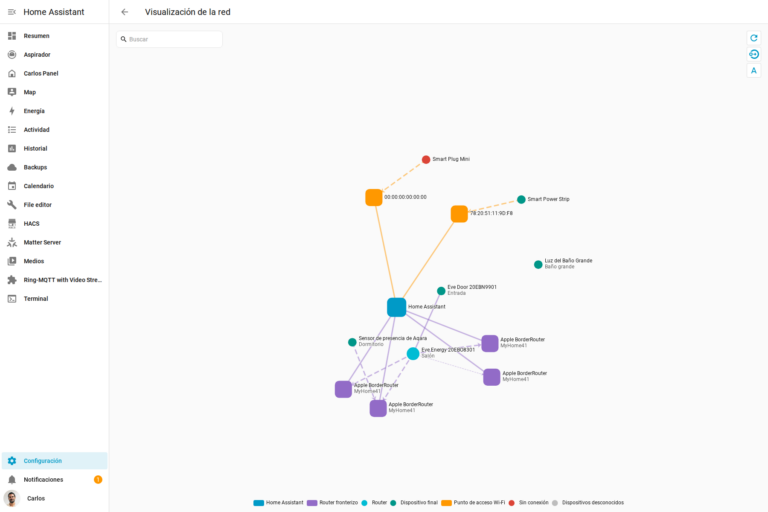
I opened Home Assistant's new Matter and Thread map to check which routes my devices are using and see just how useful…

HomeKit with AI in iOS 27
Apple released iOS 27 on September 14th and, as it does every year, I'm going through what's changed in the Home app…

Webhooks and workflows in Controller for HomeKit
Kicking off Season 4. I'm picking back up the automation for the sensor that kept running out of batteries that I told…
Muchas gracias por este tutorial. Me viene fantástico porque en la habitación de nuestro pequeño tenemos la misma ‘problemática del primer mundo’ que tú.
Me surgen, al mismo tiempo, varias dudas:
El mismo botón pulsado en distinto tramos horarios puede activar producir distintos resultados? Es decir, por el día, si pulso el botón «I» encendería las luces y si pulso el botón «O» apagaría las luces? Sin embargo, si pulso el botón «I» entre las 22:00 y las 7:00 el botón podría encender las luces al 5% y apagarse automáticamente a los 2 minutos? Podría aumentar o reducir el brillo de las luces con los botones «sol pequeño» y «sol grande»? Podría utilizar además, el botón «sol pequeño» para que el niño, en lugar de encender desencadenara otra automatización?
Podrías indicarme cómo has creado las reglas en HomeKit? porque soy incapaz de dar con la tecla. Me gustaría que:
A. Primer escenario.
Condiciones:
-Entre las 22:00 y las 7 (o 1h después del anochecer y hasta el amanecer)
-Al pulsar el botón «I»
Resultado:
-Luces se enciendan al 5%
-Se apague automáticamente a los 2 minutos
Se me ocurren más posibilidad es: hay posibilidad de doble pulsación en botones Philips?
Según estoy escribiendo no sé si sería más aconsejable usar el botón «sol pequeño» para que se enciendan levemente las luces por la noche y dejar «I» y «O» para encender y apagar normalmente… Con un niño de 4 años y medio zombi por la noche, tal vez recurrir a estos botones centrales sea más jaleo que enseñarle a tocar los botones de los extremos….
Gracias por tu ayuda.
Un saludo.
Hola Diego! Muchas gracias por tu comentario 🙂
Puedes hacer todo eso que dices sin problemas, tanto desde el dimmer (el interruptor de 4 botones) como con el botón sencillo. Igual es buena idea que a tu nene pequeño le pongas el botón y así es más fácil para el, no? A los míos pequeños les tengo puesto el botón, solo utilizo el dimmer para mi hijo mayor que ya tiene 12.
Para configurar el dimmer no hay mayor complicación, tal y como dices solo tienes que configurar qué quieres que haga cada botón y puedes ajustar incluso la intensidad de luz de los botones centrales… si solo vas a encender una lamparita te importa menos, pero si tienes varias bombillas o alógenos en el techo pues igual es conveniente bajar la intensidad para que no se despierte mucho por la noche:
Si finalmente optas por la opción del botón, también puedes hacerlo por horas. Lo bueno del botón es que si lo tienes apretado hace de dimmer… o puedes decirle que si haces doble click por la noche se ponga al 100% la luz, yo esto lo he utilizado alguna noche que he tenido que ir porque estaba malito o algo así… pero por supuesto puedes decirle a Siri que encienda la luz al 100% sea la hora que sea o hacerlo desde el iPhone o el Apple Watch, pero claro, no te vas a poner por la noche a dar voces…
Pero para personalizarlo todo un poco mejor puedes utilizar también Home4+, la app de la que hemos hablado alguna vez que es muy buena aunque es de pago. Con esta app puedes hacer casi lo que quieras en este sentido, incluso poner condicionantes de que si tu móvil no está en casa porque estás de viaje o algo así y tu mujer va a la habitación, se encienda todo como siempre y te olvidas de problemas y dudas 😉
Si necesitas cualquier otra cosa más que te ayude a decidirte, ya sabes 😉
Genial!
Muchas gracias por tu extensísima respuesta.
Voy a releerla con calma para entenderlo todo bien y comenzar a crear las reglas/automatizaciones.
Un saludo.
Hola sabes si puedo usar el hue smart button con “atajos” de homekit?? Creo que sería súper interesante perder usar ese botón pequeñín para más cosas que la iluminación. Por ejemplo que al darle al botón ponga música o cierta Playlist en los altavoces o me ponga un temporizador de 5 minutos. No se abriría un sin fin de posibilidades el poder ejecutar “rutinas” o “atajos”.
No he sabido salir de acciones que no tengan que ver con la iluminación
Hola Salomón! Muchas gracias por tu comentario.
Sí que se puede, si entras en la app de Atajos puedes crear la automatización a medida que necesites, yo tengo una para encender el calefactor del cuarto de baño con uno de estos botones que tengo en la habitación, así se enciende el calefactor y cuando llego al baño ya está algo más calentito.
Hace tiempo utilizaba uno para el ‘Buenas Noches’, así que cuando lo pulsaba se apagan todas las luces de la casa… no es simplemente ‘un botón – una luz’
Hola estoy probando cositas con Homekit y El Smart Button de Hue, y la verdad es que o soy muy torpe o no se puede hacer por lo menos de manera nativa. Y es una pena que a este “botón programable” no se le pueda sacar más partido con la App atajo de Homekit. Me explico al ser un botón programable, podríamos programar cualquier atajo y al pulsar el “smart botón” se “ejecutaría dicho atajo” el límite de lo que podríamos hacer sería casi nuestra imaginación.
Pero la realidad es que fuera de la iluminación (encender apagar luces, grupo de luces) y controlar accesorio domóticos poca cosa podemos hacer. Es más tengo enchufe Homekit Wifi de la marca Koogeek, y puedo programar que se encienda o apague (y luego que se desactive a las “X” minutos”) al pulsar el smart Button de hue pero inesplicablemente no puedo hacer que al pulsar una vez se encienda y al pulsar otra vez se apague 😅.
Me ha resultado imposible hacer que al pulsar el botón se ejecute un atajo (esto sería ideal para hacer casi lo que queramos y encadenar un sin fin de acciones). Ya te digo solo consigo manejar dispositivos físicos domóticos y de manera muy limitada, descontando iluminación, solo encender o apagar nada de alternar su pulso una vez enciendo y si pulso otra apago.
Pero cosas fuera de los accesorios Homekit de casa, me ha resultado imposible darle uso. Te pongo algunos ejemplos sencillos de lo que he sido incapaz:
1. Al pulsar el botón poner un temporizador de por ejemplo 5 minutos.
2. Al pulsar el botón que envíe un mensaje con un “he llegado bien”
3. En definitiva lograr que Al pulsar el botón ejecute un atajo (ya creado), y así lograr hacer todo lo anterior y más!! Ya que podríamos encadenar una serie de acciones y condiciones más compleja tipo:
1. Por ejemplo manda un mensaje “con he llegado bien”, por un temporizador de una hora, si llueve cierra las persianas, pon música rock de fondo al 50 por ciento, y pon la temperatura a 21 grados. Todo con pulsar solo el smart botón (botón inteligente). En realidad todo se conseguiría con conseguir que al pulsar el botón se ejecutara el atajo elegido. Pero ya te digo fuera de la iluminación, por no conseguir no consigo ni que al pulsar una vez me encienda un enchufe inteligente y al pulsarlo otra vez me lo apague (si puedo poner un temporizador para que se desactive a los “x” minutos, pero ya).
Bueno perdona por el tocho. Pero la verdad que pensaba que con el botón este podría hacer algo así como lo que se consigue con la etiqueta nfc y las actualizaciones pero después de haberme llevado todo el día intentándolo no lo he conseguido y estoy frustrado 🤣
Magnifico tutorial!
Me surgen algunas dudas acerca del botón inteligente y posibles sustitutos.
La primera seria si al siempre estar el interruptor clásico en on, se estaría consumiendo electricidad a pesar de que la bombilla esté apagada. El uso que le daría al botón seria como un interruptor inteligente pero sin la instalación eléctrica correspondiente.
La segunda seria en caso de que sí se consumiera electricidad con el botón. Que interruptor inteligente me recomendarías? Le he echado el ojo a uno de la marca meros, pero me preocupa el hecho de que estos interruptores cortan la corriente cuando son accionados manualmente, lo que me haría tener que apagar y encender con comandos de voz el interruptor en vez de la bombilla. La siguiente preocupación es que una vez enciendo el interruptor, la bombilla tarde en volver a conectarse a mi HomePod y no pueda por ejemplo variar la intensidad o el color acto seguido de encenderla.
Un saludo y gracias.