Aqara Gold switches compatible with Apple HomeKit
 Carlos Sahuquillo
·
9 febrero, 2021
·
5 min de lectura
Carlos Sahuquillo
·
9 febrero, 2021
·
5 min de lectura
Idioma:CastellanoEnglish
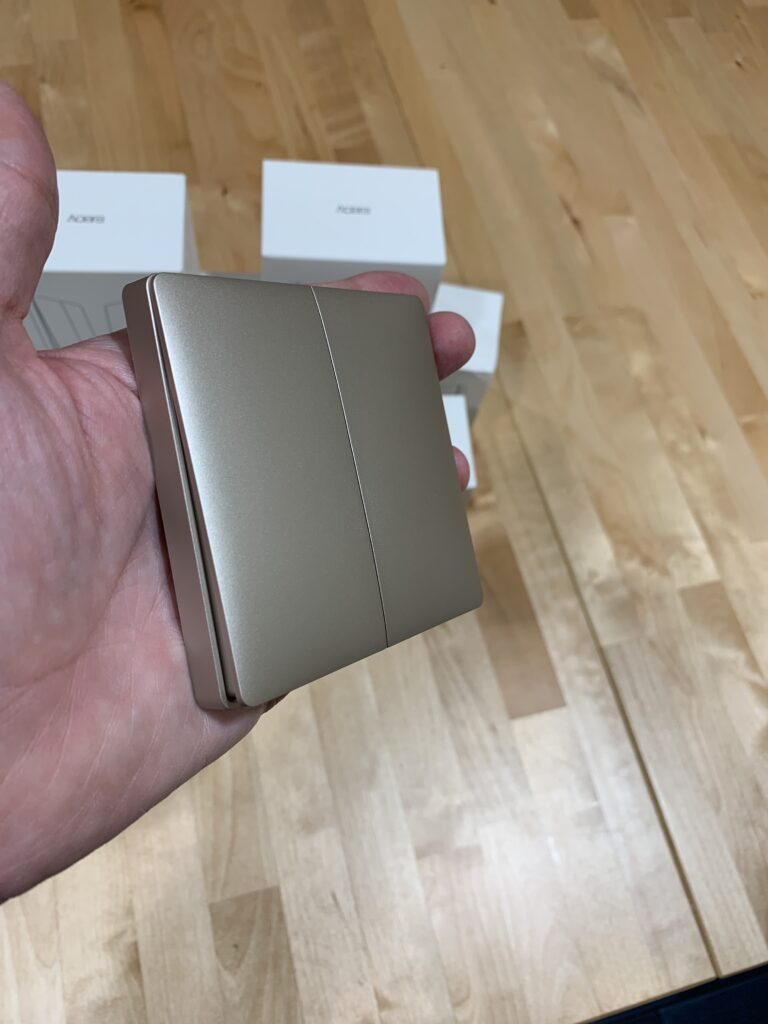
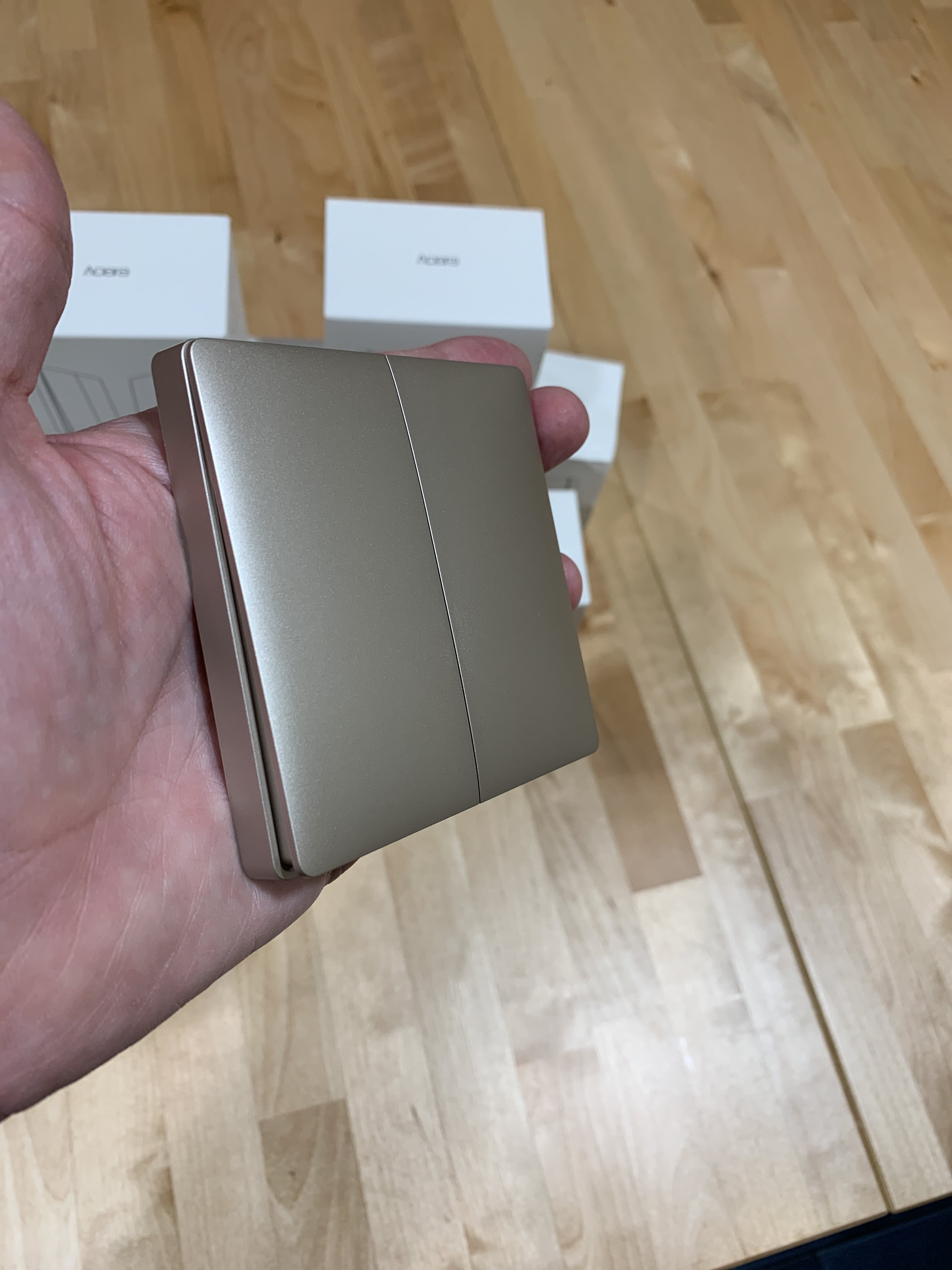
You’re not going to believe what’s happened to me. As you know, most of my house has Aqara switches compatible with Apple HomeKit, which means I don’t have to worry about accidentally cutting power to a smart bulb, and on top of that I can create scenes and automate things based on conditions and parameters.
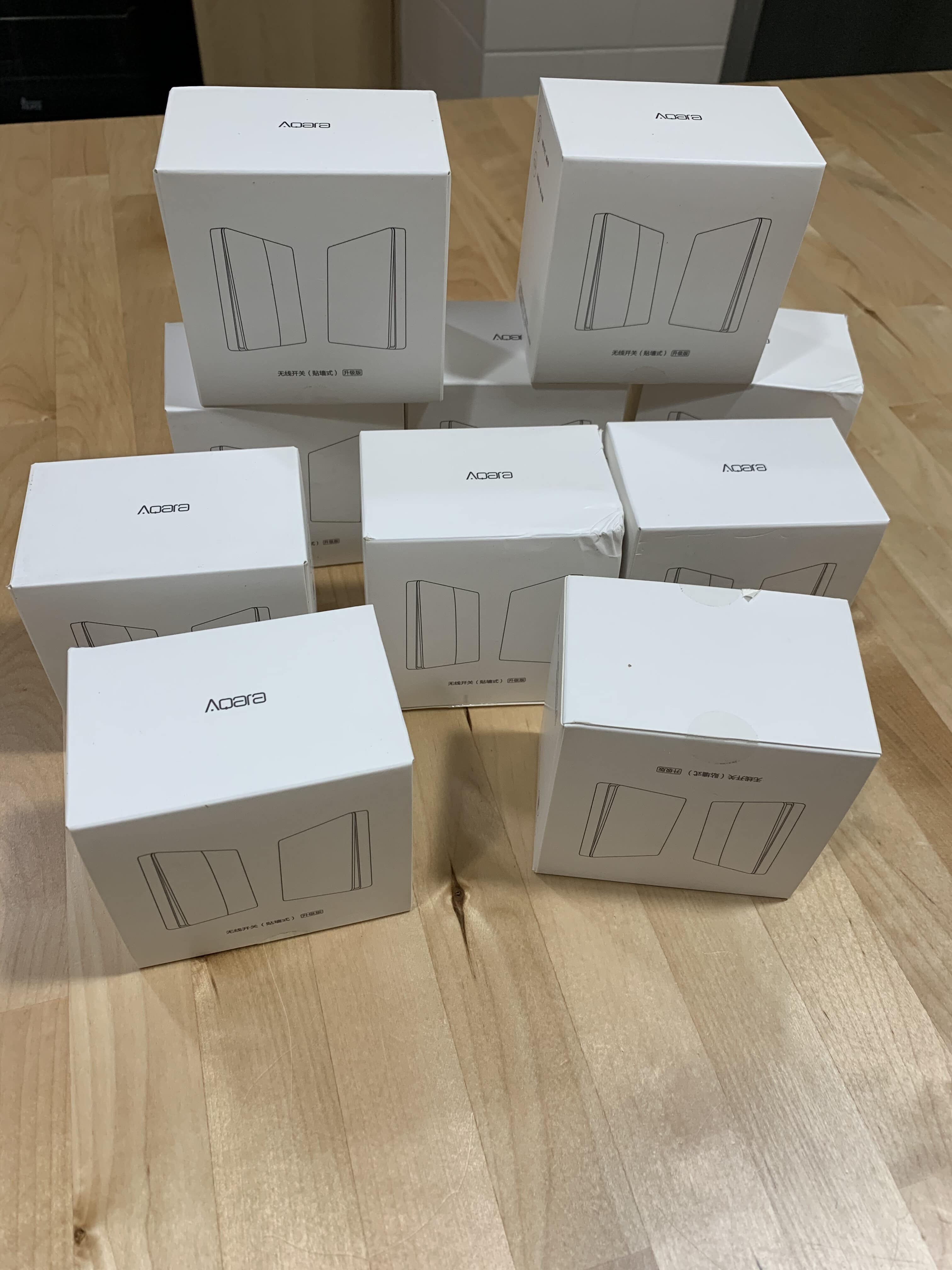
Since these switches aren’t too expensive but I needed a lot of them, I decided to make the investment in phases, so I bought the first batch for the bedrooms and the hallway, let’s call it the «east wing» of the house… and I still had to buy the ones for the dining room, bathrooms and kitchen, let’s call that the «west wing» or «common areas.»
Well, when I went to buy them… they were no longer available! They’d been discontinued!!

Lessons learned
– They’re not perfect, not even the double ones: We’re used to conventional double switches, and sometimes we want to turn on every light like we’re lighting up a football stadium, so we press both buttons on the switch at once. You can’t do that with the Aqara ones; in fact, if you press both buttons at the same time, absolutely nothing happens… it doesn’t turn on the bulbs linked to either the first or the second button, as if there’s some kind of collision or it enters a special mode. It doesn’t even work if you press the first button and quickly follow it with the second one — you need to leave a second’s gap between them. I find it pretty curious and I’ll look into it in case it’s some kind of «virtual button» that needs its action automated separately, though I haven’t read anything about it so far. – You have to keep an eye on the batteries: Yes, they run on a coin-cell battery. There are two different models: the wired one, which directly replaces the original switch (careful, the European box is small, so you’ll need to enlarge it a bit with a Dremel or a hammer), and the wireless model, which is the one I have — with this one, you just need to cap off the switch’s wiring with some cream so it stays permanently live, and the Aqara unit covers the hole. The good thing is that the low-battery alert works fine with Apple HomeKit, so in the Apple Home app or any other compatible app, we’ll be able to see which switch is running low on battery and replace it before it stops working. As you can imagine, this switch is much easier to install than the wired one, but on the downside, if the Wi-Fi goes down (GOD FORBID!!!), we won’t be able to turn the lights on, whereas with the conventional switch that would still be possible. Yet another reason to upgrade your home Wi-Fi by installing a Mesh router. – Occasional small delays: It barely ever happens, maybe once a month at most… but sometimes you press the switch and it seems like the light doesn’t turn on, so the natural reaction is to press it again. Actually, that’s not what’s happening — it’s because every once in a while there’s a small network delay… I’ll look into why. We’ve already learned that if we press it and it doesn’t turn on, we just need to wait (a couple of seconds at most) and the light will come on. – Watch out, Aqara can replace and drop products from their lineup at any time!: No comment, because I’ve gone and done the exact same thing again — I haven’t bought all the switches at once, only enough for half the house. I’ll have to hurry up just in case, but obviously Aqara isn’t a traditional manufacturer like, say, Legrand, which keeps its design lines going for 20 years… maybe in a while I’ll have to consider switching over to a proper old-school manufacturer that’s HomeKit compatible, like the aforementioned Legrand¿Necesitas ayuda con tu domótica?
Te ahorro tiempo, dinero y disgustos. Sesiones de consultoría desde 60€.
Carlos Sahuquillo
'Haga lo que haga en la vida, siempre compito' - Jacques Villeneuve Reserva una sesión →
Sigue leyendo
Ver todo el blog
Entradas relacionadas
1 octubre, 2026 · Domótica
Leer
How to spot issues in a Matter device
I opened Home Assistant's new Matter and Thread map to check which routes my devices are using and see just how useful…
Ep. 113 · escúchalo
0:00 / 14:08

17 septiembre, 2026 · Domótica
Leer
HomeKit with AI in iOS 27
Apple released iOS 27 on September 14th and, as it does every year, I'm going through what's changed in the Home app…
Ep. 112 · escúchalo
0:00 / 12:44

3 septiembre, 2026 · Domótica
Leer
Webhooks and workflows in Controller for HomeKit
Kicking off Season 4. I'm picking back up the automation for the sensor that kept running out of batteries that I told…
Ep. 111 · escúchalo
0:00 / 13:12
Buenas Carlos!!!!
Fantástico artículo y tutoriales. Pero, porque te decides a montar interruptores aqara cuando los shellys van fenomenal y puedes poner el modelo de interruptor que desees. Ya me cuentas. Gracias
Hola señor! Mil gracias por tu comentario, así da gusto 🙂
Pues es que los interruptores de casa no eran demasiado bonitos, tenían ya muchos años, algunos no funcionaban del todo bien… y al final me he liado la manta a la cabeza! Como tú dices, los Shelly hacen la función perfectamente, pero ya tenía muchas bombillas Hue y con el Shelly le podía mandar el comando para encender/apagar pero no regular la luz por ejemplo, probé los interruptores de Aqara y me gustó más su funcionamiento, así que decidí ir cambiándolos todos… de haber sabido el pastizal que suponía seguramente me lo habría pensado mejor, jajajajaja.
Carlos, estos interruptores permiten conmutar con otro que interruptor?? compré en AliExpress unos de las marca athom compatibles con Homekit pero quiero probar los de Aqara. Ya me dices.
Muchas gracias y enhorabuena por el podcast, es super interesante
Hola Borja! Perfectamente, sí, simplemente tienes que ajustar el comportamiento en los ajustes del interruptor. En mi caso, como uso los de pared sin instalación (no son cableados, son de superficie) simplemente he creado la regla para que compruebe el estado de la bombilla… si está encendida, la apagan; si está apagada, la enciende. Es una simple regla de Atajos en Homekit 🙂
Mi pregunta, Carlos, es más «eléctrica». Es decir, tengo un pulsador normal y otro va a ser el doble de Aqara. Con el de la otra marca no sabía como conmutar. Mis bombillas son convencionales (no wifi). Al no poder/saber conmutar el pulsador analógico se queda anulado. Total espero haberme explicado….
Saludos
Esa es muy sencilla, Borja, simplemente ponle un Shelly al interruptor! Si pones el Shelly puedes hacer la función de ‘conmutado’ con el Aqara ya que la regla hará que revise el estado de la bombilla… si está encendida, apagará y si está apagada encenderá. No se anulan interruptores que luego nuestras mujeres se quejan y con razón! Jajajaja
Que bien Carlos, muchas gracias, probaré así
Saludos
Hola Carlos! Te leo mucho y veo tus entradas y videos… tengo una duda. Usas el gateway de aqara? Yo tengo el xiami 3. Y otra es, usas servidor de china o europeo? Tengo un cacao con esto… mi vacuum la tengo en el ipad con es españa y el resto en el iphone con server china, pero es un lio al final.
Gracias!
Hola Carlos, llevo varias noches leyéndote y me he decidido a cambiar interruptores.
Desde que presentaron Homekit lo uso con bombillas y enchufes koogeek y sensores de puerta y temperatura Eve, ademas de tiras led y alguna cosa mas que se me escapa.
Como central tengo el appel TV y ahora también el HomePod Mini.
Voy a comprar interruptores y sensores Aqara pero no se si me hará falta el hub ya que he pedido la cámara Aqara G2H que dice tener hub incorporado, aunque no entiendo lo de servidor chino o europeo.
Mi duda es la siguiente, y no la he encontrado en Telegram.
Que diferencia de funcionamiento hay entre interruptor CON NEUTRO o SIN NEUTRO, ya que lo mas cómodo es sin neutro.
También si el interruptor doble es para una habitación que tiene 2 lamparas diferentes, y como hacer lo de el ventilador de techo.
Ya se que pregunto mucho y que lo normal es que me mandes al carajo, pero al final lo haré y mi mujer tiene mucha guasa y no va aguantar que no se encienda algo cuando le de, y tengo 2 niñas que vuelven loca a la madre, a Alexa y a Siri.
Gracias y un saludo.
Hola Nacho! Ya lo hemos comentado en el grupo de Telegram, pero te lo pongo también por aquí por si alguien lo busca y no está en el grupo (aunque mola muchísimo, os aconsejo a todos que os paséis por allí! xD):
El ‘neutro’ sirve para varias cosas… aguanta más potencia, llevan mejor el control del consumo, dan menos problemas con leds (que a veces con los otros se quedan encendidos con poca intensidad o tintinean por la electricidad residual del circuito) y te aseguras de que siempre les llega corriente. Dicho esto, según el año de fabricación de tu casa, es posible que no llegue un neutro al interruptor, con lo que tendrías que bajarlo desde la caja de registro…
Yo estoy contento con los de Aqara de superficie. Sí que es verdad que si en algún momento te quedas sin wifi por el motivo que sea pues no puedes encender la luz… o si por ejemplo se va la luz porque salta el automático, tienes que esperar hasta que el bridge de Aqara se vuelve a conectar y los dispositivos se re-conectan, lo que puede tardar un par de minutos (que se hacen eternos con mi mujer vigilándome) xD