Nanoleaf bulbs with Thread technology
 Carlos Sahuquillo
·
12 enero, 2022
·
10 min de lectura
Carlos Sahuquillo
·
12 enero, 2022
·
10 min de lectura
Idioma:CastellanoEnglish
A few days ago, in episode 23 of the Domótica Compatible podcast, I talked about Thread technology and why I think it’s going to be a real game-changer for IoT devices at home. Not only because Thread technology will be the foundation of Matter (we’ll talk about Matter in a few days), but also because of the sheer number of manufacturers who have said they’ll embrace this new protocol regardless of which standard sits behind it (HomeKit, Google, or Alexa). That’s why today I want to talk about one of my latest purchases related to Thread, the Nanoleaf bulbs with Thread technology.
What is Thread?
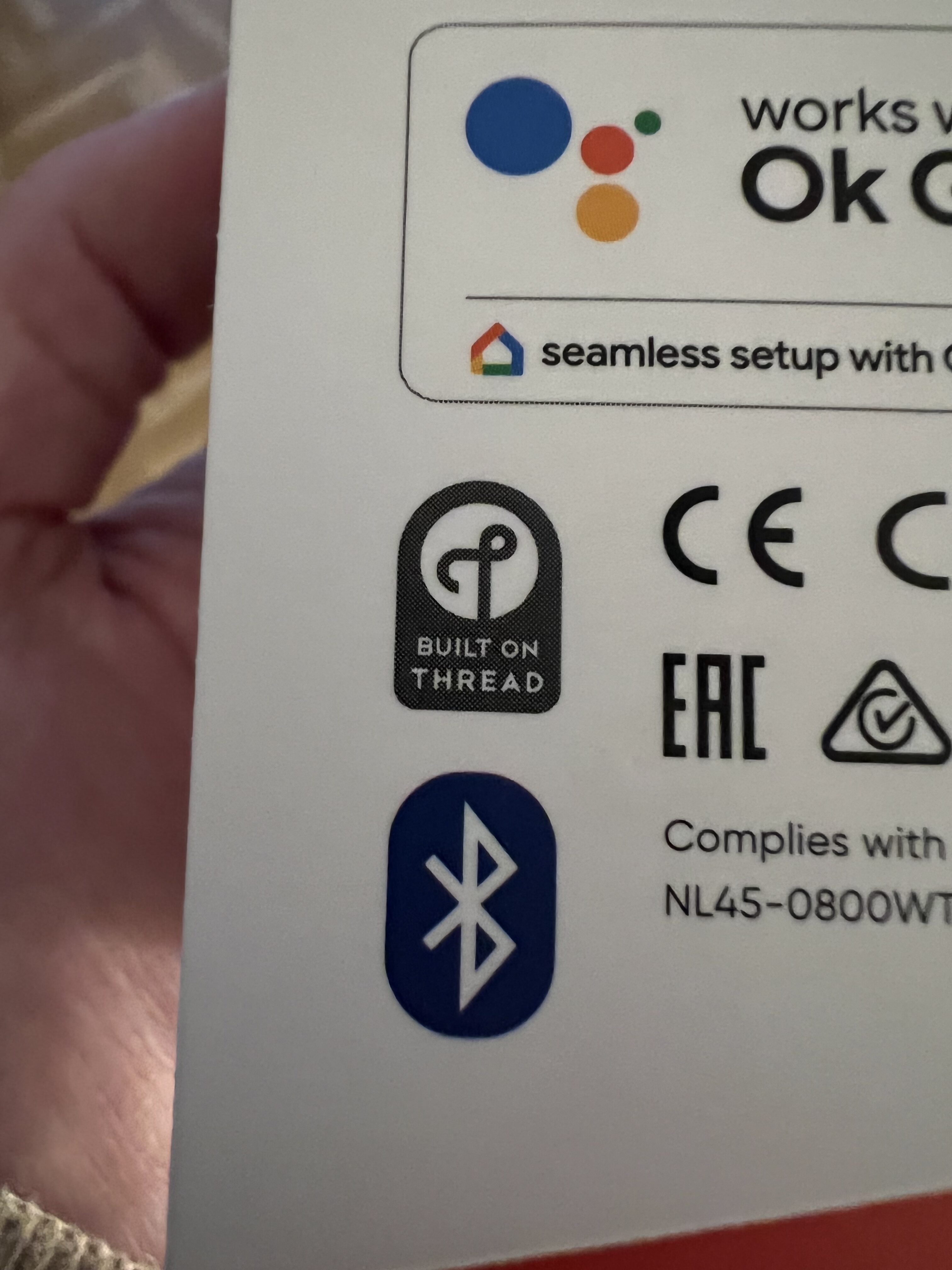
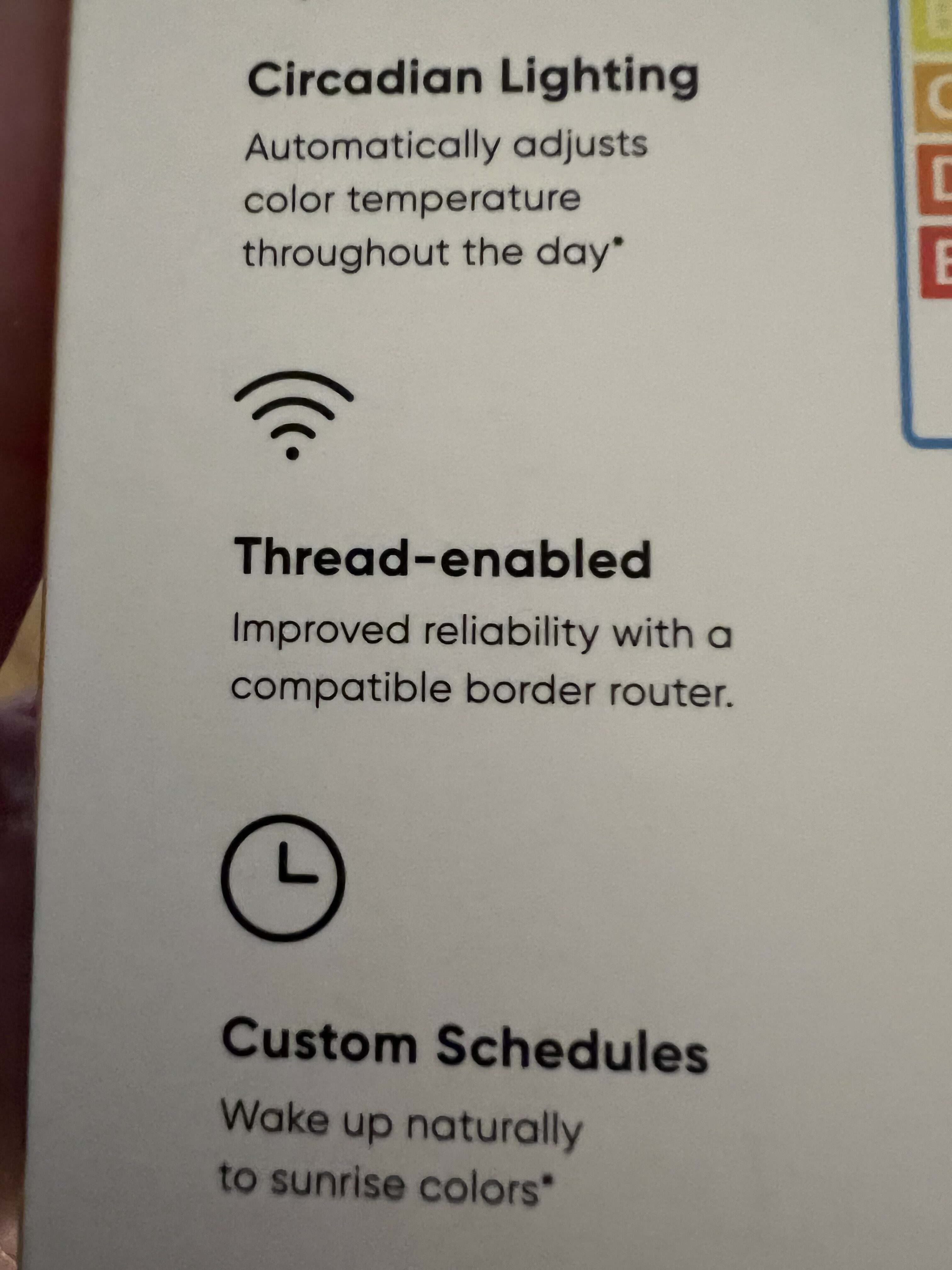
For those of you who haven’t listened to the podcast episode about Thread (what are you waiting for?! it’s available on all the major platforms, but here’s the Spotify link :), Thread comes to challenge Zigbee and Z-Wave devices with fairly similar power consumption but without depending on a bridge, which is necessary in both protocols to ‘translate’ each of our home devices into IP technology without having power consumption as high as devices that connect via WiFi, which also eat up an IP address on our network… in short, Thread includes the best of both worlds. Also, all Thread devices are capable of forming a network among themselves, regardless of manufacturer, so each one will be connected to the others rather than directly to the router… and if one fails and several others are connected to it, no problem, because they’ll know how to find the most efficient path. Pretty cool stuff, designed to improve availability and ‘resilience‘, a word that’s really fun to say 😀 Unfortunately, right now there aren’t many manufacturers already embracing Thread technology, although the vast majority have said they’ll be adding this compatibility throughout 2022. Needless to say, Aqara, Koogeek, Amazon’s Echo devices, Apple, and other big players announced compatibility months ago and are gradually rolling it out to their devices. If you have a HomePod Mini at home, you already have Thread compatibility in your accessory hub… and if you have an Eero router, you do too.Nanoleaf bulbs
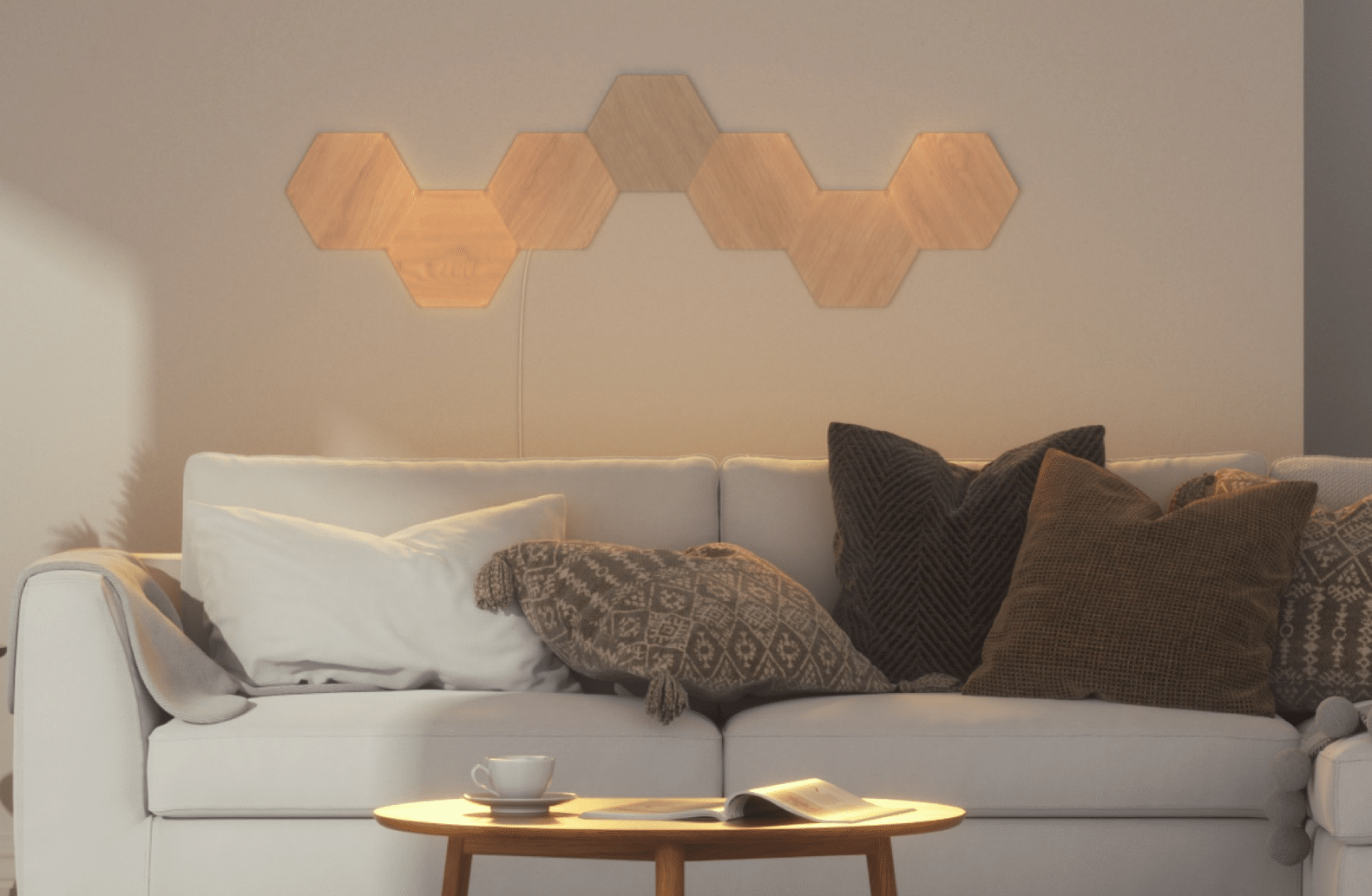
Many of you will recognize the Nanoleaf brand from those weird squares or diamonds people put on the wall with LED technology, which folks use to make shapes or various nonsense. I’ve never seen any use for them beyond creating ‘ambient light’ in whatever color you want in a house, but no REAL use that would make me consider buying them… so until now I only knew the brand by word of mouth or from seeing some YouTuber use it.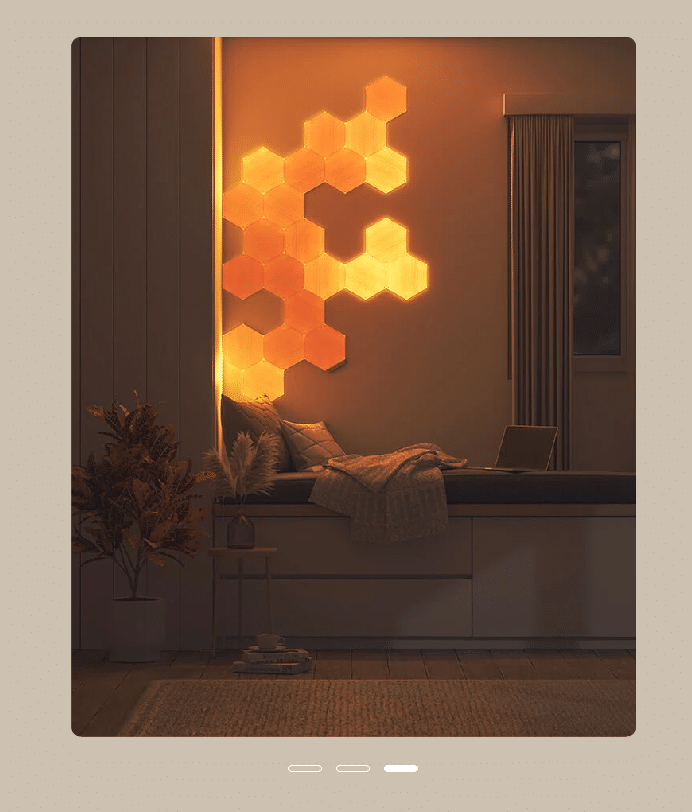

Installing and setting up the bulb
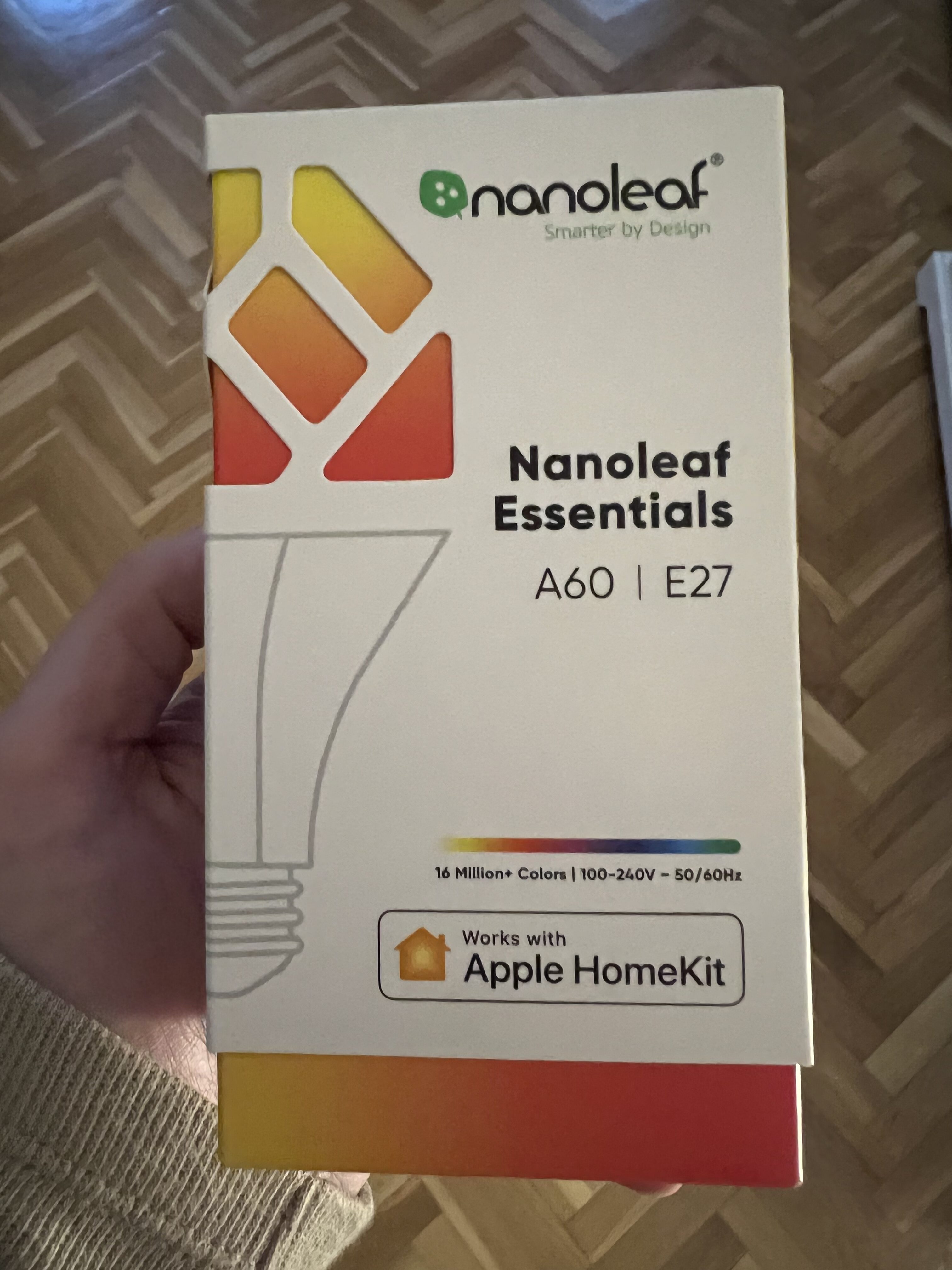
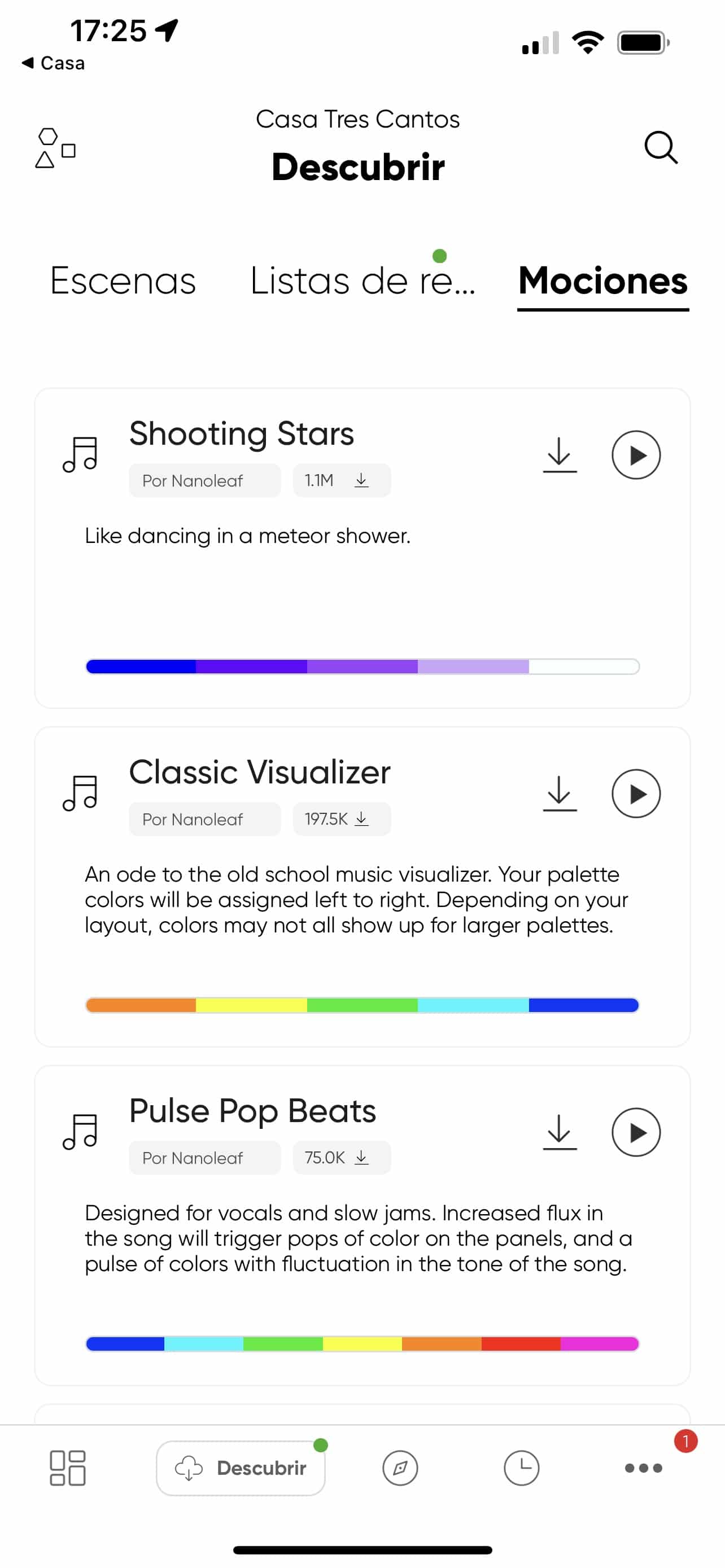
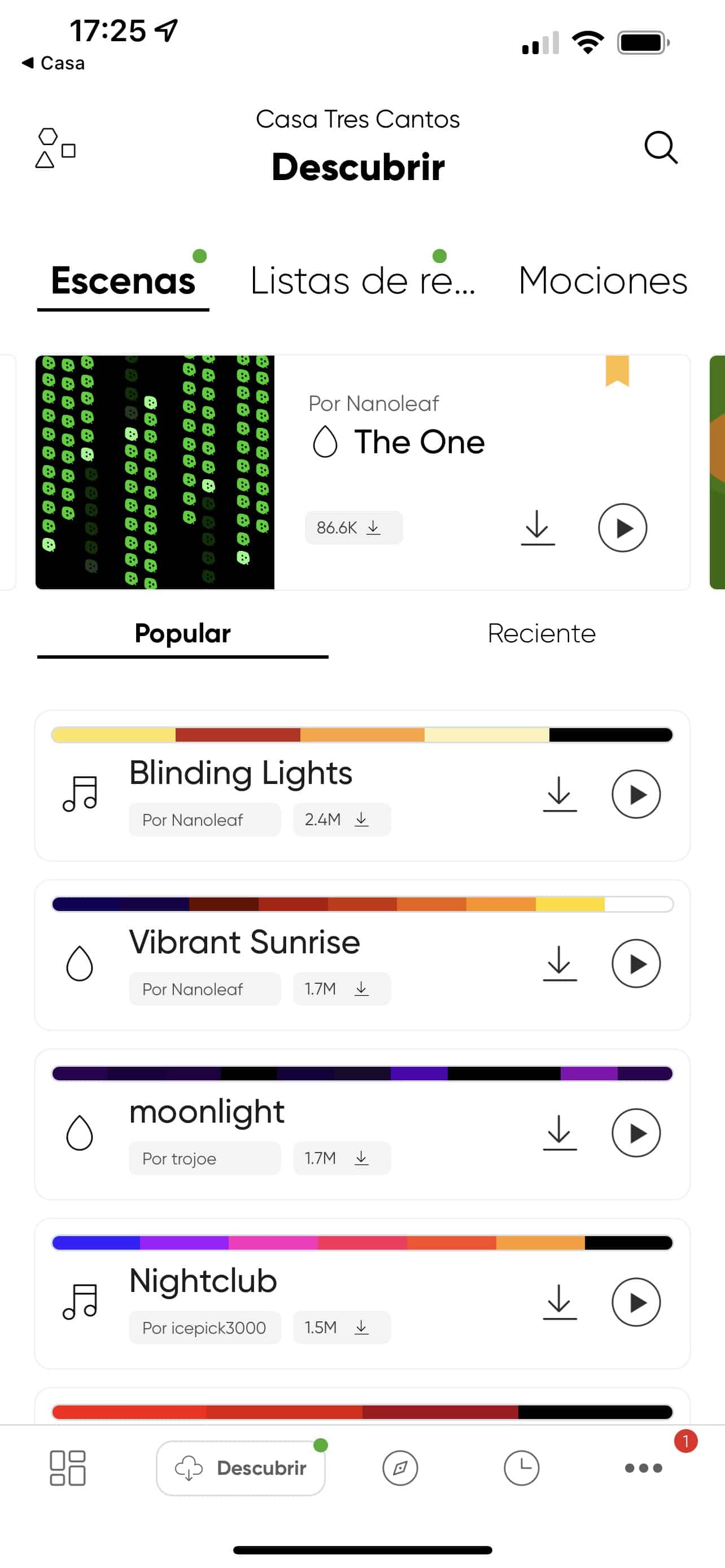
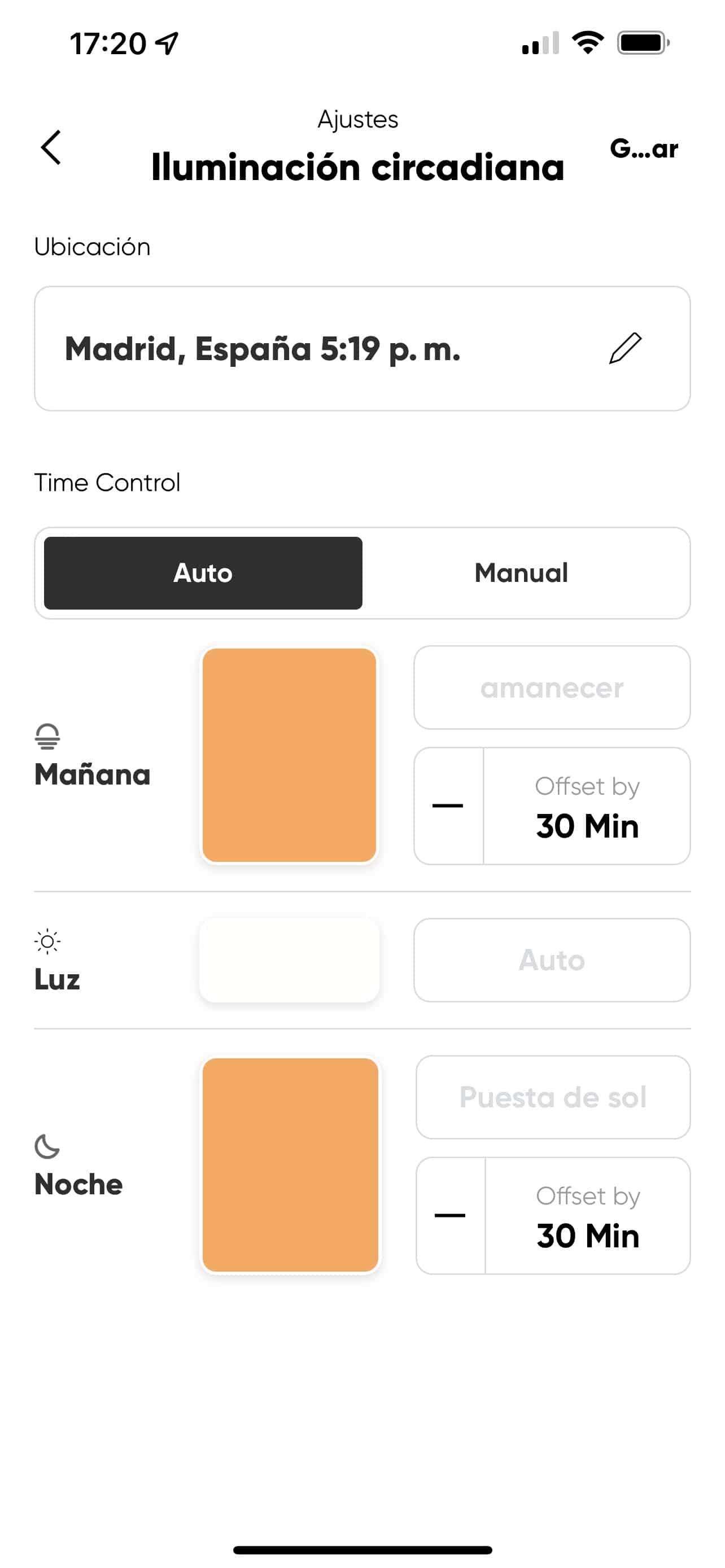
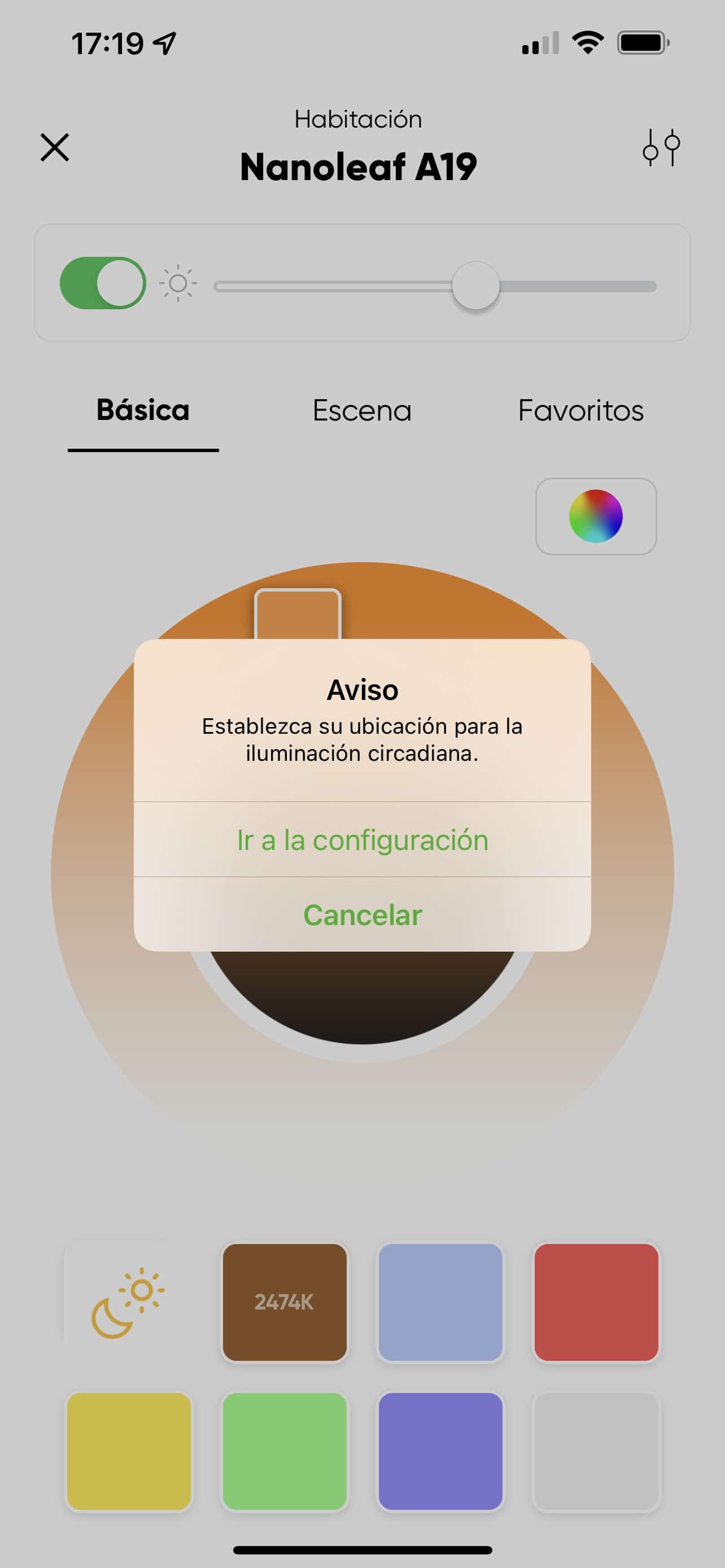
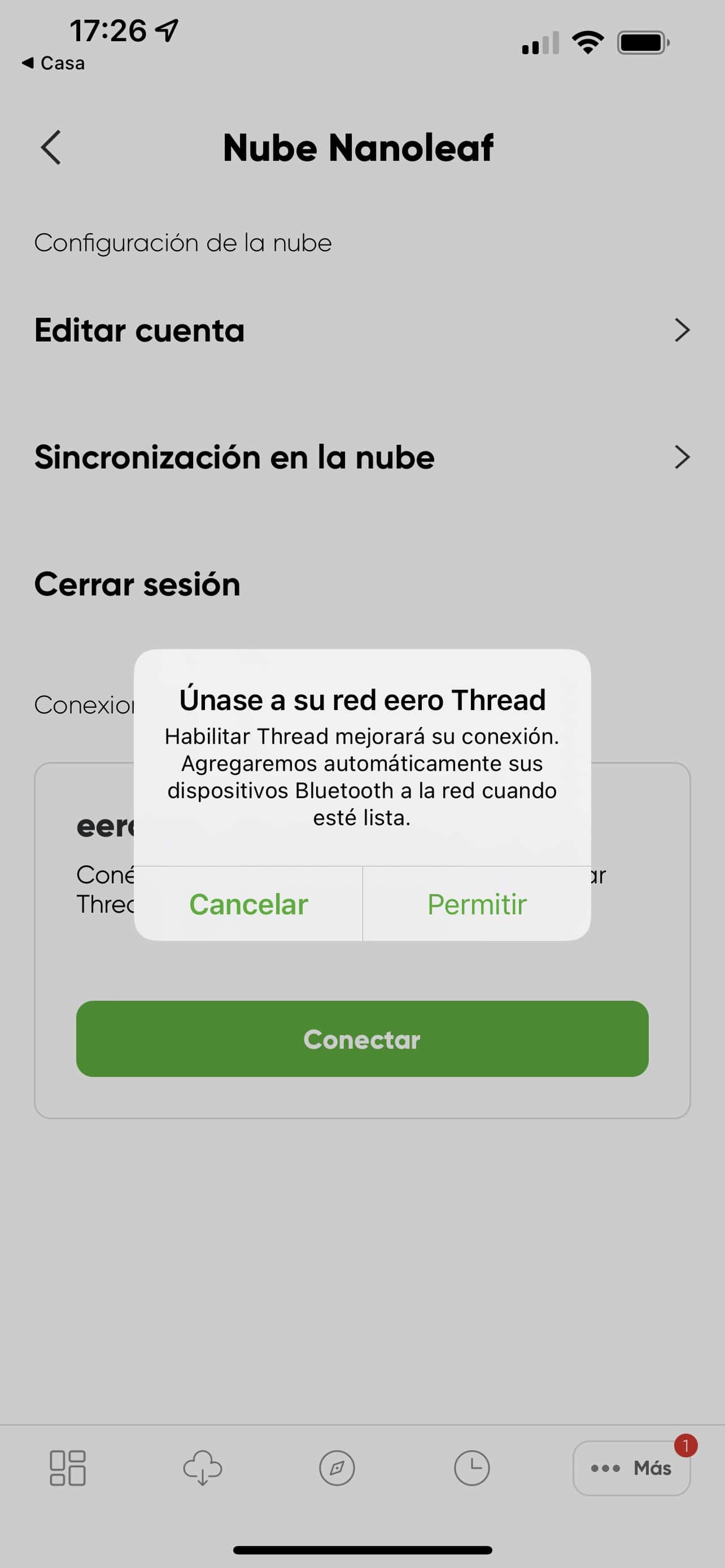
The installation process is similar to any other device we have at home. The good news is that in this case you don’t need to install the Nanoleaf app (as the Thread standard dictates), and in the box you’ll find the typical QR code to pair the bulb directly with Home, without needing the manufacturer’s app. Even so, I installed the manufacturer’s app to see what it offered… and I spent a good while looking at the color schemes and scenes you can create by combining the bulbs with those squares/hexagons I mentioned earlier! You can even simulate the Matrix falling-letters effect!!! I want that shit!!!! Hahahaha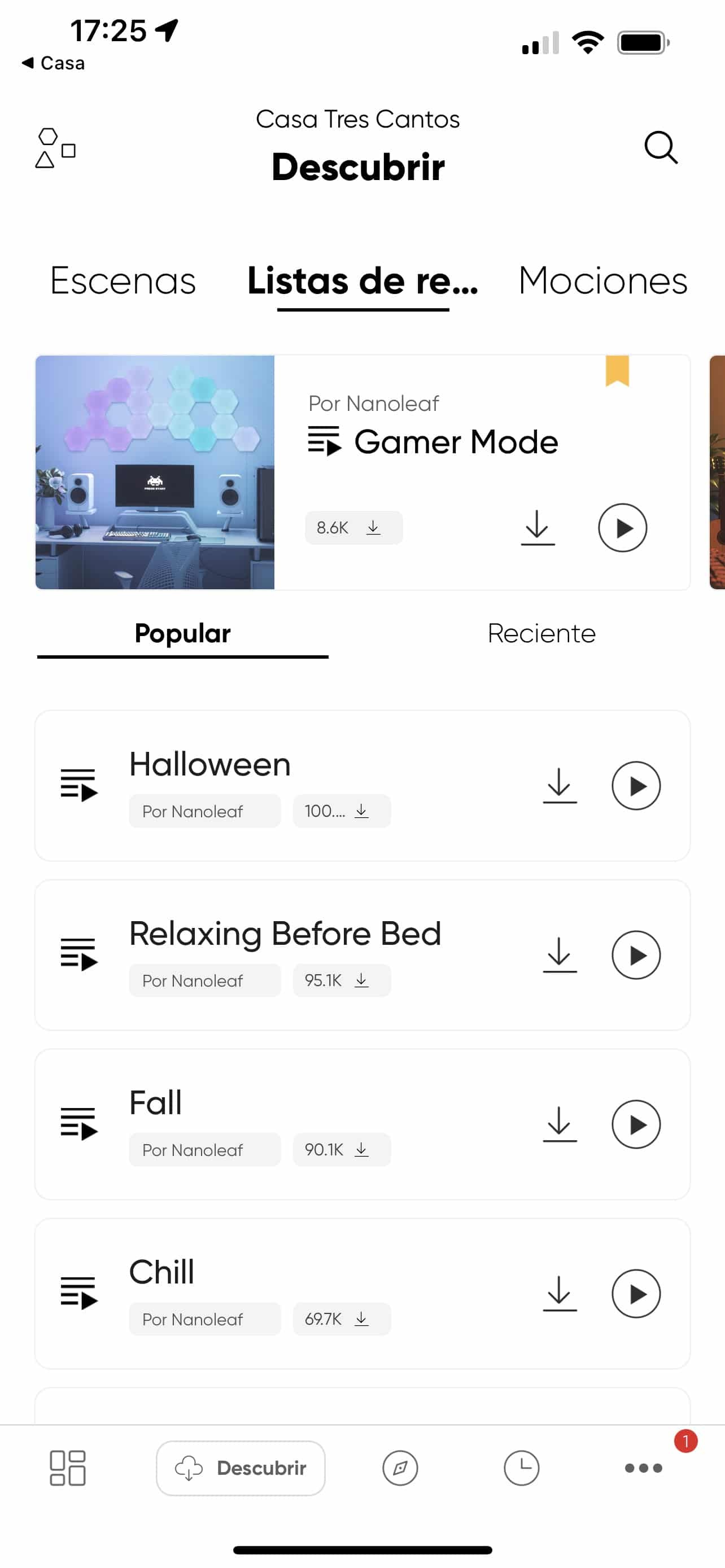

But what’s really cool is…
That it turns on INSTANTLY! I assure you, it’s nothing like how long it takes Hue bulbs to turn on and off. We’ve mentioned before that when a smart bulb turns on, it doesn’t actually ‘turn on’—rather, it ramps up brightness from 0% to 100%. And when it turns off, it does the same thing in reverse. This process takes a few milliseconds, it’s not instant like conventional bulbs when you cut the power by flipping the switch. Well, the Nanoleaf improves this time BY A HUGE MARGIN! It’s practically instant! It’s so fast turning on and off that I’ve considered replacing all my Philips Hue E27 (fat screw) bulbs with Nanoleaf ones! I must admit the idea faded once I did the math on how many bulbs I’d need and their cost… but if it gets stuck in my head enough and I figure out I can sell the Hue E27 bulbs I have in the kitchen, I might just go for it and swap out all 6 so the kitchen light turns on and off instantly.Bonus track
Not only did I gain that, but where I installed the Nanoleaf I had a residual current problem in the circuit. You know, the classic bad connection somewhere that causes the bulb not to turn off at 0% but instead stay at 0.00005% or less, so in the dark you notice there’s a bit of light in that bulb, because a trickle of current is getting through. This happens because LED bulbs need very little current to light up, whereas with a regular incandescent bulb we wouldn’t notice it, since that residual current isn’t enough to illuminate it… Well, the Nanoleaf doesn’t care about residual current either! This is both good and bad… good because it was something I had pending to fix, and bad because it means it has somewhat higher power consumption than the Hue, which I haven’t measured and won’t, because information brings pain, as an old boss of mine used to say 😀 In summary, I’m THRILLED with the Nanoleaf, it’s a shame they don’t offer other bulb formats. I already liked the fact that it uses Thread technology, which is the foundation of Matter, but the rest of the unexpected perks, like the instant on/off or the fact that it doesn’t care about residual current, have completely won me over. If they were a bit cheaper and I could find a way to get rid of the Hue bulbs in my kitchen, I wouldn’t hesitate to try them there, since right now I’ve put it in a table lamp and it just doesn’t look as cool… And I’ll tell you now, I’m putting Nanoleaf on my radar to keep an eye on new products, news, or firmware improvements, because this looks really promising!¿Necesitas ayuda con tu domótica?
Te ahorro tiempo, dinero y disgustos. Sesiones de consultoría desde 60€.
Carlos Sahuquillo
'Haga lo que haga en la vida, siempre compito' - Jacques Villeneuve Reserva una sesión →
Sigue leyendo
Ver todo el blog
Entradas relacionadas
1 octubre, 2026 · Domótica
Leer
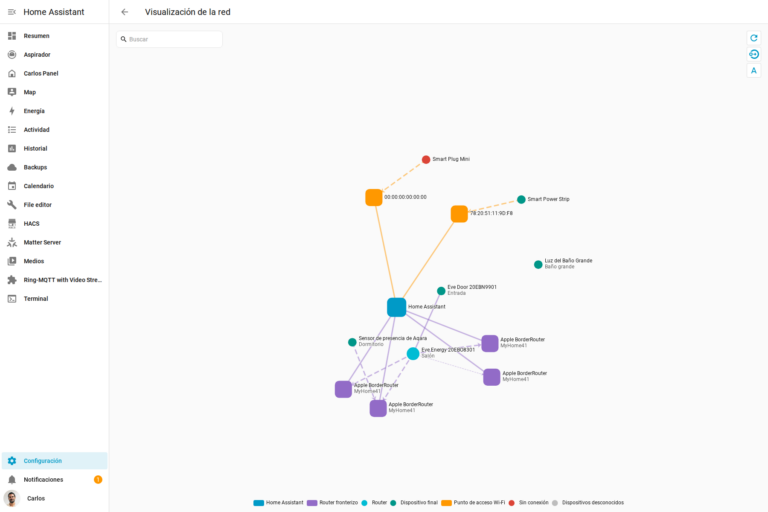
How to spot issues in a Matter device
I opened Home Assistant's new Matter and Thread map to check which routes my devices are using and see just how useful…
Ep. 113 · escúchalo
0:00 / 14:08
17 septiembre, 2026 · Domótica
Leer
HomeKit with AI in iOS 27
Apple released iOS 27 on September 14th and, as every year, I'm going through what's changing in the Home app and HomeKit.…
Ep. 112 · escúchalo
0:00 / 12:44

3 septiembre, 2026 · Domótica
Leer
Webhooks and workflows in Controller for HomeKit
Kicking off Season 4. I'm picking back up the automation for the sensor that kept running out of batteries that I told…
Ep. 111 · escúchalo
0:00 / 13:12
0 comentarios