Home automation for your house with Apple's HomeKit: first steps
 Carlos Sahuquillo
·
9 diciembre, 2020
·
8 min de lectura
Carlos Sahuquillo
·
9 diciembre, 2020
·
8 min de lectura
Idioma:CastellanoEnglish
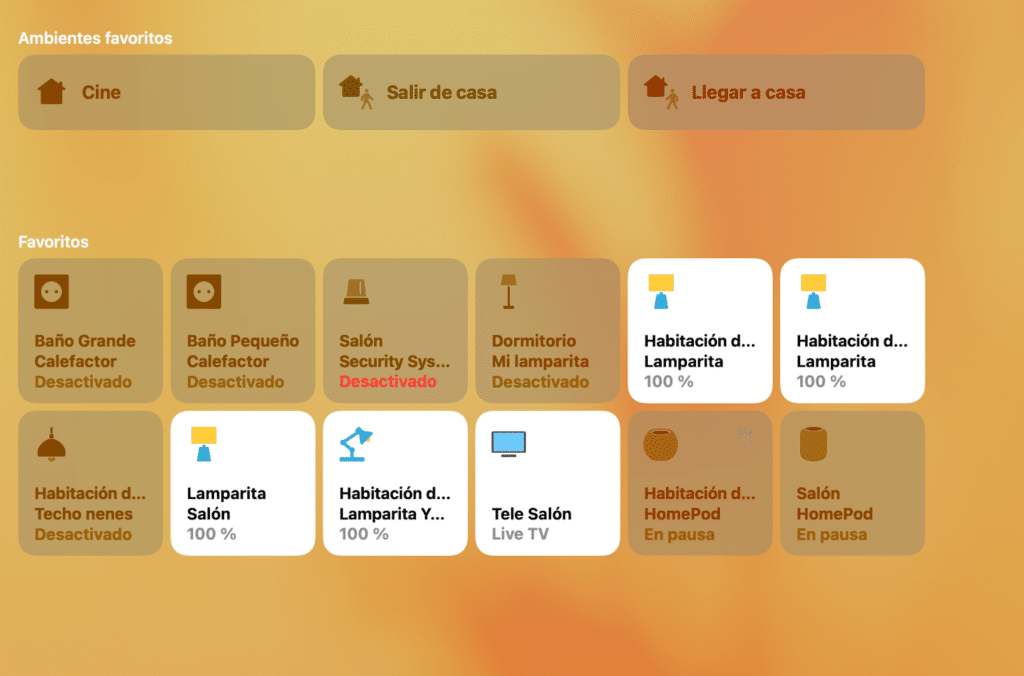
Would you like to add a bit of smart-home automation to your house but don’t know where to start? This post is a mini-roundup of first steps (or first purchases) you should keep in mind if you want to start automating your home with Apple HomeKit. I’ll try to keep it schematic, adding links to the various posts where we’ve already talked about all this so you can dig deeper.
Problems you’re going to run into
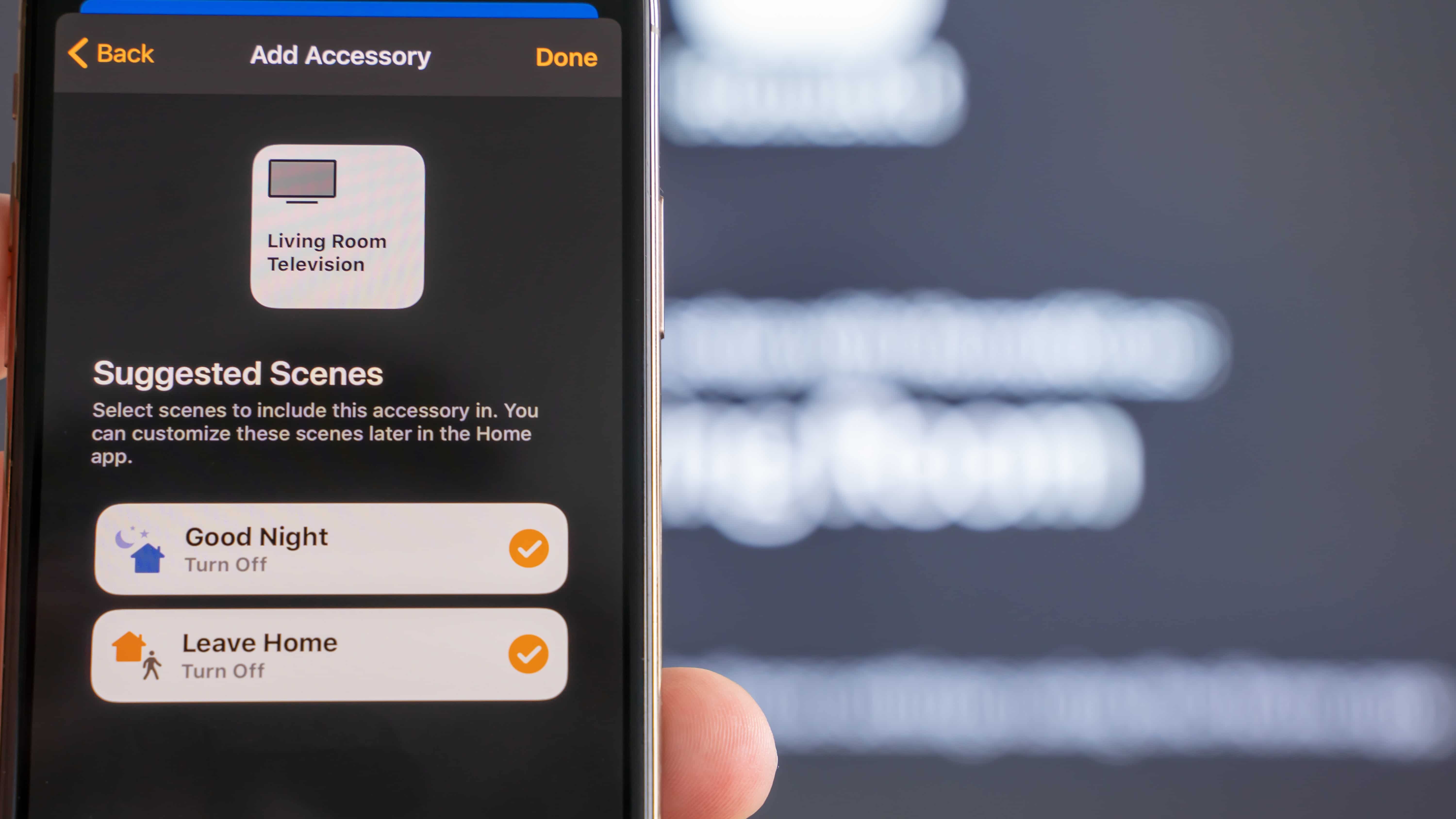
A few days ago I asked this question to a fellow member of the Telegram channel who wanted to get started with Apple HomeKit: Are you married?. Don’t take it the wrong way, it’s not a sexist comment at all, since among the readers and in the Telegram group there are several women who are just as nerdy as we are, if not more so. But from personal experience I can tell you that partners tend to be more resistant to change than us, the ones who came up with the idea in the first place. When you install the first smart bulb and see that you can turn it on and off from your phone, your smart-watch, using the voice assistant, or even schedule it to turn on at sunset, you think you’re going to do it that way forever, that you’ll never touch the switch again because there’s no need… and also because if you press it, the bulb loses power and stops working ‘smartly’. Obvious, right? Well, it’s not so easy to explain that to your partner, your kids, visitors, your father-in-law, friends coming over for dinner… everyone flips the switch and notices the bulb doesn’t turn on, so they flip it again… over and over, so you really need to think these things through and solve them before you run headfirst into the problem. There’s also the financial factor, since smart gadgets aren’t as cheap as their non-smart counterparts. And yes, you can fool yourself into thinking ‘well, since the light will turn off at sunrise and isn’t really necessary, I’m saving money’, or ‘since I made my heating smart, it can turn itself off when I’m not home and turn back on as I’m heading back’… and this is actually true, but the price of smart bulbs and thermostats means it takes a long time before you start breaking even. I haven’t even done the math, so I don’t pull my hair out. And finally, the Wifi connection. You think your connection is fine, right? Well, sure, the back bedroom doesn’t get great signal, but overall it’s fine… wrong. You’ll soon realize it’s a problem when you press a button to turn on a bulb and it tells you it’s offline, or it takes several seconds to turn on.I don’t care about any of that, where do I start?
That’s the spirit! Home automation has nearly cost me my marriage more than once, but come on, how cool is it when the Christmas tree lights up at dusk!? The second most important thing, once we’ve figured out whether you have a partner or not, is thinking about your REAL needs. In one of the posts we mentioned that you can make your lights turn blaugrana (Barça’s colors) whenever they score… but is that really necessary? In my case, though, I got into this because I had an old analog boiler with no temperature control, you could only turn it on and off… right at the boiler itself! So if I got cold in the middle of the night, I had to walk across the house, go to the boiler, turn it on… and three hours later, when the house felt like hell itself from the heat, I’d have to get up and turn it off. So I hooked up a smart plug to be able to turn the boiler on/off from bed… and then added temperature sensors in the rooms that sent the on/off command to the plug based on some defined parameters.Connectivity
Your Wifi network needs to be stable enough to give good coverage throughout the whole house. As we mentioned earlier, if the attic only gets ‘acceptable’ wifi, keep in mind that we’re about to add a lot more connected gadgets and a lot more constant traffic to the network, so it’s worth thinking about upgrading it. And no, I don’t mean wifi extenders, I mean really upgrading it by setting up a Mesh network. There are many models out there; I’ll share my experience with one of them… but I can assure you that once it’s set up, you can forget about coverage issues, devices that can only connect to the 2.4GHz band, and bandwidth problems when streaming content: – Setting up a Mesh network compatible with Apple HomeKitLights
People usually start with light bulbs, since they’re the flashiest and simplest option… although as I mentioned, you really need to think carefully about the switch situation. Here are a few posts to get you started: – My home with Apple HomeKit (Updated 05/23/2019) – Flashing Shelly for HomeKit – Switches compatible with Apple HomeKitBlinds
Do you have motorized blinds — the kind with a button? Well, you can automate them to go up automatically at sunrise, go down at sunset, simulate presence while you’re on vacation… or even lower them when it’s about to rain, so your windows don’t get dirty! – Automating blinds with Shelly 2.5 (updated 05/30/20)Security
Security is very well handled in HomeKit, not just because of the huge range of alarms and cameras available that alert you when there’s movement, sensors for open doors and windows, etc., but also because of home safety features like smoke detection while you’re away or the classic broken tap flooding the place: – My home with Apple HomeKit (Updated 05/23/2019) – Water leak sensor compatible with Apple HomeKitHeating and air conditioning
Following up on the boiler example I mentioned earlier, I’ve tried several smart plugs. In the end, since I don’t want to get obsessed with consumption graphs, I’ve settled on this one: – Philips Hue smart plug compatible with Apple HomeKit – Integrating air conditioning into HomeKit with TadoLittle lamps
There are desktop lamps compatible with Apple HomeKit, some even with USB ports and QI wireless chargers… but they’re a bit too modern for¿Necesitas ayuda con tu domótica?
Te ahorro tiempo, dinero y disgustos. Sesiones de consultoría desde 60€.
Carlos Sahuquillo
'Haga lo que haga en la vida, siempre compito' - Jacques Villeneuve Reserva una sesión →
Sigue leyendo
Ver todo el blog
Entradas relacionadas
1 octubre, 2026 · Domótica
Leer
How to spot issues in a Matter device
I opened Home Assistant's new Matter and Thread map to check which routes my devices are using and see just how useful…
Ep. 113 · escúchalo
0:00 / 14:08
17 septiembre, 2026 · Domótica
Leer
HomeKit with AI in iOS 27
Apple released iOS 27 on September 14th and, as every year, I'm going through what's changing in the Home app and HomeKit.…
Ep. 112 · escúchalo
0:00 / 12:44
3 septiembre, 2026 · Domótica
Leer
Webhooks and workflows in Controller for HomeKit
Kicking off Season 4. I'm picking back up the automation for the sensor that kept running out of batteries that I told…
Ep. 111 · escúchalo
0:00 / 13:12
Buenisimo! la que se esta liando.
Enganchadisimo
Jajajajaja, no sé si decir que ‘me alegro’, Álvaro! En cualquier caso, muchas gracias por tu comentario!
Muchas gracias por todos los aportes, espero que no me cueste a mi también el divorcio, gggg. Ya me he comprado todos los Shelly para domotizar las persianas y fantástico. Ahora estoy en la fase interruptores, ya he pillado varios D1 para ir probando y encantado, además de sensor temperatura y puertas, eso si estoy con el Hub chino, a ver si sacan pronto el M2 para cambiarlo. Otra cosa que le falta a Aqara son los los enchufes schuko para poder acompañar a los interruptores, sin tener que poner los externos o el modelo chino sin tierra.
Por cierto, no soy capaz de entrar en el grupo de Telegram, me sale privado.
Lo dicho, gracias por darme el empujón.
Muchas gracias por tu esfuerzo Carlos.
Tu página es justo la ayuda que buscaba.
Muchas gracias, M! En serio, muchísimas gracias por comentarios así, aunque suene a tópico dan fuerzas y ánimos para seguir.
Me alegro mucho de que haya podido ayudarte en algo 🙂
Gracias a ti,
Lo malo es que tengo una lista de compra… enorme en gearbest, pero bueno, sarna con gusto… FELIZ NAVIDAD
Yo, un negao en busca de info asequible, lo acabo de encontrar: éste era el blog que buscaba.
Mil gracias Sahuquillo
Mil gracias a ti por tu comentario, Chema! Así da gusto continuar con las entradas y el podcast 🙂