Enchufe Philips Hue supports Apple HomeKit
 Carlos Sahuquillo
·
13 enero, 2020
·
8 min de lectura
Carlos Sahuquillo
·
13 enero, 2020
·
8 min de lectura
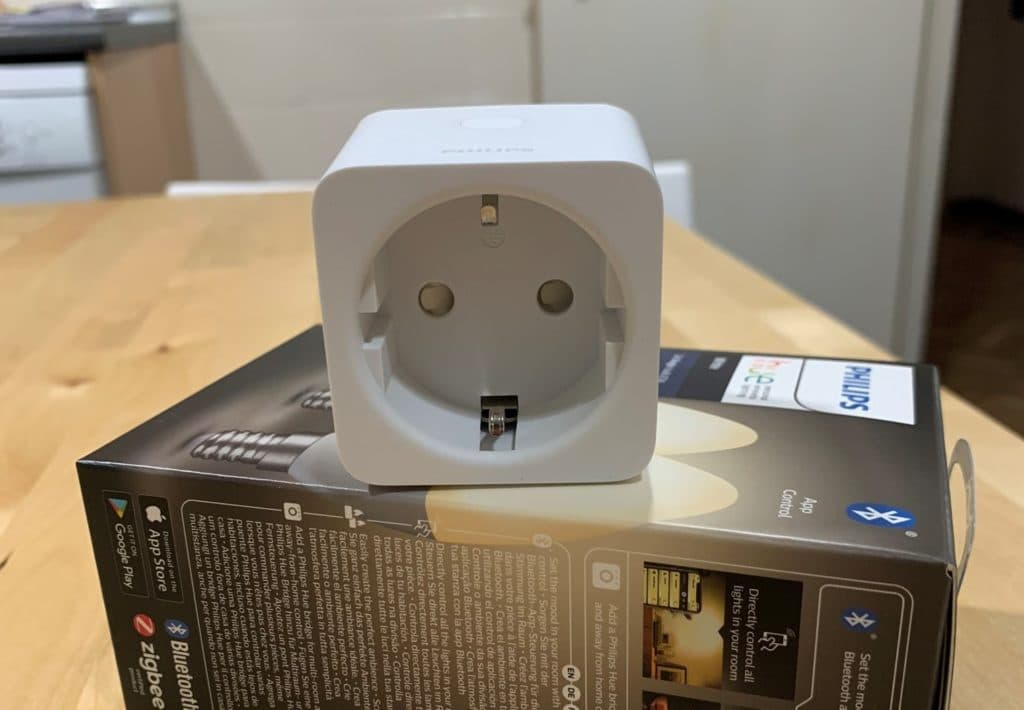
In recent weeks, very interesting things have happened. On the one hand, Taking advantage of the Black Friday discounts and Christmas gifts, many known people have landed in the world of home and automation for the ‘home connected’ Like they call him over there. On the other hand, The ESC 2020 has presented a new MOGOLON in this line, opening a full section dedicated to the intelligent home call ‘Market Place Smart Home ‘. On the other hand, an alliance has been presented to have a single standard protocol compatible with the standards we currently have on the market (Zigbee, HomeK
it, Amazon, etc.): https: / / www.macrumors.com / 2019 / 12 / 18 / apple-amazon-google-zigbee-open-standard /.
And, finally, I I have taken advantage of the rest days to continue to disrupt, on this occasion with the new Philips Hue plug compatible with Apple Homekit I wanted to talk to you… And I must say that for 30 €that costs is a wonder!… provided you do not need to know the consumption of the device that is plugged into the plug and that you already have the Philips Hue concentrator that is used for the bulbs:
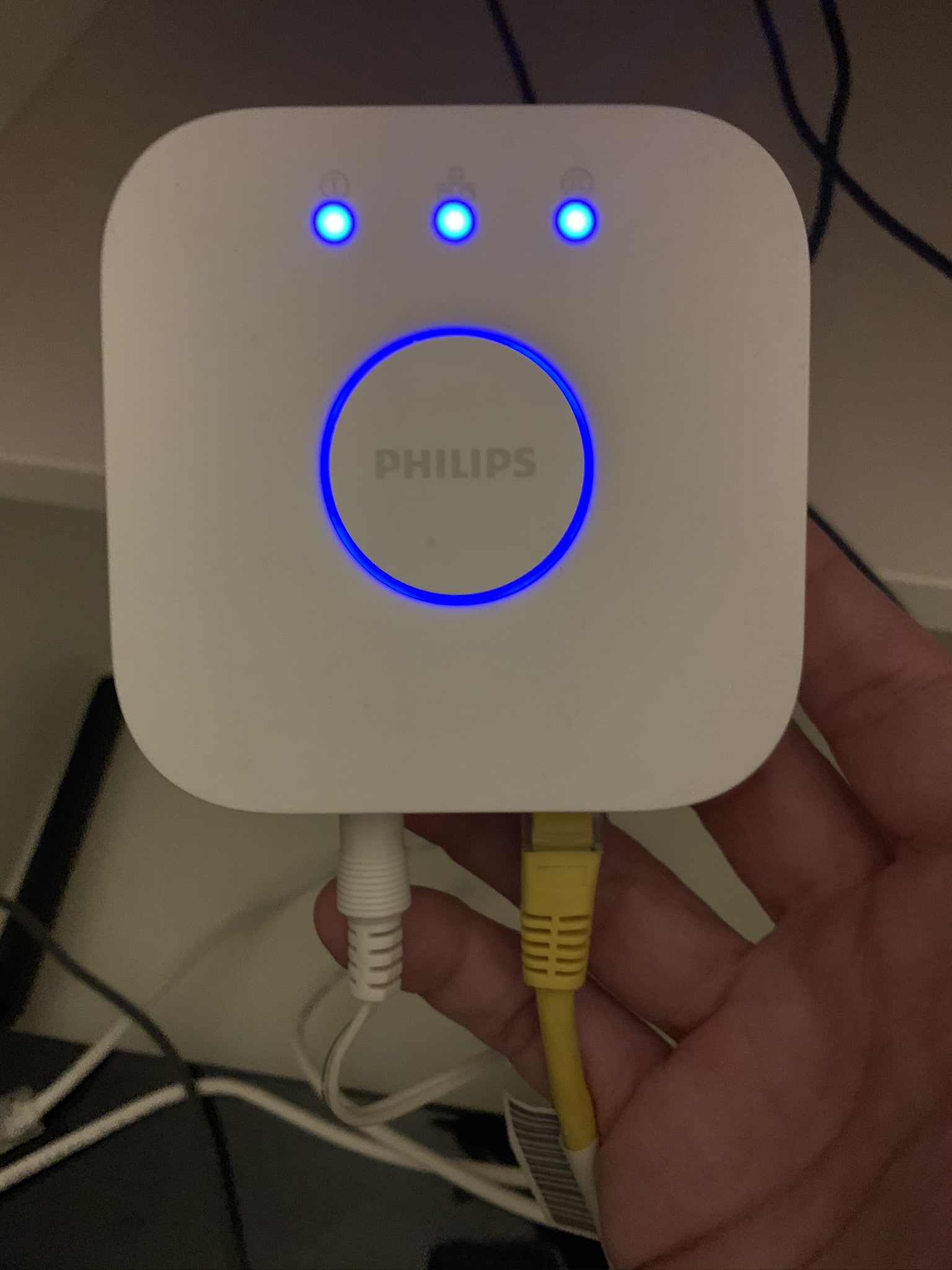
This concentrator is included with the Philips Hue starter kit, which I have already told you about and is often the ‘entry point’ of many people in this connected home, but if you did not have it you would have to buy it separately, which increases the price of the plug and would no longer be so attractive.
The day to day with Apple Homekit
The other day I was wondering what it’s like to have the house. full of automations, NFC tags in which to support the mobile run things and lights that turn on alone. I was telling myself that if every time someone comes home I have to give him a user manual to be able to go to the xD bathroom and… well, it’s not exactly like that, but sometimes we find situations the less funny like this one that happened a few days ago with my older son while I was at work:
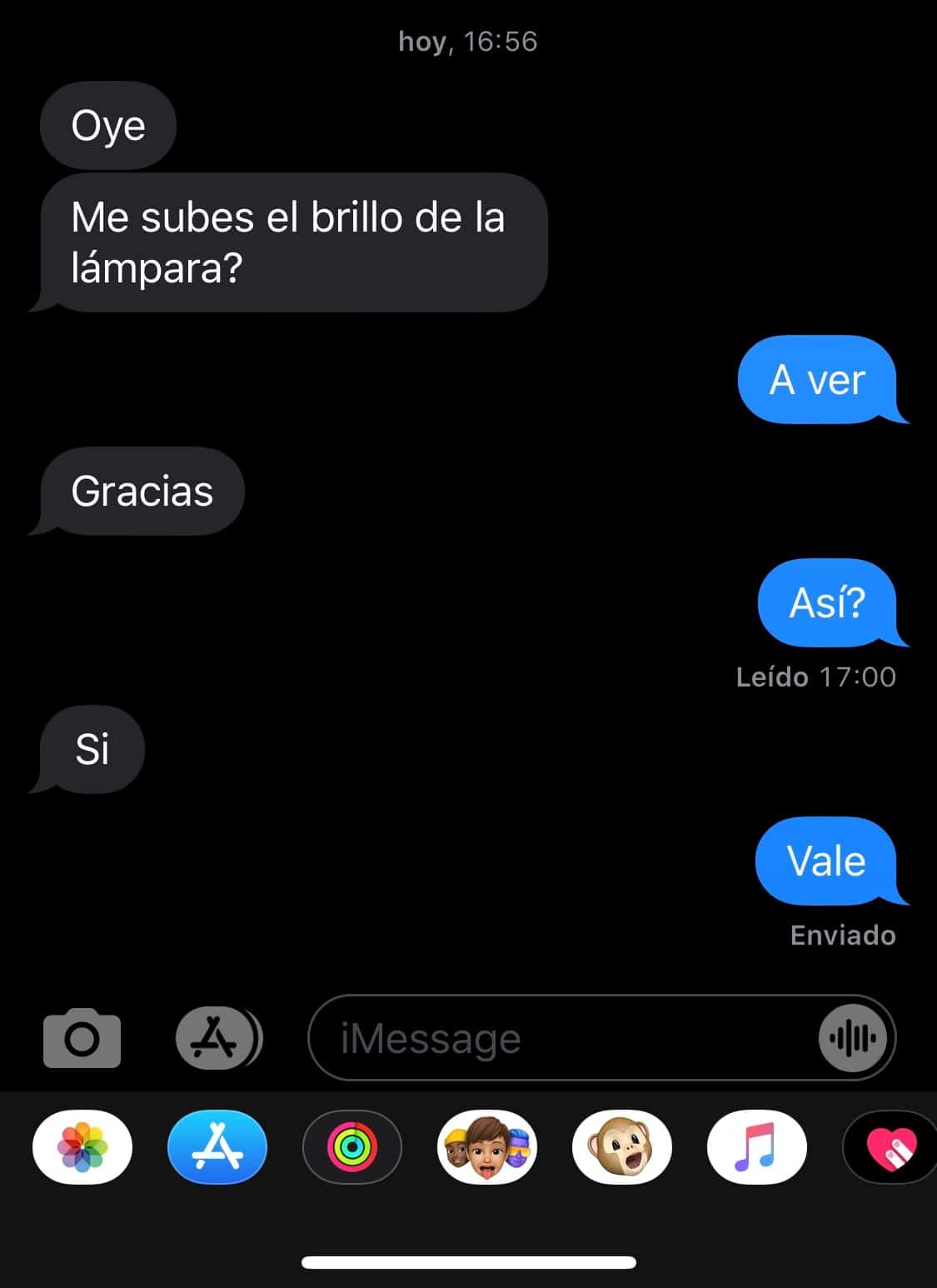
I got a lot of laugh from my wife.
The fact is that during the day-to-day period small challenges or needs are being posed that result in system adjustments and improvements, in some cases in a very simple way and in others… because passing through the box, which is how almost everything is solved in this xD life.
And One of those problems was precisely with the boiler plug. who told you at the entrance My home with Apple HomeKit (Updated 23 / 05 / 2019). As you will remember, this was the first need I had and I got into this whole world. For in the last few days I have had problems disconnecting the socket Koogeek.
This plug has always worked well for me. I already replaced the Eve because they operated only by Bluetooth with that of Koogeek which includes Wifi connection, which is a pass by connecting directly to Wifi 2.4 without the need for a concentrator… but from time to time I was disconnected and appeared as’ No Connection ‘.
So these days I’ve replaced the intelligent boiler plug with the new Philippine Hue plug compatible with Apple Homekitwhich has both Zigbee technology and Wifi and Bluetooth connection and is connected to the standard Philips Hue concentrator, which does not fail NUNCA… with what I’ve managed to solve the few times the Koogeek plug was disconnected from the Wifi network for God knows what motive And he wasn’t able to reconnect for himself if you didn’t unplug it and plug it back in.
The funny thing is, I was just going through the boiler plug, not the ones I have in the bathroom for the heaters, so I understand it’s because the boiler is too far from router and coverage does not come well… in addition, the door of the gallery is always closed and that must make life more complicated to the plug. I’ll ride later. a network Mesh to improve coverage throughout the house… but that’s another story and I’ll tell you about it.
Not at all.
UPDATE: I’ve recently acquired a router eero PRO compatible with Apple HomeKit to create a Mesh network at home and it’s the bomb!! In addition, the router is able to create security profiles to limit the Internet connection (or from the Internet) for connected web-based devices. I have explained everything in this blog post: https: / / sahuquillo.org / montar-a-red-mesh-compatible-with-apple-homekit /
And I must say that It’s a very good purchase. He’s got his buts, though. I don’t know if you know that it’s recently been recommended to have smoke and / or CO2 detectors in rental homes. In addition, I recently saw a series where the father of the family died in a domestic fire… I’m a father of the family, so you don’t have to be too smart to see the parallelism. And I decided to buy the detector for my own safety. The point is, the Aqara sensor is signed by Honeywell, a very well-known brand of home appliances, boilers and devices, so I was even more confident:
The plug
The specific plug is this:
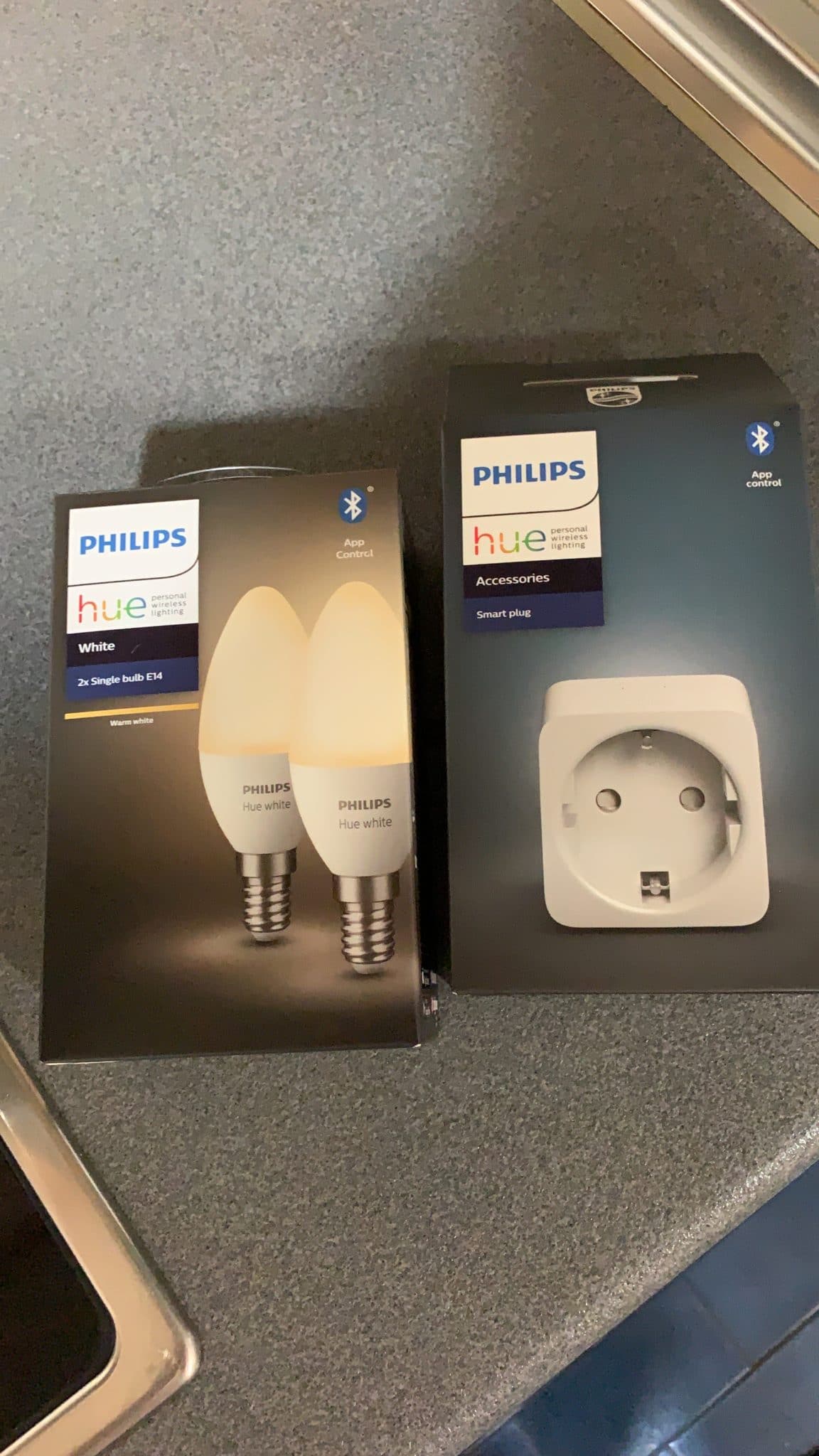
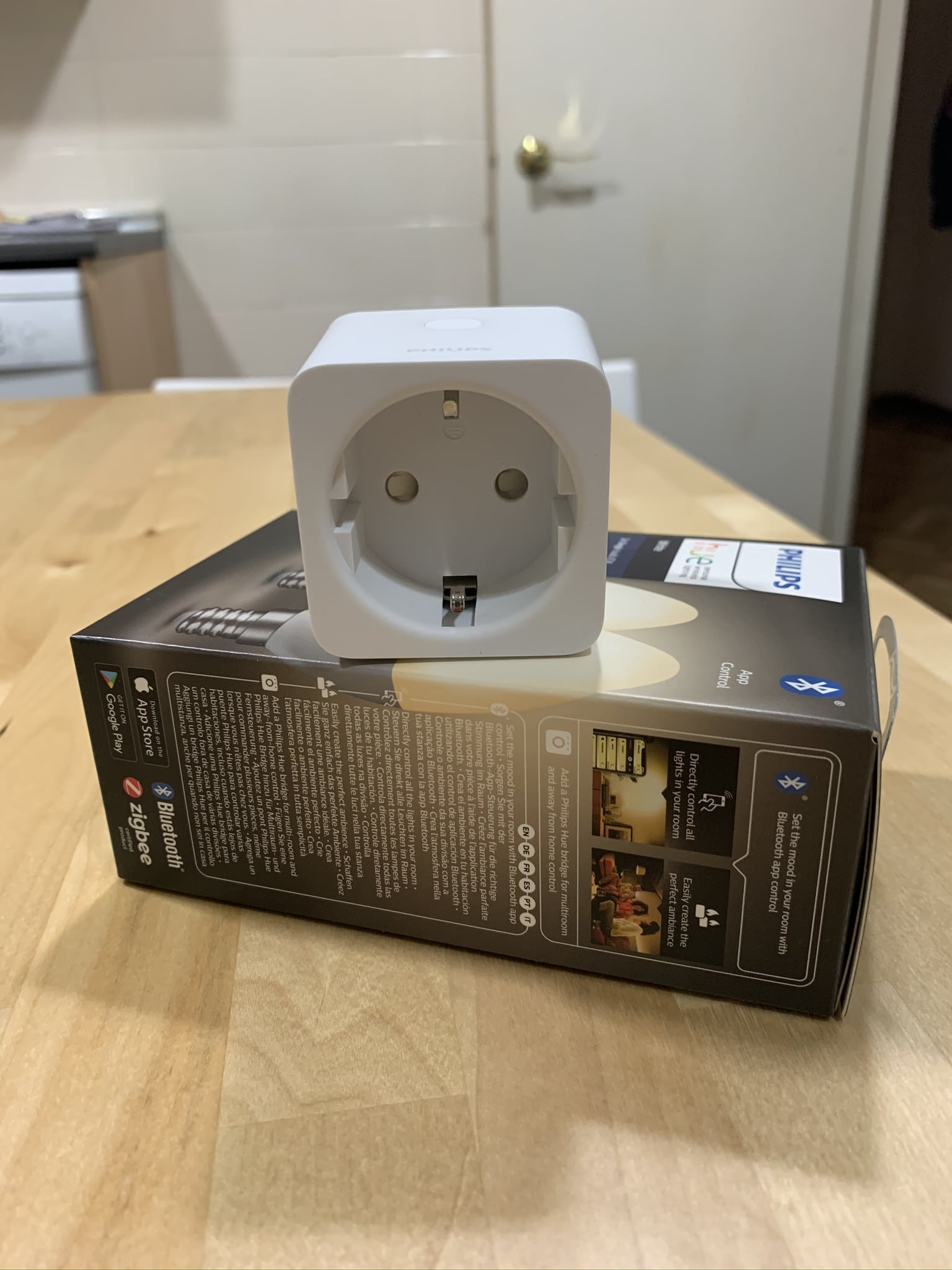
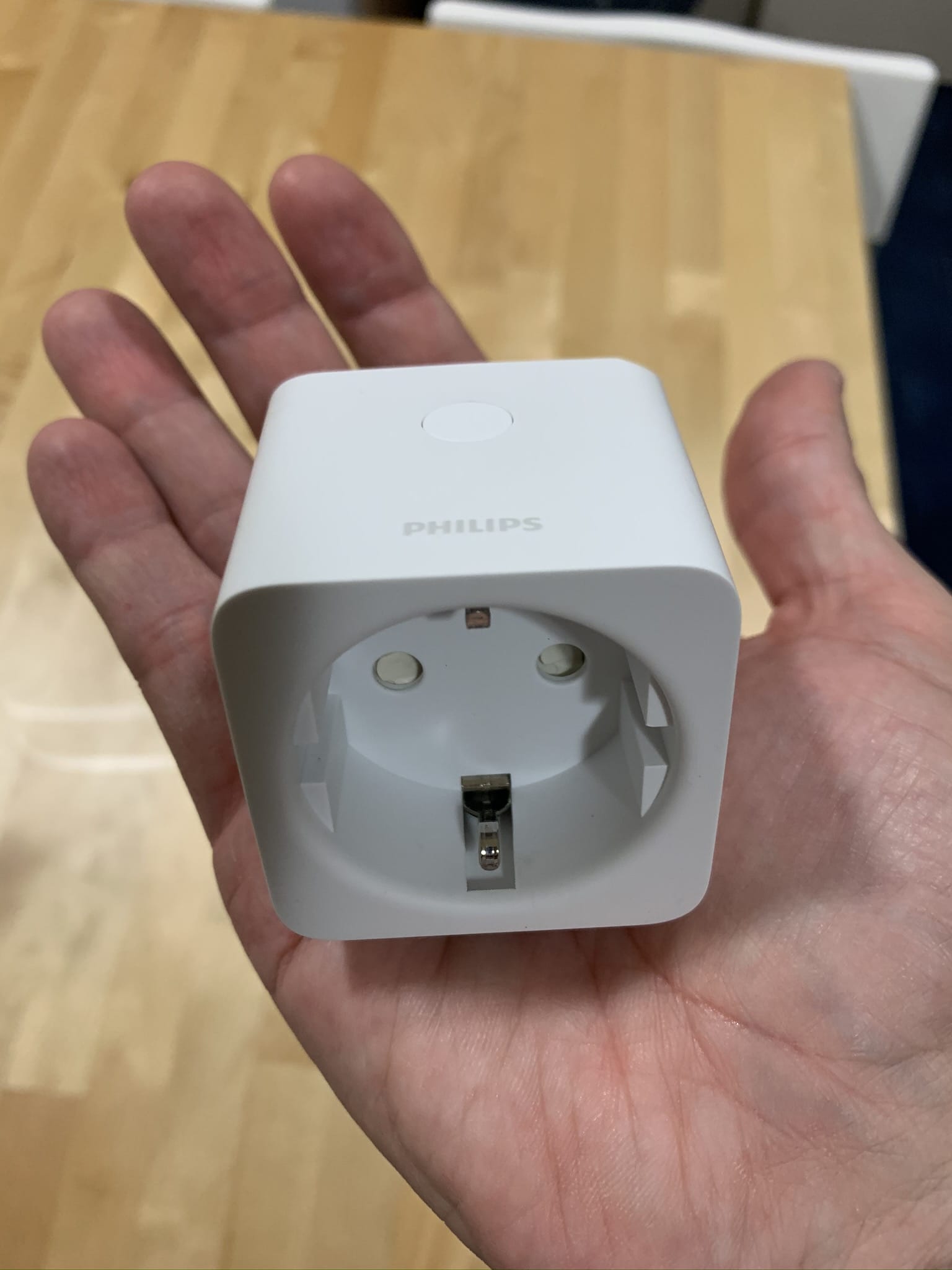
Once connected in place, It’s a little smaller than the Koogeek. which can facilitate its installation in some reduced holes or behind a furniture, for example. As you can see, it’s not too funny:
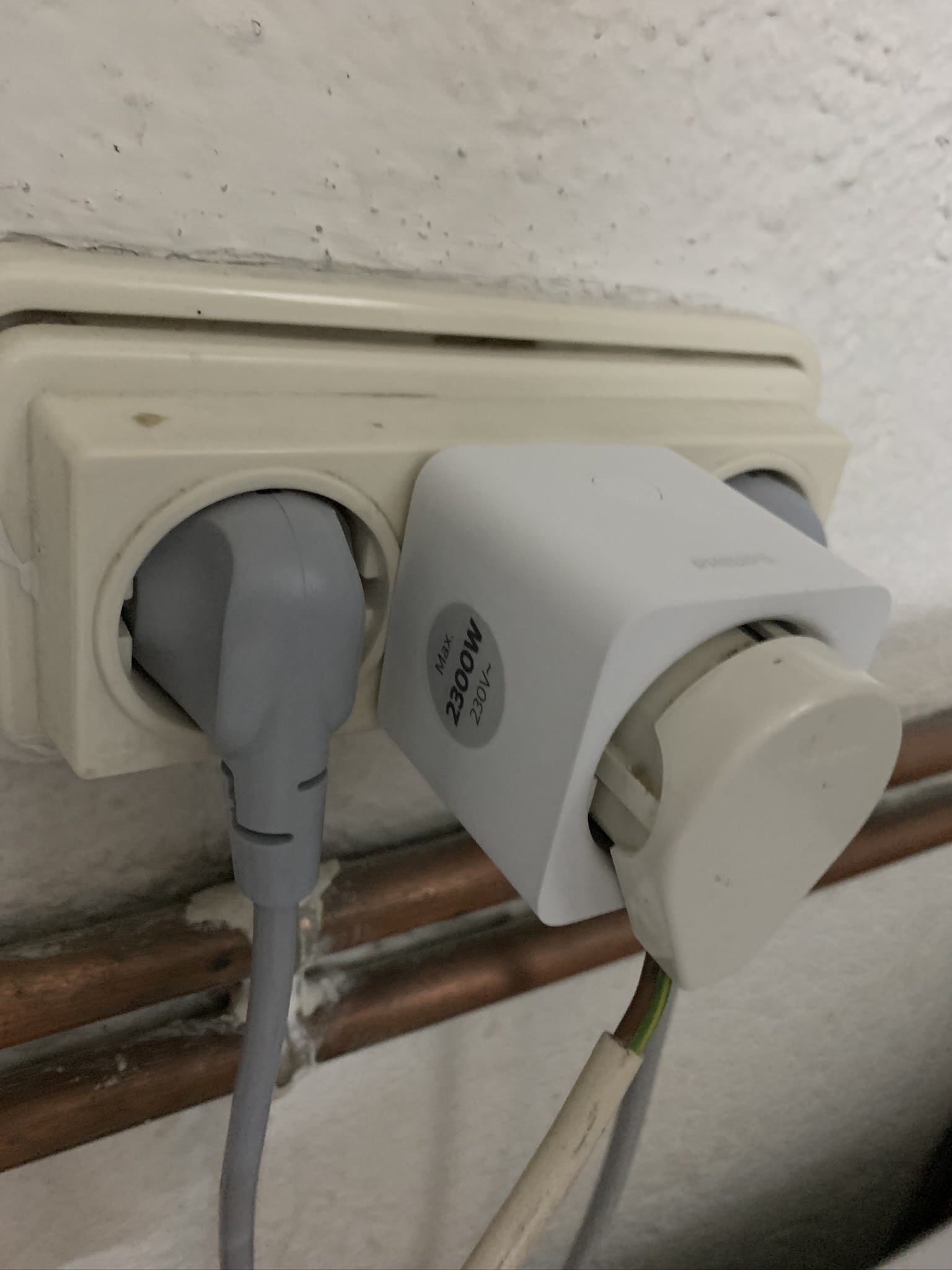
It is true that It’s a little more ‘ugly’. that the Koogeekthe finish of the second is more beautiful, with the rounded edges and a more ‘modern’ look, but in this case I don’t need it to be nice if it doesn’t disconnect… and In the few days I’ve been testing it, it hasn’t disconnected at any time and it works perfectly.
The installation is completely transparent
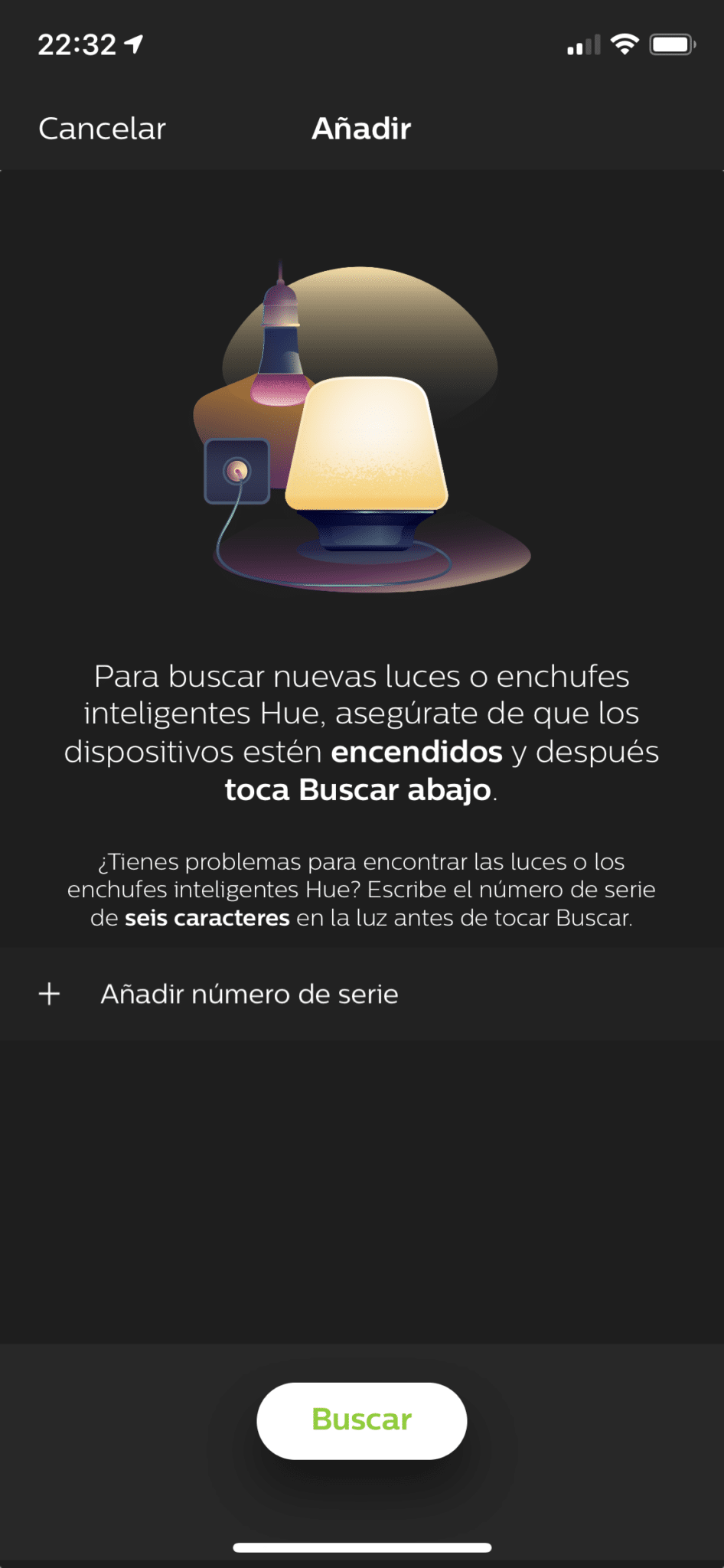
Those of you who are familiar with the Philips Hue kit will know that do not do absolutely Nothing when you install a new bulb, you just put it on the lamp it is, you turn it on… and from the Hue app you give it to ‘Search’ and find it. There is no procedure for pairing You don’t have to press any physical button on the bulb or anything like that, it’s all really simple.
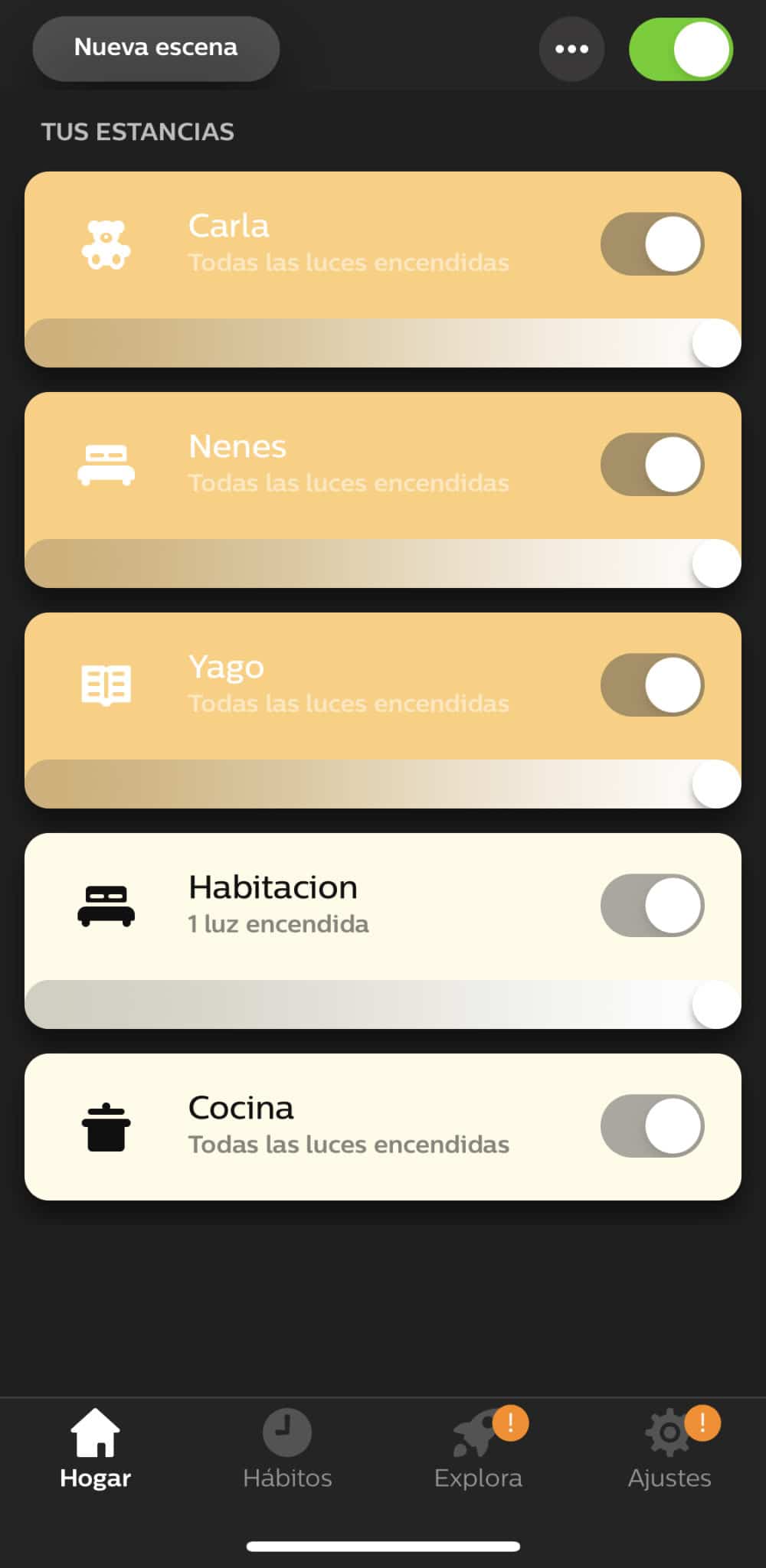
With the plug goes exactly the same, You plug it in the place where it has to be and from the App you give it to you… and you detect it in a few seconds, without the need to physically press the plug. A wonder no doubt. In addition, in case the light goes away, you can indicate if you want the light to return by default on, off or in the last state in which it was found. In my case this last behavior is the most appropriate:
But not everything was gonna be pros…
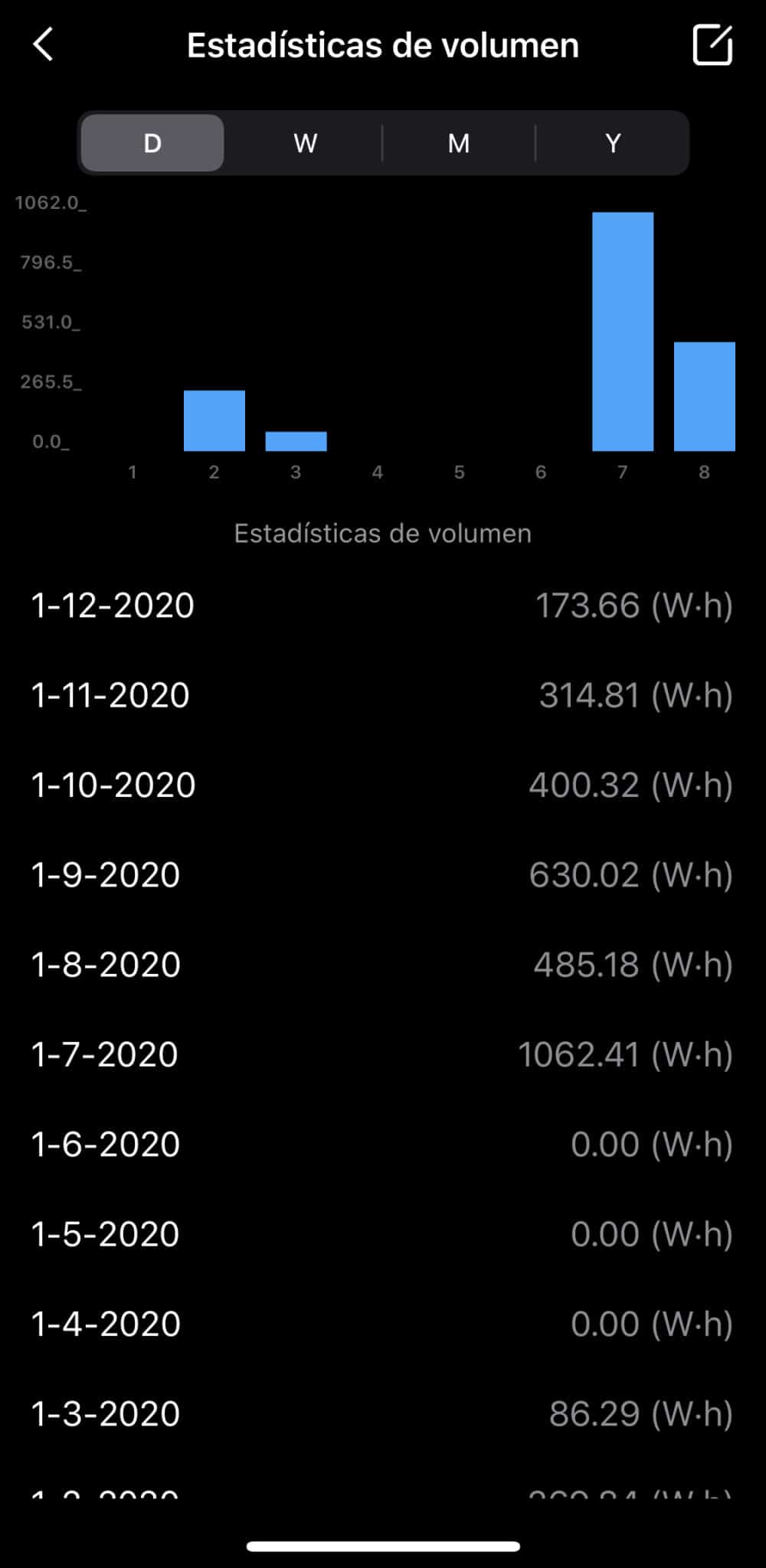
Indeed, this plug has a great ‘against’, and is that you can’t get statistics or consumer graphics. In the rest of the smart sockets I’ve tried you can always look at consumption in the last few days or weeks, even in the Eve you can put the price of kw / h and tell you how much money you are consuming about the light or the household that you have connected to the socket:


But with the Philips Hue no, there is not a single option of setting the plug, nor an activity record… nothing:
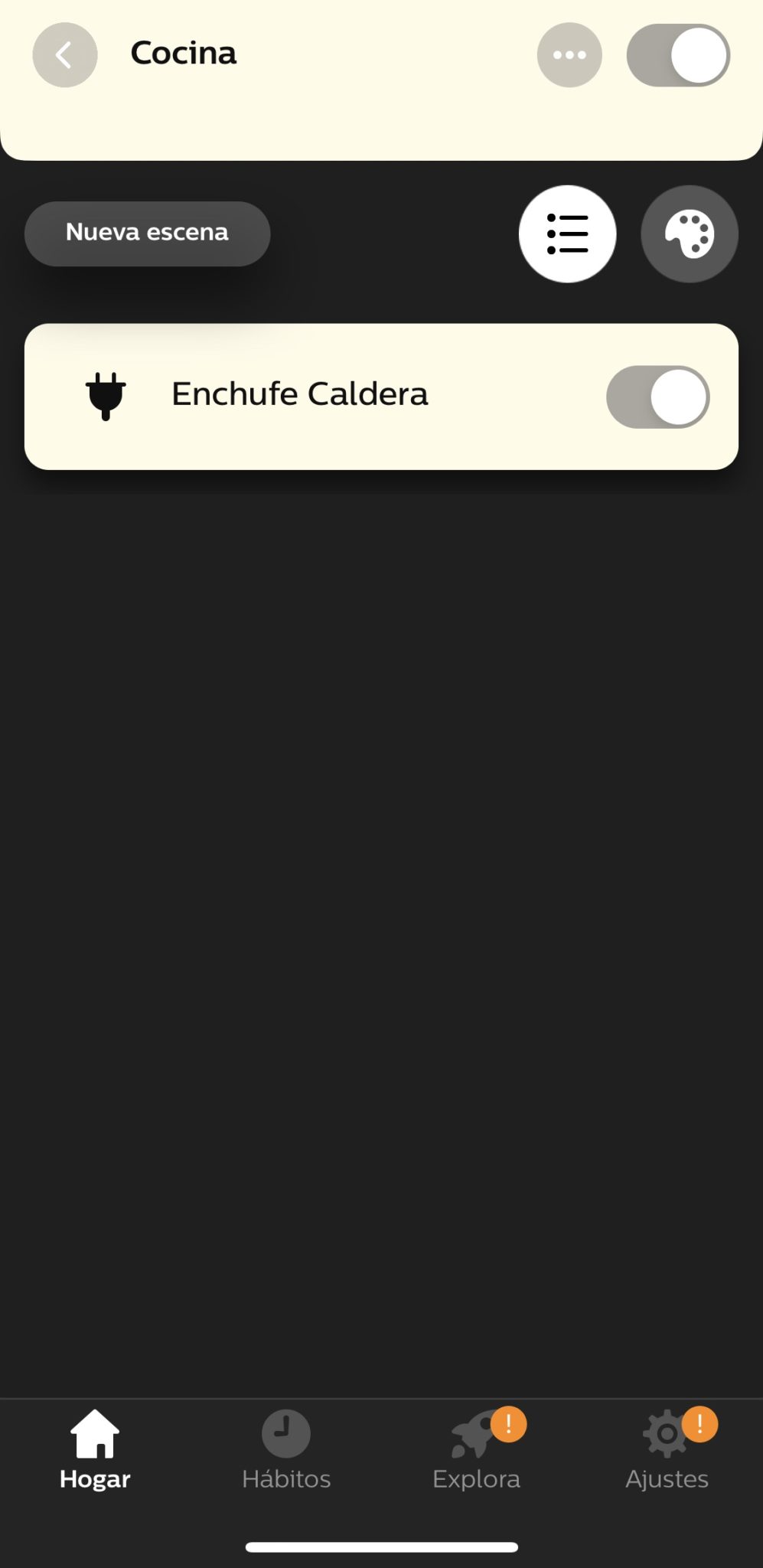
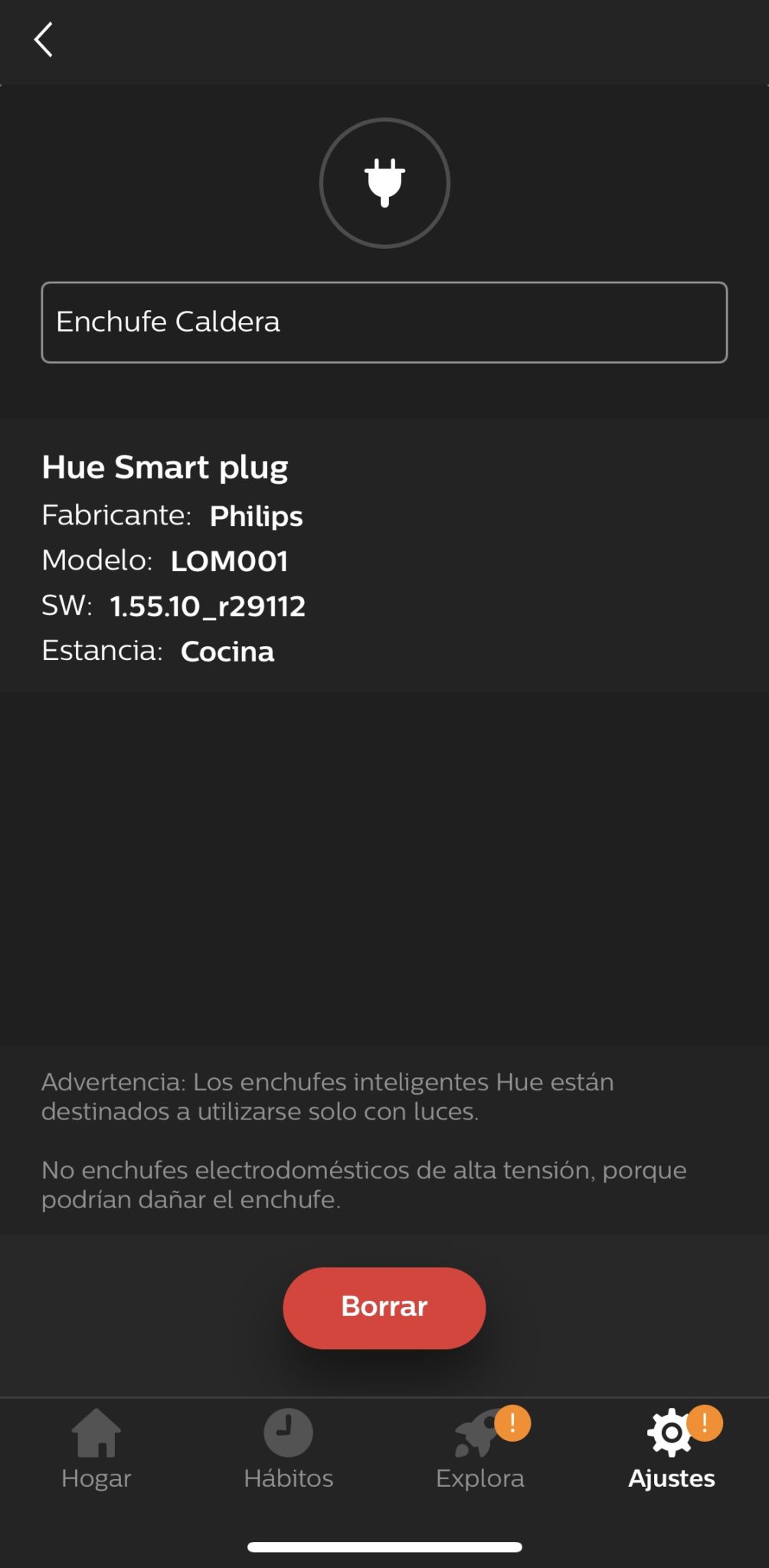
You know there’s nothing I like more in the world than a graph, although it’s true that those of the Koogeek plugs have never looked at them, at most the first days of having the plugs… but I think they could have worked it a little bit more.
It is possible that in next updates of the Philips Hue software they will enable a section for this, it is true that the plug has little time and so far they did not have any such device in their catalog, but it does not look much as the Philips Hue App is quite simple.
In conclusion: It’s not a must-have but it’s going very well
As I said, If you don’t need the consumption graphics and what you want is a reliable plug that doesn’t easily disconnect, this is your plug..
But if you are looking for a more advanced management to know the consumption of the connected household and you have all the plugs inside the home with good Wifi coverage, as you can always go to options like the Koogeek.
wp: block {«ref»: 1612} /
Carlos Sahuquillo
'Haga lo que haga en la vida, siempre compito' - Jacques Villeneuve Reserva una sesión →
Entradas relacionadas

HomeKit with AI in iOS 27
Apple released iOS 27 on September 14th and, as every year, I'm going through what's changing in the Home app and HomeKit.…

Webhooks and workflows in Controller for HomeKit
Kicking off Season 4. I'm picking back up the automation for the sensor that kept running out of batteries that I told…

How to tell if your kid is sneaking into your room without having a camera
I bought the Aqara P2 presence and light sensor with Matter, and I've got it running simultaneously on HomeKit and Home Assistant…
Hola,
Vivo en una vivienda unifamiliar y estoy mirando para empezar a domotizarla…la idea en principio es solo luces,algún enchufe y sobre todo la puerta del garaje que tiene motor y pulsador…las persinas?..noo pues no tengo tomas de corriente en ellas…la pregunta es…que sistema me de Domotica me recomiendas?
Muchas gracias
Hola David! Muchas gracias por tu comentario. Ha leído la entrada que escribimos sobre Automatizar persianas con Shelly 2.5 ? Pues el mismo cacharro funciona también para la puerta del garaje, dale un vistazo a ver qué te parece.
Respecto a las bombillas, basa con las Hue, te recomiendo también la primera entrada que escribí sobre Mi casa con Apple HomeKit Para darte algunas ideas, pero para las luces no lo dudes y mete las Philips Hue, puede que sean un poco mas caras pero no fallan NUNCA.
Y eso es solo el principio, léete la entrada esa que te comentaba para ver las mil cosas que puedes hacer en casa, sobre todo viviendo en un unifamiliar.
Y por supuesto no dudes en pasarte por aquí y contarnos qué has hecho al final! Siempre se dan ideas al resto 🙂
Hola!, Me he leído de una tacada casi todos los artículos jaja. Estoy empezando con la domótica. Tengo una duda con los enchufes que comentas. ¿Para Homekit se requiere un iPad/Apple TV para encenderlos o apagarlos desde fuera de casa? O solo para las automatizaciones?
Hola Julián! Muchas gracias por tu comentario! Me alegro de que te haya gustado el blog 🙂
Para poder operar desde fuera de casa sí que necesitas un ‘concentrador’ en casa. Si vas a utilizar HomeKit de Apple necesitas un HomePod normal, un HomePod Mini (lo más barato), un iPad en casa siempre encendido o un Apple TV HD en adelante. Algunas marcas tienen sus propios concertadores como es el caso de Aqara y otras te venden el ‘servicio’ para que puedas operar desde fuera de casa… pero lo más barato ya te digo que es poner un HomePod Mini en casa y así matas varios pájaros de un tiro.
La verdad es que mola mucho salir de casa y que se apague todo o llegar a casa y que estén las luces recién encendidas, la caldera o el aire acondicionado, etc… pero ya es algo que tendrás que valorar, igual si solo tienes 1 enchufe conectado en este momento todavía no te interesa hacer la inversión… o al revés, igual te interesa hacerla ya y así lo tienes bien montado desde el principio 🙂